 GameWiki
GET YOUR BEARINGS
About PANORAMICAL
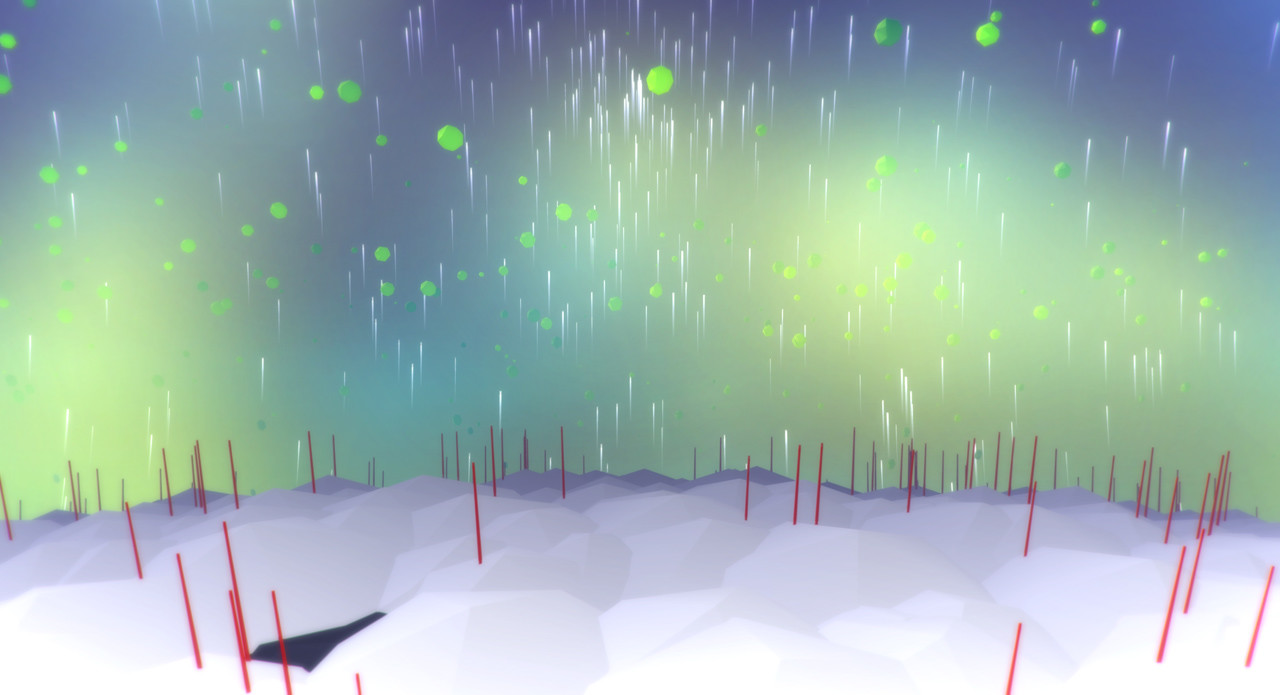
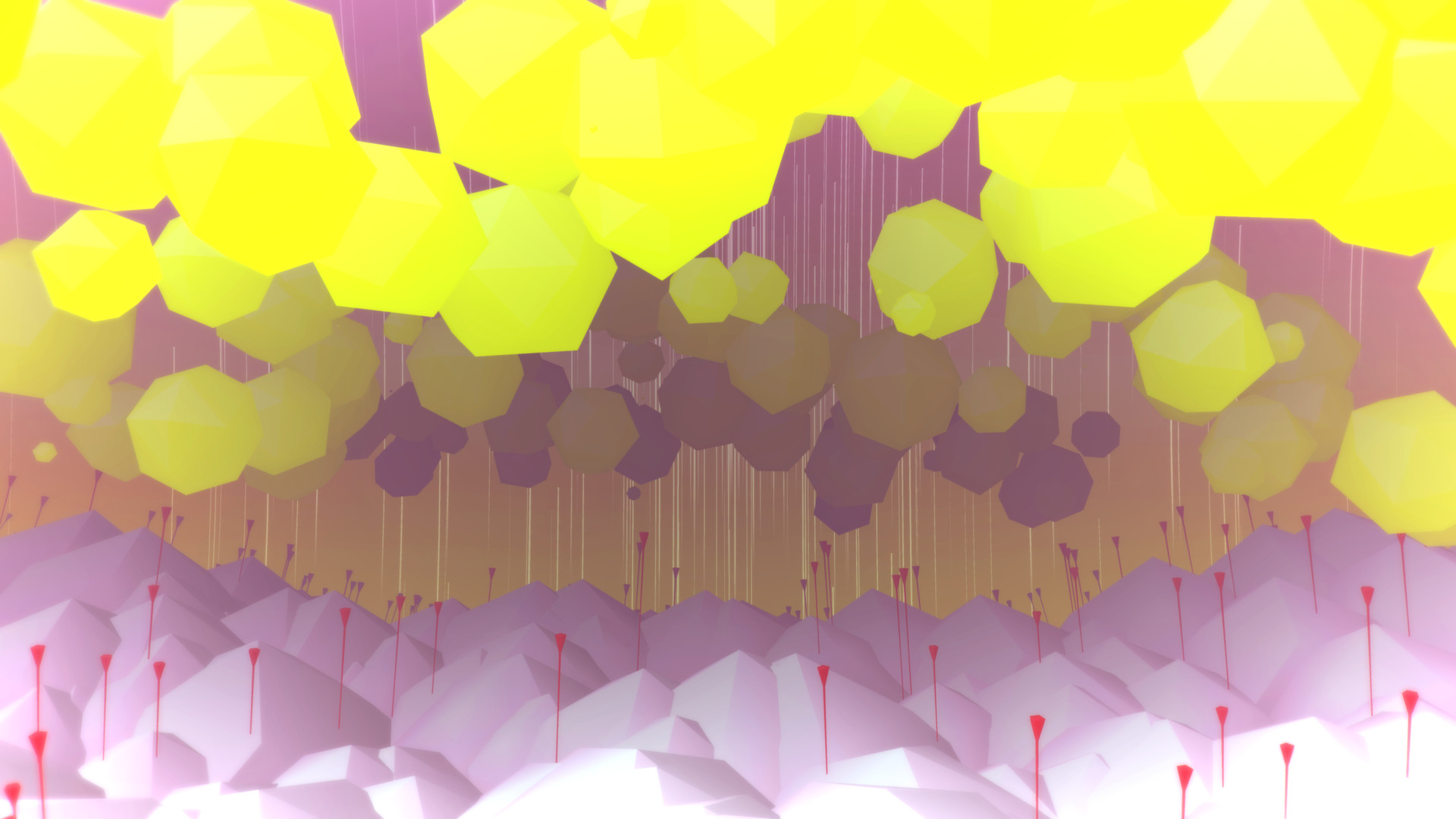
PANORAMICAL is an interactive sensory journey where players reshape the look, sound, and feel of fifteen distinct worlds. Each environment reacts to input, letting you turn mountains into valleys, day into night, and oceans into deserts while the music shifts in real time.
The experience uses analog controls that work with keyboard + mouse, gamepads, and MIDI controllers. You can capture screenshots or video clips of your creations and share them, making each session both personal and shareable.
01 / THE GUIDE
Worlds and Environments
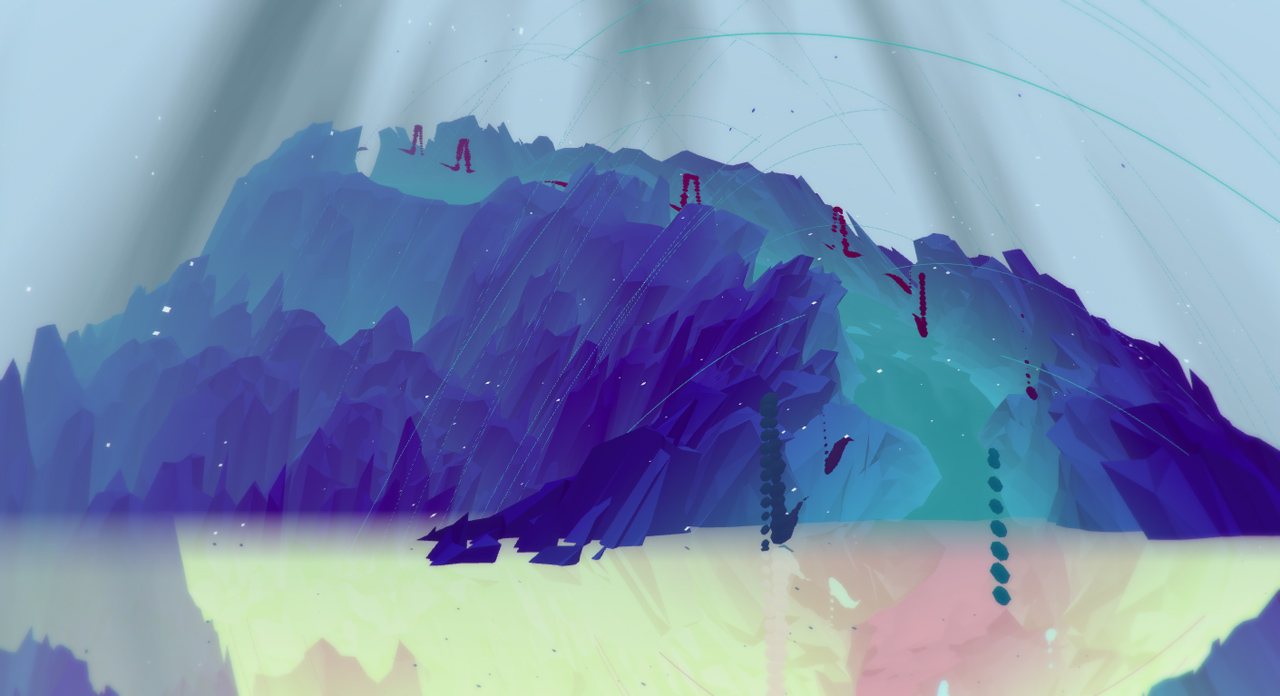
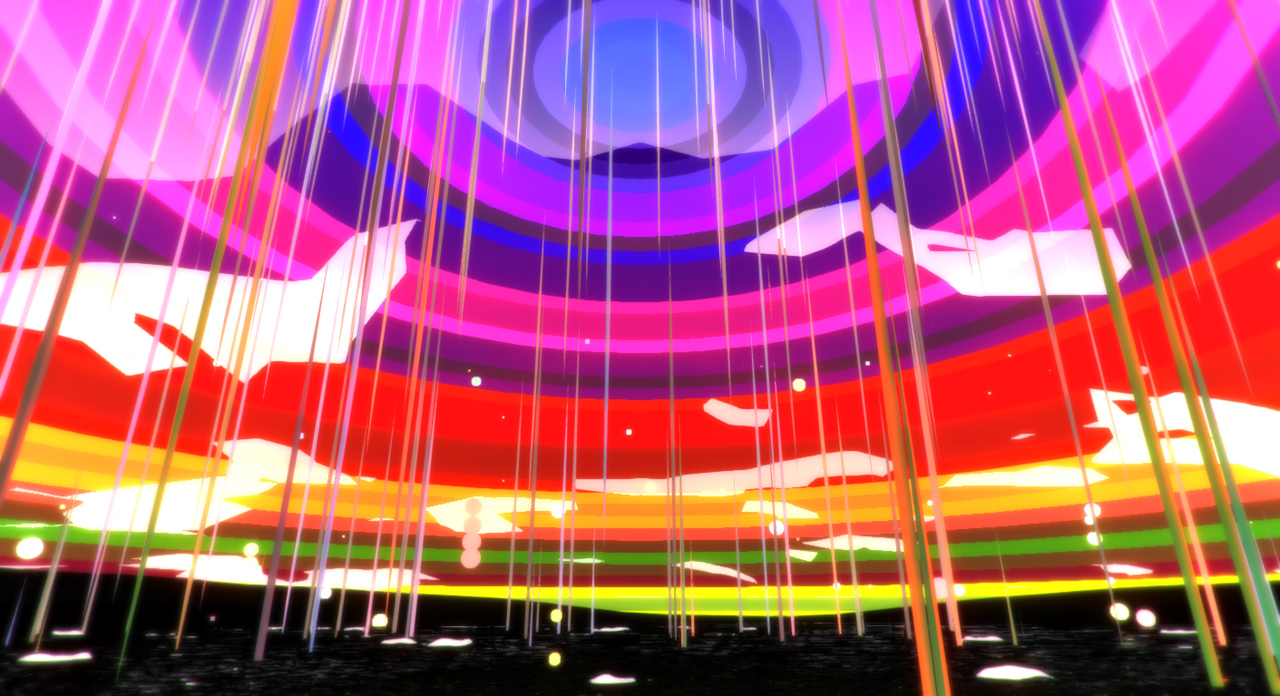
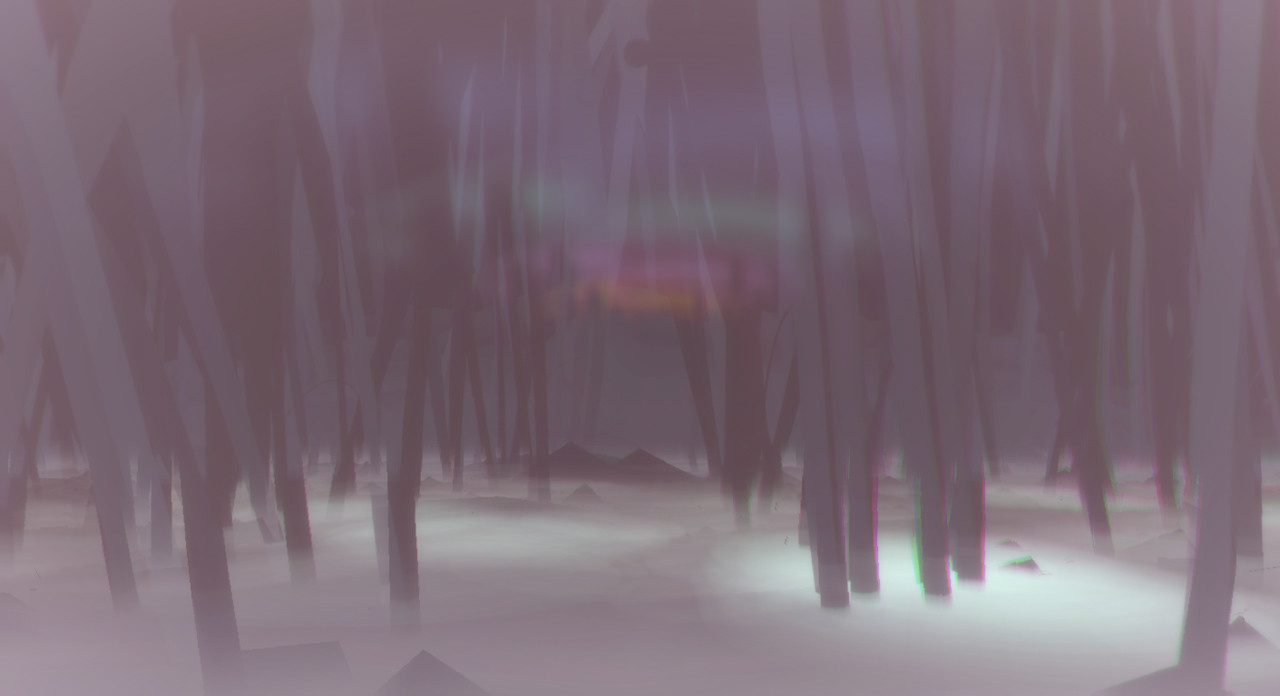
The game offers fifteen unique environments that range from abstract to concrete, providing both meditative and explosive technicolor experiences. Each world can be transformed on the fly, allowing you to move from peaceful mountains to jazz‑solo forests or ominous caves.
There is no imposed objective; you explore at your own pace, using visual and auditory tools to craft the atmosphere you prefer. The variety of worlds ensures that each session can feel fresh, even when revisiting the same environment.
- Observe how a calm valley changes when you add a high‑energy visual layer.
- Notice the visual mood shift when you toggle day to night.
02 / THE GUIDE
Audio‑Visual Dimensions
Each world contains eighteen audio‑visual dimensions that you can manipulate simultaneously. Adjusting any combination creates a new audiovisual space, giving you a broad palette of possibilities within a single environment.
The controls are analog, so subtle changes produce nuanced shifts in both sound and visuals. This design encourages experimentation rather than binary on/off toggles.
- Start with small tweaks to see how minor changes ripple through the music.
- Layer several dimensions to build richer scenes.
03 / THE GUIDE
Input Compatibility
PANORAMICAL supports three input methods: keyboard + mouse, standard gamepads, and MIDI controllers. All three provide access to the same analog controls, keeping the learning curve low regardless of device.
No additional hardware is required beyond the listed options, and the control scheme remains consistent across each supported input type.
- Try each input method to see which feels most natural for you.
- Switch between keyboard and gamepad to compare responsiveness.
04 / THE GUIDE
Music and Collaborators
Dynamic interactive music is composed by award‑winning musician David Kanaga, known for Proteus and Dyad. His work reacts to player‑driven visual changes, creating a responsive soundtrack.
Additional environments were produced by designers and musicians from titles such as FRACT, Pixeljunk Eden, Samurai Gunn, and Nuclear Throne, adding varied musical flavors to the experience.
- Listen for recurring motifs when you revisit similar visual settings.
- Compare tonal shifts between worlds created by different collaborators.
05 / THE GUIDE
Capture and Sharing
Players can capture screenshots and video clips directly within the game, preserving favorite audiovisual moments. You can share your favourite moments with others.
The capture feature lets you document experiments without leaving the experience.
- Record a short clip when a major visual shift occurs to highlight the change.
- Share screenshots on community platforms to compare different dimension mixes.
COMMUNITY
Player discussion