 GameWiki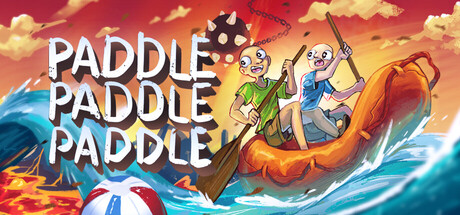
GET YOUR BEARINGS
About Paddle Paddle Paddle
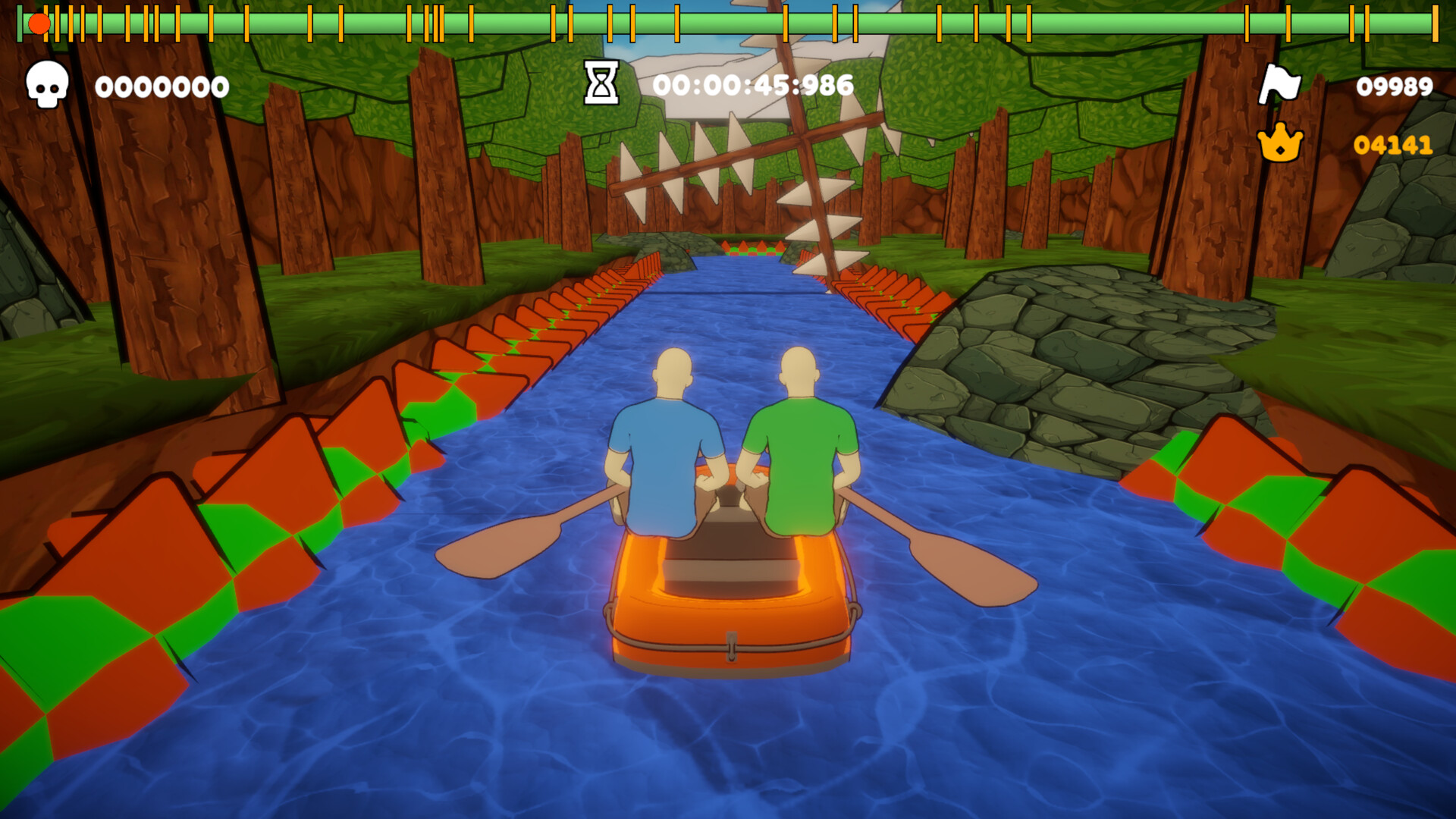
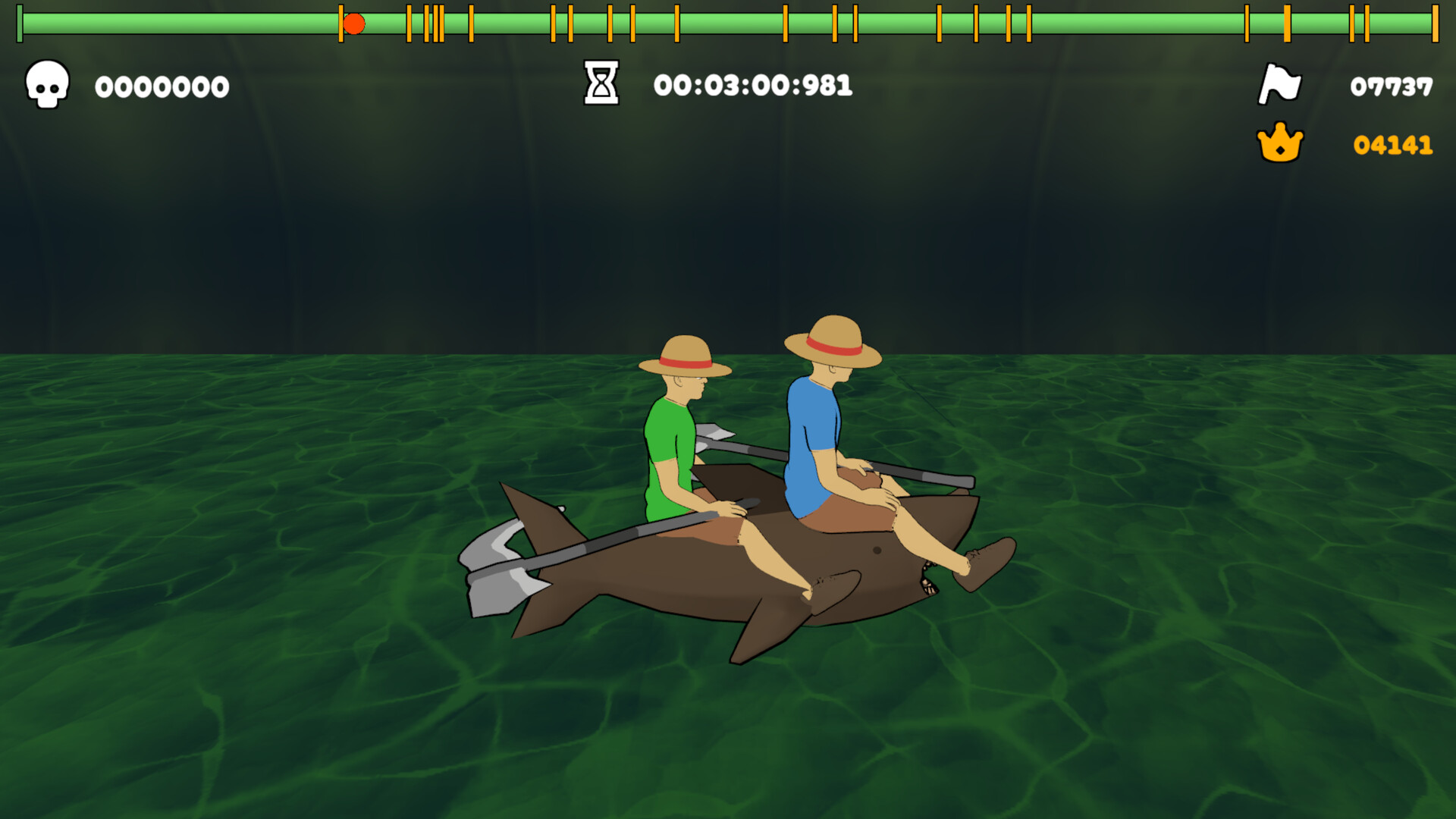
Paddle Paddle Paddle is a physics‑based co‑op boat adventure where players paddle through a single, handcrafted level filled with swinging axes, wind, and lava‑bordered parkour. The game can be played solo—controlling both paddles at once—or with a friend locally or online, demanding precise coordination and a high tolerance for frustration.
Developed solo by Mateo of Zoroarts in under a month, the title mixes casual racing and sports elements with a rage‑inducing platforming challenge, offering optional checkpoints, a speedrun timer, and a mysterious prize at the end—if you ever reach it.
01 / THE GUIDE
Solo Play Mechanics
In solo mode a single player manages both paddles simultaneously, testing multitasking skill. The physics emulate real paddling only loosely, creating unpredictable movement that contributes to the game's difficulty.
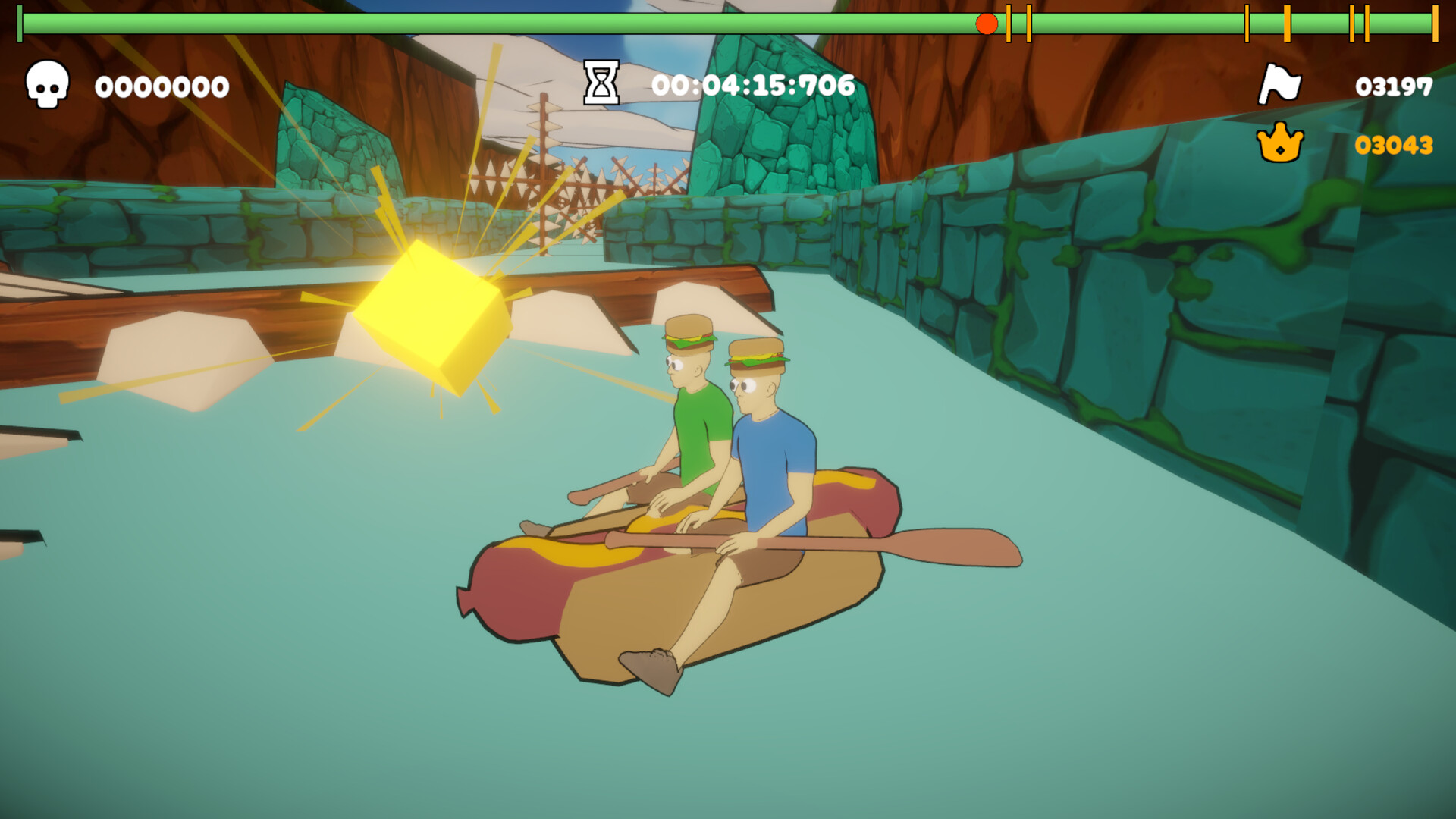
Players can enable or disable checkpoints via Settings, allowing a more forgiving or harsher experience. A speedrun timer tracks performance for those who enjoy self‑imposed pressure.
- Start with checkpoints on to learn paddle timing before disabling them.
- Watch the timer early to gauge how much practice each section needs.
02 / THE GUIDE
Local and Online Co‑op
Co‑op lets each participant control one paddle, either on the same screen or via online connection. Coordination between players is essential to navigate axes, wind, and slopes without colliding.
The game supports both shared/split‑screen and Remote Play Together, enabling friends to join from anywhere while still sharing the same level.
- Communicate paddle timing before each major obstacle.
- Use the split‑screen mode to keep each paddle’s view clear.
03 / THE GUIDE
Settings and Controls
Players can rebind inputs, toggle checkpoint availability, and adjust volume through the Settings menu. The game offers a keyboard‑only option and partial controller support, catering to different hardware preferences.
Color alternatives and camera comfort settings provide visual adjustments, while Steam Cloud saves progress and settings across devices.
- Rebind keys that feel uncomfortable for faster paddle response.
- Enable color alternatives if the default palette strains your eyes.
04 / THE GUIDE
Level Structure and Rewards
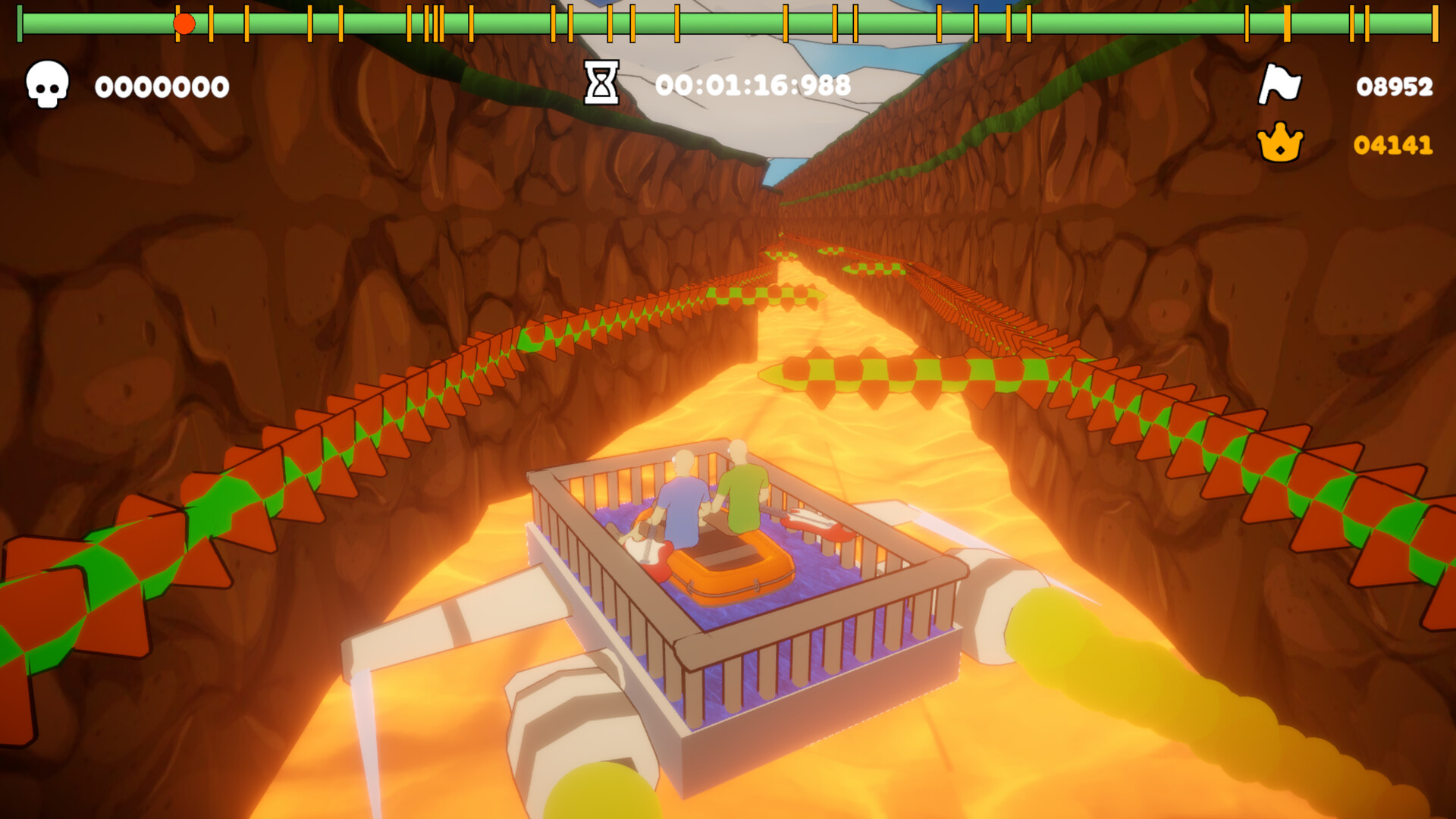
The adventure consists of one extensive level divided into varied biomes, each presenting unique hazards like swinging axes and evil slopes. A mysterious prize is hinted at the end, though reaching it is uncertain.
Checkpoints can be toggled, affecting how often players respawn after failure, influencing overall difficulty and pacing.
- Experiment with checkpoint settings to find a balance between challenge and frustration.
- Observe biome patterns to anticipate upcoming obstacles.
05 / THE GUIDE
Achievements and Leaderboards
Steam Achievements reward players for completing specific feats, while Steam Leaderboards rank speedrun times globally. Stats track personal performance, encouraging repeated attempts despite the high frustration factor.
Family Sharing allows multiple accounts to access the game, and Remote Play Together extends co‑op possibilities beyond local networks.
- Aim for achievement milestones to break up repetitive attempts.
- Check leaderboards for benchmark times to set personal goals.

COMMUNITY
Player discussion