 GameWiki
GET YOUR BEARINGS
About PAC-MAN MUSEUM+
PAC‑MAN MUSEUM+ bundles fourteen classic PAC‑MAN titles into a single Windows‑only Steam entry. The collection spans maze‑chase, side‑scrolling, puzzle and battle‑royale styles, featuring well‑known games such as PAC‑MAN, SUPER PAC‑MAN, PAC‑LAND, PAC‑IN‑TIME and the newer PAC‑MAN 256.
The package lists single‑player, local multiplayer, Steam achievements, leaderboards, cloud saves, family sharing and full controller support. It also adds a visual arcade customization system that uses items collected during play.
01 / THE GUIDE
Game Collection
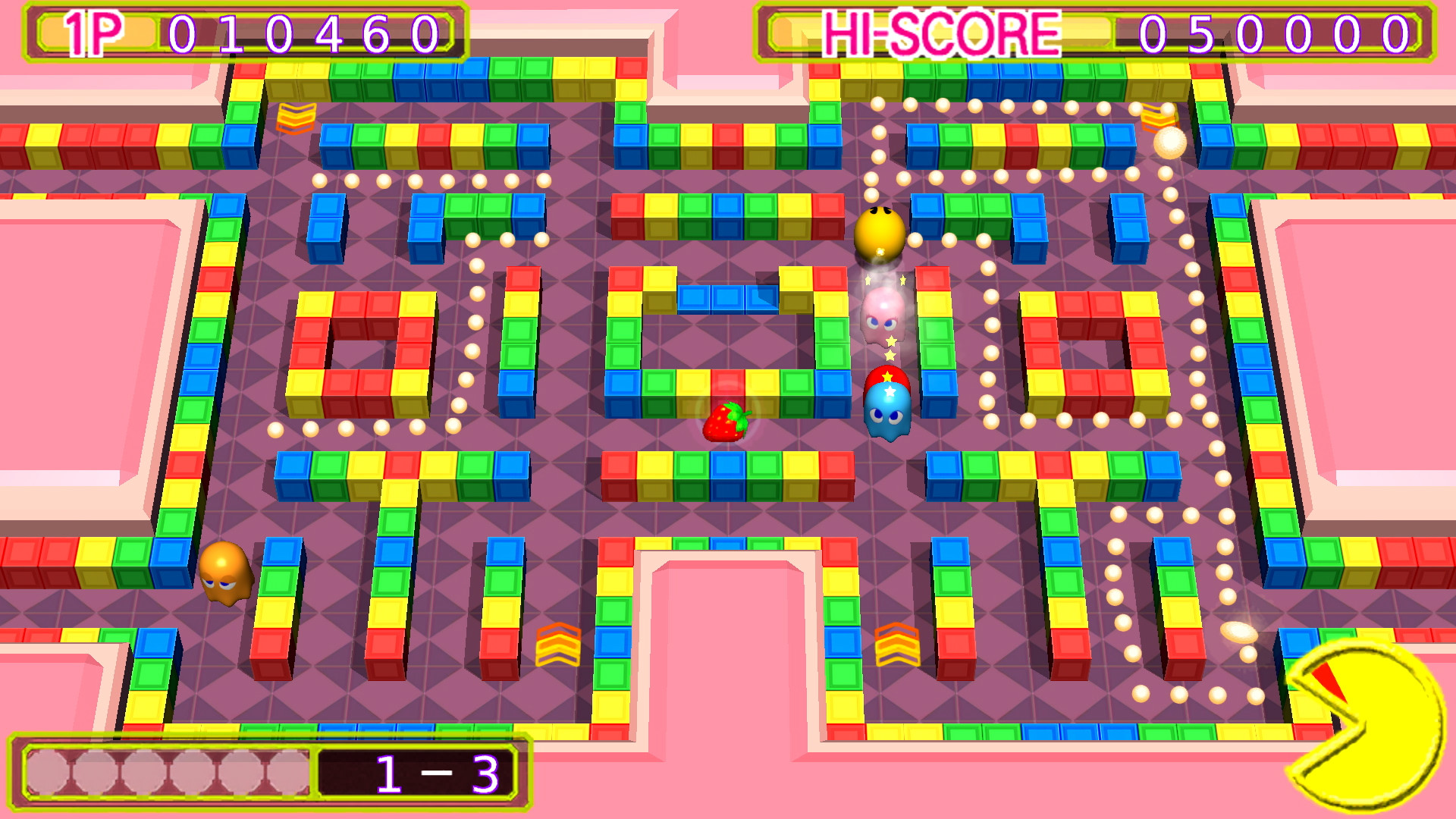
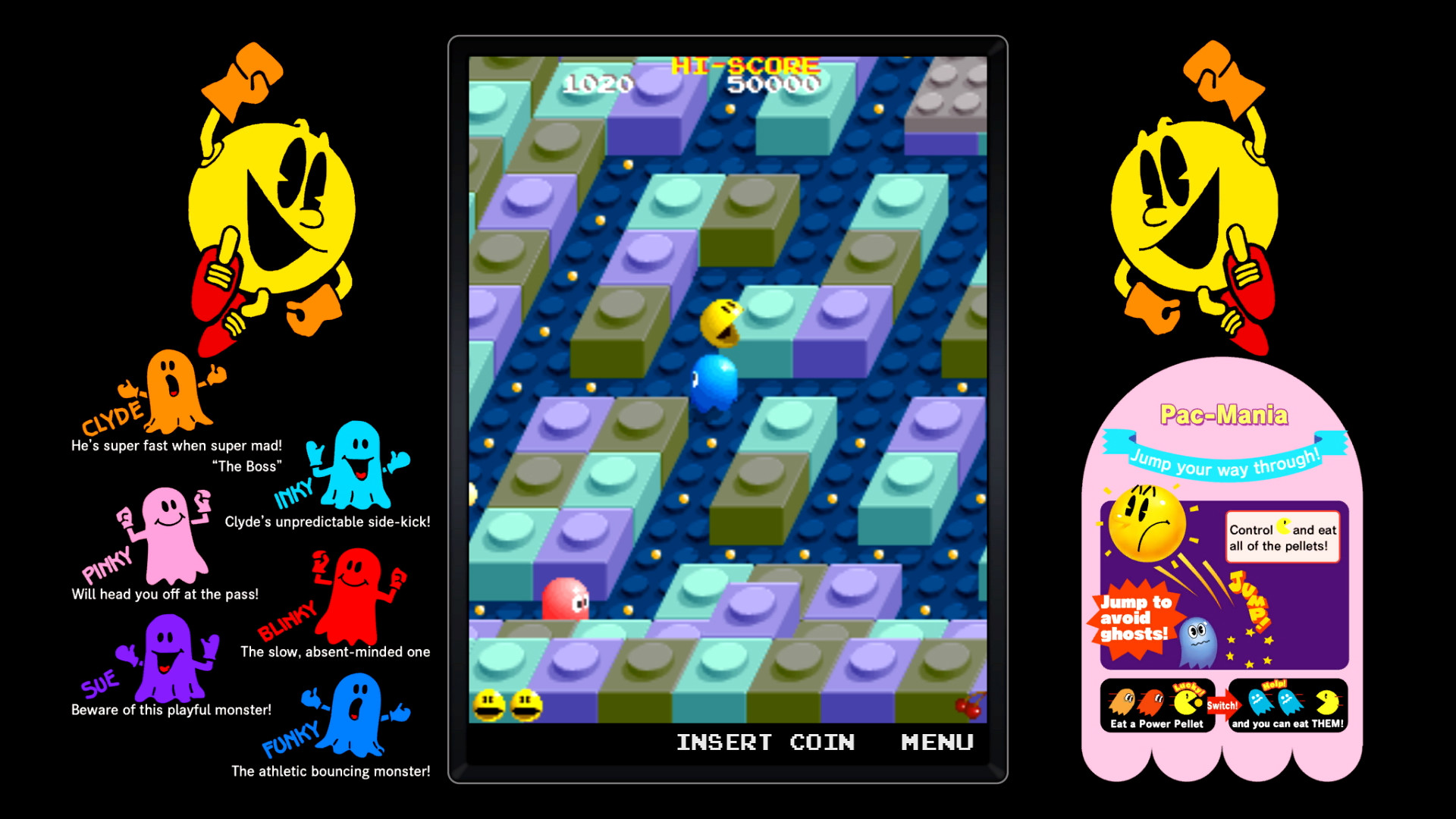
Fourteen distinct PAC‑MAN titles are included, each preserving its original gameplay while being launched from a single library entry. The titles cover a range of genres, from the original maze chase to side‑scrolling and puzzle variations.
Because every title is accessed through the same Steam product, players can explore the series’ evolution without needing separate purchases. The description explicitly names each game, confirming their presence in the bundle.
- Open the Steam library view for PAC‑MAN MUSEUM+ and expand the game list to see each title’s launch button.
- Use the in‑game menus to switch between titles rather than restarting the application.
02 / THE GUIDE
Local Multiplayer
Five of the bundled games support local multiplayer, allowing two or more players to share a single screen. Some modes let players take turns, giving everyone a chance to participate even when only one controller is available.
The description highlights local multiplayer, including five titles that can be played with friends and family and games where two players take turns.
- Arrange the controller(s) so each player can comfortably reach the buttons during turn‑based play.
- Check each game’s title screen for a multiplayer indicator before starting.

03 / THE GUIDE
Arcade Customization
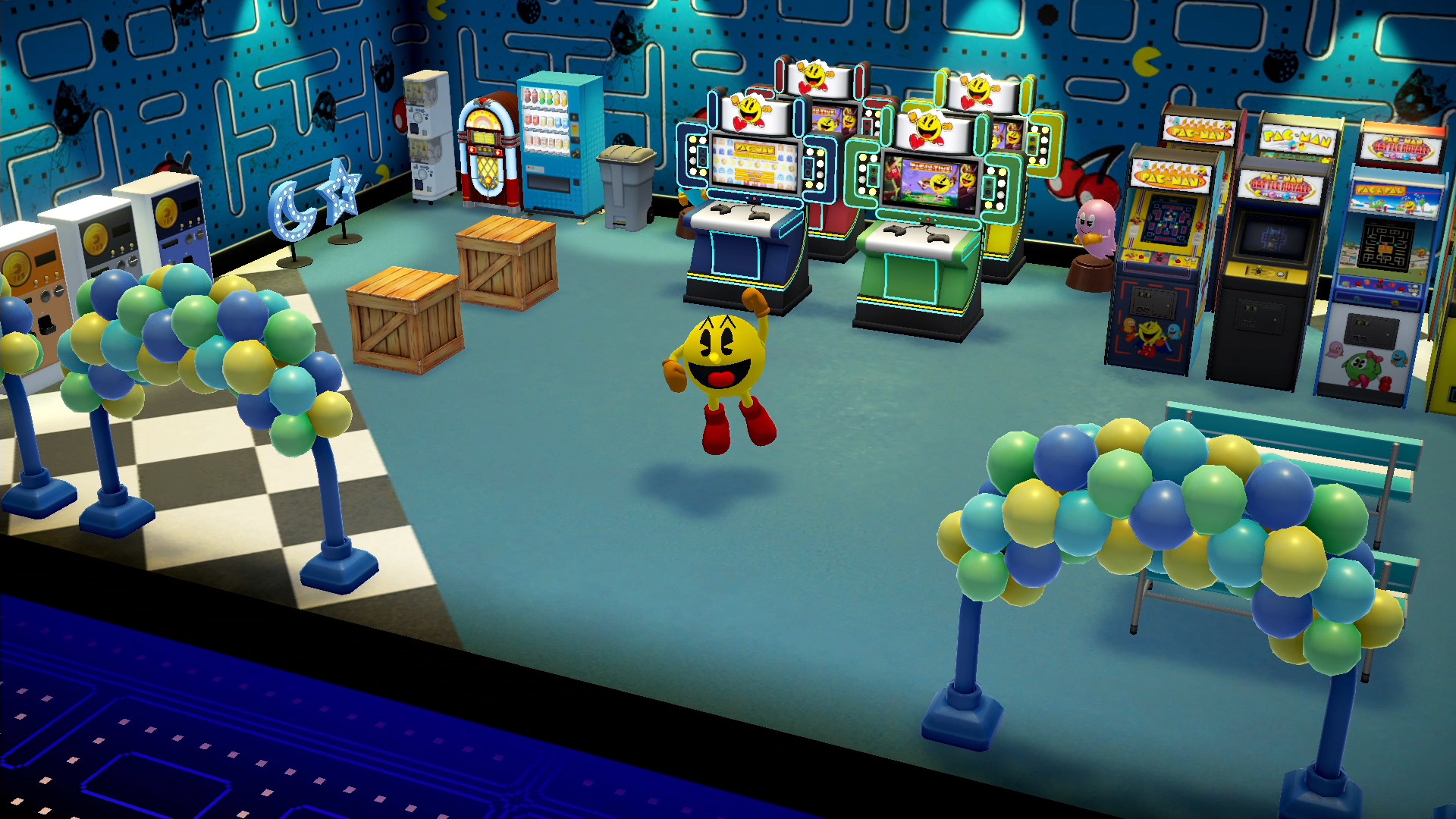
During any play session, items are awarded that can be placed in a personal arcade display. The items act as visual markers of progress and can be arranged however the player prefers.
The description presents the items as things you collect every time you play and use to customize your very own arcade.
- Play a variety of titles to collect a broader set of items for the arcade.
- Experiment with different layout patterns to create a display that reflects your favorite games.
04 / THE GUIDE
Steam Integration
The collection integrates with Steam achievements, leaderboards, cloud saves and family sharing. These features provide standard platform benefits for tracking progress and allowing household accounts to share the game.
Full controller support is listed, indicating that a controller can be used across the titles, though the description does not detail specific input configurations.
- Enable Steam Cloud in the client settings to retain progress if you reinstall the game.
- Review the achievement list to set personal goals for each individual title.
05 / THE GUIDE
Supported Platform
PAC‑MAN MUSEUM+ is released for Windows via Steam; the platform data shows macOS and Linux are not supported. All fourteen titles and the listed features are available within this Windows version.
Because the description only mentions Windows, players on other operating systems will need to use a compatible Windows environment to access the collection.
- Verify your Windows system meets Steam’s minimum specifications before purchasing.
- Keep the Steam client updated to receive the latest patches for the collection.

COMMUNITY
Player discussion