 GameWiki
GET YOUR BEARINGS
About Overgrowth
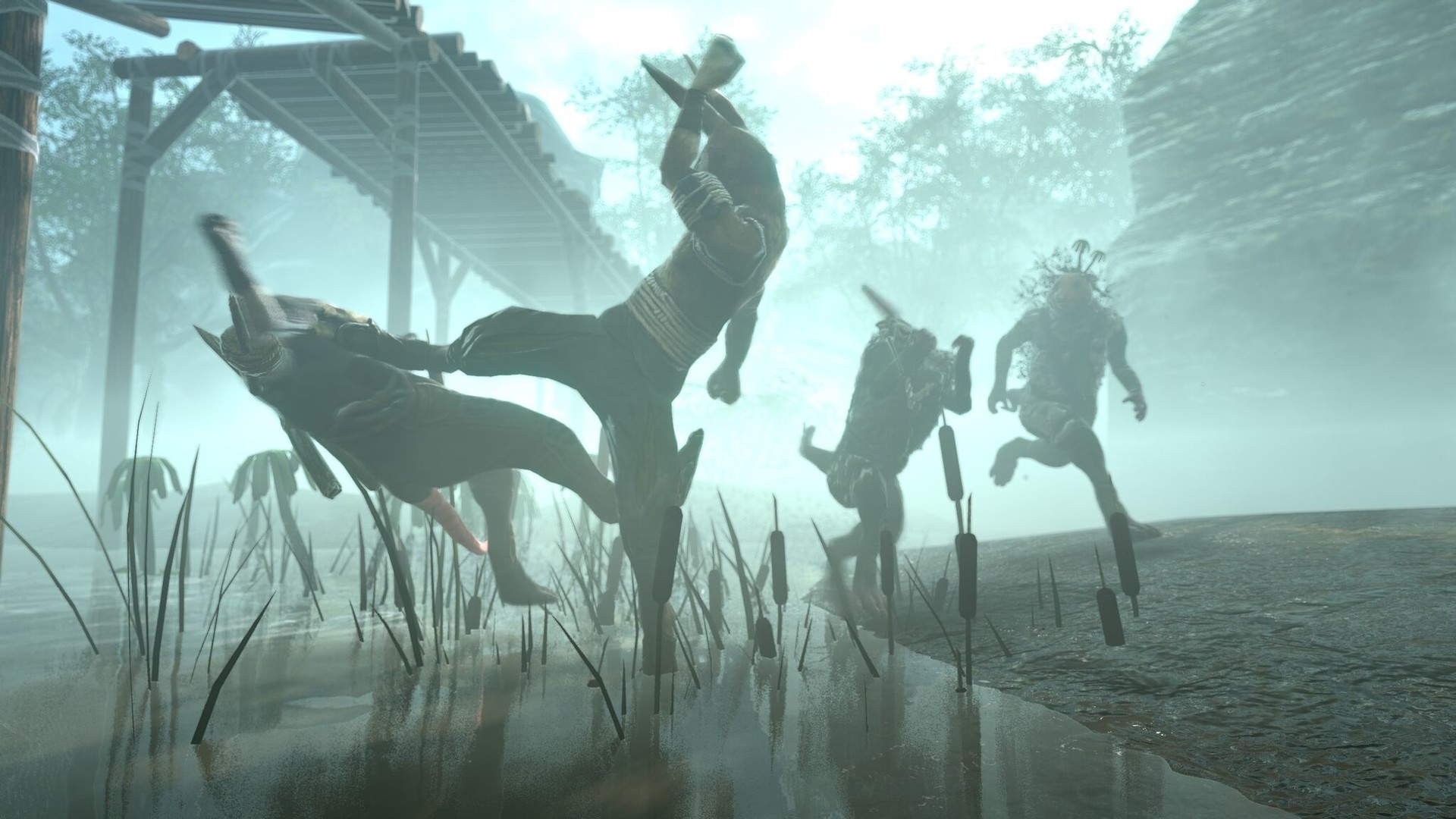
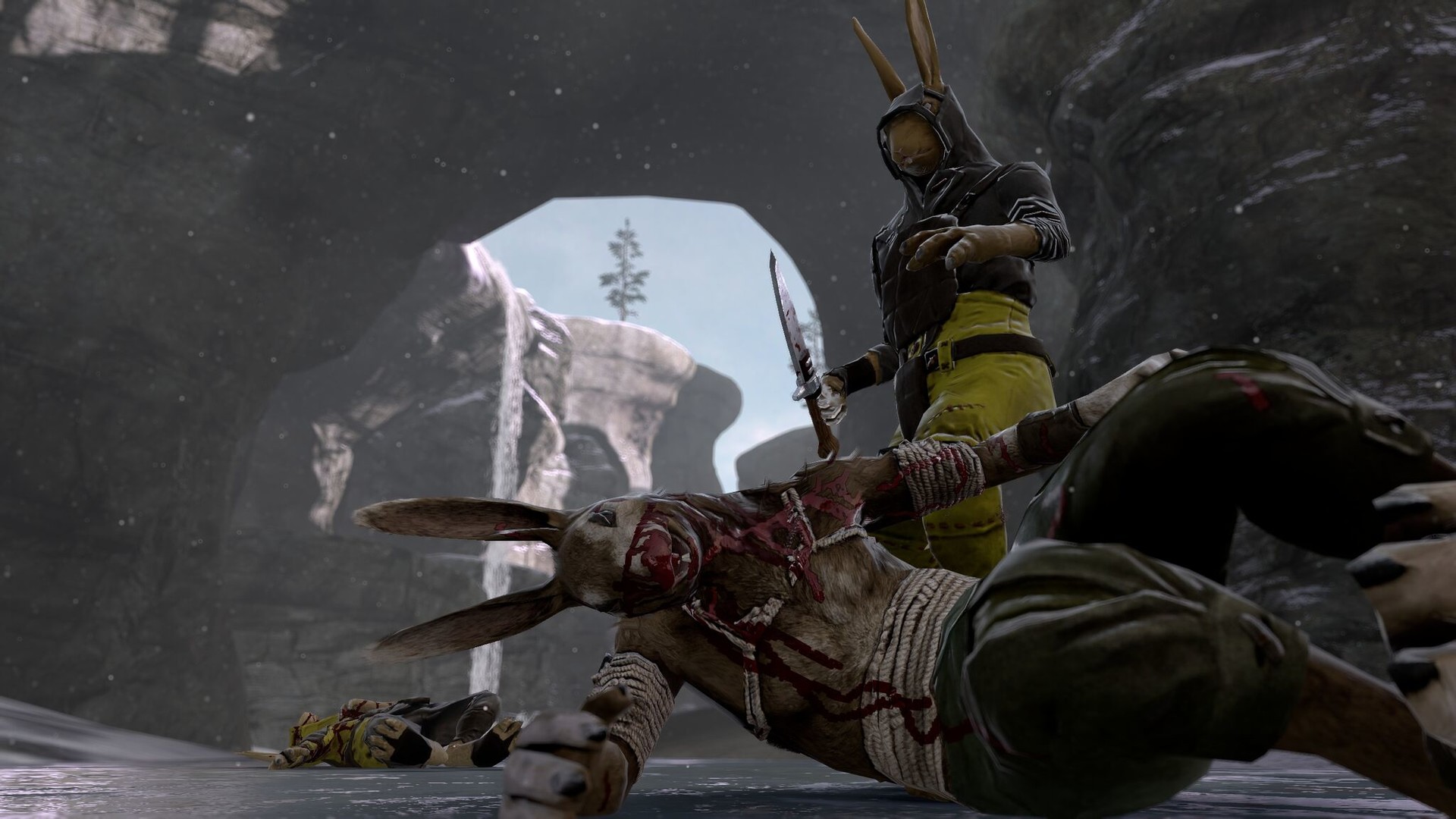
Overgrowth puts you in the role of a lightning‑fast, acrobatic ninja rabbit who can decide how to handle each fight. You may isolate enemies, charge groups, or seize powerful weapons, and death brings an immediate retry with no loading delay.
After the story finishes, the built‑in level editor and Steam Workshop let you explore community‑made mods that add new characters, settings, or whole campaigns, extending the game beyond its original content.
01 / THE GUIDE
Combat Approach
The game lets you choose how to engage foes, from single‑target takedowns to full‑on assaults. Each method works with the context‑sensitive combat controls, allowing you to experiment with different tactics in the same encounter.
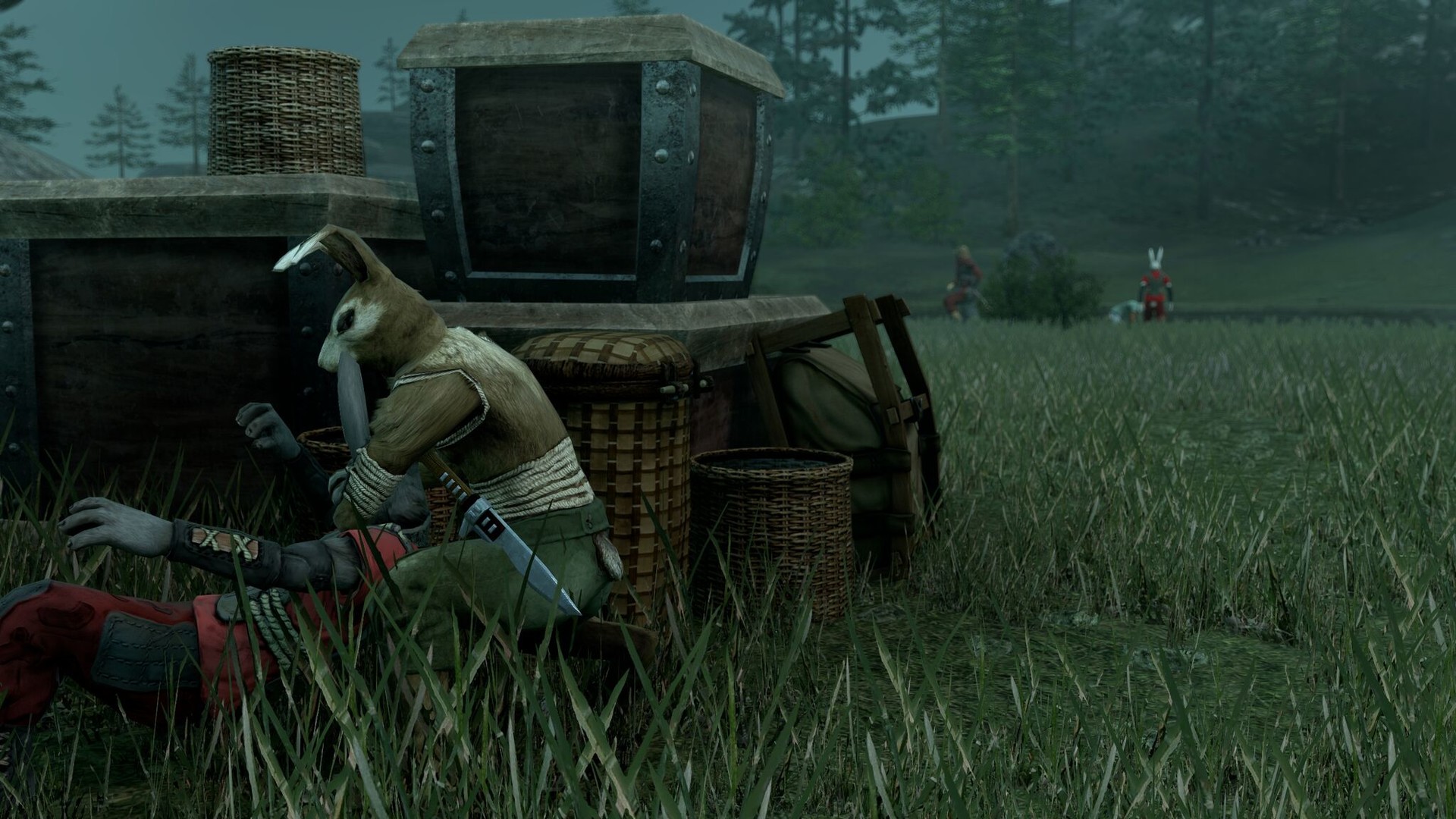
Because the rabbit can also steal weapons, you can shift the balance of a fight by turning an enemy’s tool against them, adding another layer of tactical choice.
- Try a different approach on each run to see how enemy reactions vary.
- Observe how weapon theft changes the flow of combat.
02 / THE GUIDE
Instant Retry
When the rabbit dies, the game restarts the encounter instantly, with no load time. This design removes downtime and encourages repeated experimentation without penalty.
The immediate restart lets you test risky moves or new combos right away, keeping the focus on creative action rather than waiting.
- Use the quick retry to practice a maneuver you find difficult.
- Notice which tactics let you get back into the fight fastest.
03 / THE GUIDE
Story Experimentation
Overgrowth’s single‑player story presents a series of encounters designed for experimentation. The goal is not simply to win but to craft the coolest action scenes you can.
After completing the story modes, you can try out community mods with the integrated editor, continuing to experiment with new content.
- Treat each story level as a sandbox and vary your combat style each run.
- Take note of which actions produce the most visually striking moments.
04 / THE GUIDE
Mod Support & Level Editor
After completing the story modes, you can try out community mods through the integrated editor and Steam Workshop, with mods that change characters, environments, or entire campaigns.
Existing mods already let you play as a human in a city, fly around as a bat, or experience whole new campaigns, expanding the game’s replay value.
- Browse the Workshop for mods that match a playstyle you want to try.
- Use the editor to design a level that highlights your favorite combat techniques.
05 / THE GUIDE
Multiplayer Options
Overgrowth supports PvP and co‑op play, including shared/split‑screen modes. You can battle friends locally or online via Remote Play Together, and the game works with Family Sharing.
These features let you experience the same experimental combat with others, whether competing or cooperating.
- Experiment with different combat approaches when playing with a partner.
- Use split‑screen co‑op to compare styles directly.

COMMUNITY
Player discussion