 GameWiki
GET YOUR BEARINGS
About outside the door
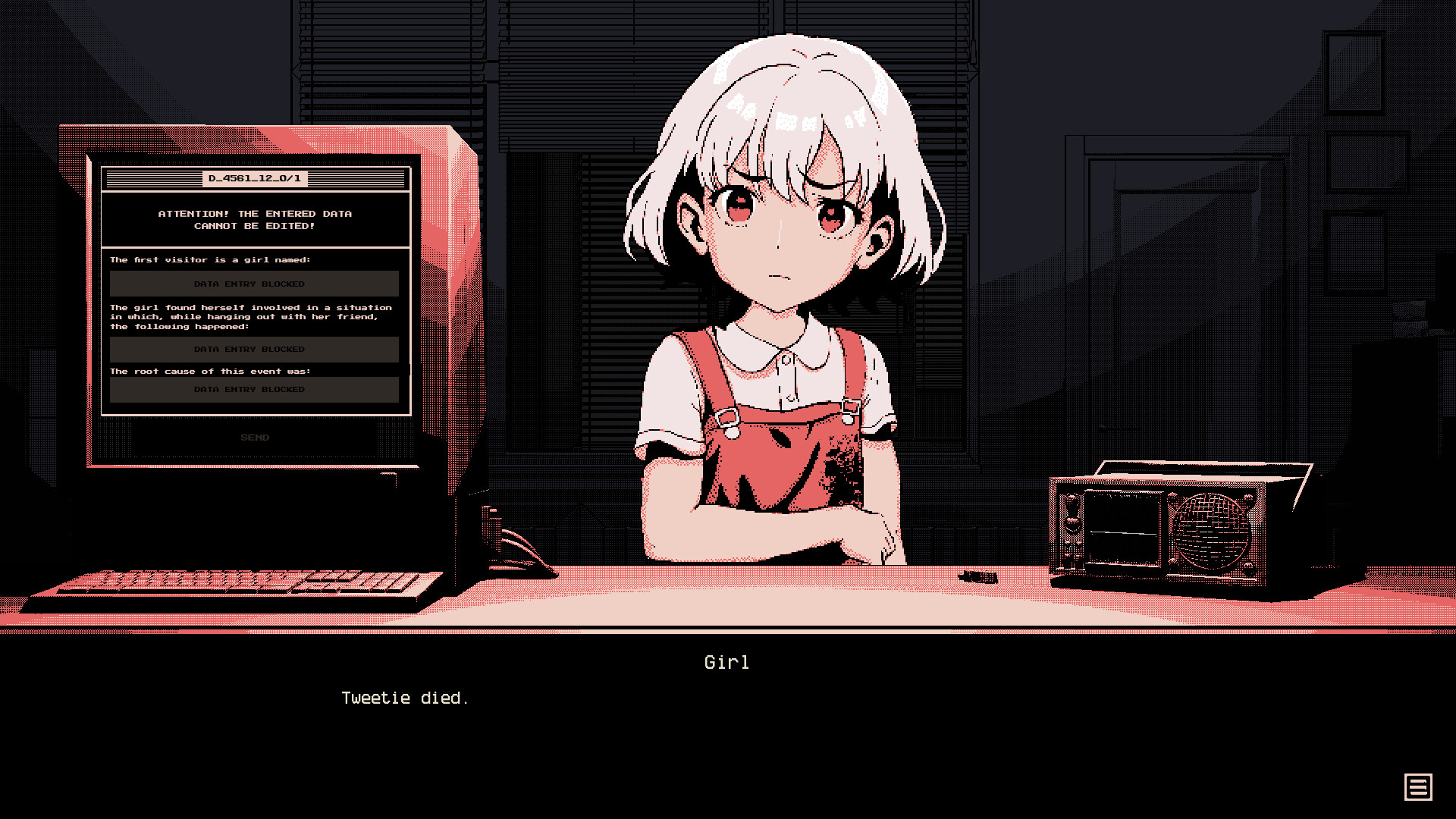
Outside the Door is a visual‑novel styled with pixel graphics that places you in a mystic office setting. You play as a temporary worker with no memories, listening to visitors’ stories and deciding their fates while a featureless radio voice assists.
The experience lasts about one and a half to two hours, runs at your own pace, and offers meditative ambient sound. It is a single‑player indie title from basandaika games, available on Windows with keyboard‑only and mouse‑only controls.
01 / THE GUIDE
Story and Setting
The narrative unfolds inside an office that feels both ordinary and otherworldly, blending mysticism with everyday work life. As a temp with no past, you must piece together visitors’ destinies and issue a verdict before their cases move on.
A featureless voice on the radio serves as the only assistant, prompting you to decide whether to act in good faith or distrust the environment. The storyline is described as gripping and driven by short, self‑contained tales.
- Take notes on each visitor’s details to help compare their outcomes.
- Consider the tone of the radio voice when weighing trust versus skepticism.
02 / THE GUIDE
Gameplay Length
The game is designed for a concise experience, with an average playtime of one and a half to two hours. This short duration encourages multiple playthroughs to explore different verdicts.
Because the story is divided into several brief episodes, you can finish a session quickly and return later without losing progress, thanks to the save‑anytime feature.
- Plan a single session to complete the main narrative in one sitting.
- Use the save function before major decisions to revisit outcomes.
03 / THE GUIDE
Visual and Audio Style
Pixel graphics give the office a retro aesthetic while the ambient soundtrack creates a meditative atmosphere. The combination supports the game’s mystic tone without demanding fast reflexes.
The visual simplicity pairs with the ambient audio to let players focus on dialogue and story, reinforcing the casual, indie feel of the title.
- Adjust volume controls to balance ambient music with dialogue clarity.
- Enjoy the pixel art on a larger monitor for better detail appreciation.
04 / THE GUIDE
Input Options
Outside the Door offers both a Keyboard Only Option and a Mouse Only Option, allowing players to choose their preferred method of interaction. No timed input is required, so you can take as long as needed to read and decide.
These options make the game accessible for players who prefer traditional PC inputs, and the lack of timed challenges aligns with its meditative pacing.
- Select the input method you find most comfortable for reading text.
- Switch between keyboard and mouse if one feels cumbersome during long passages.
05 / THE GUIDE
Save and Pacing Features
The title includes Save Anytime, letting you pause and resume your session. It also carries the #category_playable_at_your_own_pace tag, confirming that the experience is not bound by real‑time constraints.
Family Sharing is supported, so multiple accounts on the same platform can access the game without needing separate purchases.
- Save before each verdict to compare different outcomes later.
- Take advantage of the pacing freedom to reflect on each story segment.




COMMUNITY
Player discussion