 GameWiki
GET YOUR BEARINGS
About Outside the Blocks
Outside the Blocks is a sandbox simulation that invites players to build and design without objectives or pressure. Using a modular block system, creators can shape structures, terrain, and atmospheres in a single‑player environment that saves anytime. The game includes a photo mode for sharing, adjustable accessibility options, and Steam Cloud support for preserving work across sessions.
01 / THE GUIDE
Innovative Building Tools
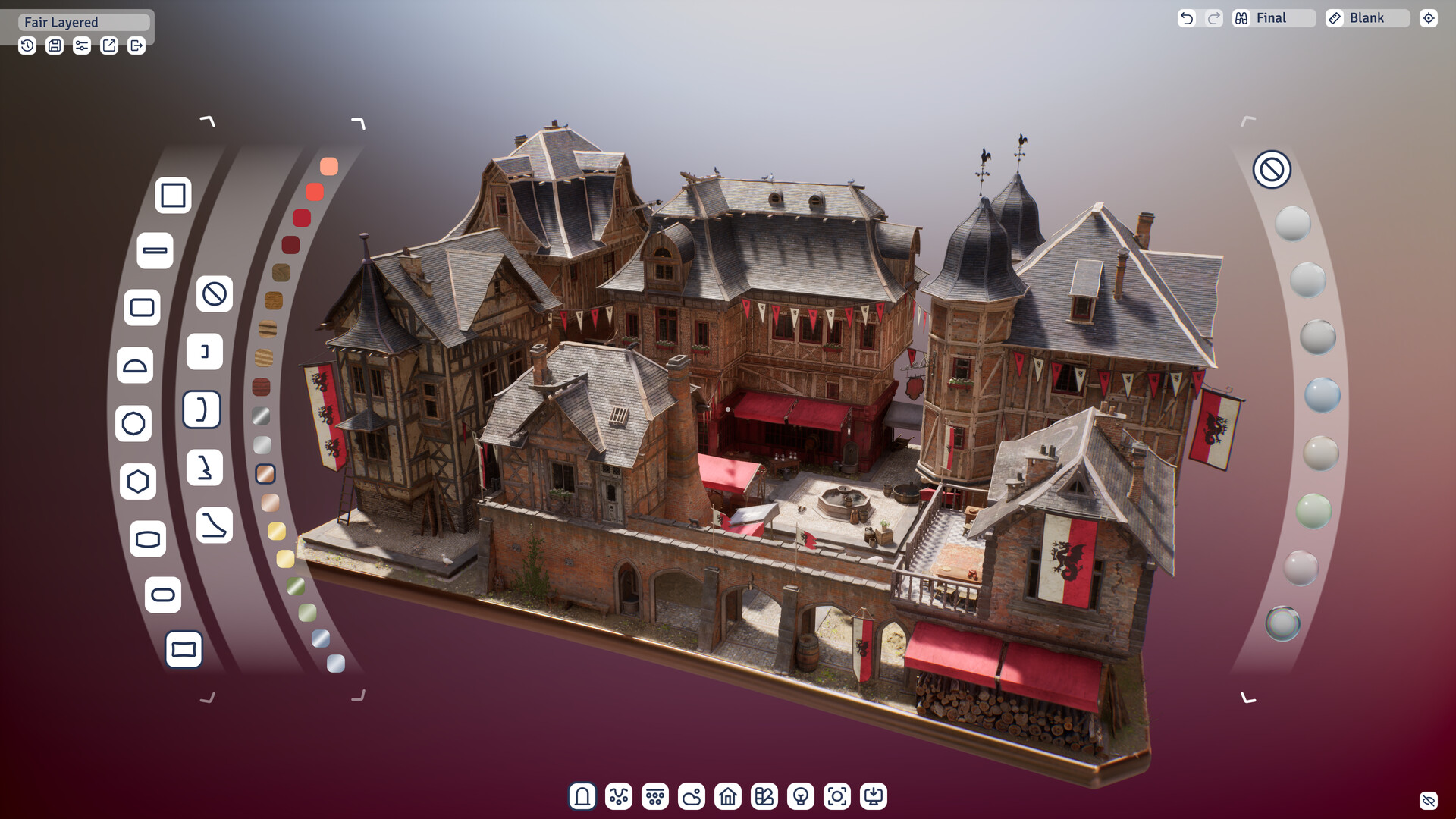
The core of the experience is a modular architectural block system that lets players craft unique structures. Tools such as Autobuild let you manipulate whole sections, while an advanced layer system provides precise control over each element.
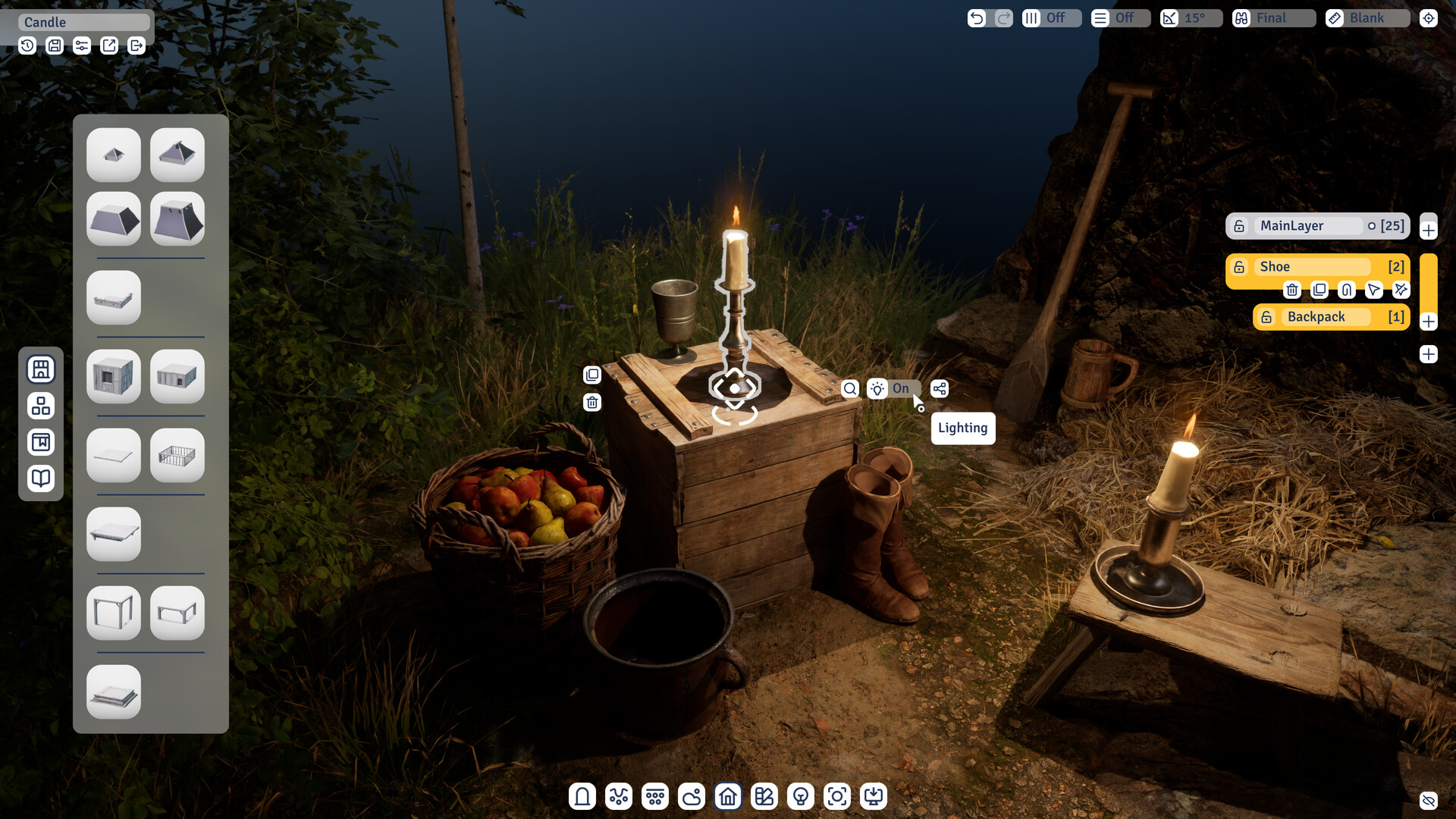
Materials can be adjusted to change surface appearance, and storytelling props and animated characters add narrative flair to builds. These tools are designed for both seasoned designers and casual creators.
- Experiment with the layer system to separate complex details for more precise control.
- Use Autobuild to reposition large sections quickly, saving time on repetitive adjustments.
02 / THE GUIDE
Dynamic Environment Tools
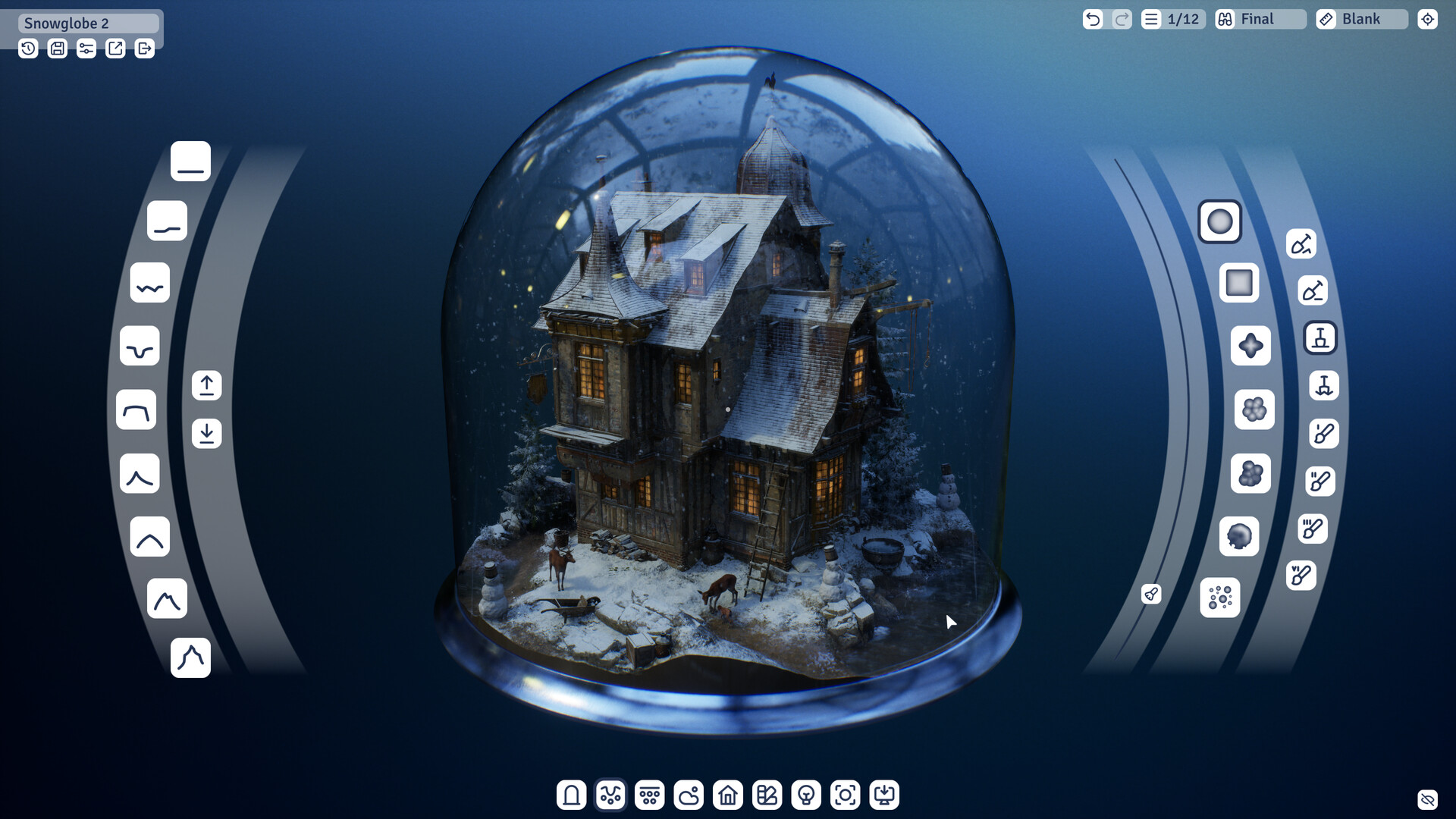
Beyond structures, the game offers tools to shape the surrounding world. Bases and glass domes frame creations, while nature elements and organic objects add life. Advanced terrain editing lets you sculpt the ground to match your vision.
Additional features include epoxy resin for water effects, weather conditions, and lighting schemes to set mood. These options let you build complete dioramas with atmospheric depth.
- Combine glass domes with lighting schemes for dramatic interior showcases.
- Use epoxy resin to create realistic water surfaces that complement terrain edits.

03 / THE GUIDE
Built‑in Photo Mode
A dedicated photo mode lets you capture high‑quality images of your builds. The feature is integrated directly into the game, allowing quick snapshots without leaving the sandbox.
These images can be shared with friends or the community, providing a simple way to showcase your creativity.
- Adjust lighting schemes before taking screenshots for optimal visual impact.
- Use the camera comfort settings to stay comfortable while capturing scenes.
04 / THE GUIDE
Save Anytime & Steam Cloud
Progress can be saved at any moment, ensuring that intricate builds are never lost. The game also supports Steam Cloud, allowing saved data to persist across installations.
This combination gives creators confidence to experiment freely, knowing their work is securely stored.
- Save after major structural changes to protect your progress.
- Verify Steam Cloud sync after a session to confirm backup.
05 / THE GUIDE
Accessibility & Input Options
Outside the Blocks includes adjustable text size, custom volume controls, and a mouse‑only option, catering to varied player preferences. Camera comfort settings further enhance usability.
These features aim to make the creative process comfortable for a broad audience, from casual players to detail‑focused builders.
- Increase text size if UI elements feel cramped during detailed work.
- Utilize the mouse‑only option if you prefer precise cursor control.

COMMUNITY
Player discussion