 GameWiki

GET YOUR BEARINGS
About Outer Wilds
Outer Wilds, the award‑winning open‑world mystery, puts you in the role of a new recruit for Outer Wilds Ventures. You explore a solar system caught in an endless time loop, searching for alien ruins, hidden signals, and the cause of the loop while managing oxygen and using a suite of gadgets.
The game is a single‑player experience for Windows that includes full controller support and a range of accessibility options such as adjustable text size, camera comfort, and custom volume controls. Its design emphasizes exploration, environmental puzzles, and discovery rather than combat.
01 / THE GUIDE
Endless Time Loop
The core premise is a solar system that repeats indefinitely, returning you to the starting point after each cycle. Knowledge you acquire persists between cycles, allowing you to build on earlier observations and gradually piece together the mystery.
Because the loop restarts automatically, every location you visit may appear in a different state on subsequent cycles. This encourages repeated visits to the same planet to notice changes that only become apparent over time.
- Record any new information you discover, as it will be useful after the loop resets.
- Focus on one planet per cycle to notice subtle environmental shifts.
02 / THE GUIDE
Dynamic Planetary Environments
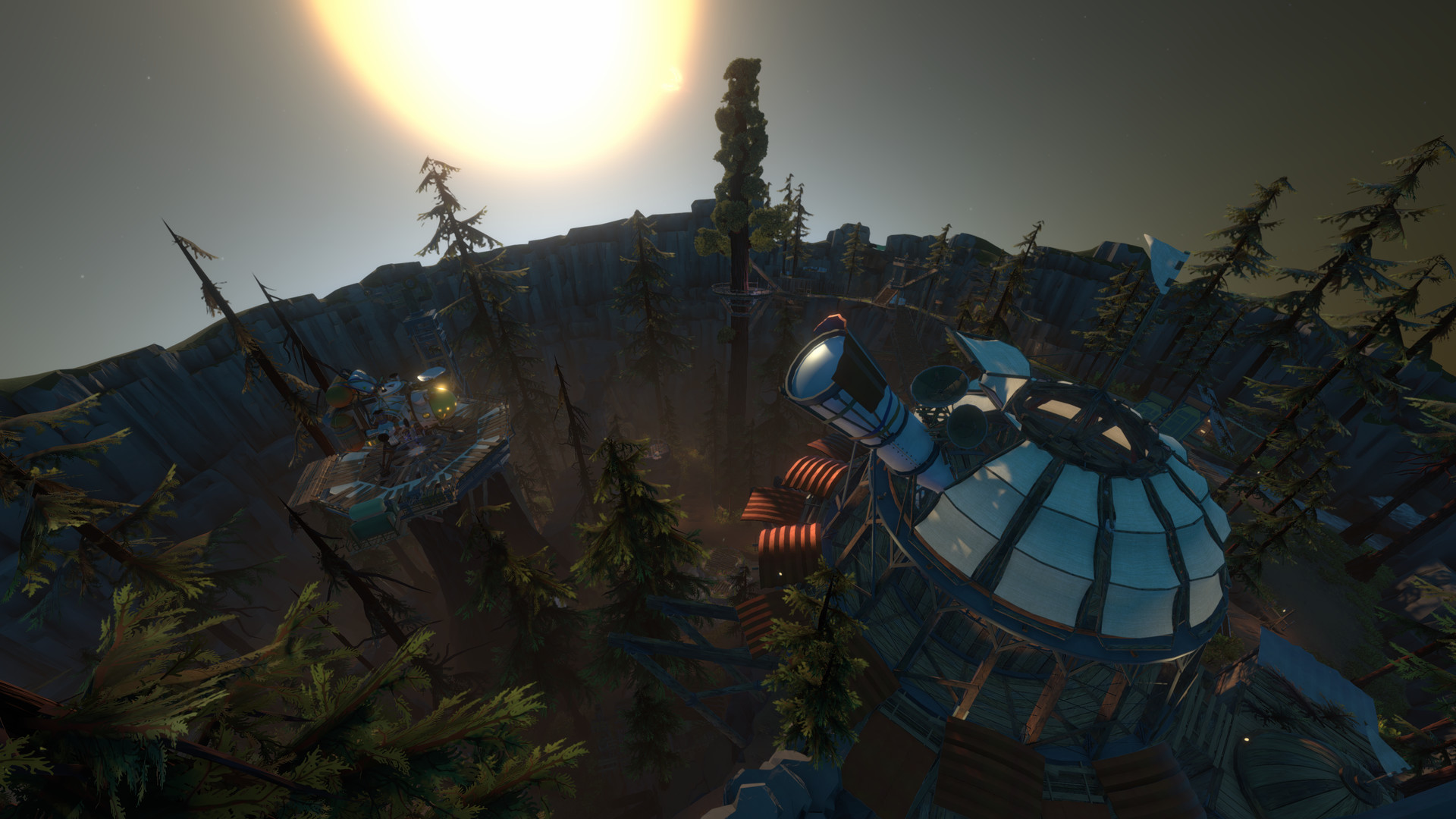
Each planet contains hidden locations that evolve as time passes, such as an underground city that can become buried by sand or a surface that crumbles under its own weight. Natural catastrophes and hazardous conditions guard these secrets.
The changing environments mean that a site safe at one moment may become dangerous later, requiring you to time your visits carefully and to be prepared for sudden environmental shifts.
- Observe early cues like weather patterns to anticipate upcoming changes.
- Carry sufficient oxygen and protective gear before approaching volatile areas.
03 / THE GUIDE
Exploration Gadgets
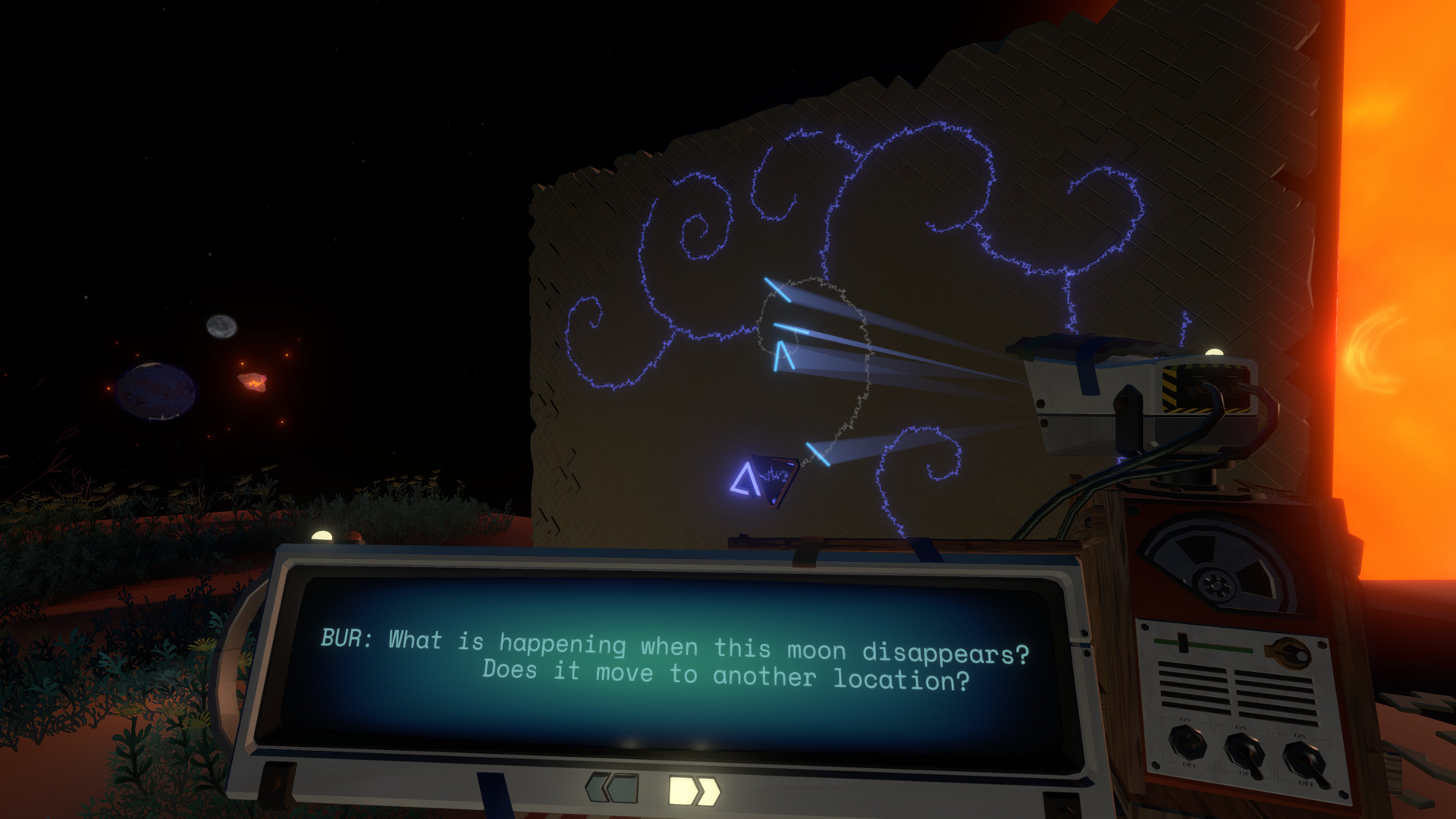
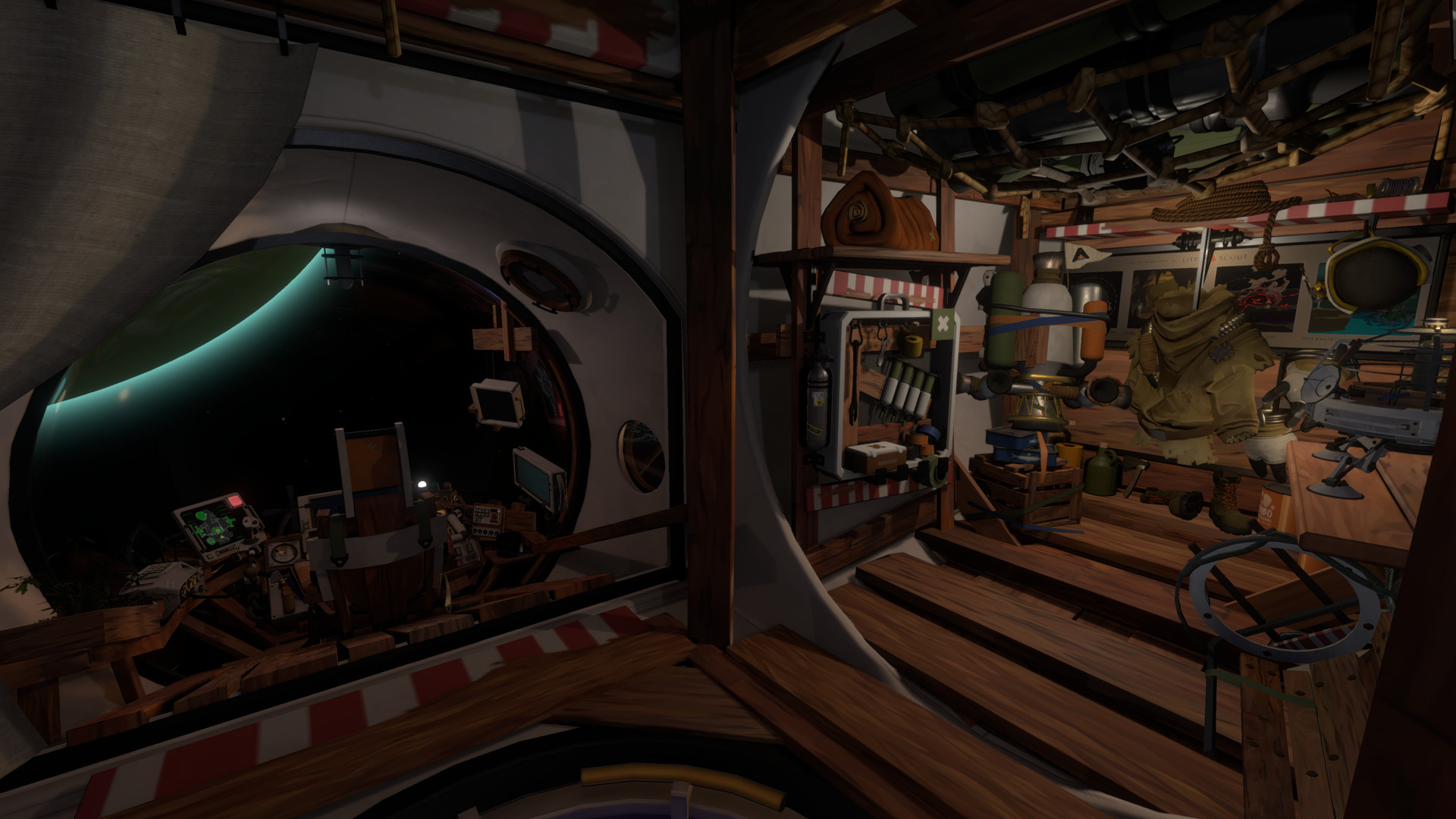
You are equipped with a variety of unique gadgets that let you probe surroundings, track mysterious signals, and decipher alien writing. These tools are essential for navigating hazardous terrain and uncovering the solar system’s secrets.
Gadgets also help you monitor vital stats such as oxygen levels, ensuring you can survive longer excursions on hostile worlds and return safely before resources run out.
- Test each gadget in a safe area to understand its range and feedback.
- Combine signal tracking with visual landmarks to locate hidden ruins more efficiently.
04 / THE GUIDE
Audio & Visual Accessibility
The game offers adjustable text size, camera comfort settings, color alternatives, and custom volume controls, allowing players to tailor the visual and auditory experience to personal preferences and needs.
Stereo and surround sound options provide directional audio cues that can signal environmental dangers or points of interest, adding an extra layer of information for players who rely on sound.
- Increase text size when reading alien scripts to reduce eye strain.
- Enable surround sound to better detect off‑screen events such as approaching hazards.
05 / THE GUIDE
Controller Support
Outer Wilds includes full controller compatibility, supporting DualShock and DualSense gamepads, and is marked as gamepad‑recommended. Keyboard‑only play is also available, giving flexibility in input method.
The game can be played without timed input, meaning you may explore at your own pace regardless of whether you use a controller or keyboard, which aligns with the exploratory focus of the title.
- Try the gamepad mode for smoother navigation in zero‑gravity sections.
- Use the keyboard‑only option if you prefer precise menu control.

COMMUNITY
Player discussion