 GameWiki
GET YOUR BEARINGS
About Ouros
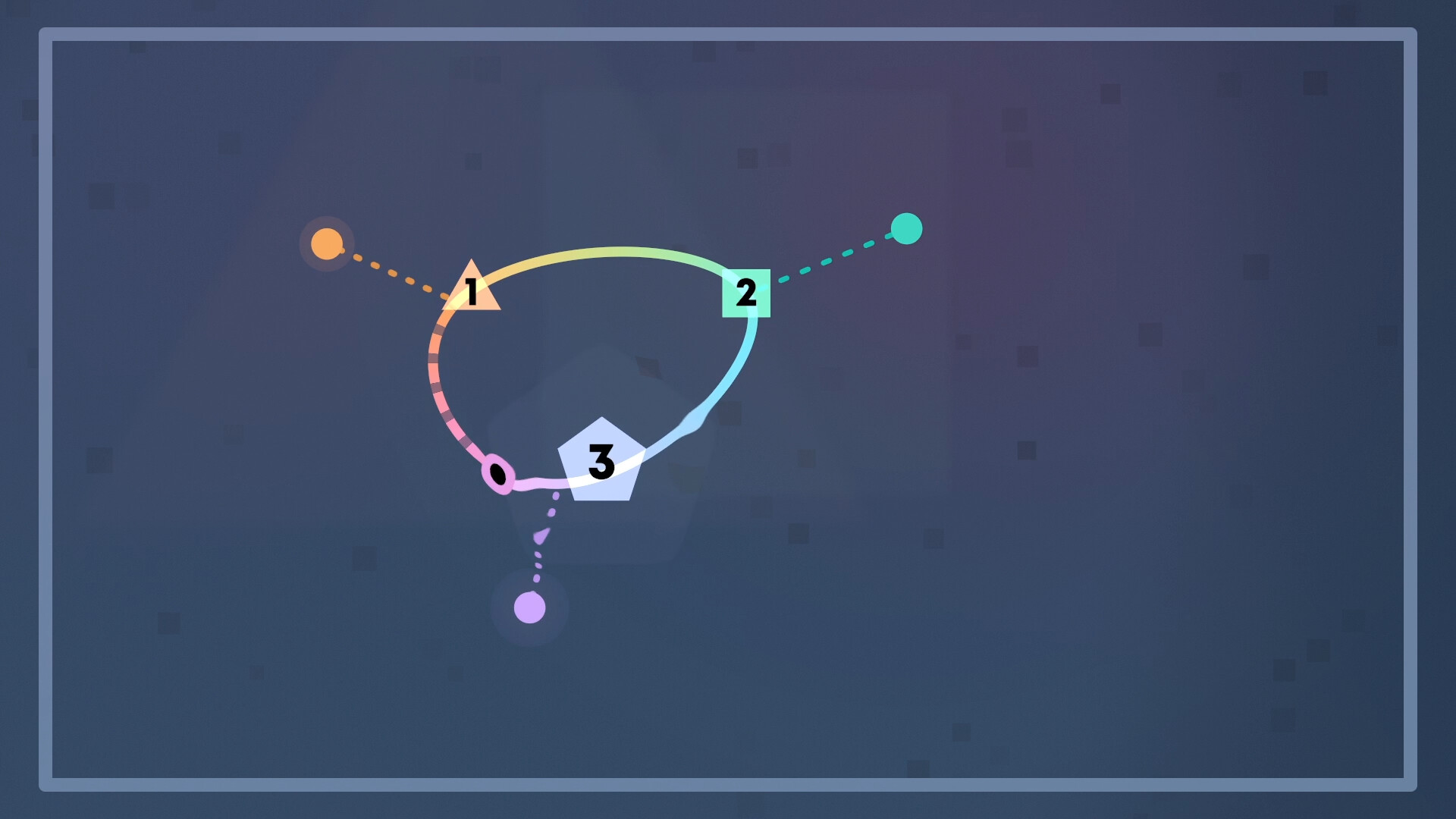
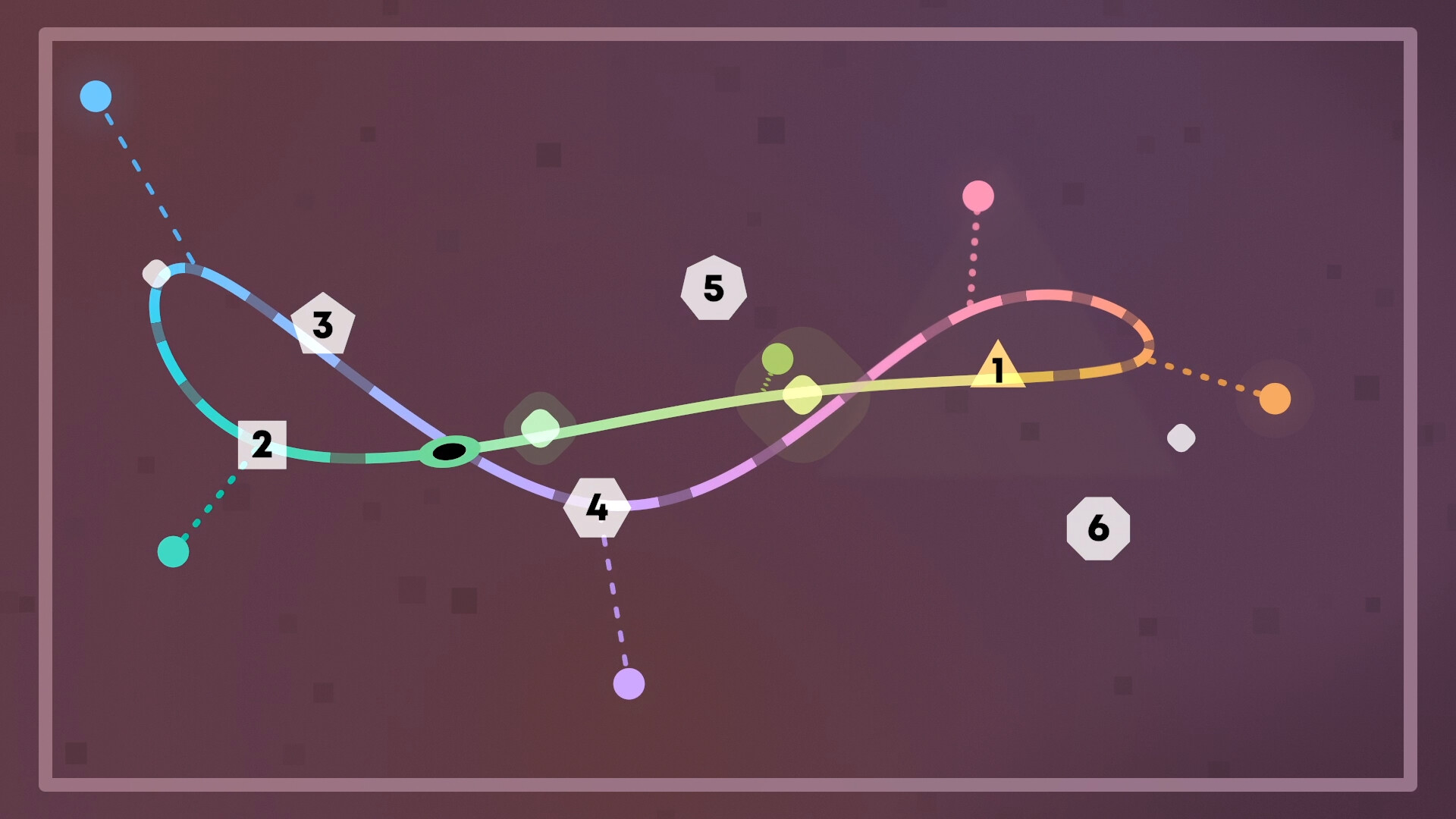
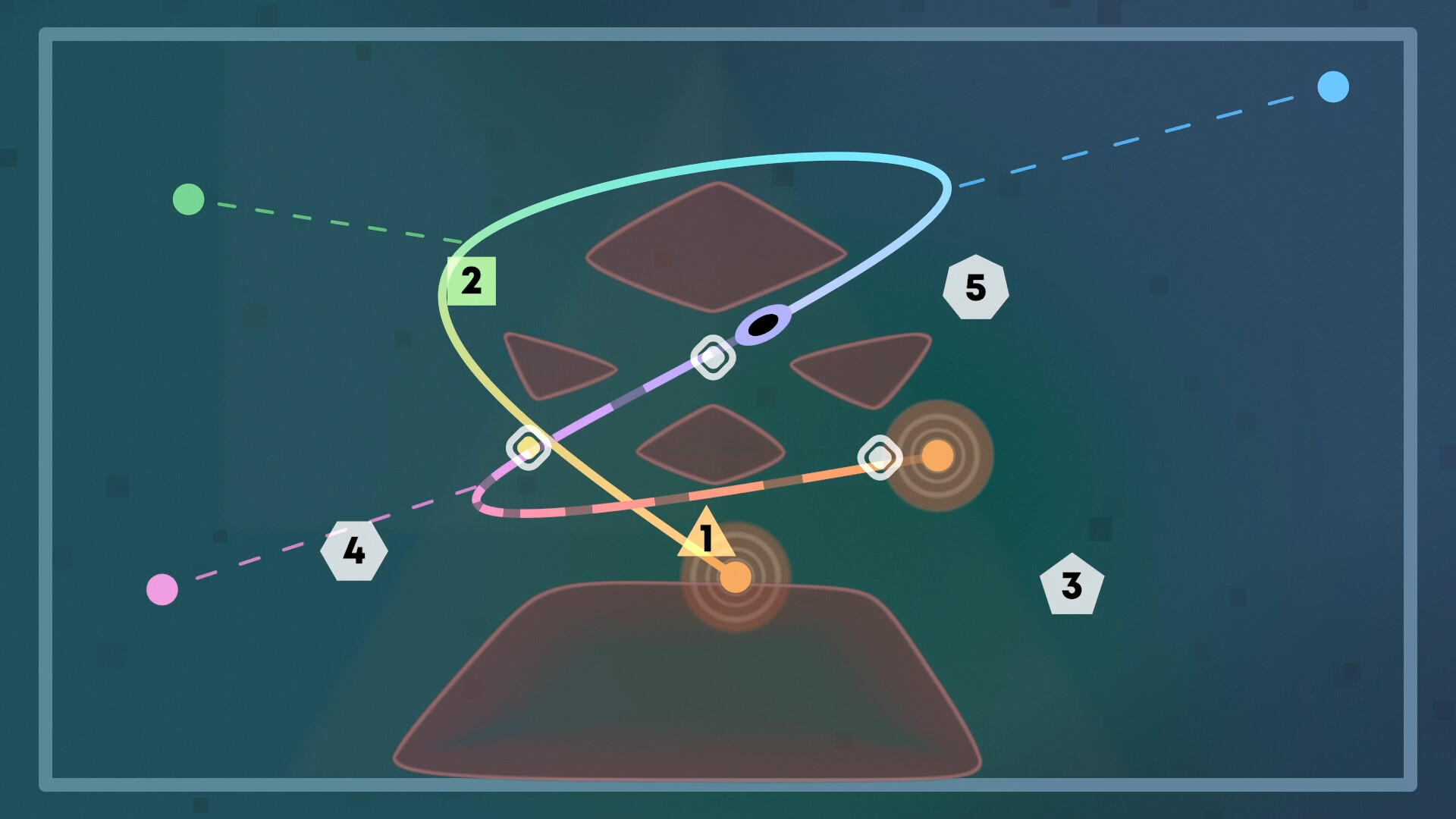
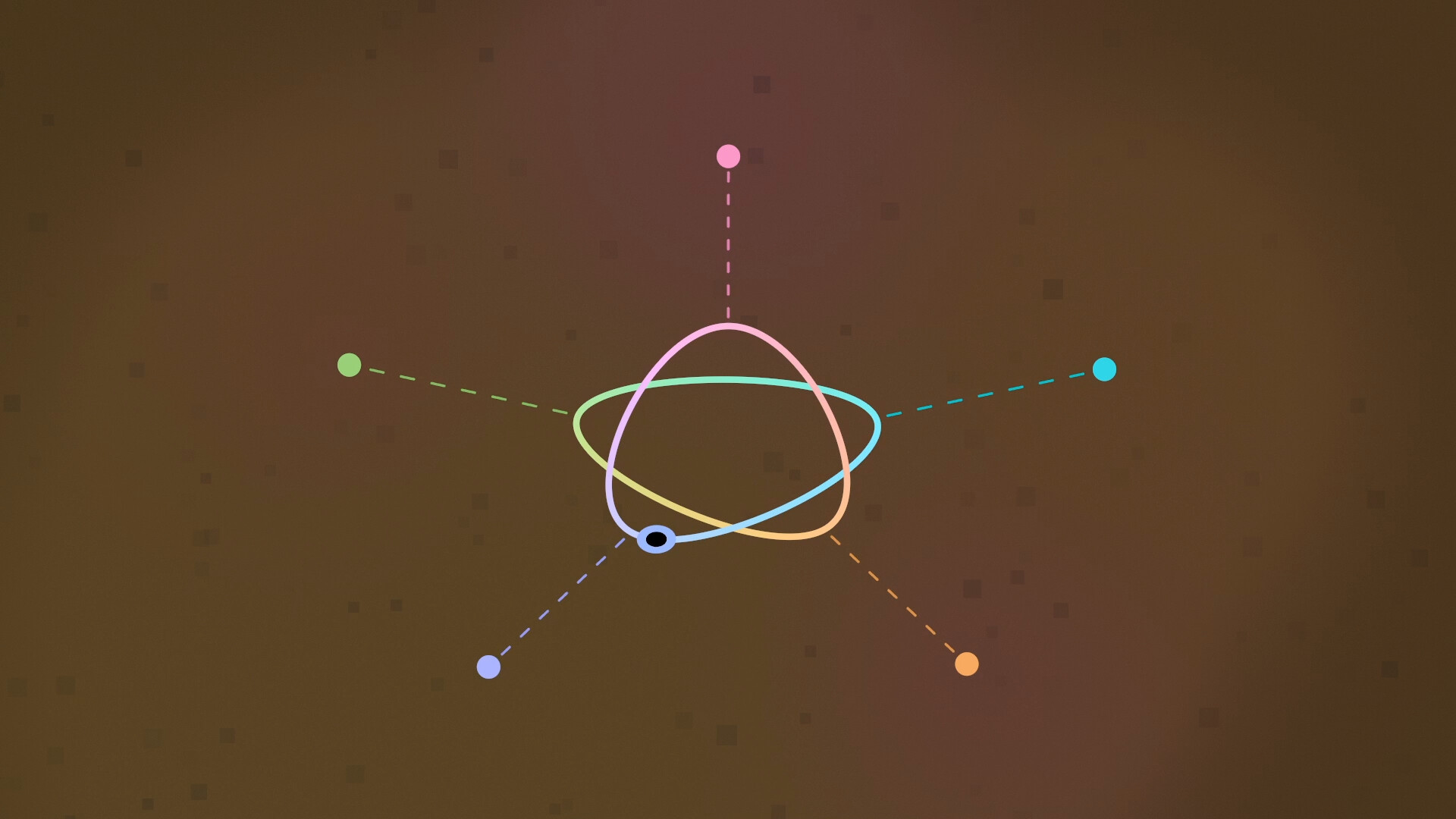
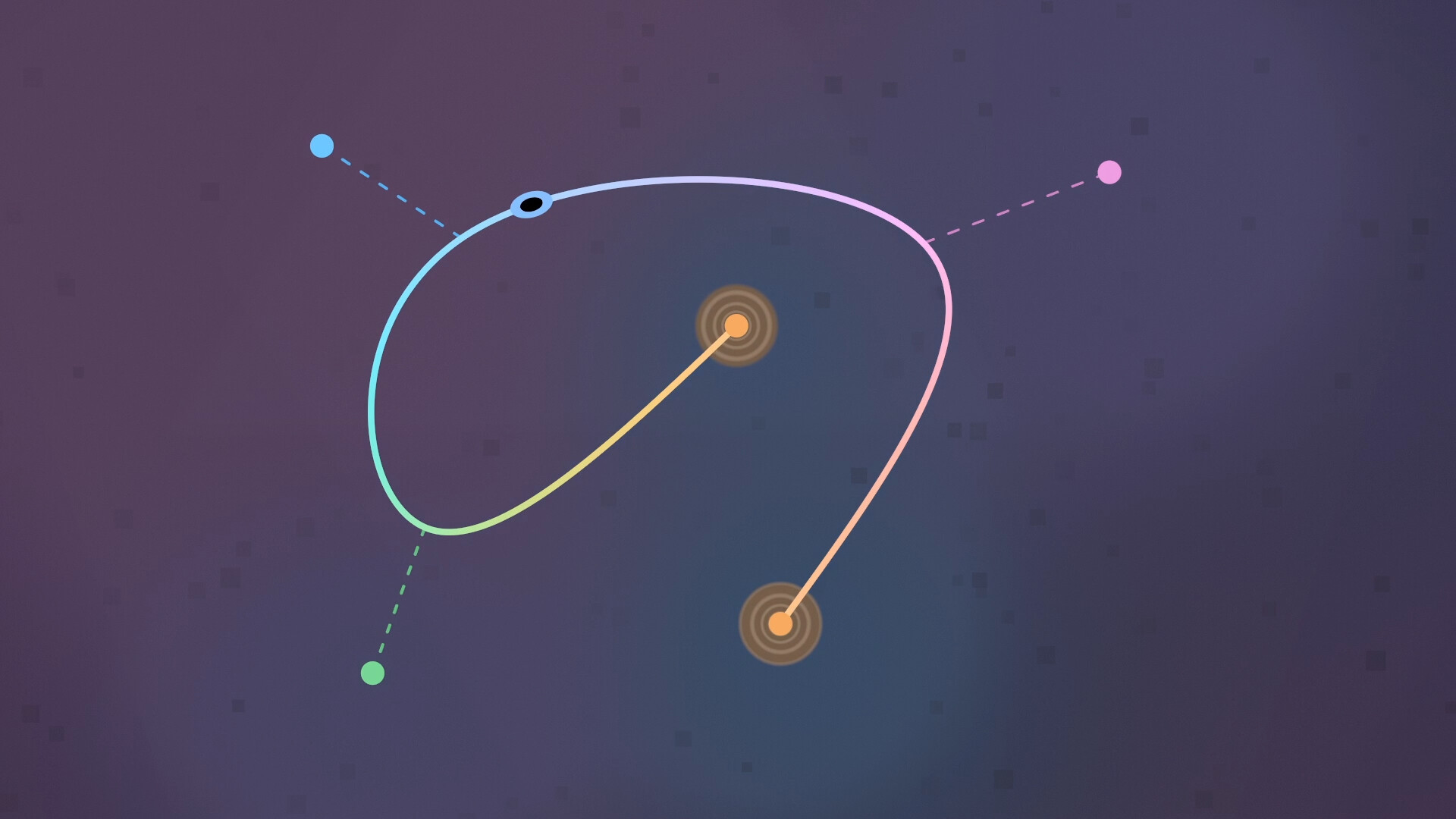
Ouros is a calming puzzle game that invites players to shape smooth curves in a tranquil environment. By nudging, bending, and stretching splines, you guide an orb through target points, creating pleasing geometric forms.
The game offers over 120 handcrafted puzzles, a flexible hint system, and a serene audiovisual experience that reacts to your creations. It runs on PC platforms and supports both mouse‑keyboard and Steam Deck touchscreen input.
01 / THE GUIDE
Spline‑Based Control Scheme
The core mechanic revolves around an original spline‑based control scheme, letting you manipulate curves directly to match target shapes. This interaction feels intuitive, emphasizing gentle adjustments rather than rapid inputs.
Because the system focuses on smooth manipulation, the game avoids demanding reflexes, making it accessible to players who prefer thoughtful, deliberate play.
- Experiment with small adjustments before committing to larger bends.
- Observe how the curve reacts to each nudge to anticipate its path.
02 / THE GUIDE
Lush Visuals and Responsive Soundscapes
Ouros presents lush visuals that complement its soothing soundscape, both of which respond dynamically to the forms you create. The environment subtly shifts as curves evolve, reinforcing the sense of flow.
These audiovisual cues are designed to be calming rather than distracting, reinforcing the puzzle’s meditative tone.
- Take a moment to notice how the music changes with each curve.
- Enjoy the visual feedback as a guide to successful alignment.
03 / THE GUIDE
Flexible Level Progression and Hint System
Puzzles are arranged in a flexible progression, allowing you to tackle them at your own pace. A built‑in hint system offers assistance without forcing a solution, preserving the puzzle’s contemplative nature.
The system lets you choose when to receive help, supporting both casual exploration and more focused problem‑solving.
- Use hints sparingly to maintain the sense of discovery.
- Try revisiting earlier puzzles after learning new techniques.
04 / THE GUIDE
Timer‑Free, Score‑Free Experience
Gameplay proceeds without timers, scores, or dexterity requirements, emphasizing calm problem‑solving over competition. This design choice encourages players to linger and enjoy each curve’s formation.
Without pressure to race or achieve high scores, the focus stays on the aesthetic satisfaction of aligning the orb with its targets.
- Relax and experiment; there’s no penalty for taking time.
- Appreciate the visual outcome rather than chasing a score.
05 / THE GUIDE
Platform and Input Support
Ouros runs on Windows, macOS, and Linux, offering touchscreen support for the Steam Deck and mouse‑keyboard support for PCs. This ensures the game is playable across common desktop environments.
The input options are designed to suit both handheld and traditional setups, letting you choose the method that feels most natural.
- If you own a Steam Deck, try the touchscreen for a more tactile feel.
- On PC, mouse and keyboard input is supported, so play in whatever way feels most comfortable.
COMMUNITY
Player discussion