 GameWiki
GET YOUR BEARINGS
About Ostriv
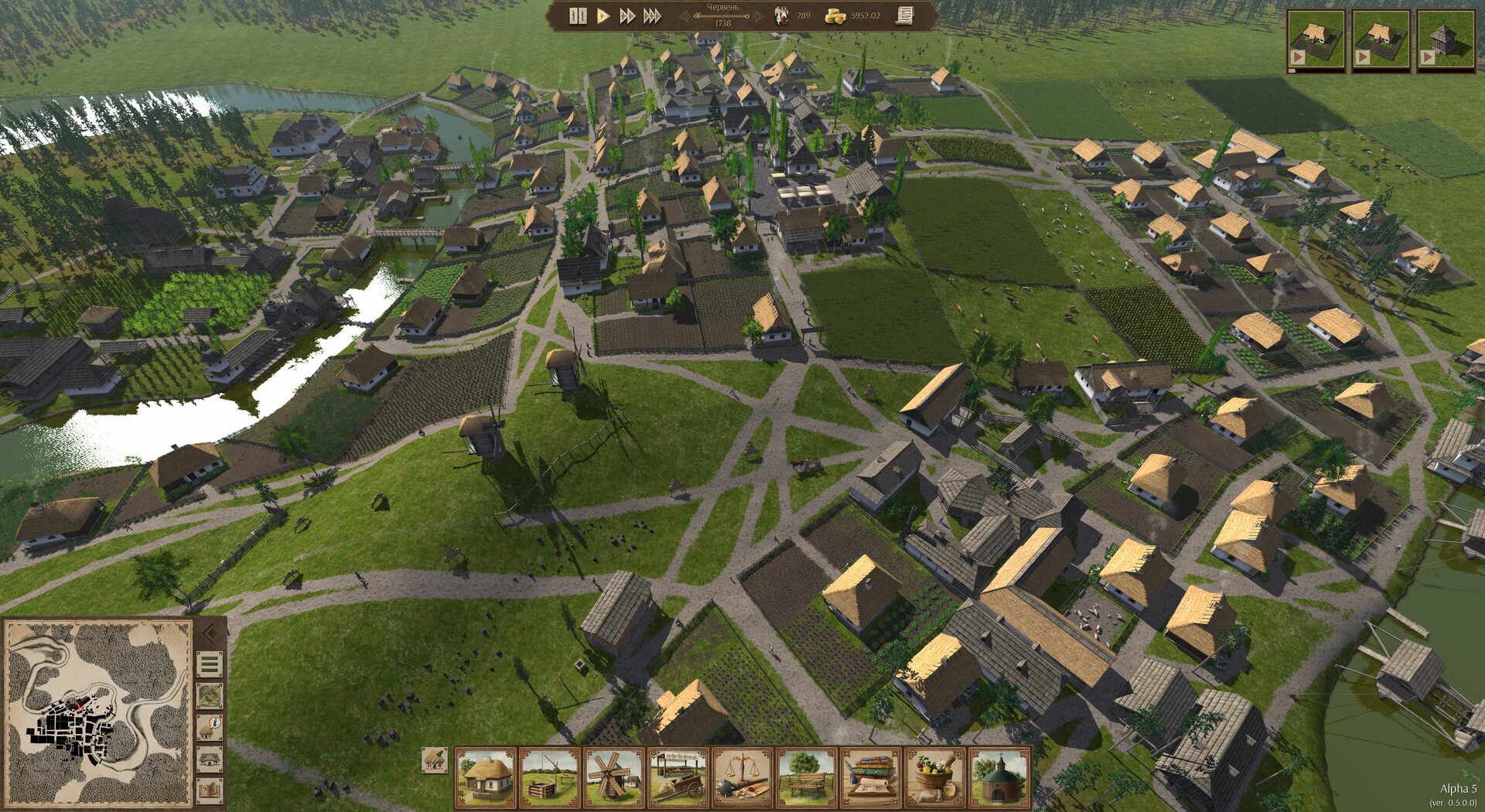
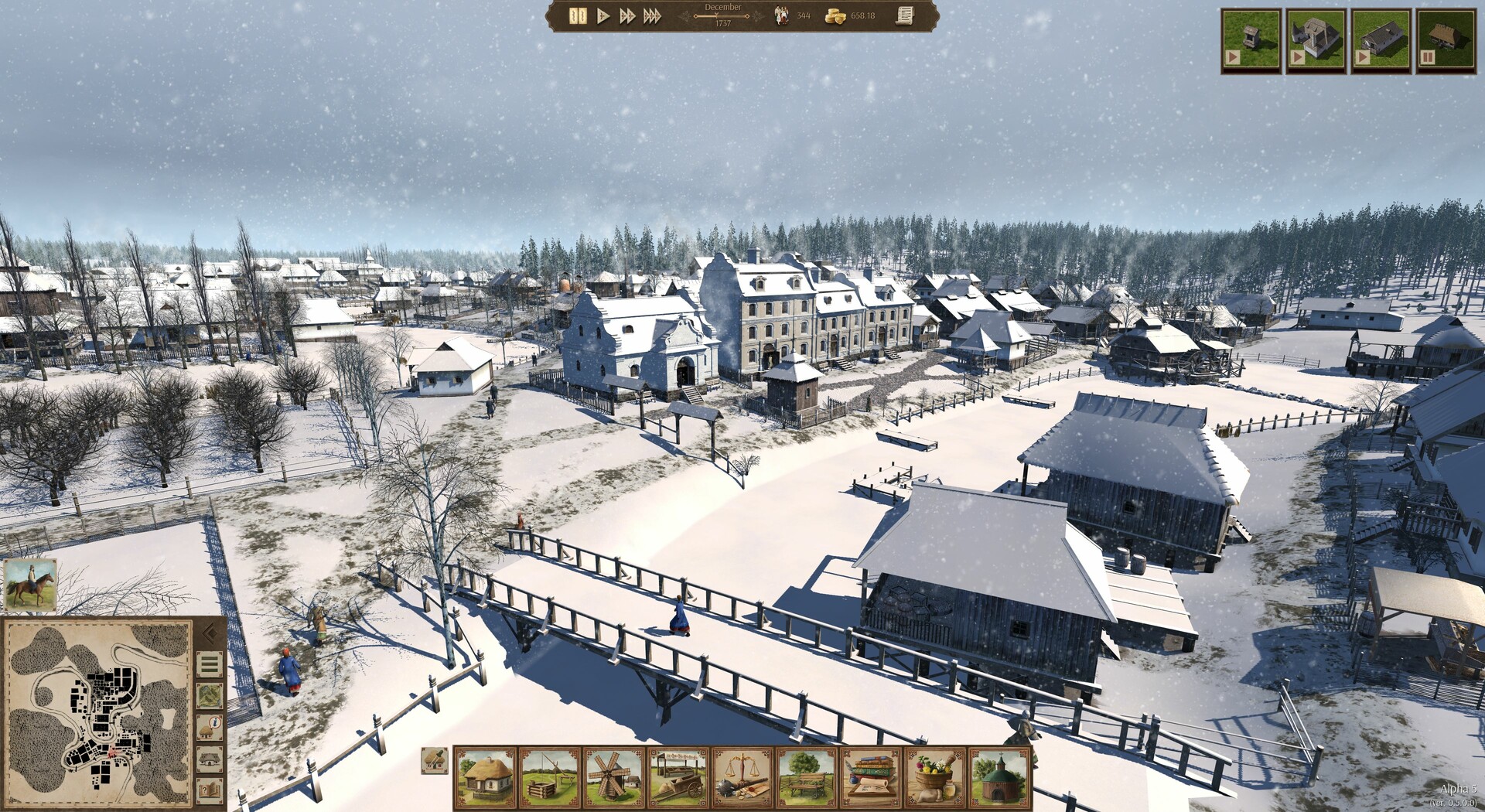
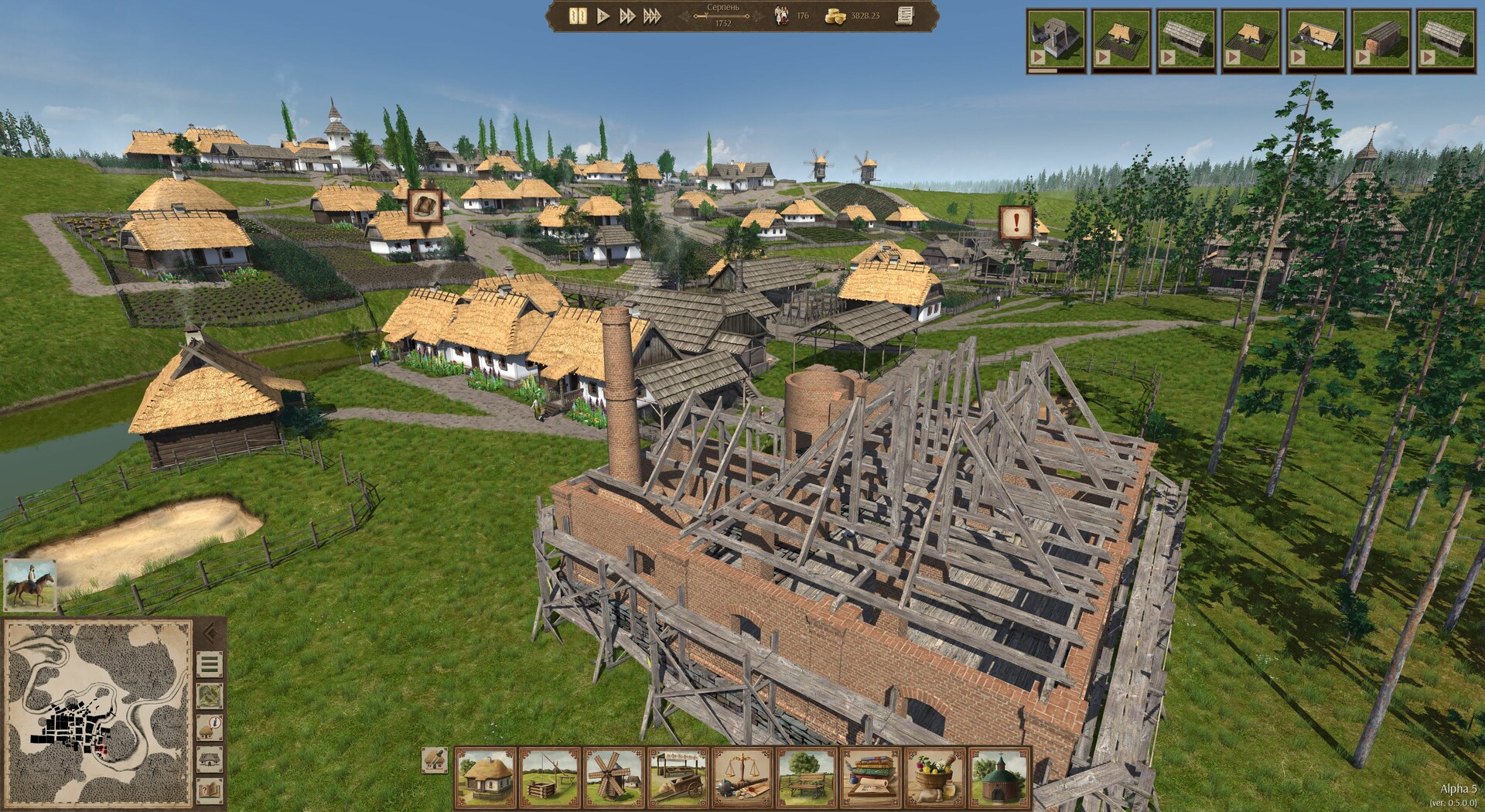
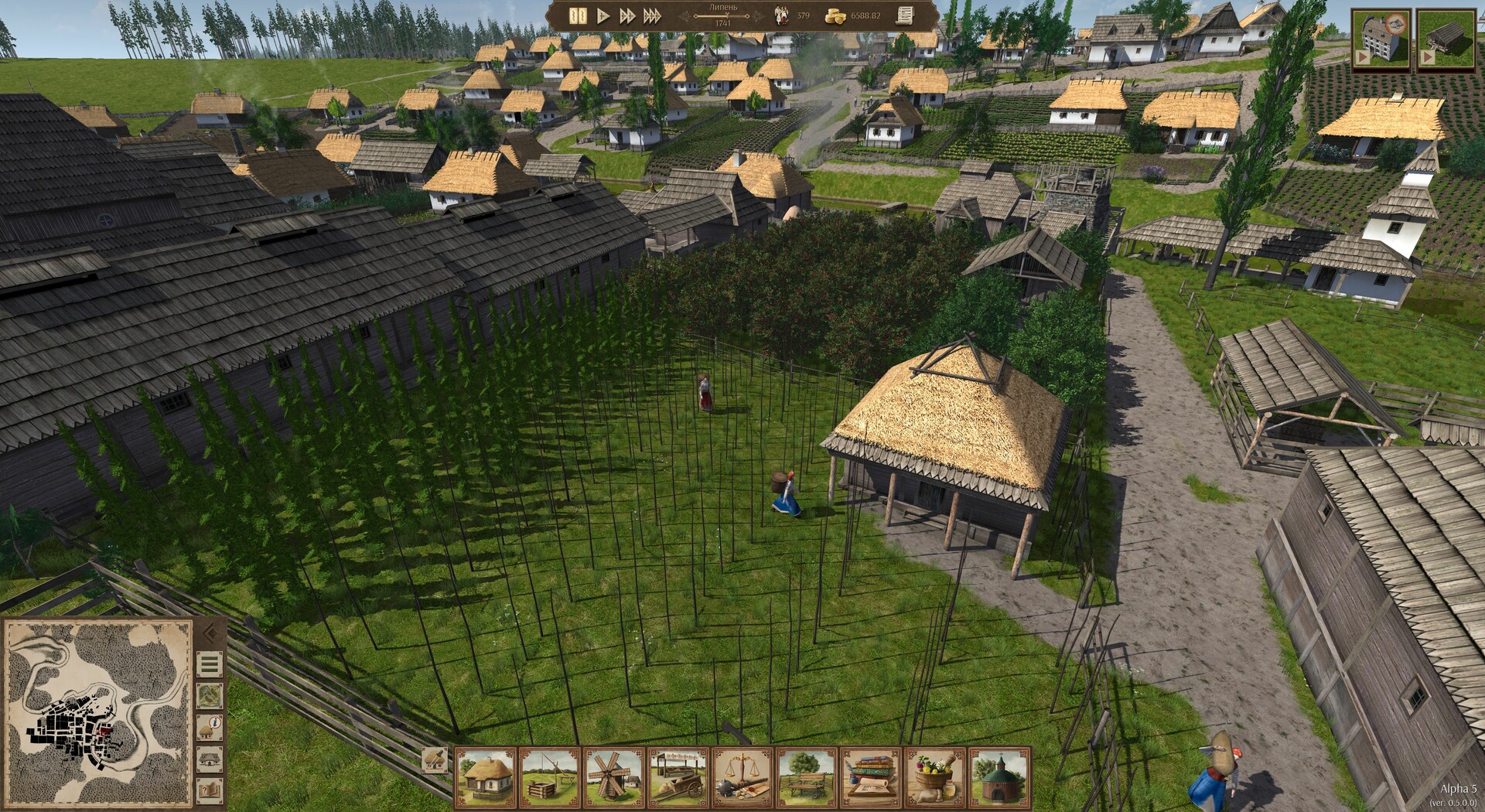
Ostriv is an indie city‑building simulation that removes grid and angle limits, letting players place structures freely on a three‑dimensional landscape. The design goal is to let towns develop organically and become believable communities where realistic problems emerge.
The game is in early‑access development by yevhen8 and is available for Windows via Steam. It supports single‑player, Steam Cloud saves and Family Sharing, and the developers ask purchasers to provide detailed bug reports to help shape the final product.
01 / THE GUIDE
Organic Town Layouts
Ostriv discards traditional grid constraints, allowing buildings to be placed at any angle on a three‑dimensional terrain. This freedom lets each settlement follow the natural contours of the land rather than conforming to artificial blocks.
Because there are no preset angles, towns develop uniquely, reflecting both player decisions and the underlying landscape. The result is a visual and functional environment that mimics real‑world settlement patterns.
- Experiment with placing structures on slopes to see how terrain influences road flow.
- Compare the movement paths in an organic layout with those you would expect from a grid‑based design.
02 / THE GUIDE
Late‑Game Emergence
The game aims for late‑game scenarios to present new problems that arise from community growth, rather than repeating the same tasks. This design seeks to keep the experience engaging as the town expands.
By focusing on emergent issues, players must adapt strategies, making the endgame feel like a fresh puzzle instead of a chore.
- Plan infrastructure early to accommodate future community needs.
- Watch for new problems that differ from early‑game tasks.
03 / THE GUIDE
Early‑Access Development
Ostriv is currently in early‑access, meaning it is still being built and refined. Updates may arrive slowly, with potentially long gaps between them.
The developers encourage purchases from players who want to support the project and provide detailed bug reports, positioning community feedback as essential to reaching a masterpiece.
- Submit clear bug reports to help guide development.
- Monitor the Steam page for update announcements.
04 / THE GUIDE
Steam Cloud & Family Sharing
Ostriv supports Steam Cloud, allowing saved progress to be stored online. This feature helps preserve a town across installations on the same account.
Family Sharing is also listed, meaning the game can be accessed by other users on the same Steam library, facilitating shared play experiences.
- Verify cloud sync after major changes to ensure saves are backed up.
- Use Family Sharing to let friends try the game without separate purchases.
05 / THE GUIDE
Windows‑Only Availability
The title is released for Windows platforms via Steam. No macOS or Linux support is indicated, focusing development on a single operating system.
Players on the supported platform can access the game through the Steam client, benefiting from its integrated services.
- Check system requirements on the Steam store before installing.
- Keep Windows updates current to maintain compatibility.
COMMUNITY
Player discussion