 GameWiki
GET YOUR BEARINGS
About Osta
Osta places you in the role of a militaria collector who begins in Europe, using metal detecting, auctions, or market visits to locate historic weapons and gear. The game lets you travel worldwide to seek relics from many conflicts, ranging from WW1 to modern eras.
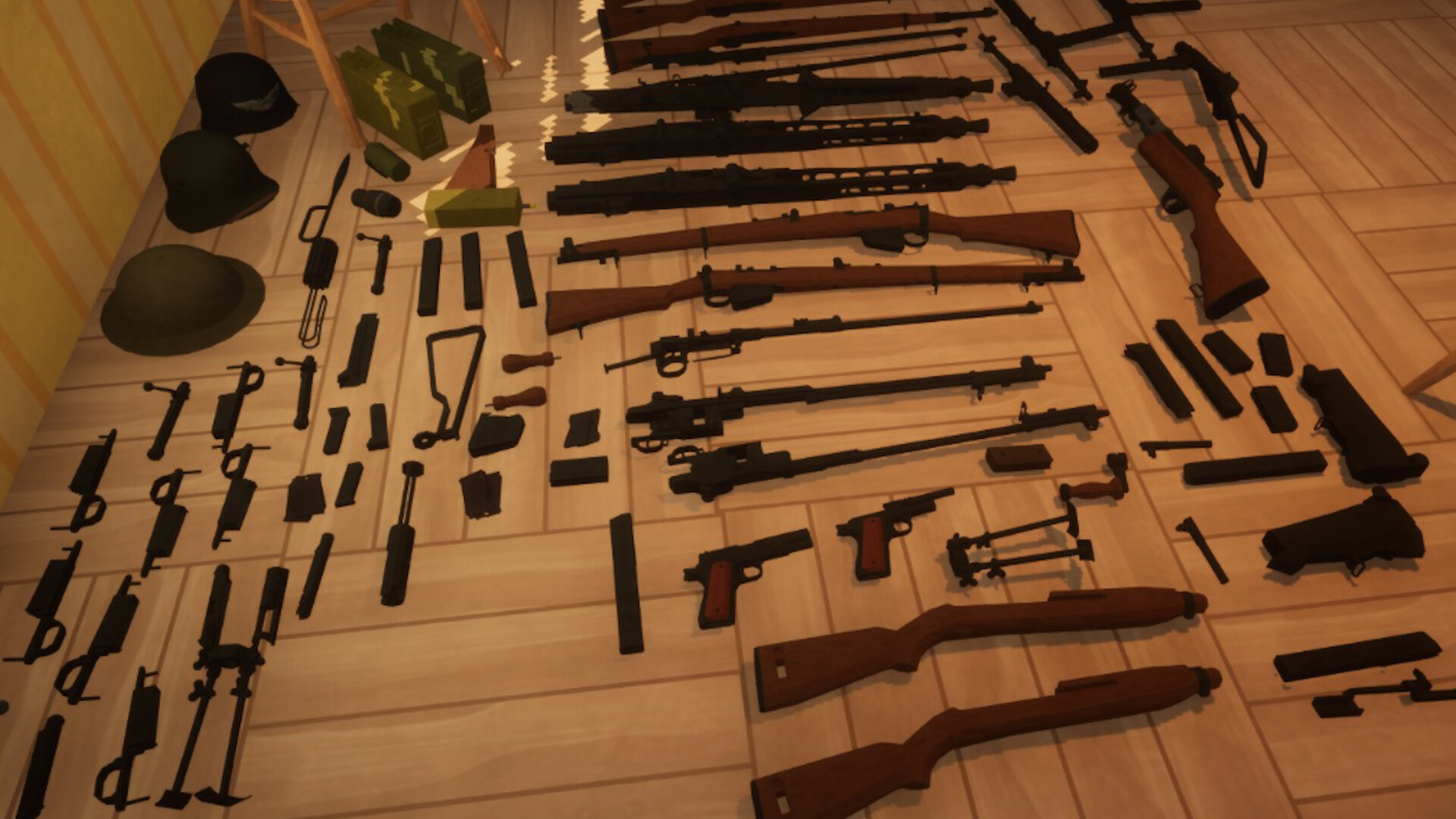
With over 1,000 distinct items to collect and restore, you can arrange a personalized display in your home and sell pieces you no longer want. Progress is saved via Steam Cloud, and Family Sharing is listed as a supported feature.
01 / THE GUIDE
Item acquisition
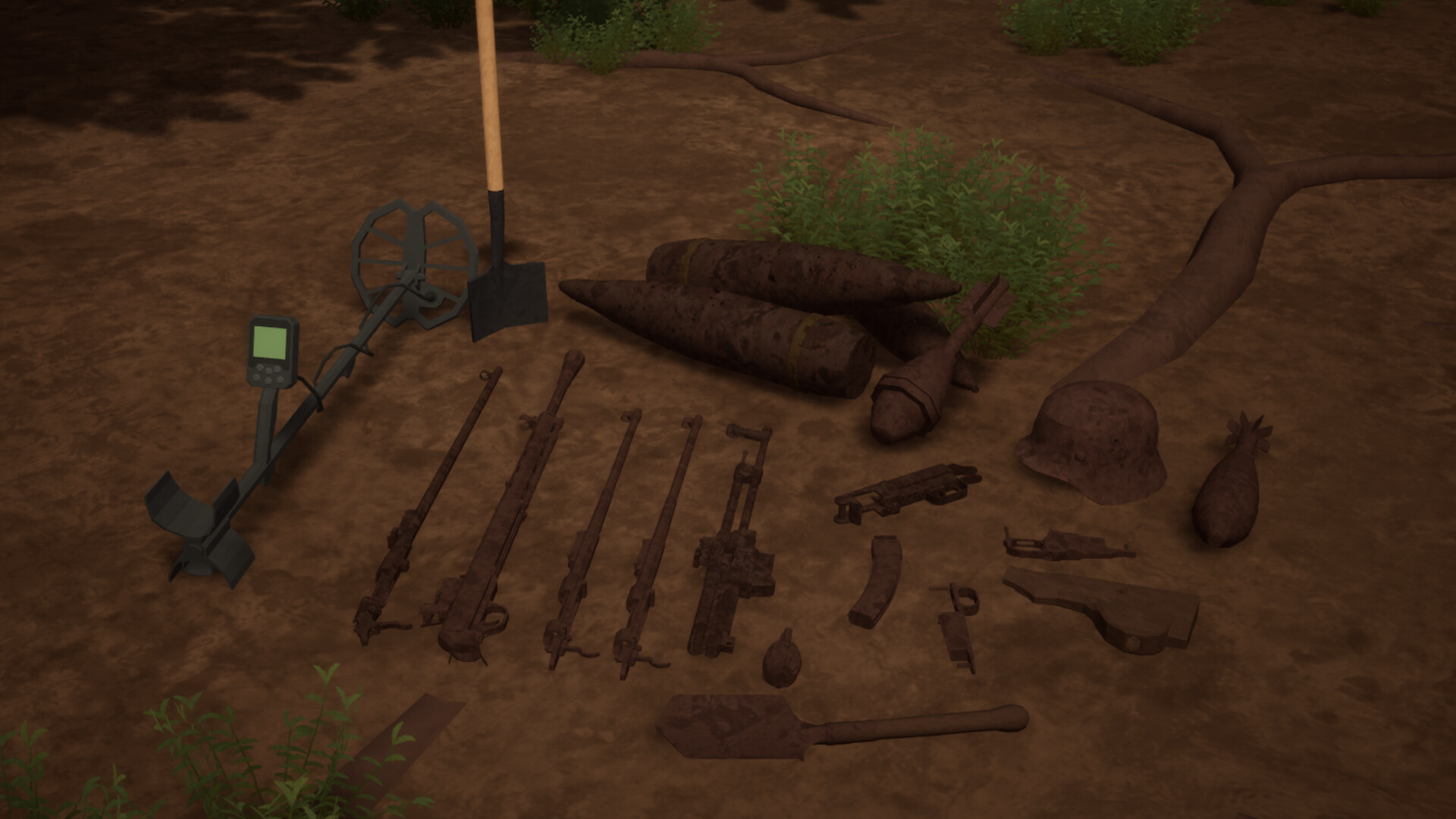
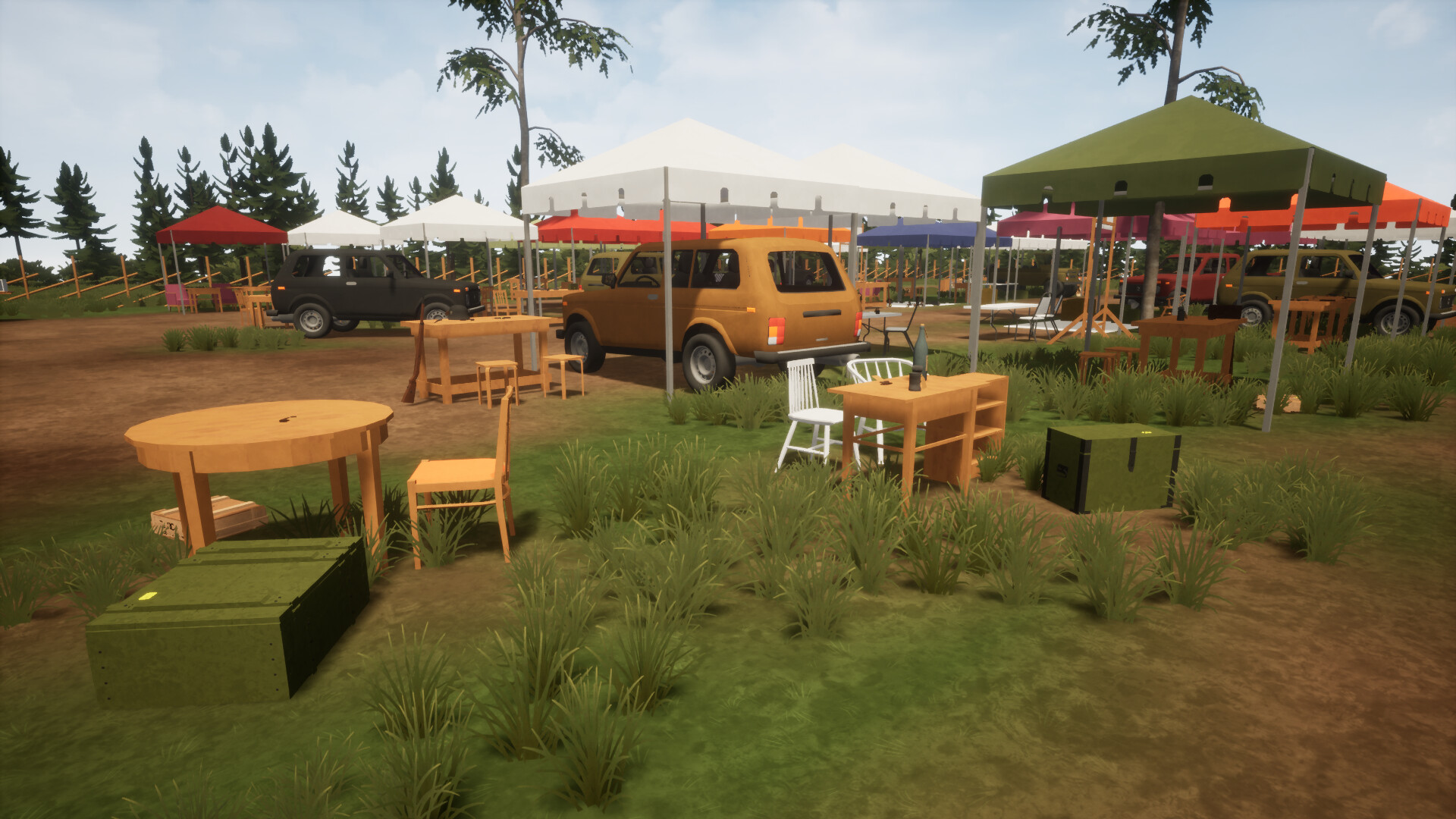
The game starts you in Europe where you can find items by metal detecting, attending auctions, or browsing markets. These three methods are explicitly listed as ways to obtain collectibles.
A catalogue of more than 1,450 items covers niches such as Soviet, German, American, WW1, WW2, Cold War, Yugoslav and modern pieces, and the source notes that no player is expected to collect everything.
- Try focusing on one niche early to keep your collection manageable.
- Visit both auctions and markets; both are listed as ways to find items.
02 / THE GUIDE
Restoration process
When you uncover a gun in the woods it arrives rusted and may be missing components. The description says you must clean rust, treat wooden parts, and locate missing pieces.
Only after completing those three steps is the item considered fully restored and ready for display or trade, establishing a clear three‑part restoration workflow.
- Separate rust removal from wood cleaning to avoid cross‑contamination.
- Track missing parts as you search for items to restore.

03 / THE GUIDE
Collection customization
Your home can be arranged to showcase the items you collect, reflecting personal interests. The source mentions 1,000+ different items, ensuring each collection can look distinct.
You may also sell items you no longer wish to keep, providing space for new acquisitions and a way to manage inventory.
- Group items by conflict era for a coherent visual theme.
- Consider selling lower‑value pieces to fund restoration of rarer finds.
04 / THE GUIDE
Platform and save features
Osta runs on Windows and includes Steam Cloud, which stores your progress online. The platform list confirms Windows support only.
The game is labeled single‑player and offers Family Sharing, meaning the experience is designed for solo play but can be accessed by other accounts on the same library.
- Steam Cloud is listed as a feature that can help protect your collection data.
- Use Family Sharing to let friends try the game without buying a separate copy.
05 / THE GUIDE
Game scope and variety
The catalogue lists over 1,450 items, providing a massive pool of artifacts. The source notes that no one is expected to find and keep everything.
This breadth encourages specialization; you can pursue a particular niche while still having access to many other items if you choose to explore further.
- Pick a niche early to avoid feeling overwhelmed by the total item count.
- Travel to different continents to discover region‑specific relics.
COMMUNITY
Player discussion