 GameWiki
GET YOUR BEARINGS
About Order Picker Simulator
Order Picker Simulator puts you in charge of a modest warehouse for Ultra Fresh Food. You start with a small space, a few shelves and a scanner, then order groceries, receive deliveries and keep inventory organized. The game lets you expand the operation, add equipment, hire staff and customize the layout while you work at your own pace. Finances are tracked daily, with franchise fees and loan interest deducted, so you must keep the business profitable.
01 / THE GUIDE
Building Your Warehouse
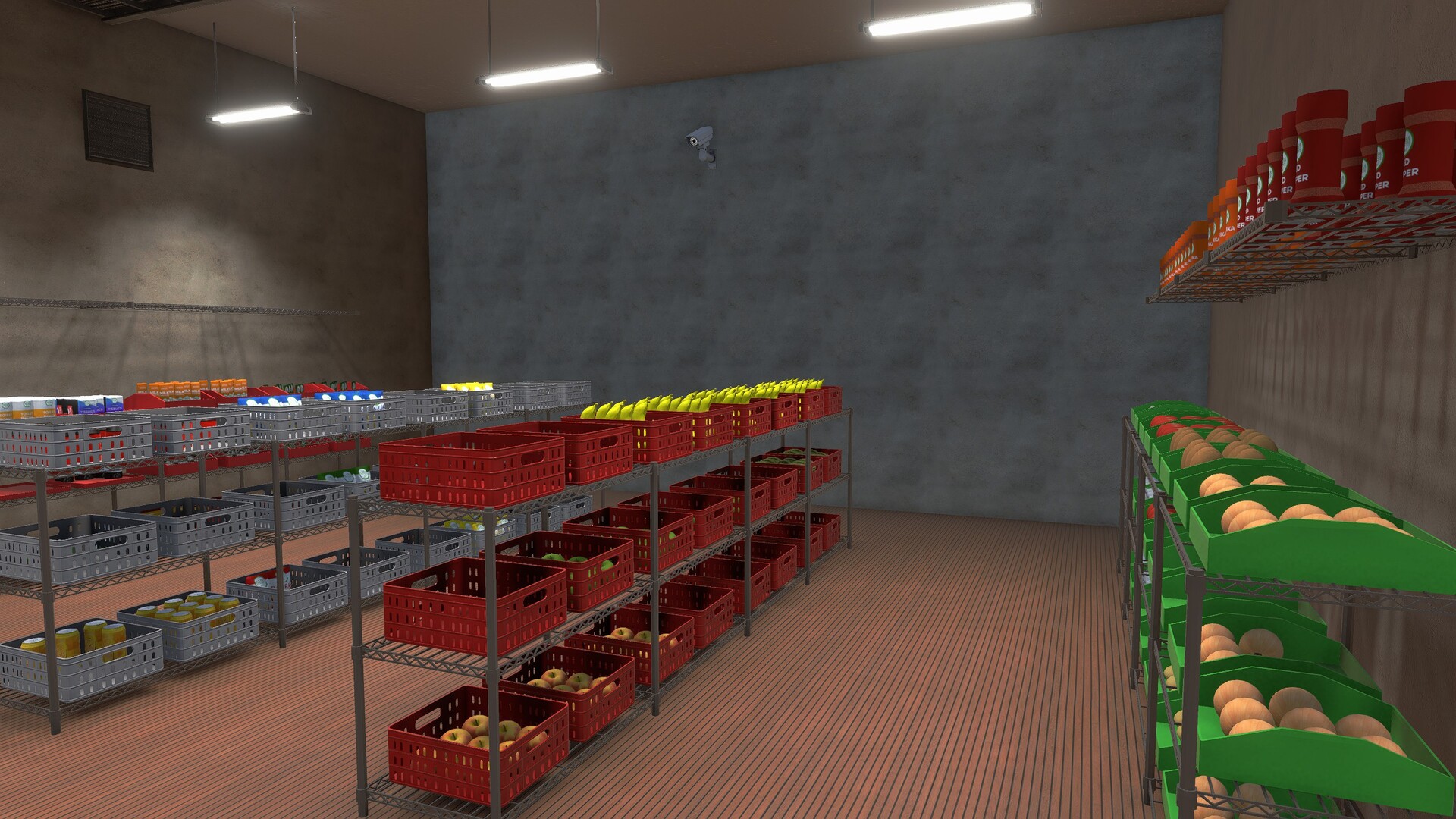
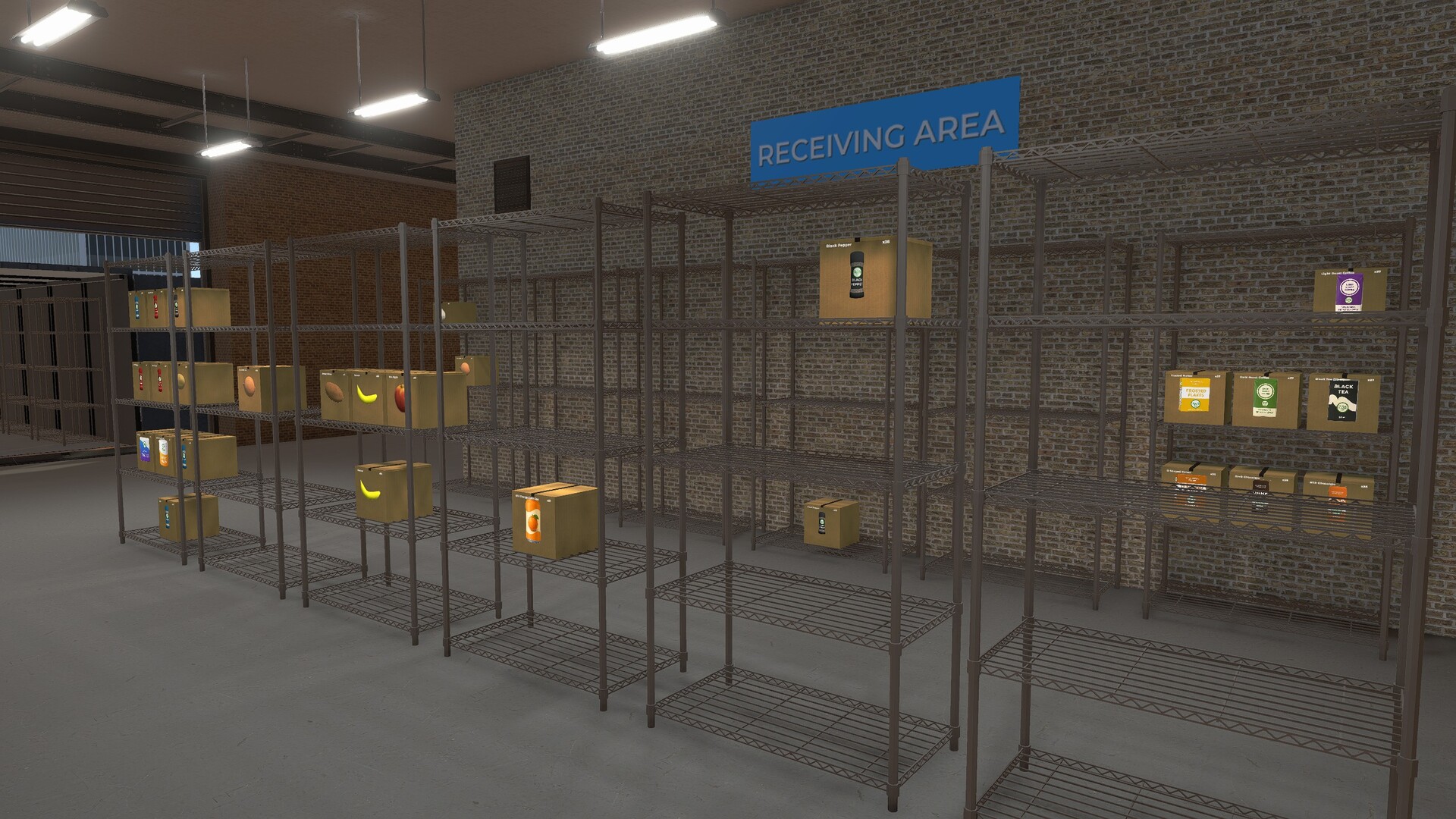
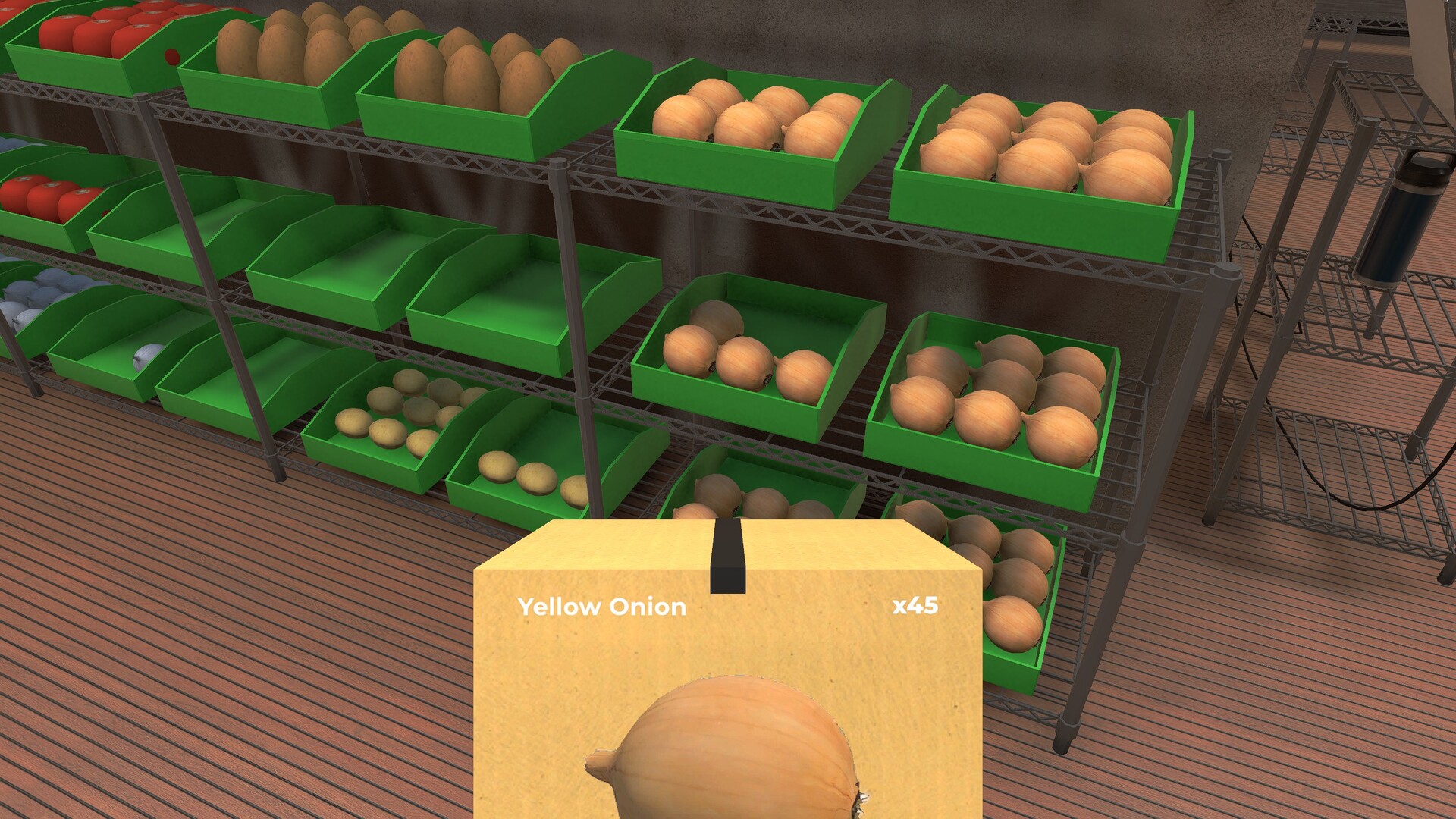
You begin by ordering groceries through a work laptop, receiving shipments and placing items on shelves. The initial warehouse is small, but you can unlock new areas, add more shelves and accommodate larger product sizes. Expansion lets you install additional bins, adjust their shape and color, and grow the product range with S‑sized and XL items, giving you more space to store inventory.
- Consider expanding shelf space before adding larger product sizes to avoid clutter.
- Use the customization options to label bins clearly, which can speed up later picking.
02 / THE GUIDE
Pick, Pack, and Ship
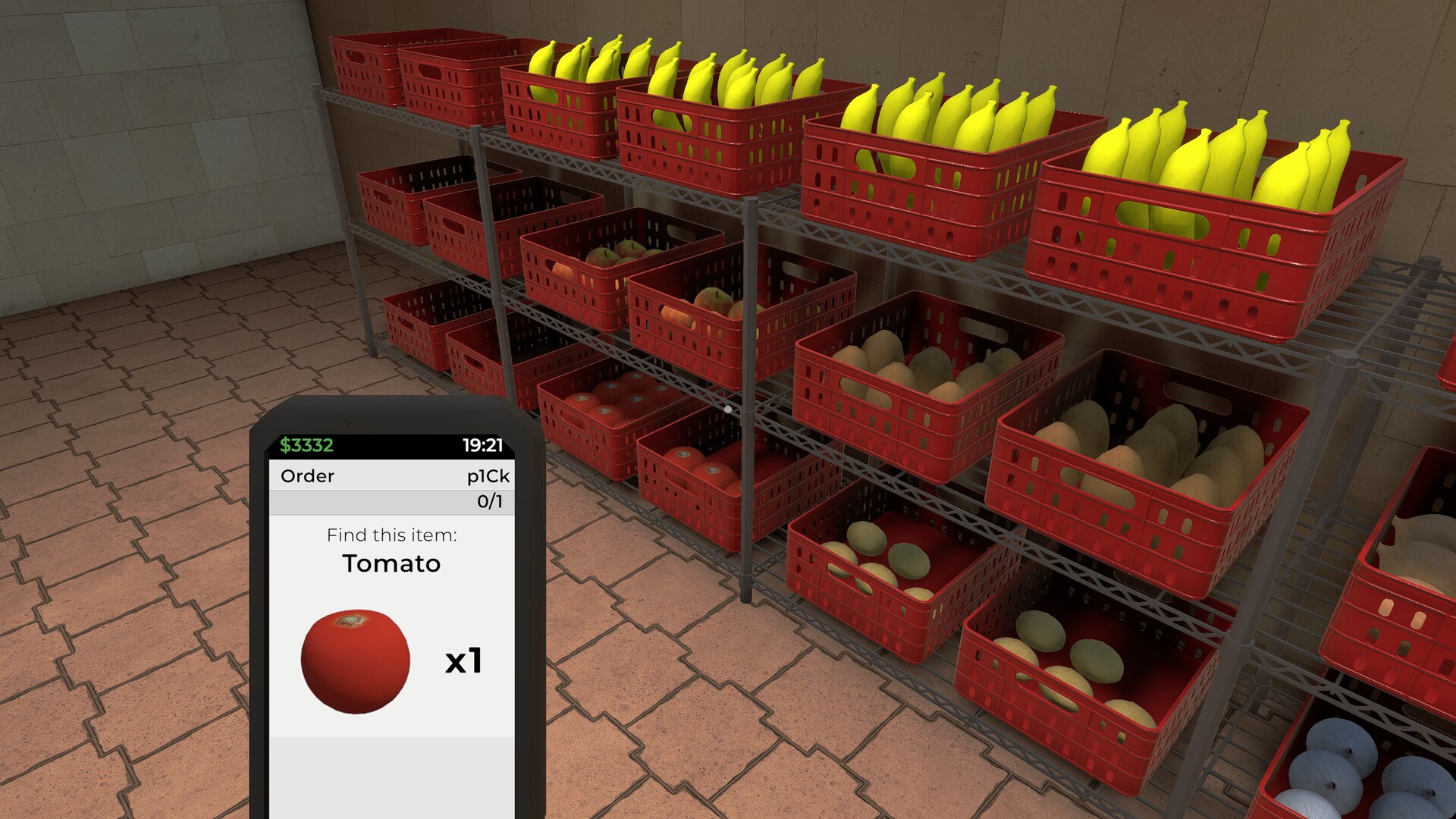
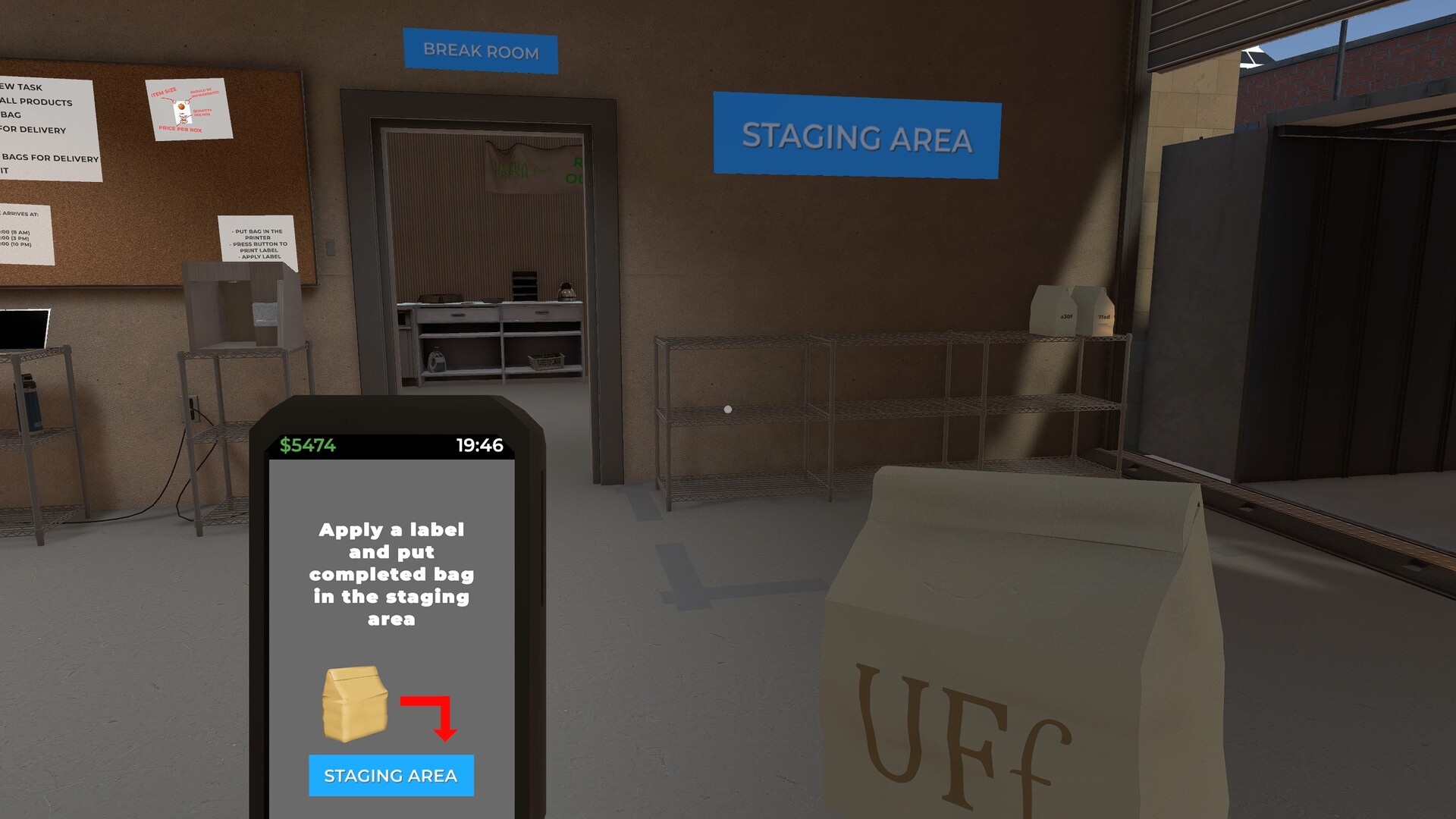
The core loop involves selecting items from shelves, assembling customer orders, printing labels and moving finished packages to the outbound staging area. Once a truck arrives, you load the staged packages onto it. All steps are performed manually, giving you control over the pace and order of operations, and you can see the satisfaction of completing each order.
- Batch similar items together before printing labels to reduce repetitive movements.
- Keep the staging area clear to avoid having to move packages around later.
03 / THE GUIDE
Tools and Equipment
Small and large hand trucks are available from the start to help move boxes around the warehouse. They are affordable, allowing you to decide when to invest in larger equipment versus other upgrades. Choosing the right tool for the job can make moving inventory smoother, especially as the warehouse grows and heavier loads appear.
- Start with the small hand truck for frequent, light moves; upgrade only when larger boxes become common.
- Balance equipment purchases with other upgrades like faster printers for overall efficiency.
04 / THE GUIDE
Hiring and Assigning Staff
You can hire employees to assist with routine tasks such as unloading deliveries, restocking bins and loading trucks. Each worker follows the specific instructions you give, so you control when their help is worthwhile. Staff cost a hiring fee, and they will not act without your direction, making it important to plan their tasks around your workflow.
- Assign staff to repetitive tasks like unloading to free up your time for order picking.
- Monitor daily expenses to ensure the hiring fee doesn’t outweigh their productivity gains.
05 / THE GUIDE
Managing Finances
Earnings and daily expenses are displayed, with a franchise fee and loan interest deducted at the end of each day. Keeping an eye on these numbers ensures the warehouse remains profitable. Profitability determines how quickly you can afford expansions, equipment upgrades and staff, linking financial health directly to operational growth.
- Track daily profit margins before committing to large upgrades.
- Account for the recurring loan interest when planning large purchases.
COMMUNITY
Player discussion