 GameWiki
GET YOUR BEARINGS
About Orbt XL
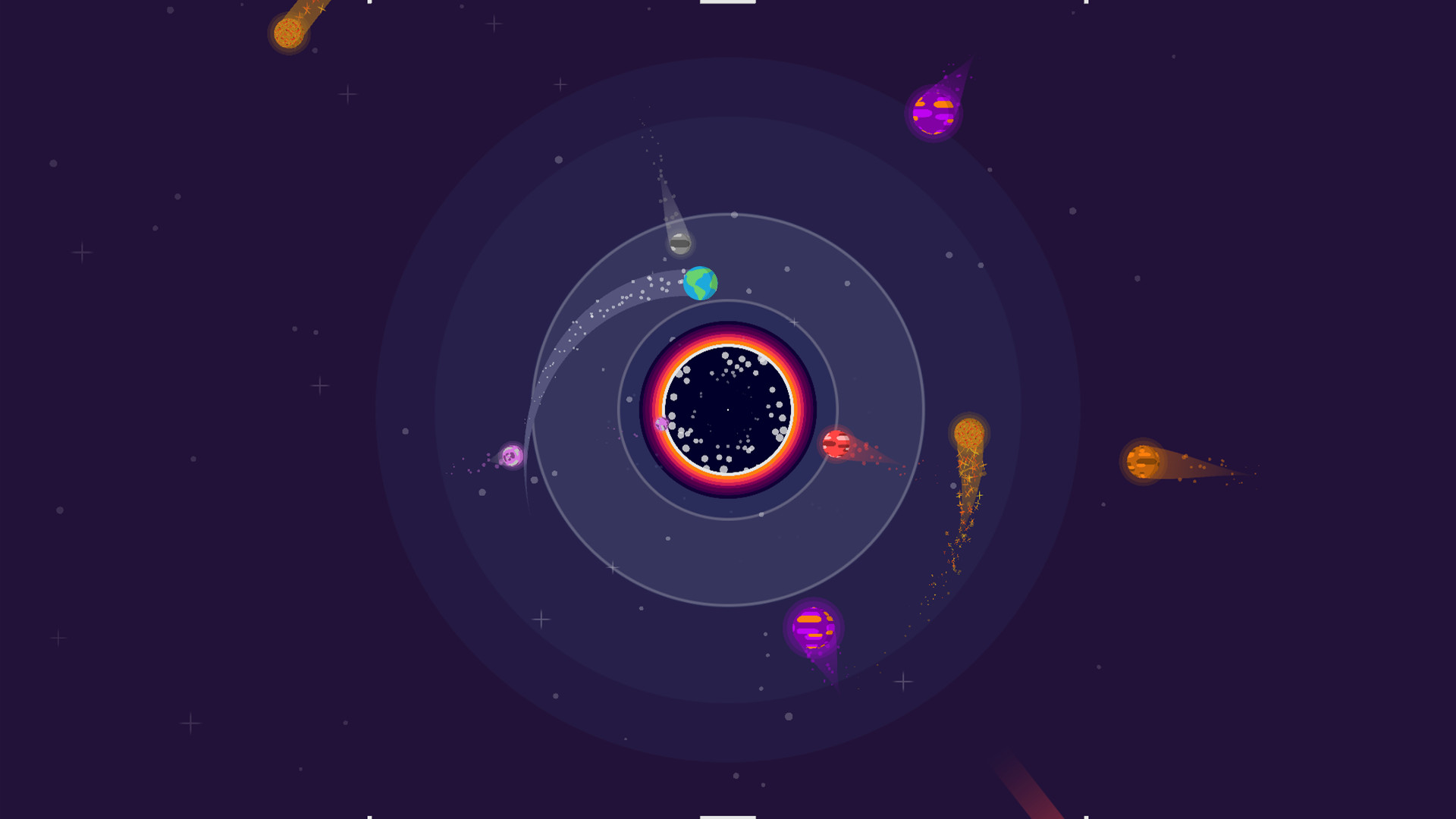
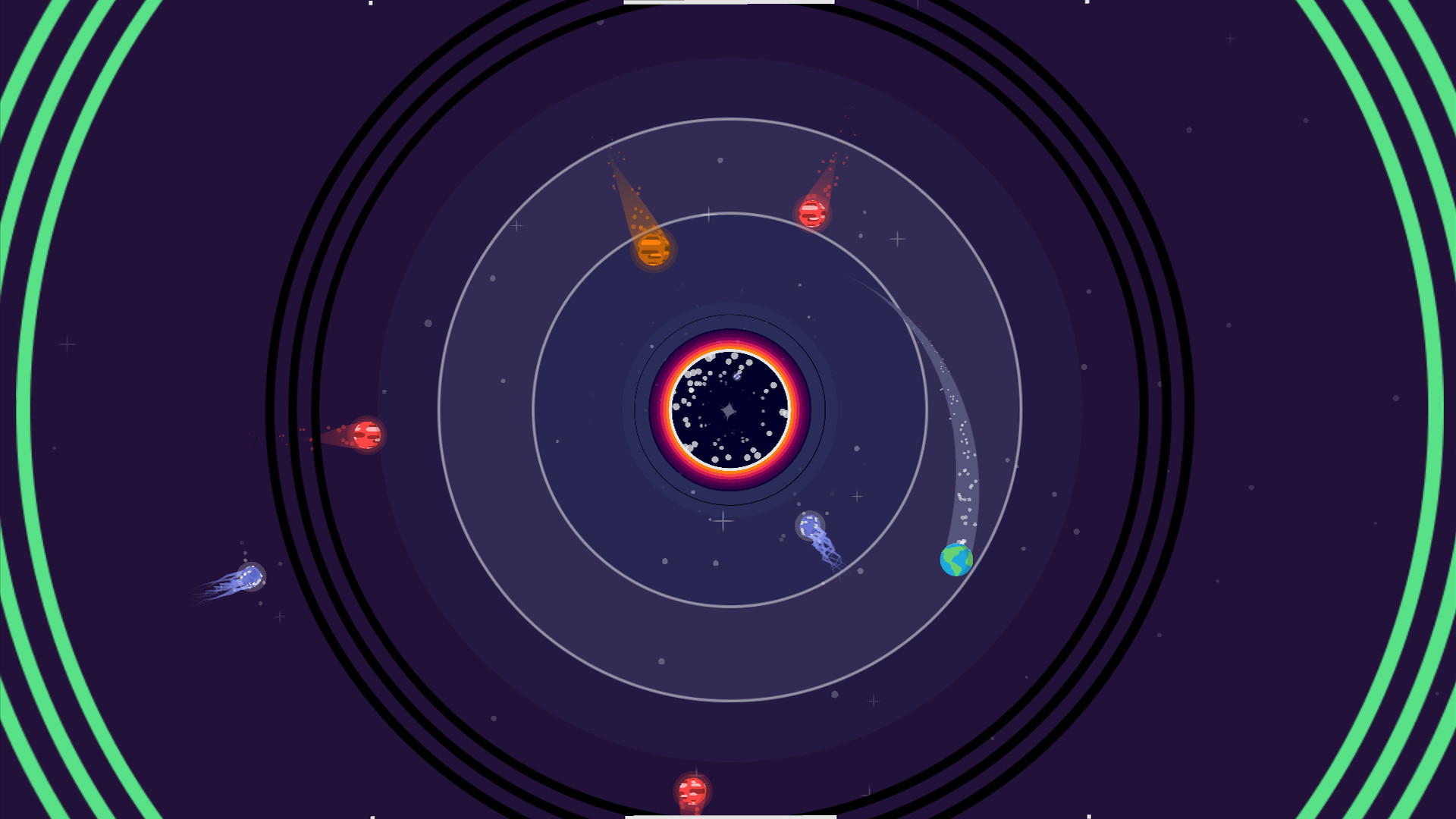
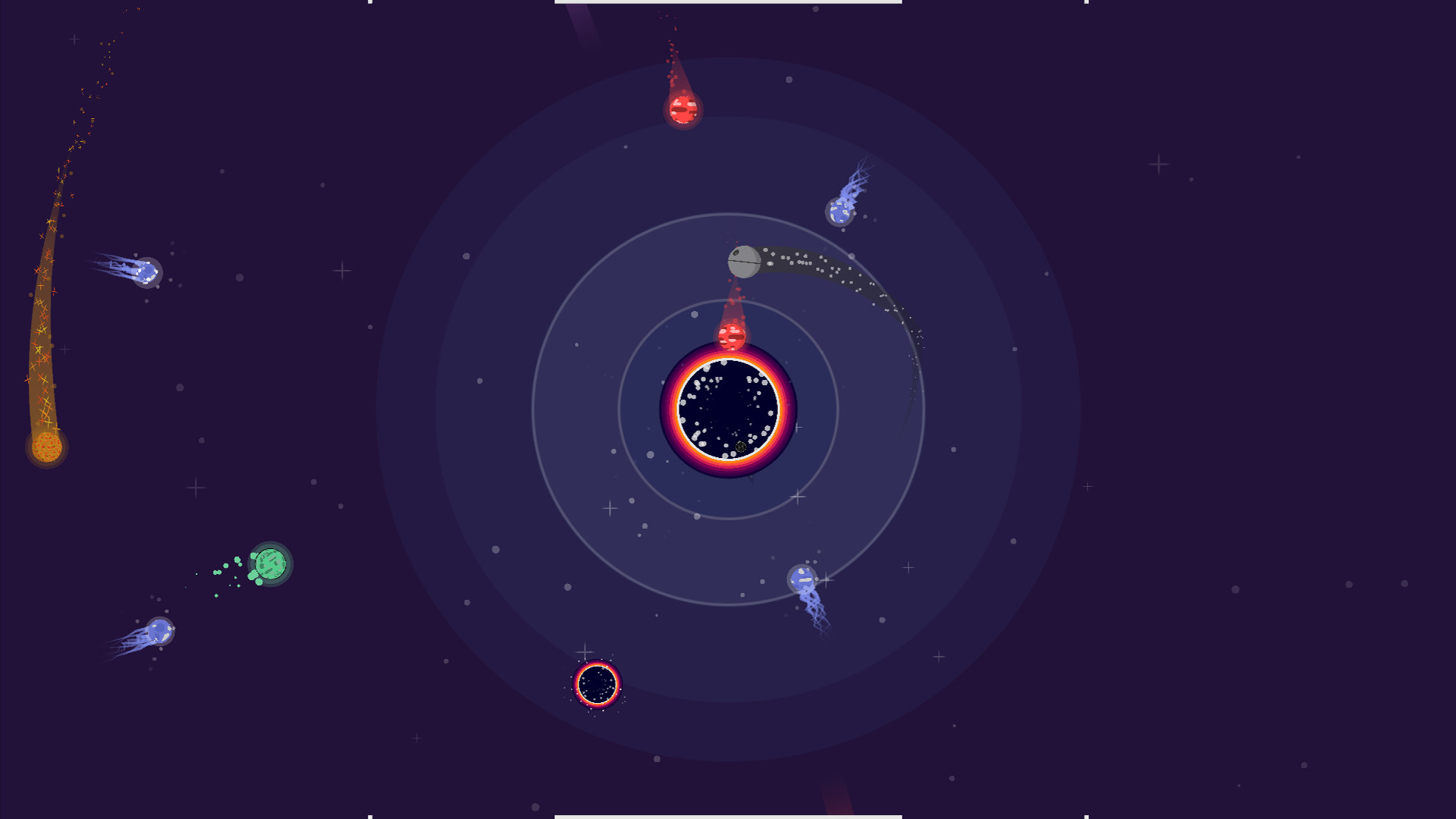
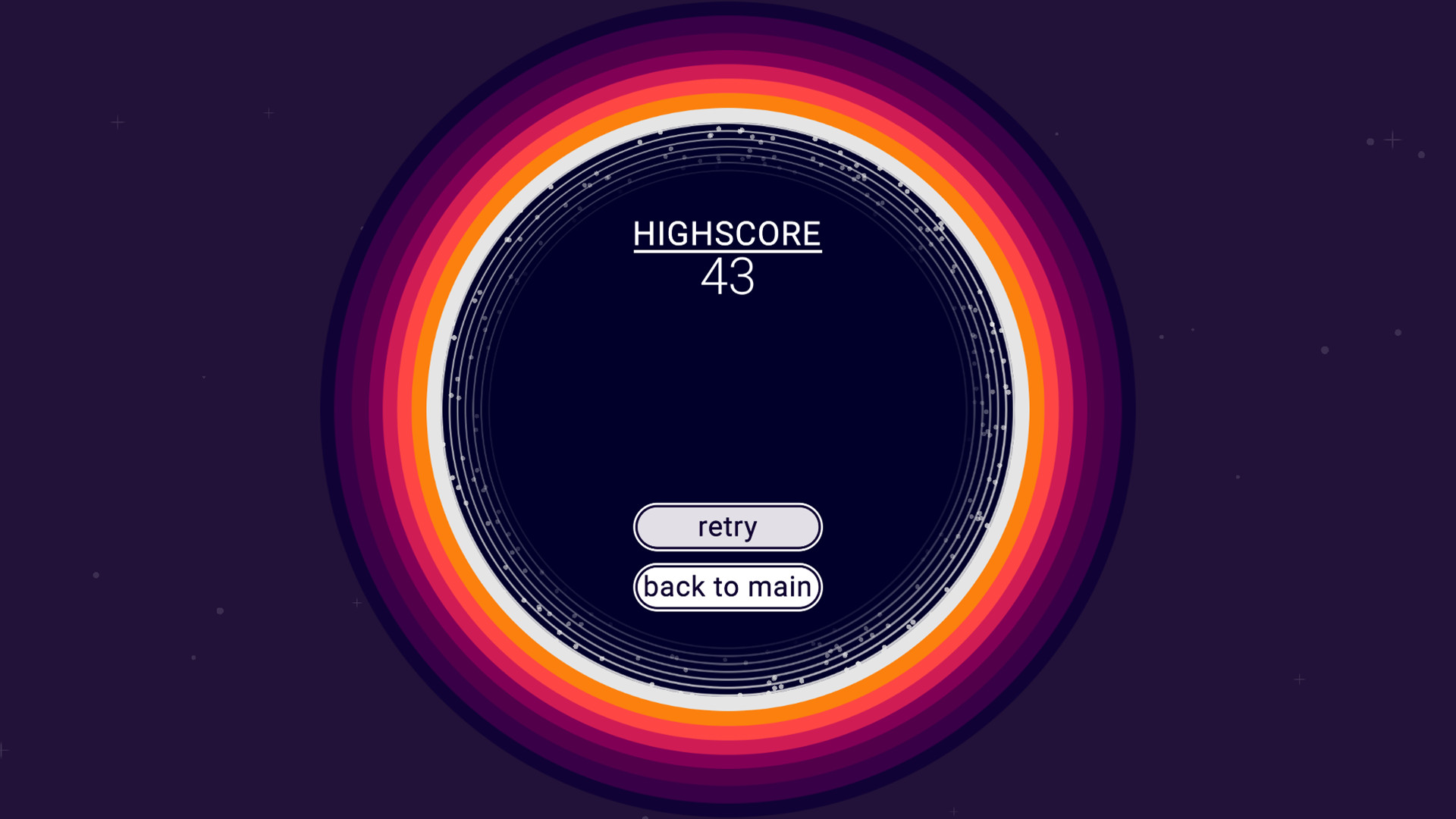
Orbt XL is a fast‑paced, one‑button arcade title where you stay in orbit around a black hole, dodge obstacles, and chase ever‑higher scores. The closer you orbit to the centre, the faster points climb, while the challenge ramps up over time.
The game uses a single press‑and‑release input that works with the left mouse button, a gamepad’s A button, or a touch‑screen tap. It offers endless high‑score chasing, cosmetic planet skins, Steam achievements, leaderboards, cloud saves, and full controller support on Windows, macOS and Linux.
01 / THE GUIDE
Gameplay Mechanics
Your ship must remain in orbit by pressing the orbit button to push away from the black hole and releasing to drift inward. Points increase faster the nearer you are to the centre, while obstacles become more demanding as time passes.
A “Near Miss” bonus awards extra points for risky close calls with obstacles, encouraging players to balance danger and score while the game runs endlessly for personal‑best attempts.
- Maintain a tight orbit for higher point rates, but watch obstacle density.
- Use near‑miss opportunities sparingly to avoid early termination.
02 / THE GUIDE
Control Schemes
Orbt XL employs a single‑button scheme: press to push away from the black hole, release to drift closer. This action maps to the left mouse button, the gamepad’s A button, or a touch‑screen tap.
Because only one input is required, players can pick up the game instantly on any supported device and focus on timing rather than complex combos.
- Try the gamepad A button if you prefer tactile feedback.
- On touch devices, a light tap can feel more responsive than a mouse click.
03 / THE GUIDE
Cosmetic Skins
More than fifteen unique planet skins can be unlocked using in‑game points. The description specifies these skins are cosmetic only, meaning they do not alter gameplay mechanics.
Collecting skins provides visual variety and an additional goal beyond high scores, encouraging longer play sessions without affecting performance.
- Focus on high scores early to earn points for skins faster.
- Swap skins between runs to keep the visual experience fresh.
04 / THE GUIDE
Steam Features
Orbt XL integrates with Steam achievements, leaderboards, and trading cards, allowing you to track progress, compete globally, and collect digital collectibles.
Steam Cloud support lets you pick up where you left off when playing through your Steam library.
- Check the leaderboard after each session to gauge your standing worldwide.
- Enable Steam Cloud in the Steam client to keep your saved data synchronized.
05 / THE GUIDE
Platform Support
The game runs on Windows, macOS, and Linux, and is optimized for the Steam Deck. Full controller support means the game can be controlled with a supported gamepad on these platforms.
Localization in 25 languages aims to make quick play sessions accessible to a broad audience, whether on PC or handheld devices.
- If you own a Steam Deck, use its built‑in controls for portable arcade play.
- Switch language settings in Steam if you prefer a localized UI.

COMMUNITY
Player discussion