 GameWiki
GET YOUR BEARINGS
About OPERATOR
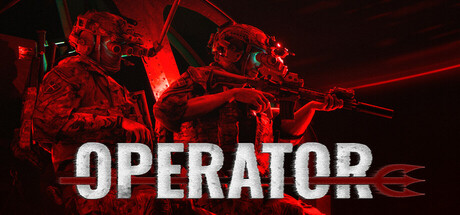
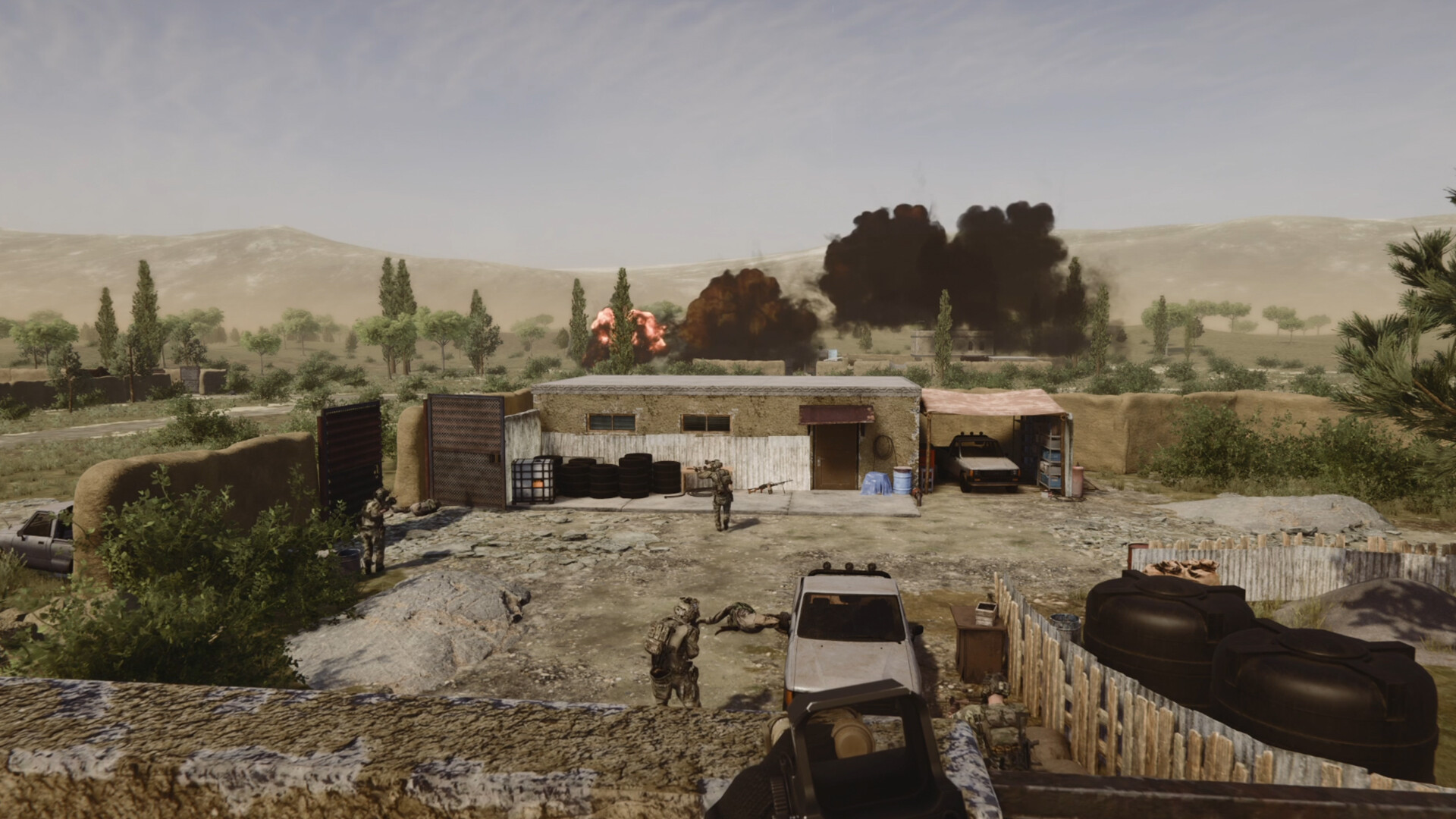
Operator puts you in the boots of a Tier 1 operative tasked with covert missions worldwide. The game’s focus on realism shows up in ballistics, injury, gore and active ragdolls, while its unique first‑person system renders the player’s full body, making every lean, crouch and interaction feel like a genuine presence on the battlefield. Team coordination, deep weapon customization and a dedicated planning hub shape the core loop, letting you plan ingress points, adjust mission parameters and replay operations in simulation mode. A range of multiplayer experiences—from cooperative operations to fast‑paced PvP and a randomised shoot house—offers both solo practice and competitive fire‑fights, all built around the same procedural, physics‑driven mechanics.
01 / THE GUIDE
True First‑Person Immersion
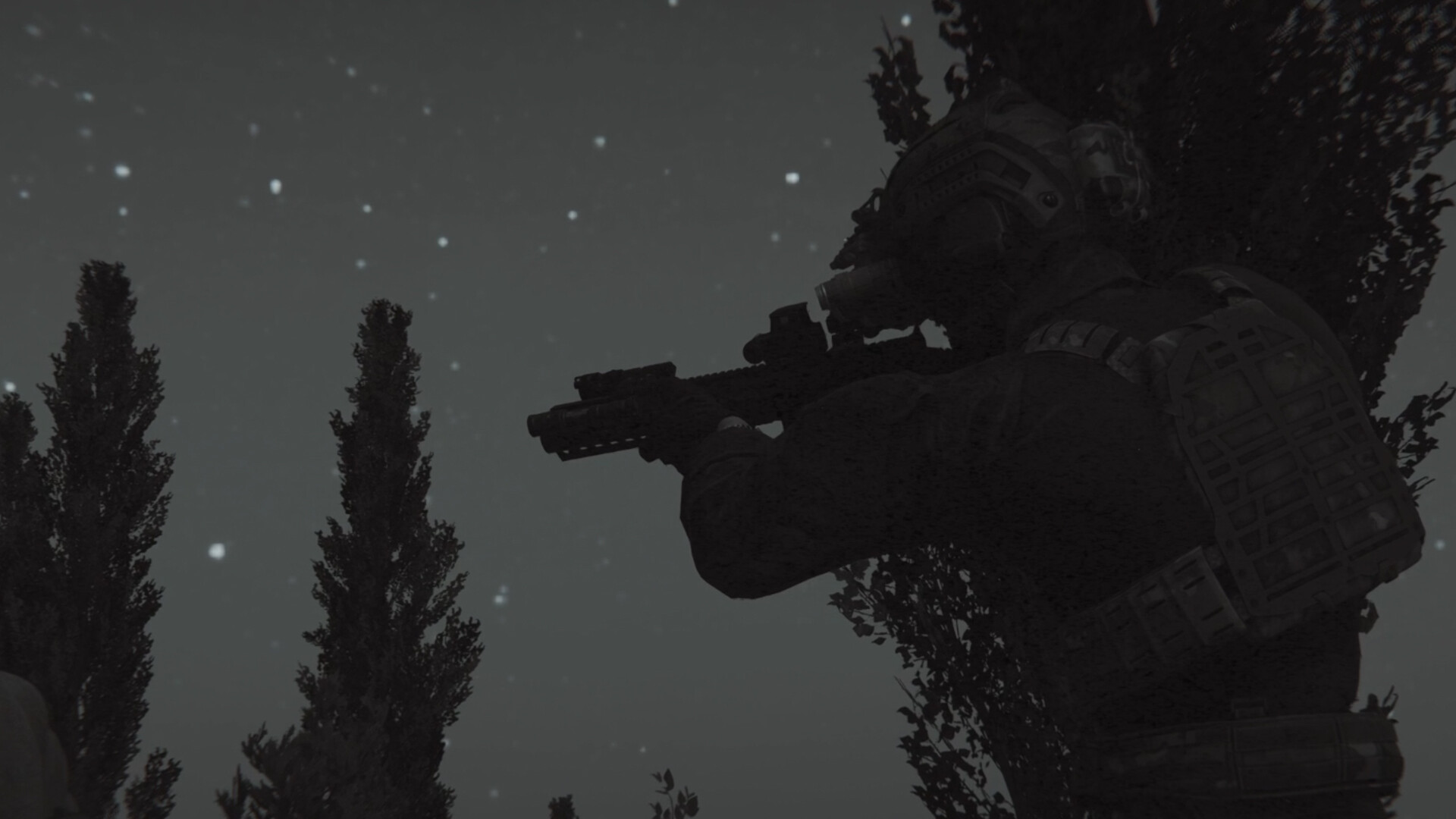
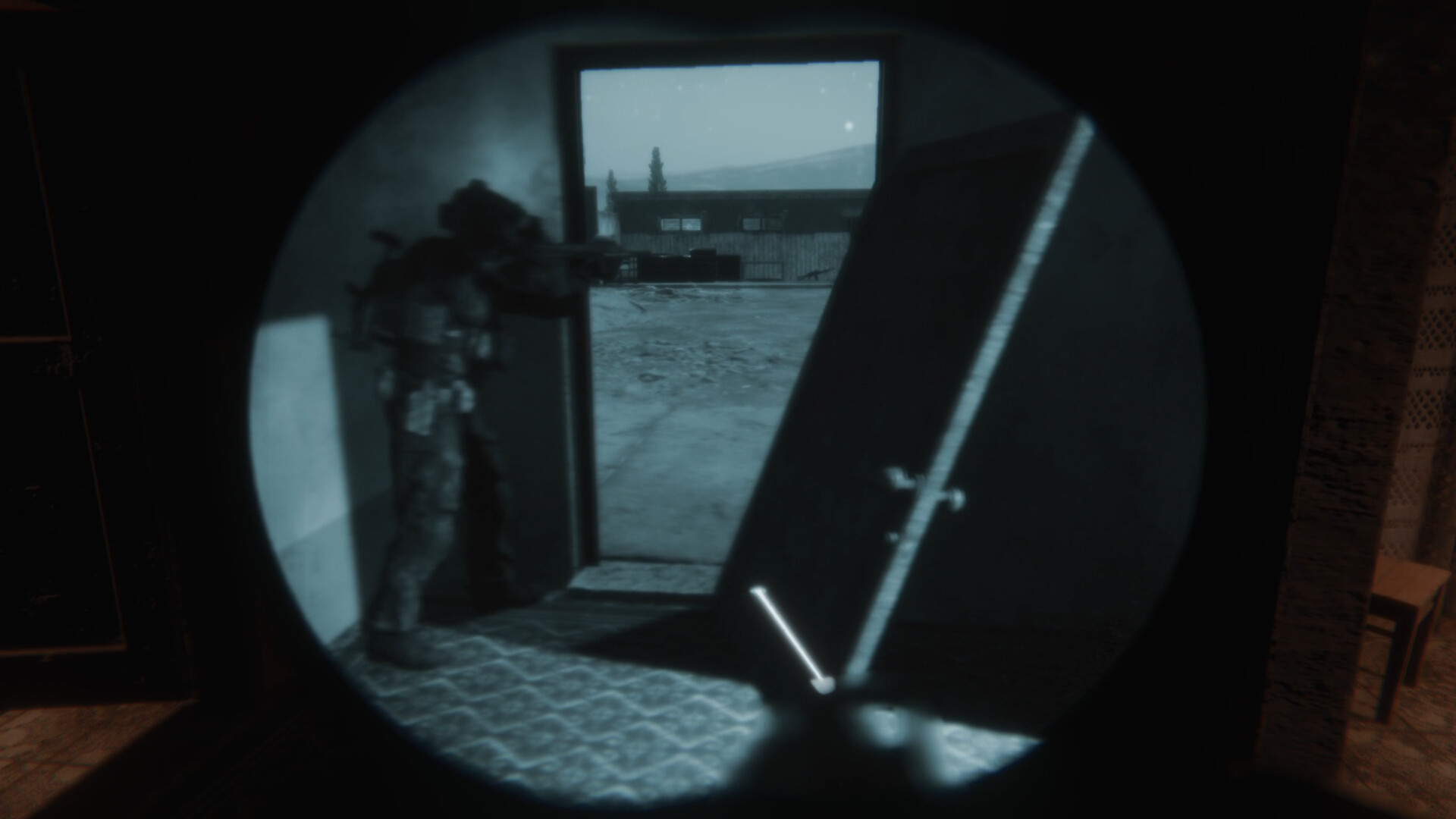
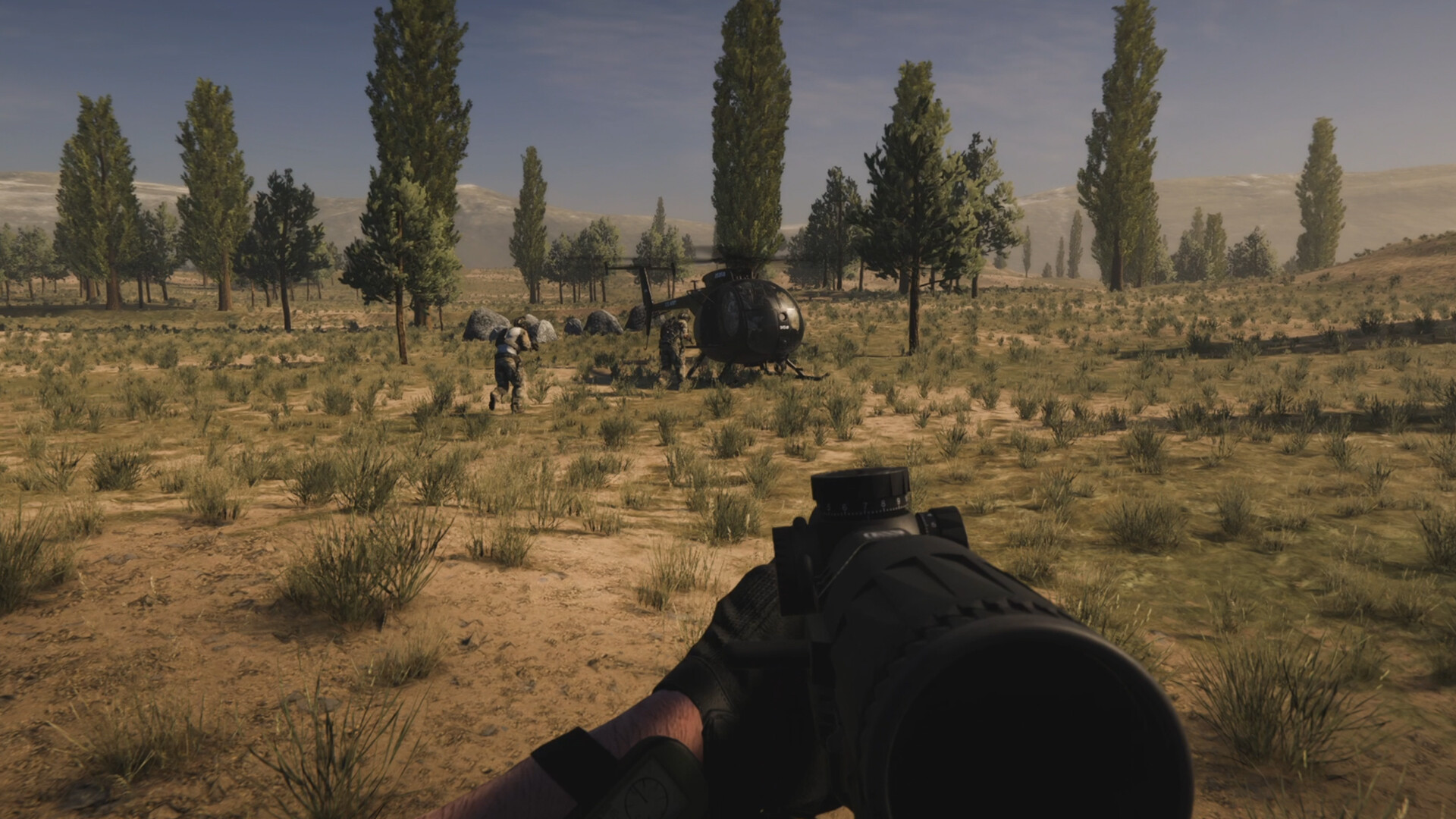
Operator replaces the typical floating viewmodels with a fully rendered body that you see from the first‑person perspective. This means every movement, from leaning around a corner to aiming, is displayed exactly as other players would see you.
Because weapons and hands are attached to the character’s body, interactions such as opening doors feel natural rather than scripted.
- Adjust mouse sensitivity to complement the procedural lean system for smoother peeks.
- Use the high‑ready stance to let your arm stamina recover during prolonged fire.
02 / THE GUIDE
Adjustable Crouch, Lean, and Stance
A mouse‑controlled system lets you set the exact angle for crouching and leaning, removing the risk of over‑leaning or over‑crouching.
Your chosen posture directly influences movement speed and weapon collision, so posture becomes a tactical decision.
- Make small incremental mouse movements to discover the optimal lean angle for each map.
- Switch between low‑ready and high‑ready positions to balance stamina during extended engagements.
03 / THE GUIDE
Unrivaled Weapon Customization
Weapons can be stripped to the receiver and rebuilt with a wide range of attachments, giving you full control over ergonomics, optics, barrels and more.
High‑ready and low‑ready handling affect arm stamina and visibility to teammates, adding another layer to load‑out planning.
- Test different barrel lengths to balance recoil and effective range for each map.
- Pair tactical grenades with specific weapon builds to increase versatility in mixed‑terrain missions.
04 / THE GUIDE
Planning Hub and Operation Modes
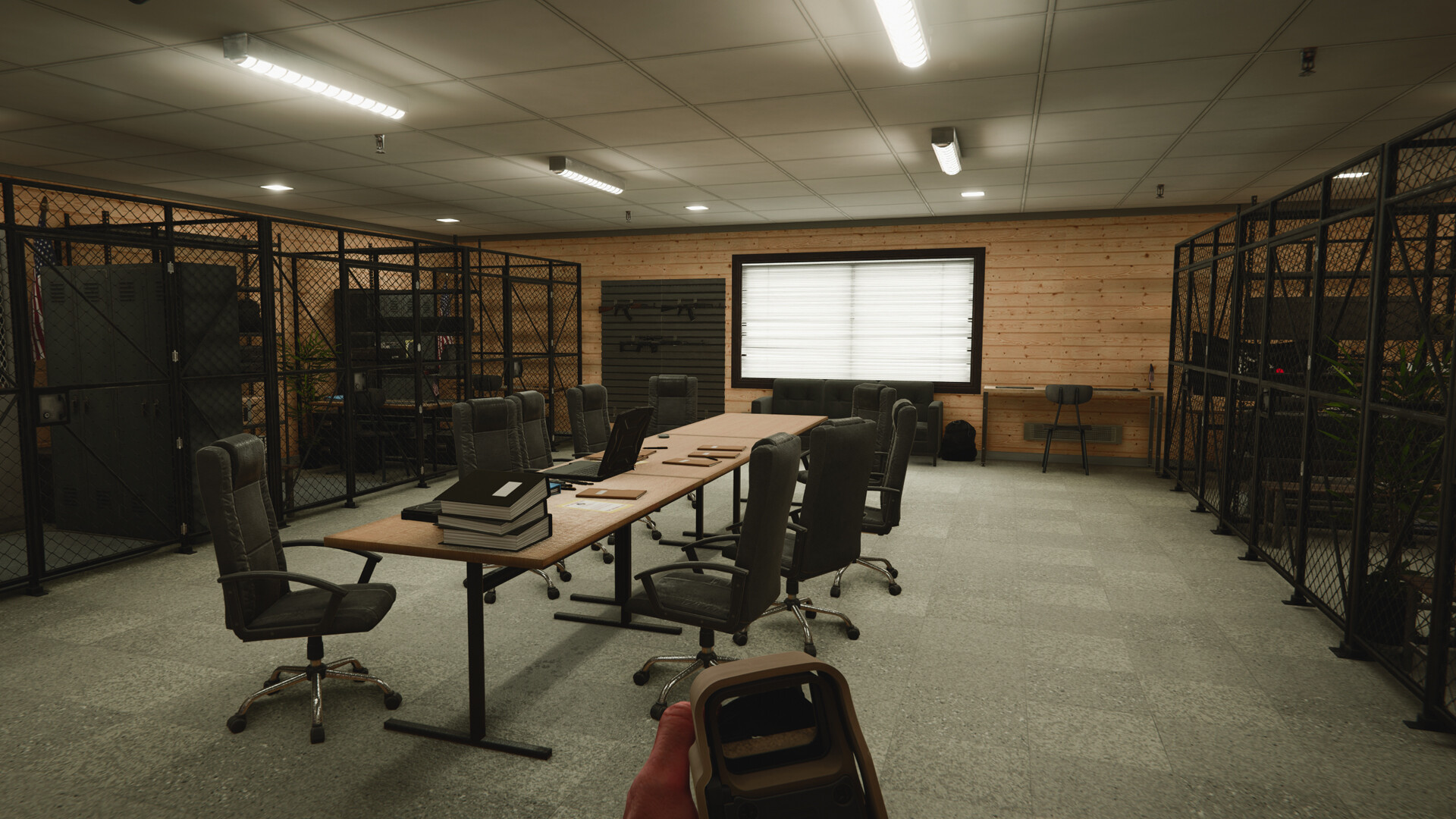
A laptop in the armory serves as the planning hub, where you can select active operations or enter simulation mode. You set ingress time, entry point and review pre‑gathered intelligence for a full operational picture.
Simulation mode lets you replay completed missions, tweaking enemy count, difficulty and other parameters, and also hosts PvP “Force on Force” scenarios.
- Use the ISR feed with thermal imagery during planning to anticipate enemy positions.
- Adjust enemy count and difficulty in simulation mode to practice specific tactical challenges.
05 / THE GUIDE
Multiplayer and PvP Options
Operator supports online co‑op and PvP, including casual team deathmatch and free‑for‑all modes. Matches are described as fast, intense and tactical, rewarding both cooperation and individual skill.
A randomised shoot house provides a solo training ground with changing layouts, a built‑in timer and a run‑history to track improvement.
- Coordinate with teammates via external voice chat to synchronize ingress points for smoother assaults.
- Practice in the randomised shoot house to develop quick target acquisition before jumping into PvP.
COMMUNITY
Player discussion