 GameWiki
GET YOUR BEARINGS
About Open Brush
Open Brush lets you paint in three‑dimensional space using XR technology, turning the world around you into a limitless canvas. Your head movements change perspective, letting you view each stroke from any angle.
The app offers 48 distinct brush types—from fire and water to light beams—and a variety of environments, from floating in space to strolling through snow. It builds on the community‑driven evolution of Google’s Tilt Brush, supporting both solo and shared creative sessions.
01 / THE GUIDE
Brush Variety
Open Brush supplies a palette of 48 different brush types, expanding beyond traditional media. Options include fire, water, smoke, and light beams, giving artists a broad expressive range. Each brush behaves uniquely in 3D space, allowing you to experiment with dynamic effects that react to your movements and perspective.
- Try mixing contrasting brushes, like fire and water, to discover unexpected visual interactions.
- Observe how brush strokes change when you shift your head angle for added depth.
02 / THE GUIDE
Environment Exploration
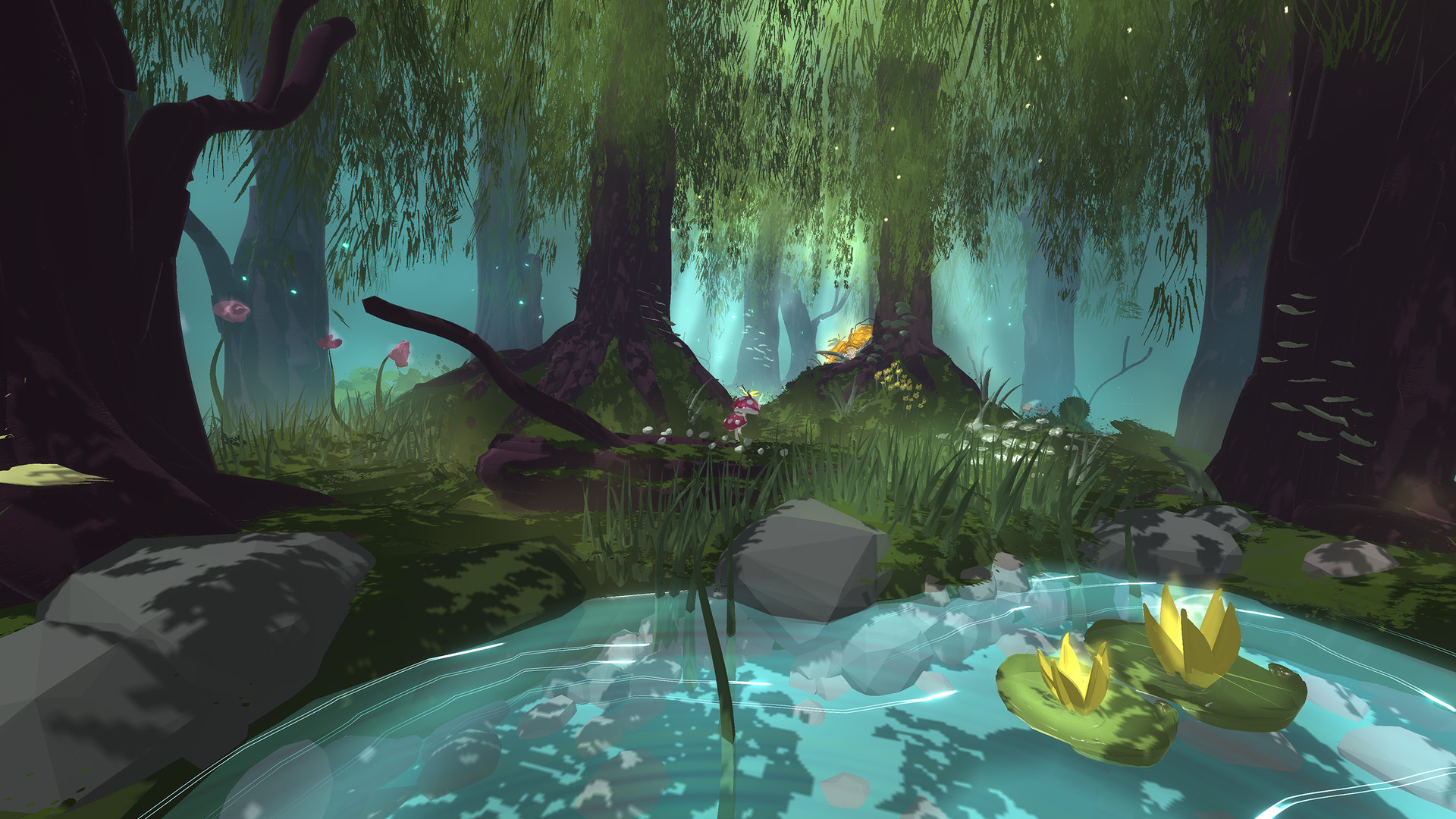
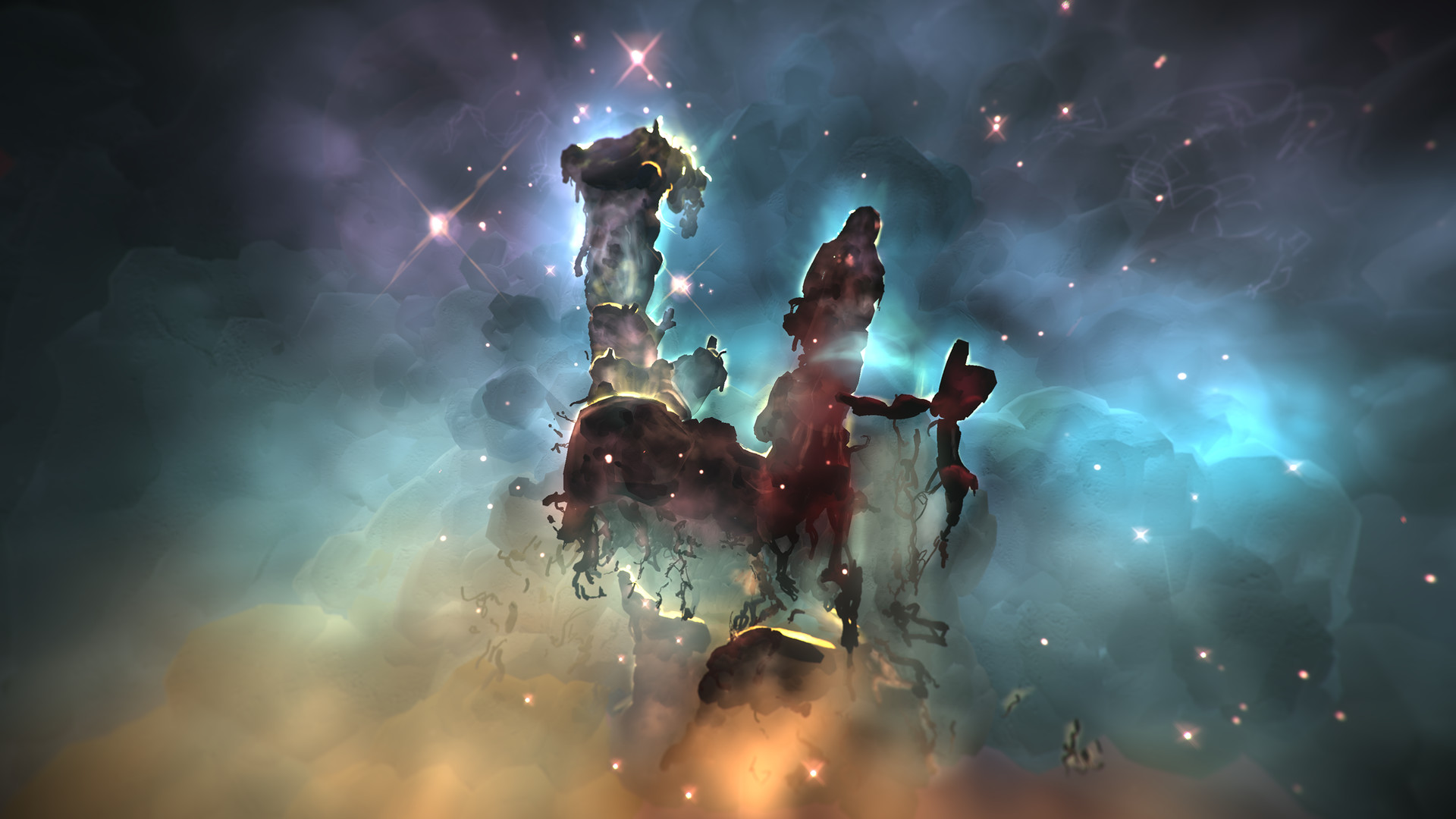
A large selection of environments places you in settings such as floating in space, creating costumes, or walking through snow. These backdrops influence the mood of your artwork. Moving through different scenes lets you experiment with scale and lighting, as each environment offers its own visual cues.
- Use the snowy walk environment to practice soft, diffuse brush strokes.
- Switch to the space setting for dramatic, high‑contrast lighting effects.
03 / THE GUIDE
Multiplayer Collaboration
Open Brush supports both single‑player and multiplayer modes, allowing creators to paint together in real time. Cross‑platform multiplayer lets users on different operating systems share a session. Tracked controller support ensures each participant’s gestures translate accurately into the shared 3D canvas.
- Coordinate brush choices with collaborators to avoid visual clutter.
- Experiment with synchronized movements for unified patterns.
04 / THE GUIDE
Platform Availability
Open Brush runs on Windows, macOS, and Linux, giving a broad audience access to its XR painting tools. VR support is listed as a feature of the application. Family sharing is listed as a feature, offering a way to share access with others in your household.
- Check each platform’s VR setup guide for optimal controller tracking.
- Use family sharing to let multiple users explore the app on one machine.
05 / THE GUIDE
Community Evolution
Open Brush is described as the community‑powered evolution of Google’s Tilt Brush, implying ongoing contributions from users shape its development. This heritage brings a familiar foundation while adding new tools. The open nature encourages sharing of creations and techniques within the player base, fostering a collaborative learning environment.
- Browse community galleries for inspiration and technique ideas.
- Share your own works to receive feedback and discover new brush combos.

COMMUNITY
Player discussion