 GameWiki
GET YOUR BEARINGS
About Online Sparkler
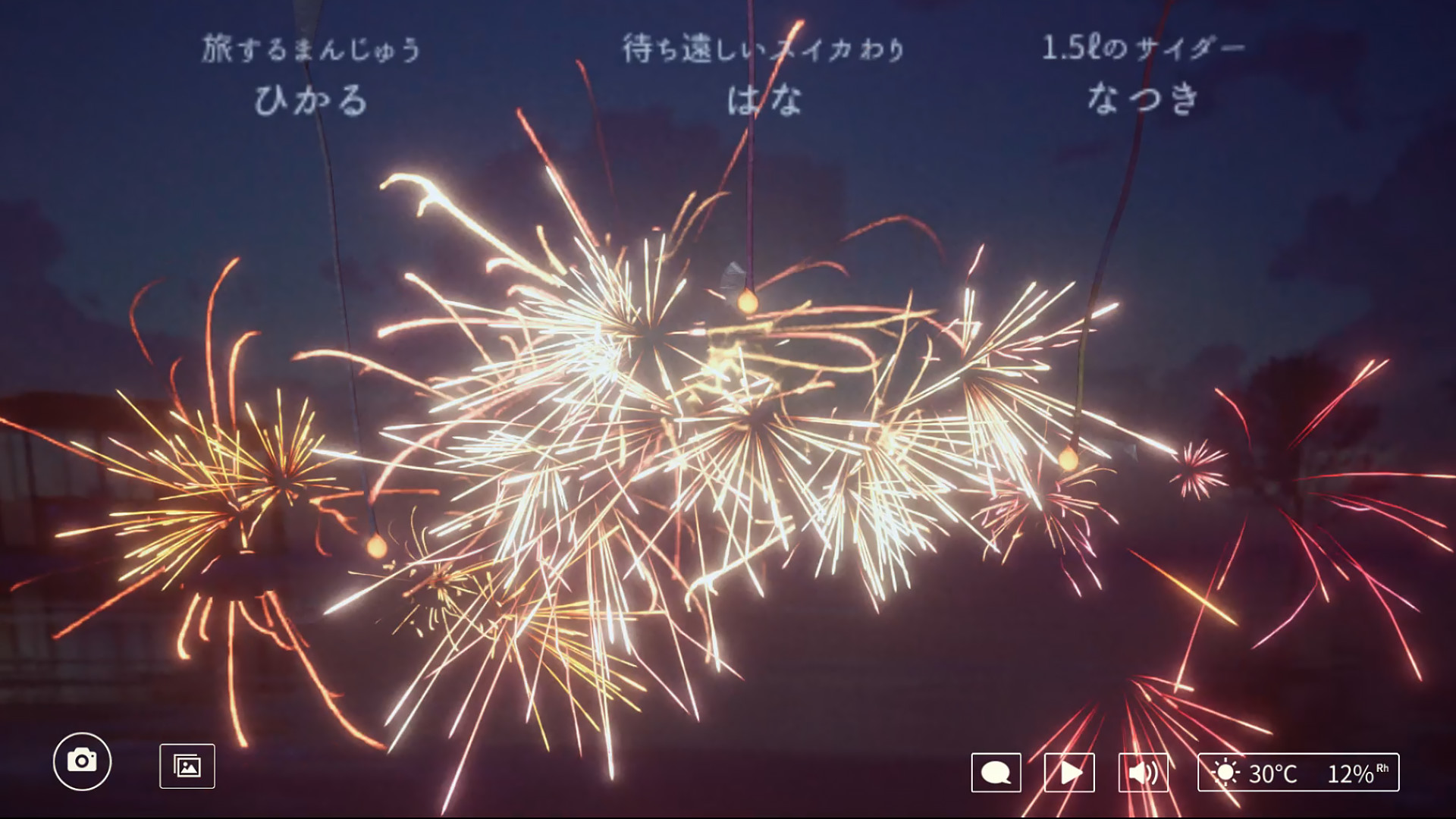
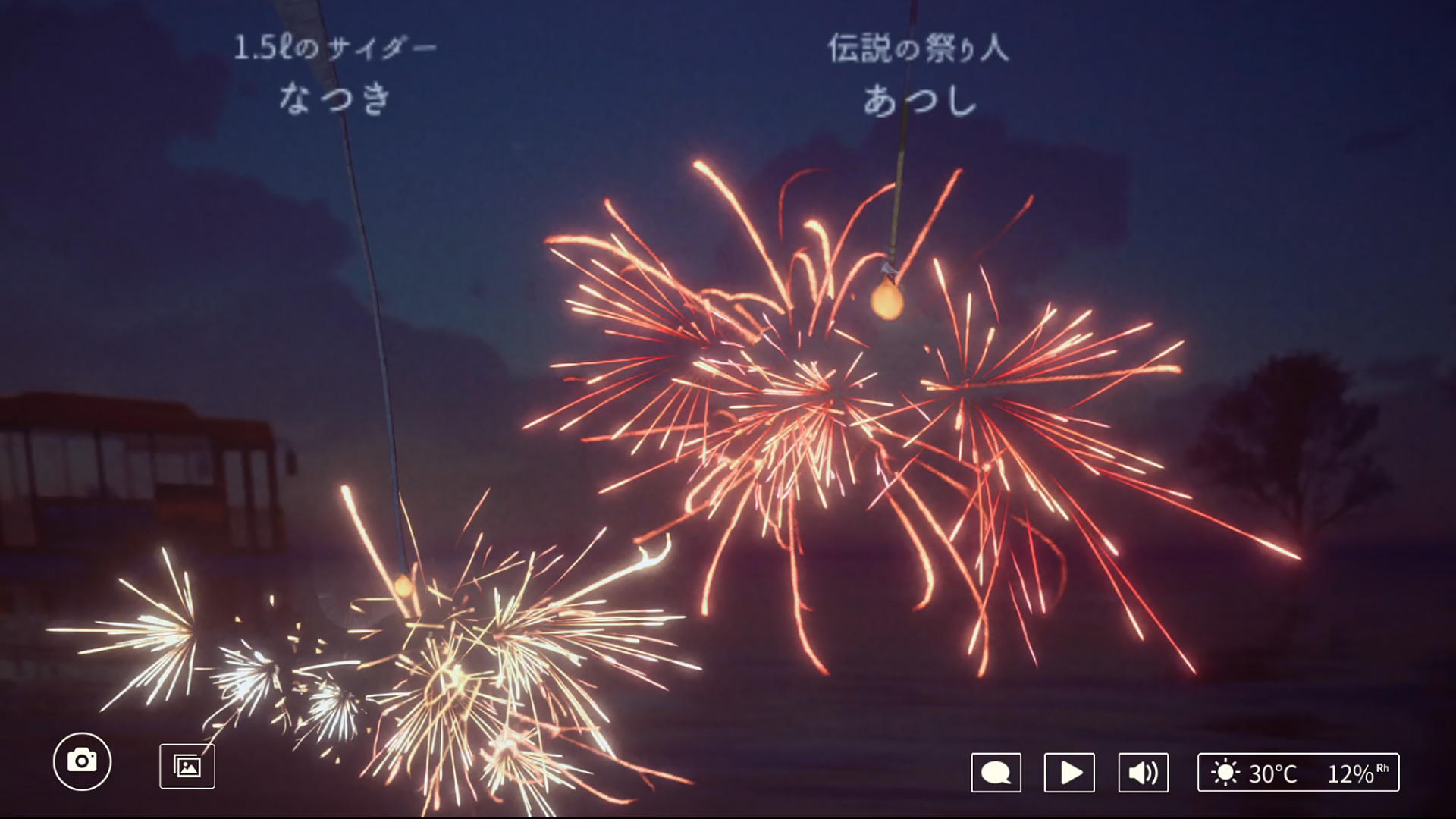
Online Sparkler lets players watch a shared virtual fire that mirrors real‑world weather. The sparkler’s glow changes with sky conditions and temperature, creating a calming visual that reflects the moment outside. Players can enjoy the scene alone or with others, turning a simple fire into a social experience. The game supports up to twenty participants, offering both private chats and chance encounters with strangers. Memories can be captured as photos, which can be kept or shared on social networks, extending the quiet enjoyment beyond the session.
01 / THE GUIDE
Real‑time Weather Reflection
The game pulls current weather data and applies it to the virtual sky. When the real world is cloudy, the sparkler glows dimmer; sunny conditions make it brighter. This direct link creates a sense of presence despite being online.
If the data source fails, the in‑game weather may differ from reality, but the system still attempts to display a plausible condition. Players notice these changes instantly, adding an ambient layer to the shared experience.
- Observe the real sky before playing to anticipate the sparkler’s color.
- Compare multiple sessions to see how weather variations affect the mood.
02 / THE GUIDE
Player Count and Interaction
Online Sparkler accommodates anywhere from a single participant to twenty players in the same fire session. This range supports quiet solo watching, family gatherings, or spontaneous meetings with strangers.
The game’s design encourages quiet observation, but chat functionality lets users converse while the fire burns, blending visual relaxation with social connection.
- Invite a small group for a focused conversation.
- Try larger groups to experience a more bustling atmosphere.
03 / THE GUIDE
Capturing Memories
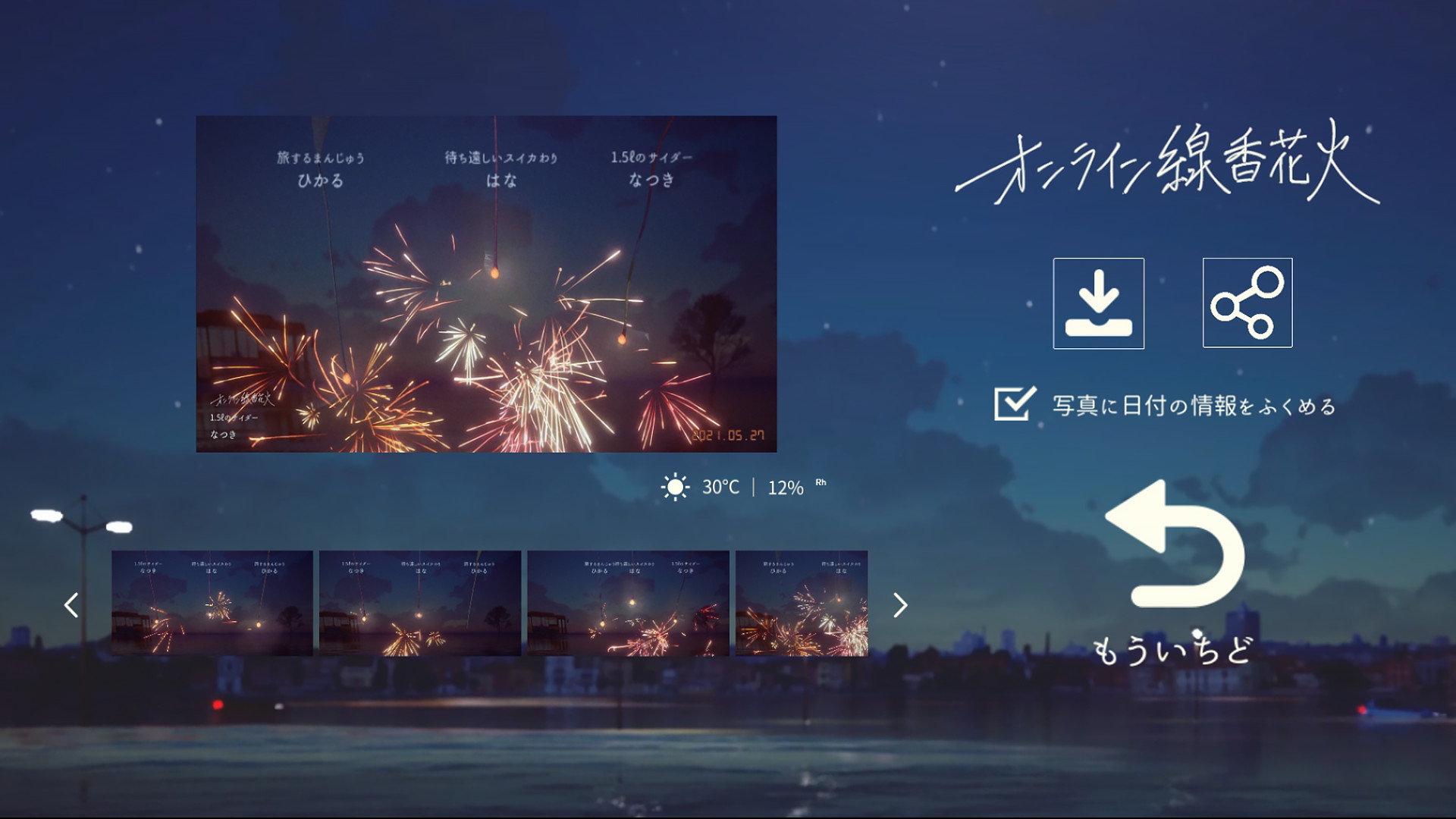
Players can take screenshots of the fire at any moment. Once captured, the image is saved for personal archives or sharing on social platforms, preserving the visual state before the fireworks fade.
The fire itself disappears over time, but the saved picture remains, allowing users to revisit the exact look of the sparkler under specific weather.
- Take a photo when the weather changes for a striking contrast.
- Store images in a dedicated folder for easy sharing.
04 / THE GUIDE
Cross‑Platform Multiplayer
The game runs on Windows and macOS, and players on either system can join the same session. This flexibility lets friends with different computers gather without technical barriers.
LAN co‑op is also listed, meaning local network connections are supported alongside internet matchmaking, broadening how groups can meet.
- Coordinate with friends on different OSes to test cross‑play stability.
- Use a LAN setup for low‑latency gatherings.
05 / THE GUIDE
Calming Ambience
The simple act of watching the fire is described as “the healing power of staring into the fire quietly.” The visual and auditory cues aim to provide a soothing break from daily stress.
Whether alone or with others, the fire’s steady glow offers a meditative focal point, encouraging relaxation without demanding complex gameplay.
- Play during a break to reset your focus.
- Combine with soft background music for deeper calm.


COMMUNITY
Player discussion