 GameWiki

GET YOUR BEARINGS
About Onigiri Shop Simulator
Onigiri Shop Simulator puts you in charge of a tiny street‑corner eatery in Japan. You act as owner, chef, and cashier, preparing onigiri, croquettes, fried fish and other side dishes for a steady flow of customers. Success hinges on quick decision‑making, efficient workflow, and careful inventory choices. The game offers adjustable difficulty, full controller support, and Steam features such as achievements and cloud saves, making it accessible for casual and seasoned players alike.
01 / THE GUIDE
Gameplay Basics
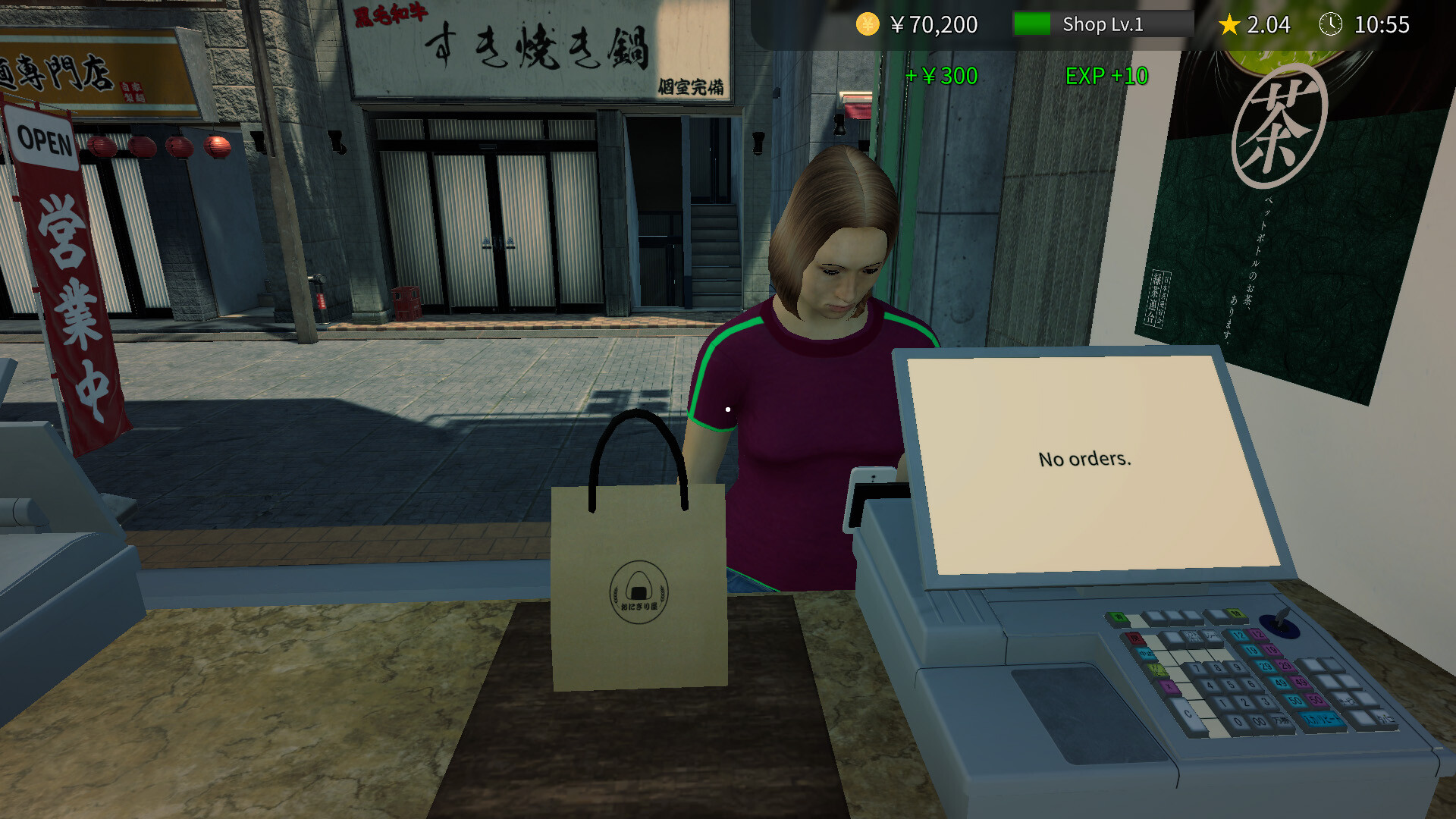
You run the whole show yourself, crafting onigiri with fluffy rice and savory fillings while serving hungry patrons. Orders arrive constantly, requiring you to think on your feet and keep your hands moving.
The shop has limited time and space, so you must balance cooking, serving, and cash handling without timed input constraints.
- Prioritize orders that take the least time when the queue grows.
- Keep the cash register visible to avoid misplaced payments.
02 / THE GUIDE
Menu & Recipes
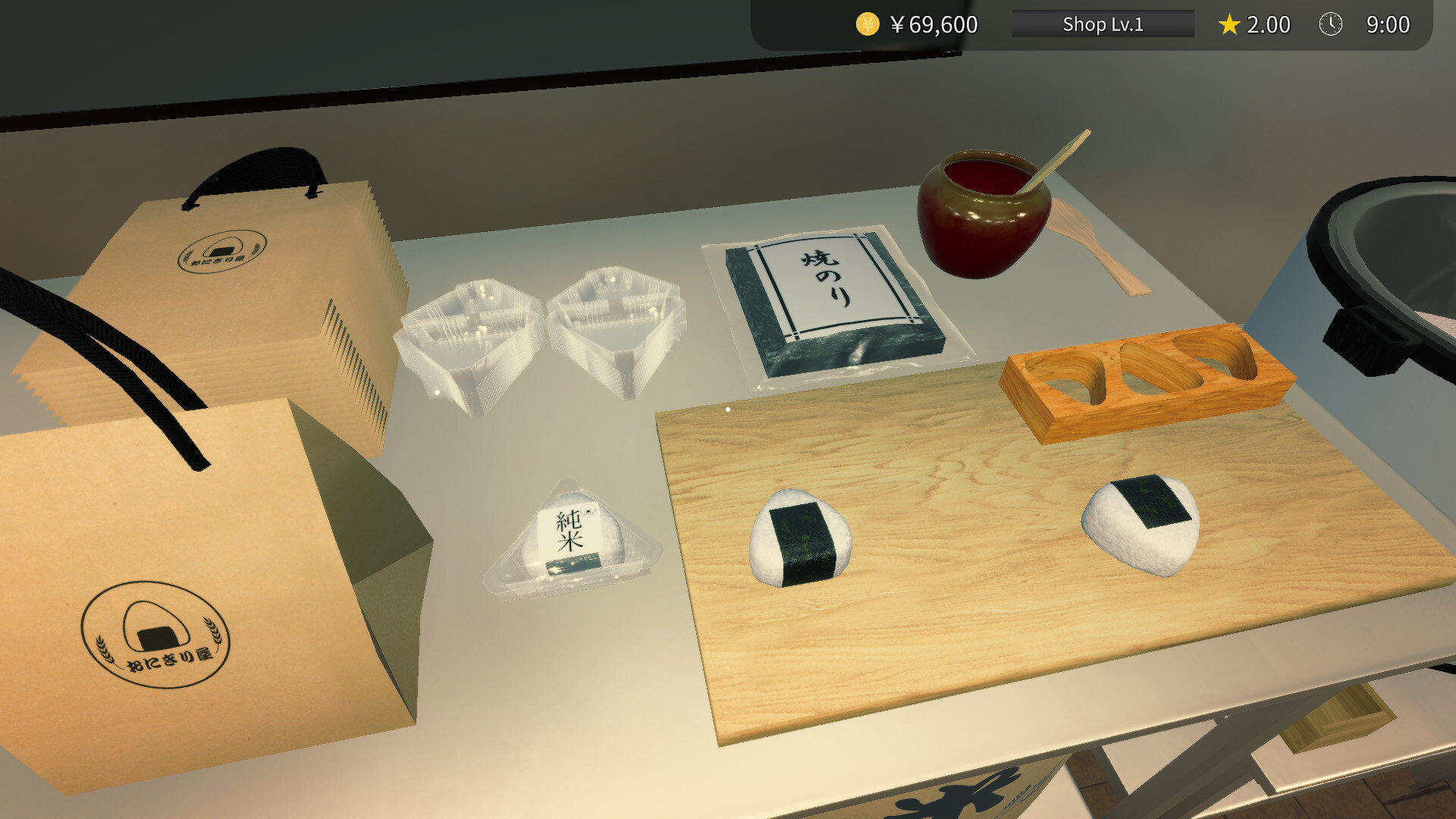
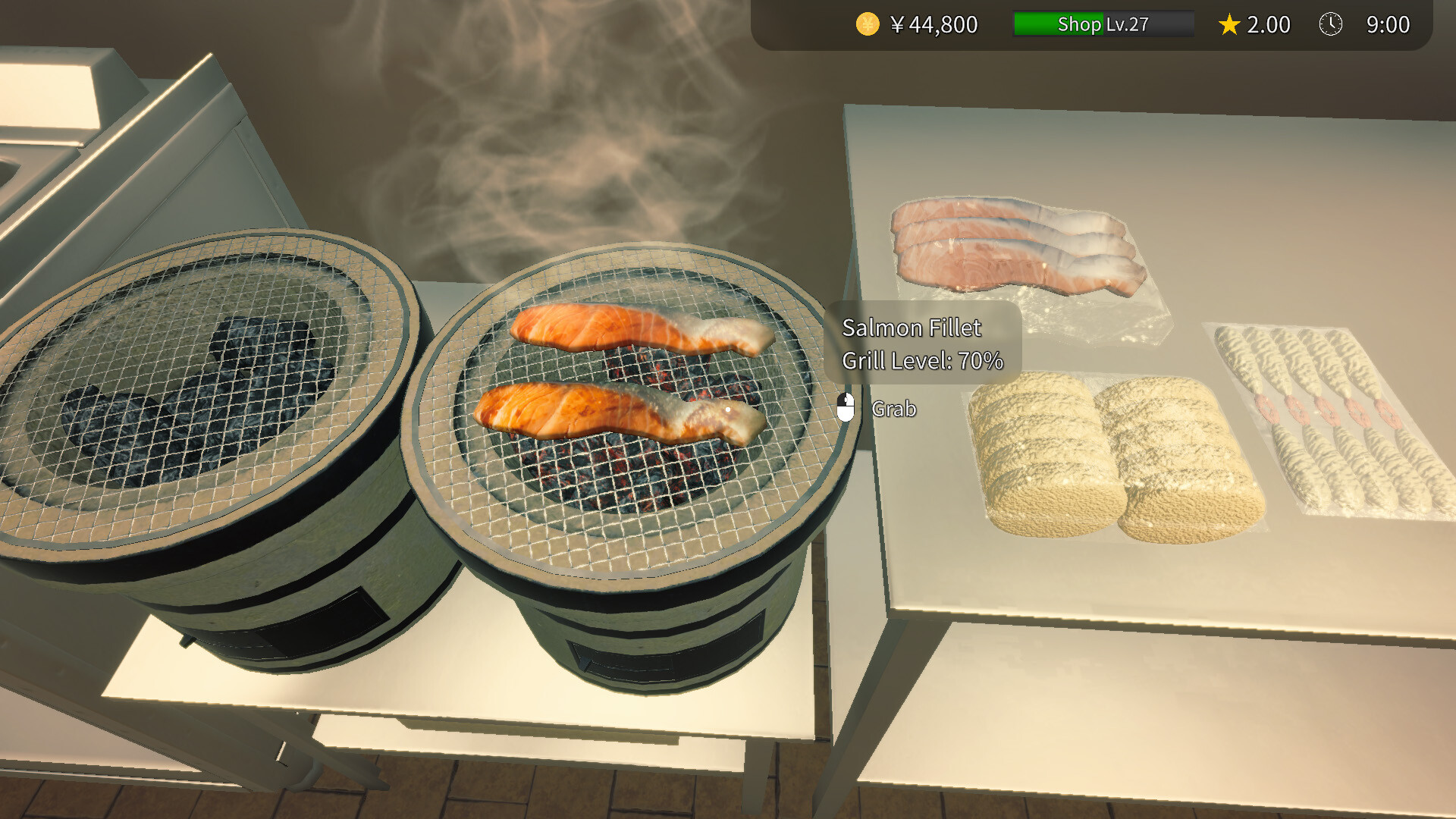
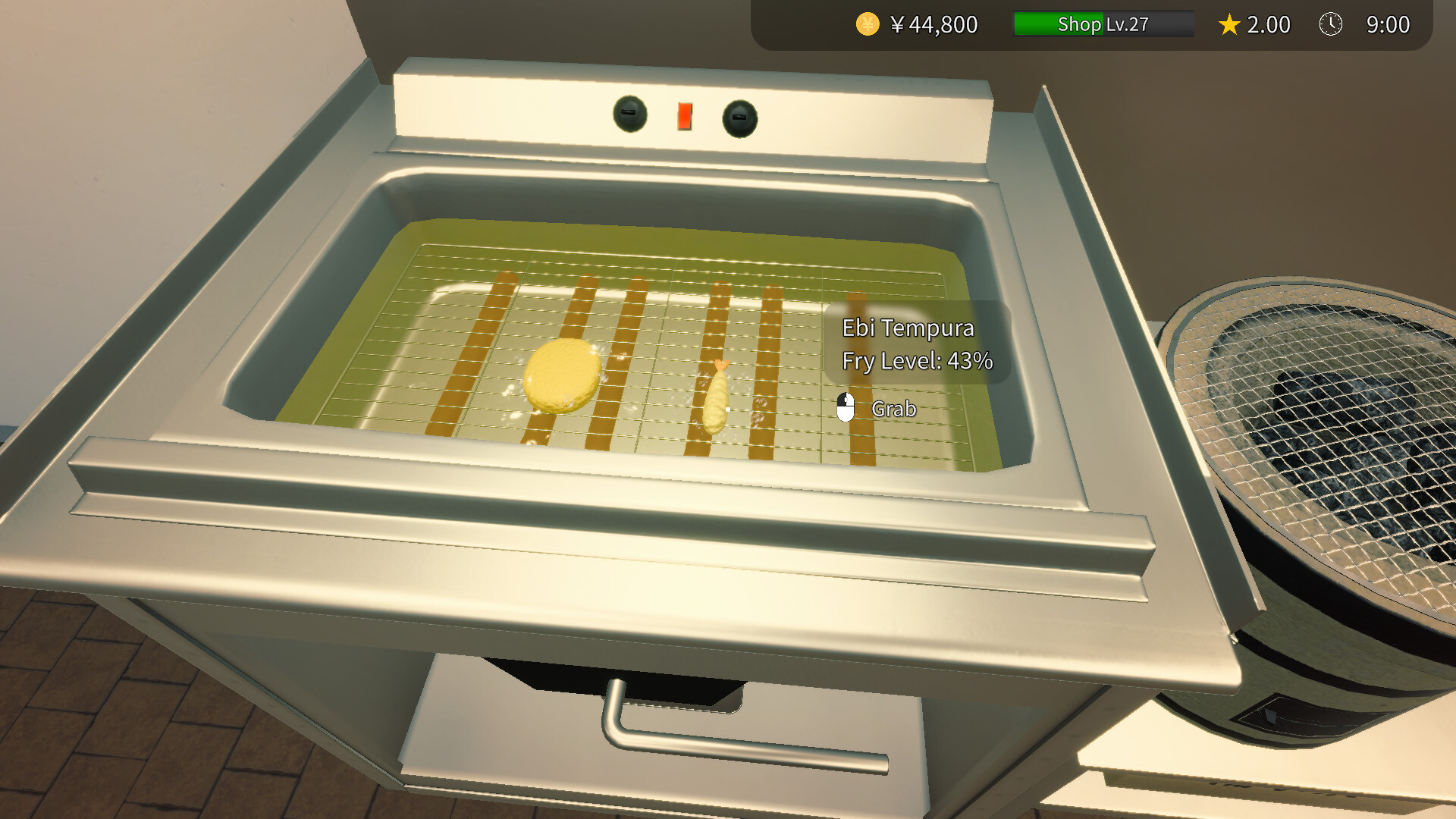
Your menu features onigiri, crispy croquettes, and golden fried fish. Each dish uses specific ingredients that you must combine correctly to satisfy customers.
Perfecting each recipe improves customer satisfaction and helps you progress toward becoming the best onigiri shop in town.
- Experiment with different fillings to discover the most popular onigiri.
- Serve side dishes alongside onigiri to increase order value.
03 / THE GUIDE
Inventory Management
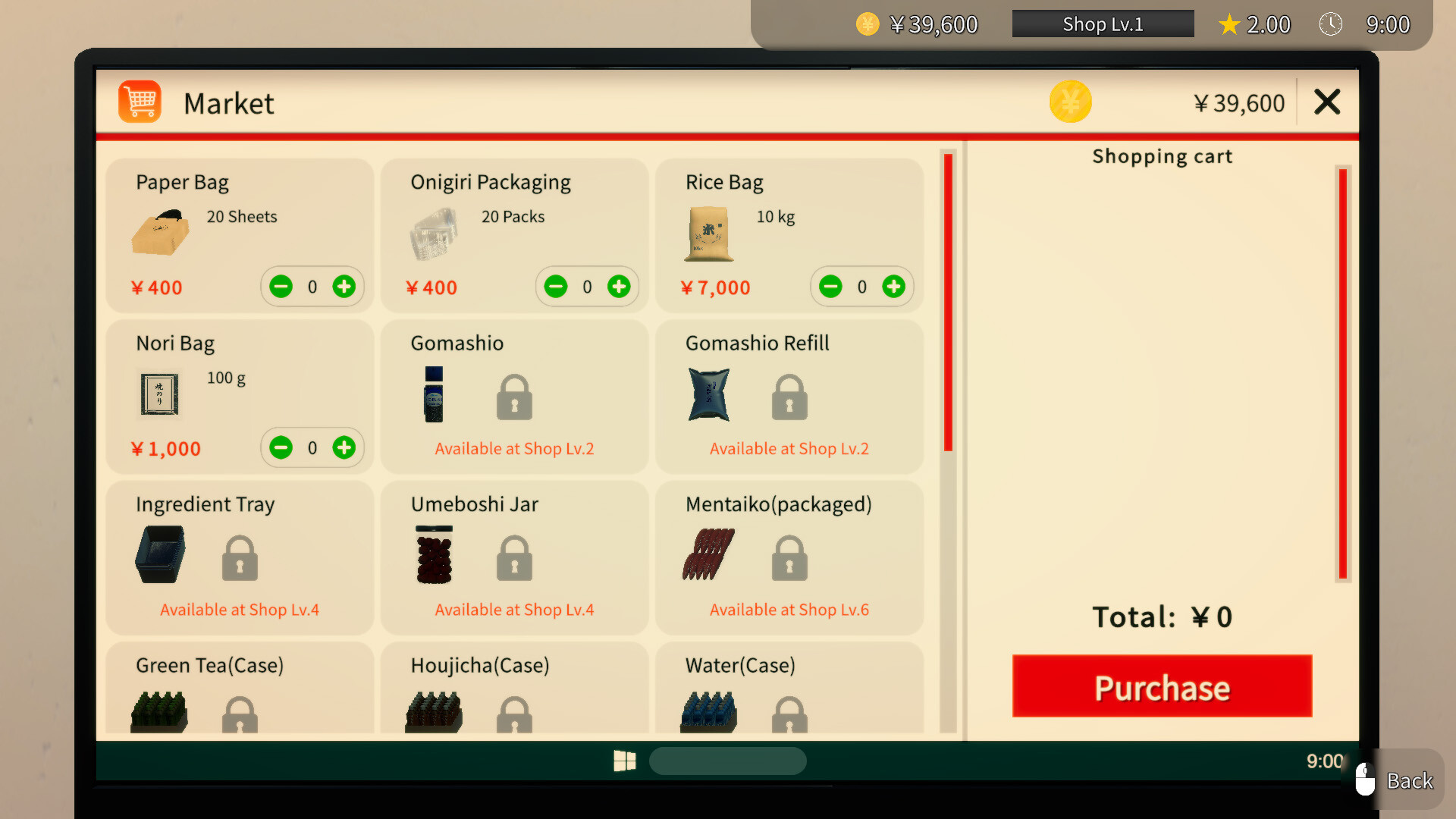
Limited storage forces you to decide which ingredients to stock up on each day. Running out of a key component can halt production and upset customers.
Smart ordering and restocking decisions keep the workflow smooth and prevent bottlenecks during busy periods.
- Track which ingredients are used most often and keep a small surplus.
- Restock during slower moments to avoid interrupting service.
04 / THE GUIDE
Difficulty & Settings
The game includes adjustable difficulty, allowing you to tailor the challenge to your skill level. You can also customize volume and camera comfort settings.
These options let you focus on the simulation without feeling overwhelmed, and the game remains playable without timed input.
- Start on a lower difficulty to learn the workflow before increasing speed.
- Adjust camera comfort settings for a clearer view of the kitchen.
05 / THE GUIDE
Platform Features
Onigiri Shop Simulator runs on Windows and supports full controller input, Steam achievements, cloud saves, and family sharing. These features enhance accessibility and continuity across sessions.
Streaming and video content are allowed, and monetization using the game is permitted, making it friendly for content creators.
- Enable Steam Cloud to keep progress across multiple PCs.
- Use the controller if you prefer hands‑free navigation.
COMMUNITY
Player discussion