 GameWiki

GET YOUR BEARINGS
About OneShot
OneShot is a surreal puzzle adventure where you guide a child through a mysterious world to restore a long‑dead sun. The game blends narrative and mechanics that reach beyond the window, creating a unique relationship between player and title. Its haunting soundtrack and original artwork reinforce the eerie atmosphere, while the story hints at deeper layers that reward careful observation. The experience is single‑player, supports partial controller input, and offers Steam features such as achievements, trading cards, cloud saves, and family sharing.
01 / THE GUIDE
Story and Setting
The player accompanies a child on a mission to revive a sun that has long ceased to shine. The world acknowledges the player’s existence, making every action feel consequential within the narrative.
Although the plot is not horror, certain moments may provoke paranoia, encouraging cautious progression. The story’s full meaning often requires looking beyond obvious cues.
- Pay attention to environmental details; they may hint at hidden story elements.
- Take breaks if a scene feels unsettling to maintain perspective.
02 / THE GUIDE
Gameplay Mechanics
OneShot features puzzles that extend outside the game window, meaning actions can affect the operating system or require external interaction. This design blurs the line between in‑game and real‑world actions.
Progress is saved when the window is closed, allowing players to exit safely without losing advancement.
- Experiment with window controls; they may be part of a puzzle.
- Remember that closing the window is a safe way to save.
03 / THE GUIDE
Audio and Artwork
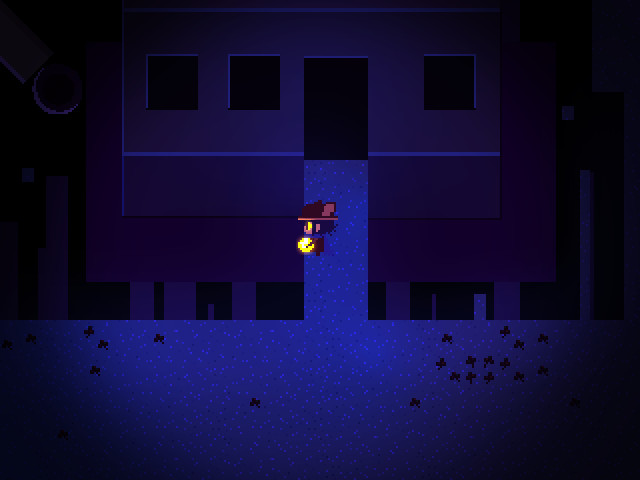
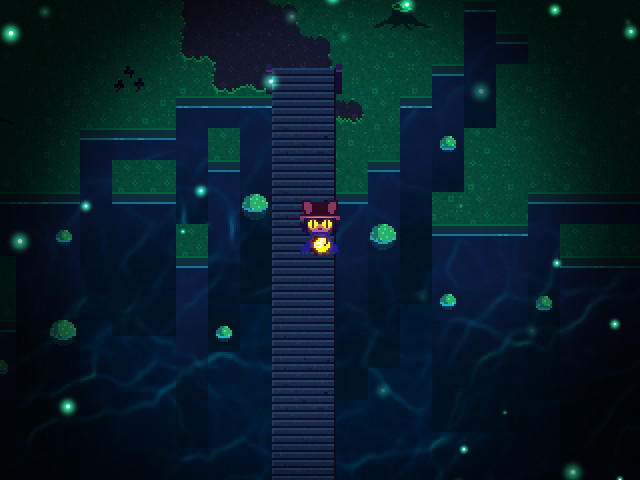
A haunting original soundtrack accompanies the adventure, designed to match the surreal visuals. Both audio and art contribute to the lingering, unsettling mood of the game.
The artwork is crafted specifically for OneShot, reinforcing its unique aesthetic and narrative tone.
- Use headphones to fully experience the soundtrack’s impact.
- Observe background details; they often complement the music.
04 / THE GUIDE
Platform Support
OneShot runs on Windows, macOS, and Linux, offering broad accessibility. It includes partial controller support, allowing limited use of gamepads alongside traditional input methods.
Steam integration provides achievements, trading cards, cloud saves, and family sharing, enhancing the overall experience for Steam users.
- Enable Steam Cloud to keep progress synced across devices.
- Try controller input for navigation, but be ready to switch to mouse/keyboard.
05 / THE GUIDE
Progress and Saving
The game saves automatically when the window is closed, reassuring players that exiting is safe. This mechanic ties into the broader theme of the world recognizing the player.
Steam Cloud further backs up save data, ensuring continuity even after reinstalling or switching computers.
- Close the window deliberately after major puzzles to secure progress.
- Verify Cloud sync status before switching machines.
COMMUNITY
Player discussion