 GameWiki

GET YOUR BEARINGS
About OneShot: World Machine Edition
OneShot: World Machine Edition is a rebuilt puzzle‑adventure that runs on Windows and the Steam Deck. It uses a new engine, UI and adds hidden collectibles while keeping the original’s surreal story. Players guide Niko, a child stranger to a strange world, to rekindle a dead sun using a single shot.
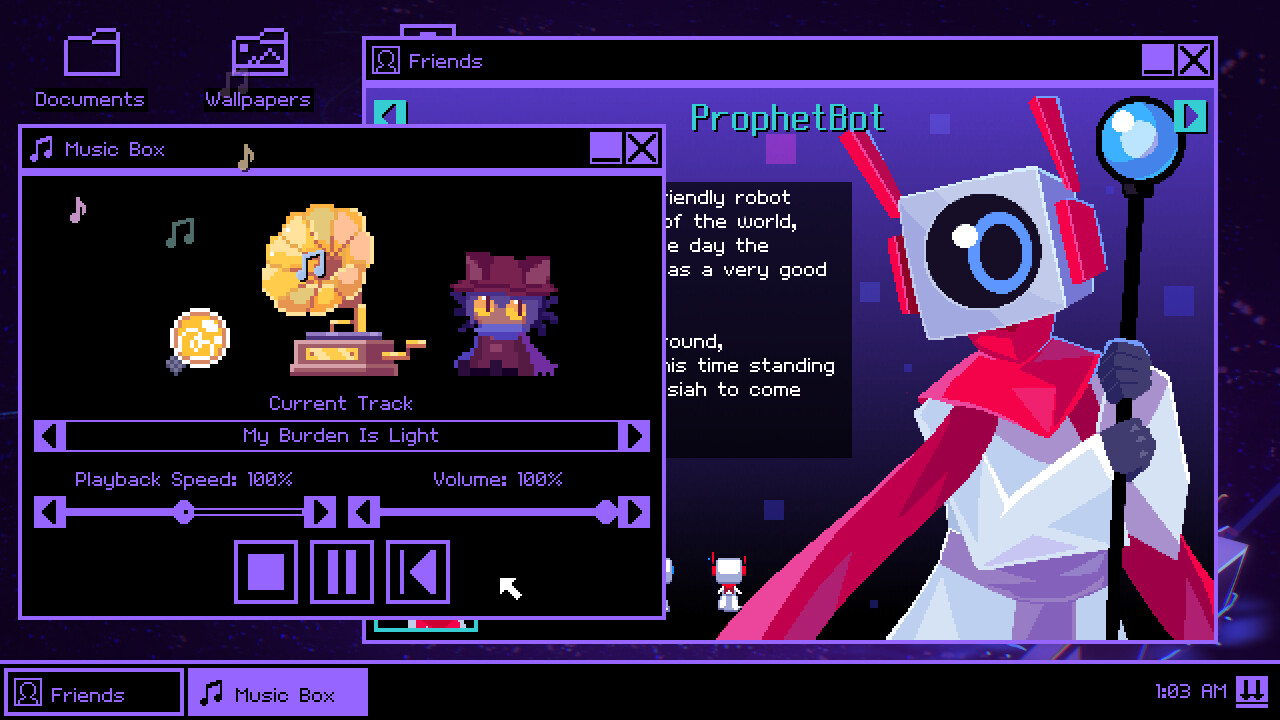
The edition adds full analog movement, controller support and extra galleries, wallpapers and a music box. Its pixel art and soundtrack by Nightmargin, Eliza Velasquez and GIRakaCHEEZER complement the world‑bending puzzles that span both Niko’s reality and the player’s desktop.
01 / THE GUIDE
Puzzle Mechanics
Puzzles require exploring both the reality Niko inhabits and the player’s own desktop environment, blending in‑game actions with external interaction. The design encourages players to think beyond the screen to solve challenges.
World‑bending puzzles are central, demanding observation of surreal environments and use of the single shot mechanic to progress. Success often hinges on timing and careful navigation.
- Observe desktop cues before acting.
- Use the single shot sparingly.
02 / THE GUIDE
Story & Characters
The narrative follows Niko, a child who is also a stranger to the world, as they attempt to rekindle the long‑dead sun. The story reveals the truth of the game’s reality through dialogue and cutscenes.
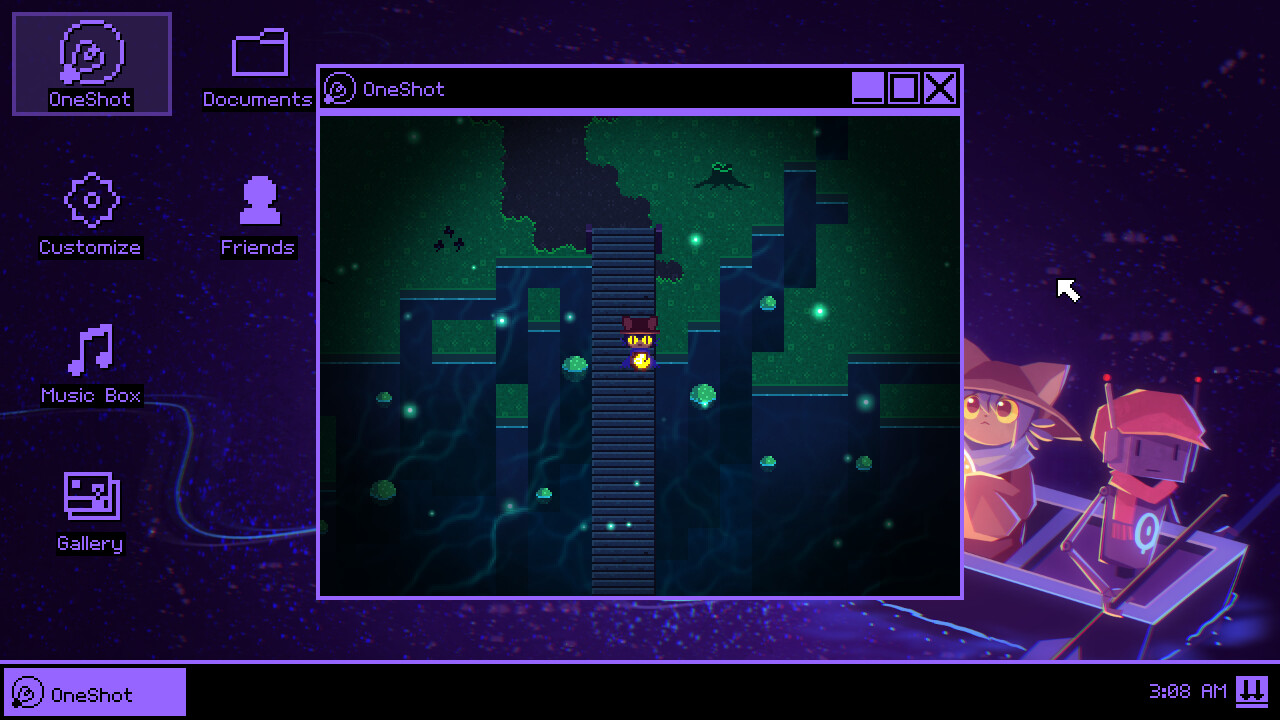
Intriguing denizens populate the surreal environments, providing hints and emotional depth. The player’s interaction with a strange computer operating system acts as a window into an alternate world.
- Read all dialogue for hidden hints.
- Pay attention to the computer UI.
03 / THE GUIDE
Visual & Audio Presentation
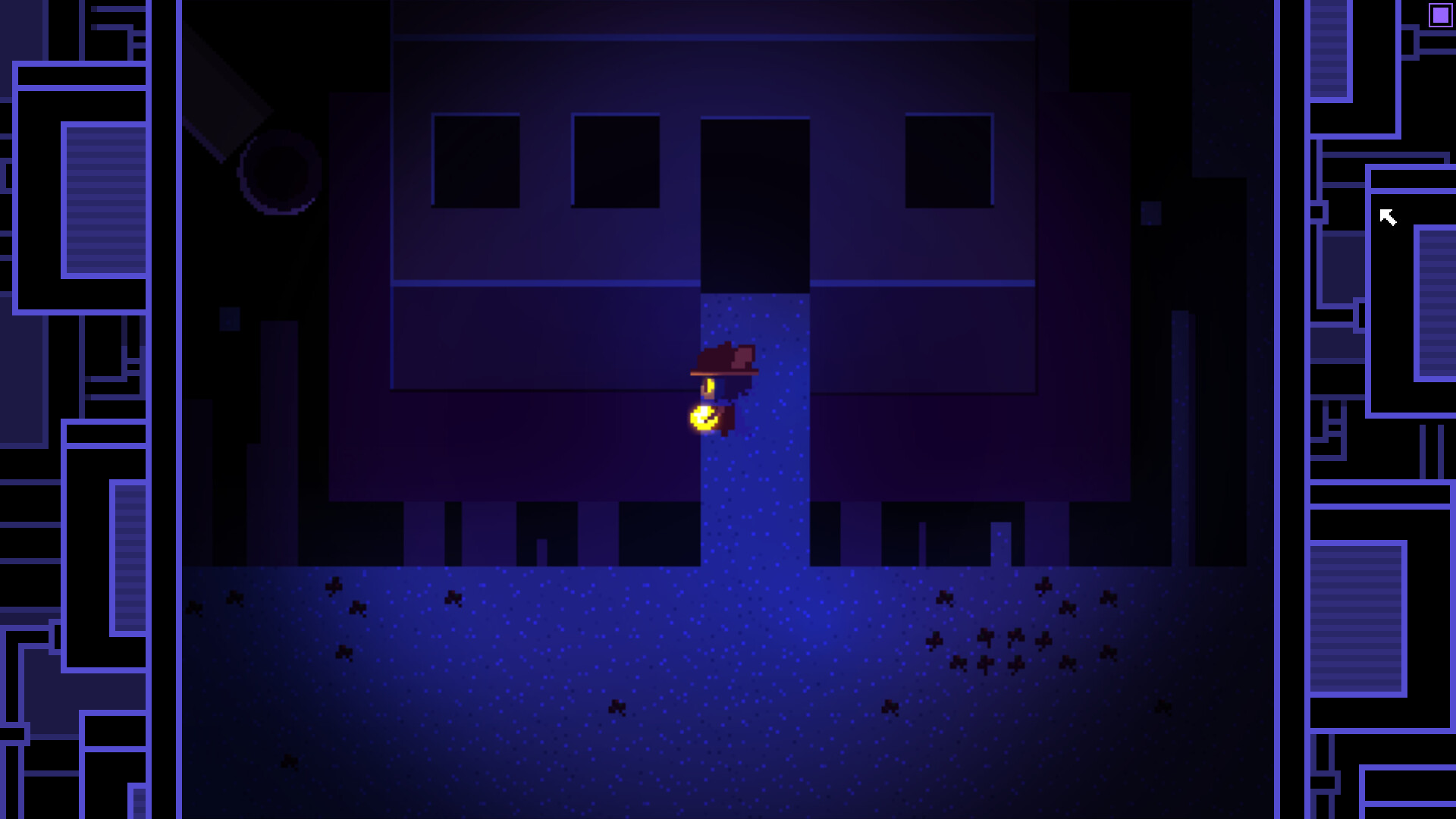
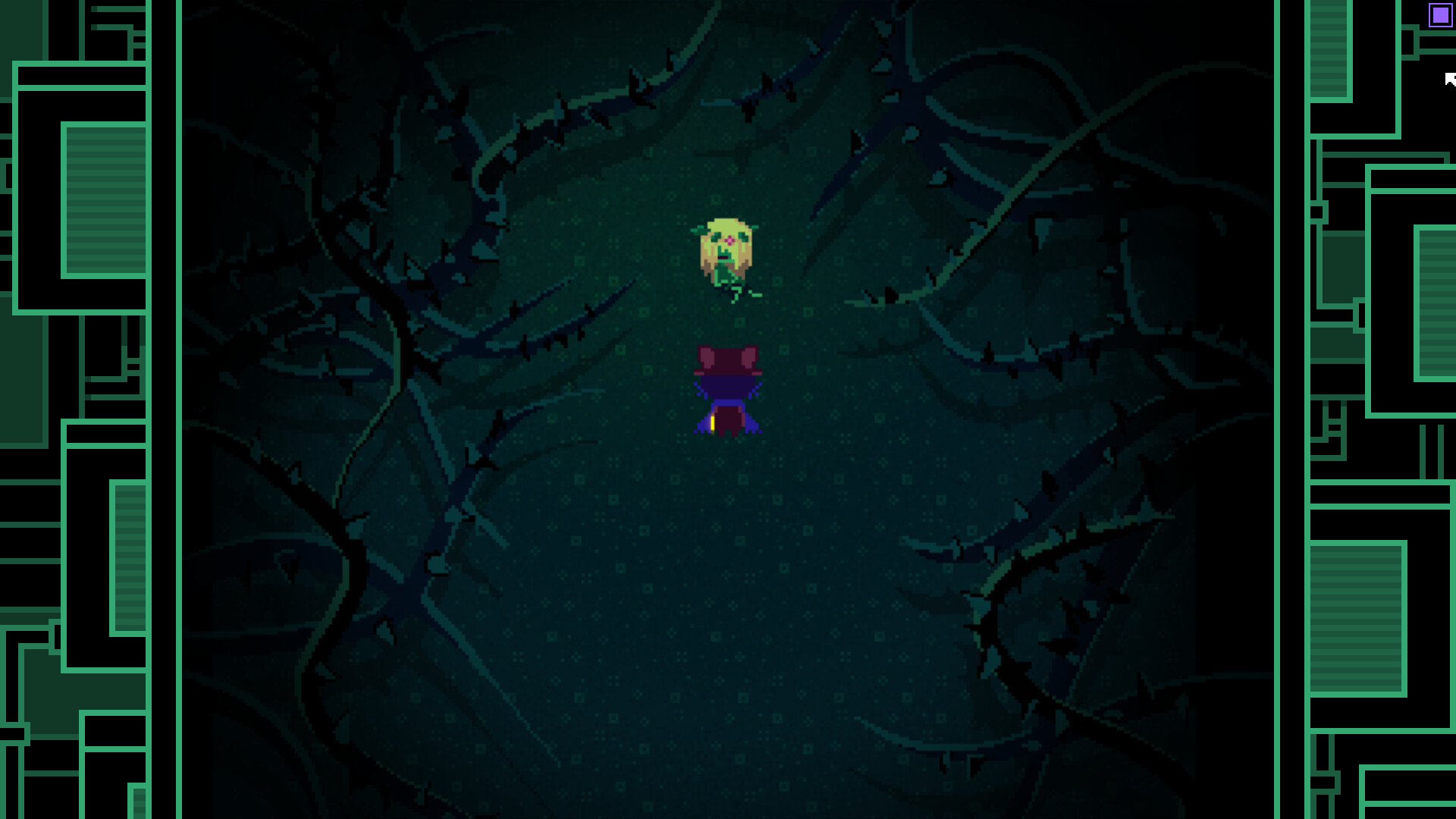
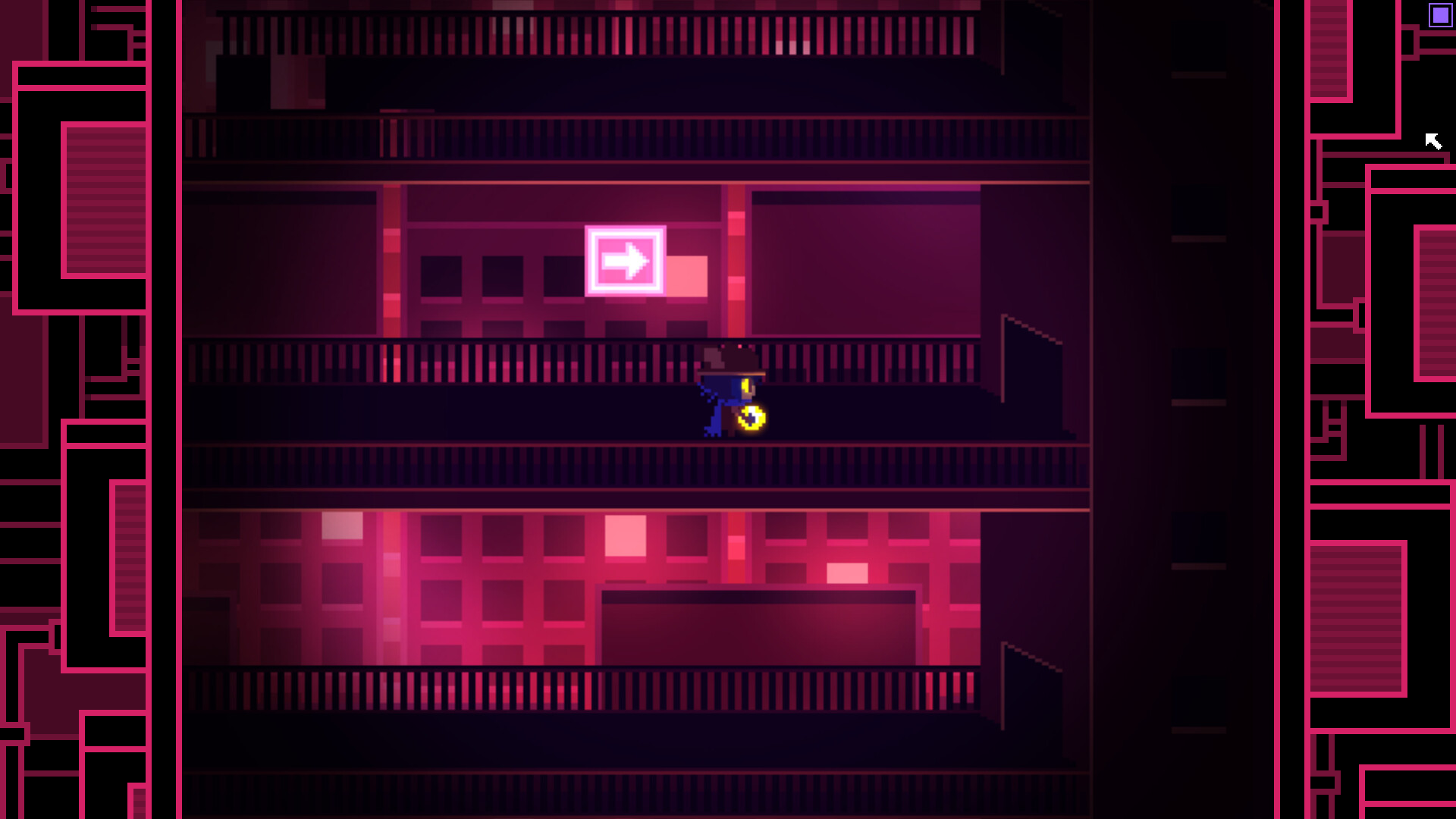
Charming pixel artwork by Nightmargin and GIRakaCHEEZER creates a distinctive aesthetic across surreal settings. New cutscene art galleries showcase this visual style.
The original soundtrack, featuring Nightmargin, Eliza Velasquez and GIRakaCHEEZER, enhances atmosphere. A Music Box feature lets players enjoy tracks separately.
- Visit the Cutscene Art Gallery.
- Listen to the Music Box for ambience.
04 / THE GUIDE
Platform Support
World Machine Edition runs on Windows and is fully compatible with the Steam Deck, offering full analog movement control and controller support via Steam Input API. Steam Cloud and Family Sharing are also supported.
The edition also supports macOS, extending accessibility beyond Windows users while maintaining the same feature set.
- Enable Steam Cloud for saves.
- Use analog sticks for smoother movement.
05 / THE GUIDE
Additional Content
New galleries include a Character Profile “Friends” collection with bonus writing by Noxid, and a Cutscene Art Gallery. Colorful wallpapers for the World Machine desktop feature guest artists.
These extras provide deeper lore and visual variety, enriching the core adventure without altering gameplay.
- Explore the Friends Gallery for lore.
- Set a wallpaper to stay immersed.
COMMUNITY
Player discussion