 GameWiki
GET YOUR BEARINGS
About One Step From Eden
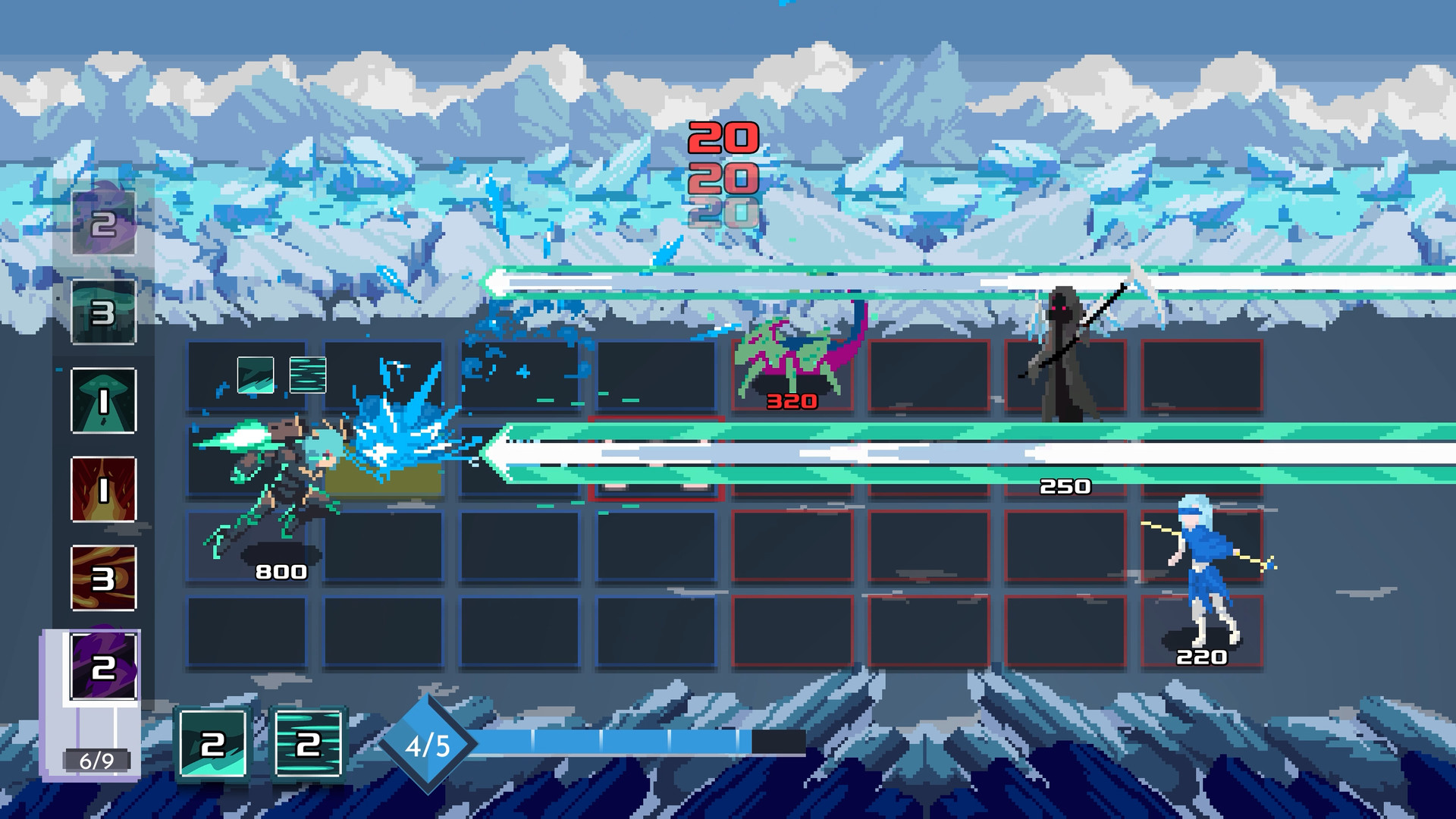
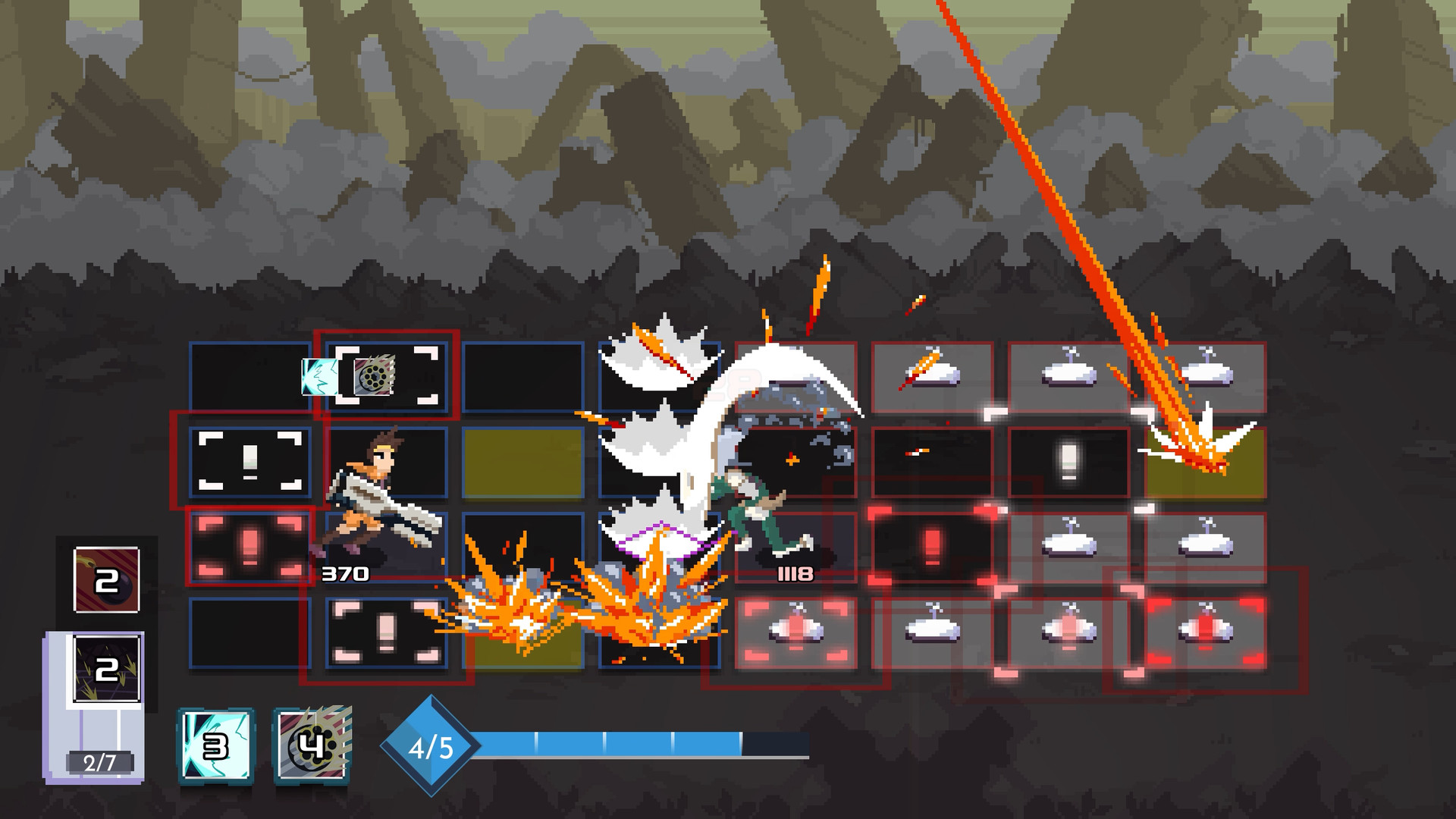
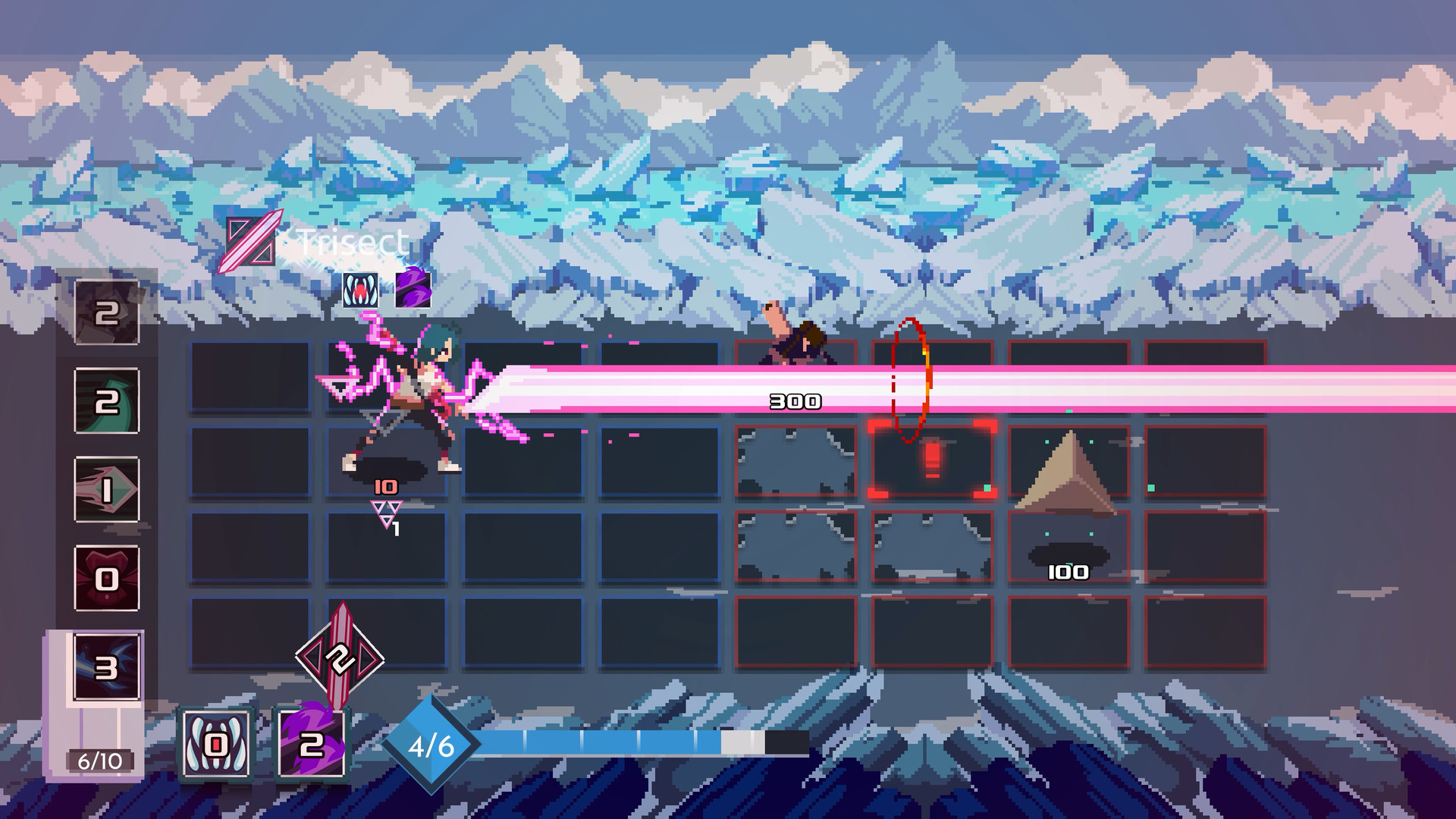
One Step From Eden drops you into a bleak post‑war world where Eden glows as the final beacon of hope. The game fuses strategic deck‑building with real‑time bullet‑hell combat, wrapped in a rogue‑like progression that reshapes each run.
You can tackle the challenge solo or alongside a friend in local split‑screen, assemble decks from hundreds of spells and items, and explore procedurally generated levels with nine distinct characters. Steam Workshop and full controller support broaden the experience.
01 / THE GUIDE
Comprehensive Deckbuilding
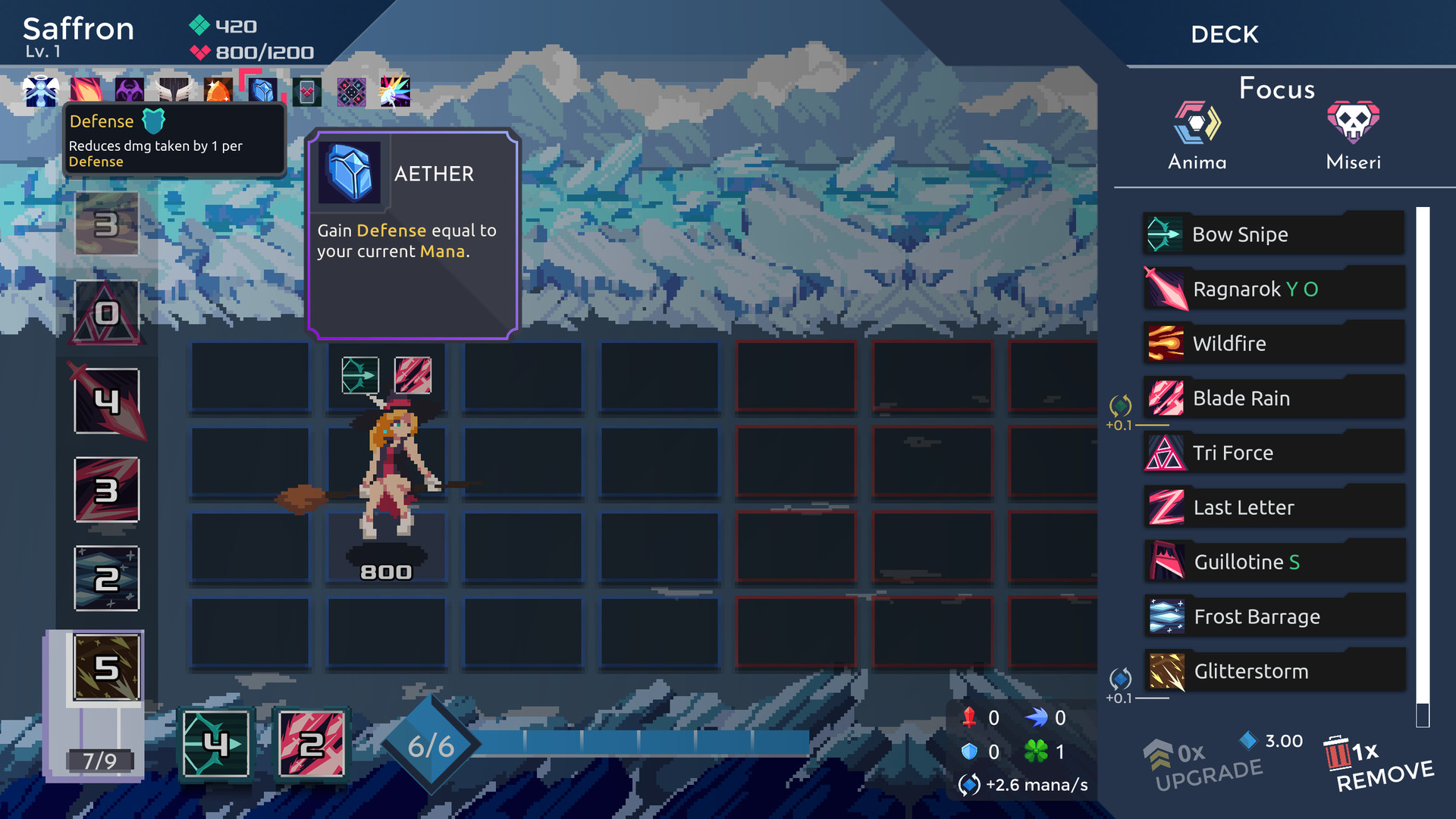
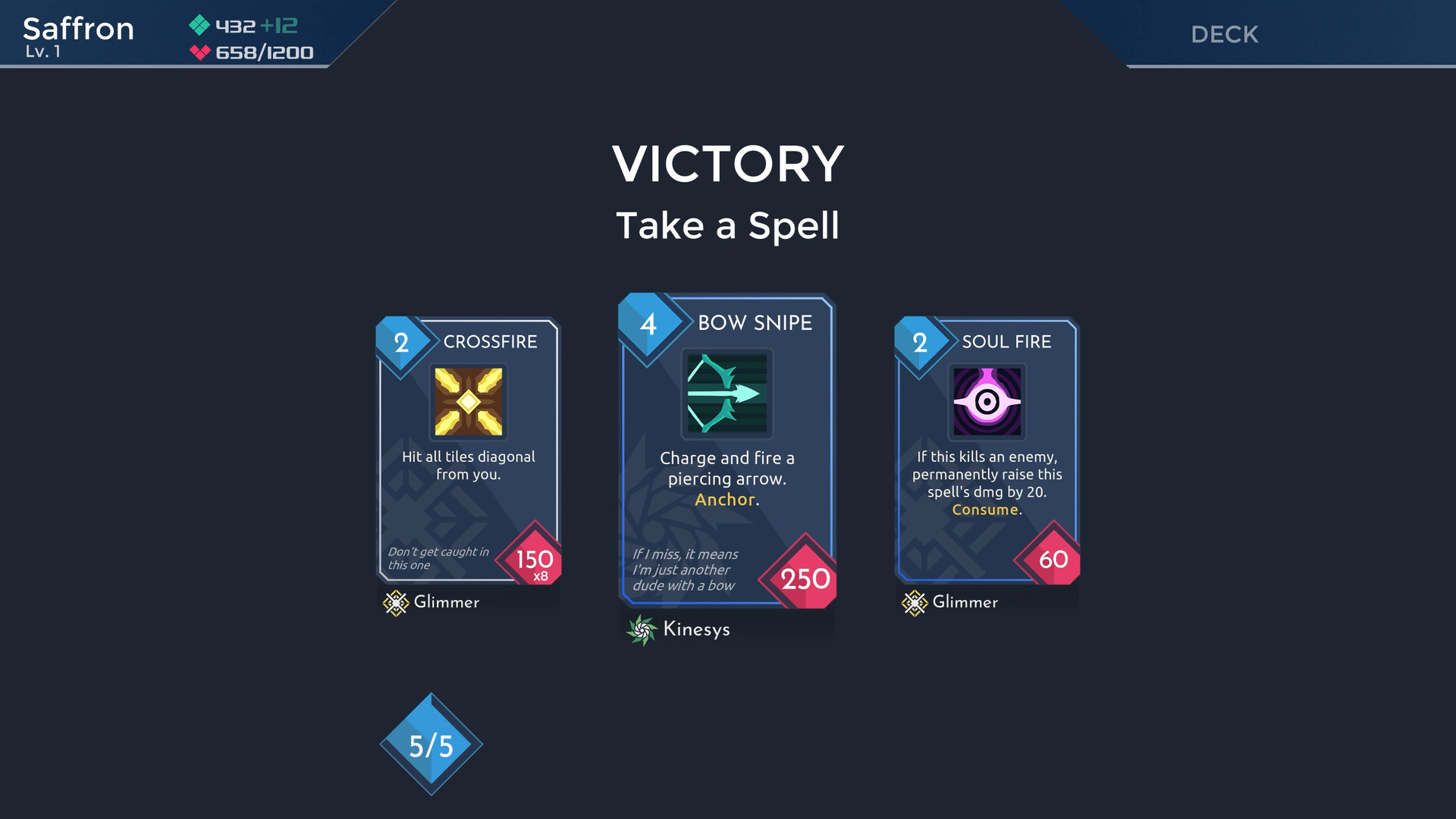
Before each run you construct a deck using more than 200 spells and over 100 items, giving you a broad palette of tactical options. The chosen cards directly affect how you respond to evolving enemy patterns during the real‑time fights.
Because the deck is rebuilt for every run, you can experiment with different spell synergies and item combos without permanent commitment, allowing each attempt to feel fresh and strategically distinct.
- Try pairing high‑damage spells with defensive items to balance offense and survivability.
- Test a few decks in short runs to see how spell interactions feel in real time.
02 / THE GUIDE
Nine Playable Characters
The title offers nine characters, each offering a distinct option for how you approach each run.
Procedurally generated levels combine with the character choice, meaning each hero will encounter different challenges and opportunities, ensuring that repeated runs feel varied.
- Experiment with different characters to find the one that complements the deck focus you prefer.
- Observe which characters handle dense bullet‑hell sections more comfortably.
03 / THE GUIDE
Local Co‑op and PvP
One Step From Eden supports shared/split‑screen co‑op, letting multiple players cooperate on the same screen to face the game's challenges together. Coordination of decks and spell timing becomes a key part of the experience.
The same split‑screen framework also enables PvP modes, where players can pit their decks against each other in direct competition.
- Discuss deck intentions with your partner to avoid overlapping spell usage.
- In PvP, try contrasting aggressive decks with defensive ones for balanced matchups.
04 / THE GUIDE
Steam Workshop and Mod Support
Full Steam Workshop integration allows the community to create and share custom content, extending replayability beyond the base offering. Mods may introduce new spells, items, or visual tweaks.
Because the game tracks achievements and cloud saves, workshop additions coexist with the core experience without altering the fundamental mechanics.
- Browse the Workshop for community‑crafted spell packs to refresh your deck options.
- Check a mod’s difficulty level before integrating it into a run.
05 / THE GUIDE
Full Controller Support
The title includes full controller support, meaning gamepads can be used for deck navigation and real‑time combat across Windows, macOS, and Linux platforms. This offers flexibility in input method.
Controller compatibility does not restrict you to a single input style, allowing you to choose whichever feels most comfortable for spell casting and movement.
- Try both controller and mouse/keyboard to see which feels more responsive for your playstyle.
- If you switch inputs, give yourself a moment to adjust to the different aiming feel.
COMMUNITY
Player discussion