 GameWiki
GET YOUR BEARINGS
About ONE PIECE: PIRATE WARRIORS 4
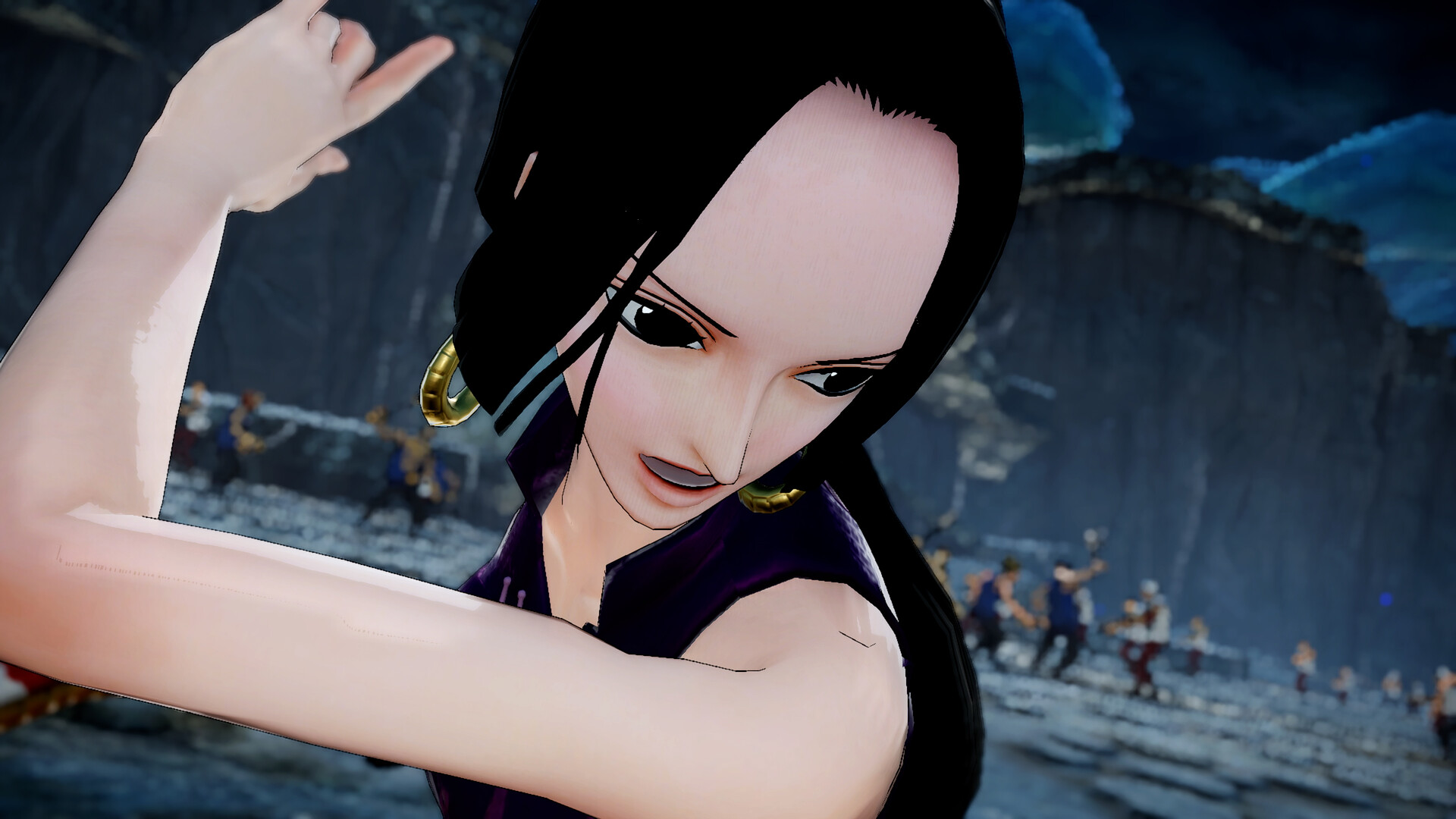
ONE PIECE: PIRATE WARRIORS 4 continues the series’ blend of the popular ONE PIECE anime with the fast‑paced action of the Warriors franchise. The game emphasizes battling large groups of foes while moving through environments that react to combat, such as collapsing buildings and dust clouds.
Developed by Koei Tecmo, the title offers both solo and competitive play across PC platforms, supporting controller input, cloud saves, and remote play on multiple devices. It also includes Steam achievements and in‑app purchases, extending its replayability beyond the core story.
01 / THE GUIDE
Gameplay Concept
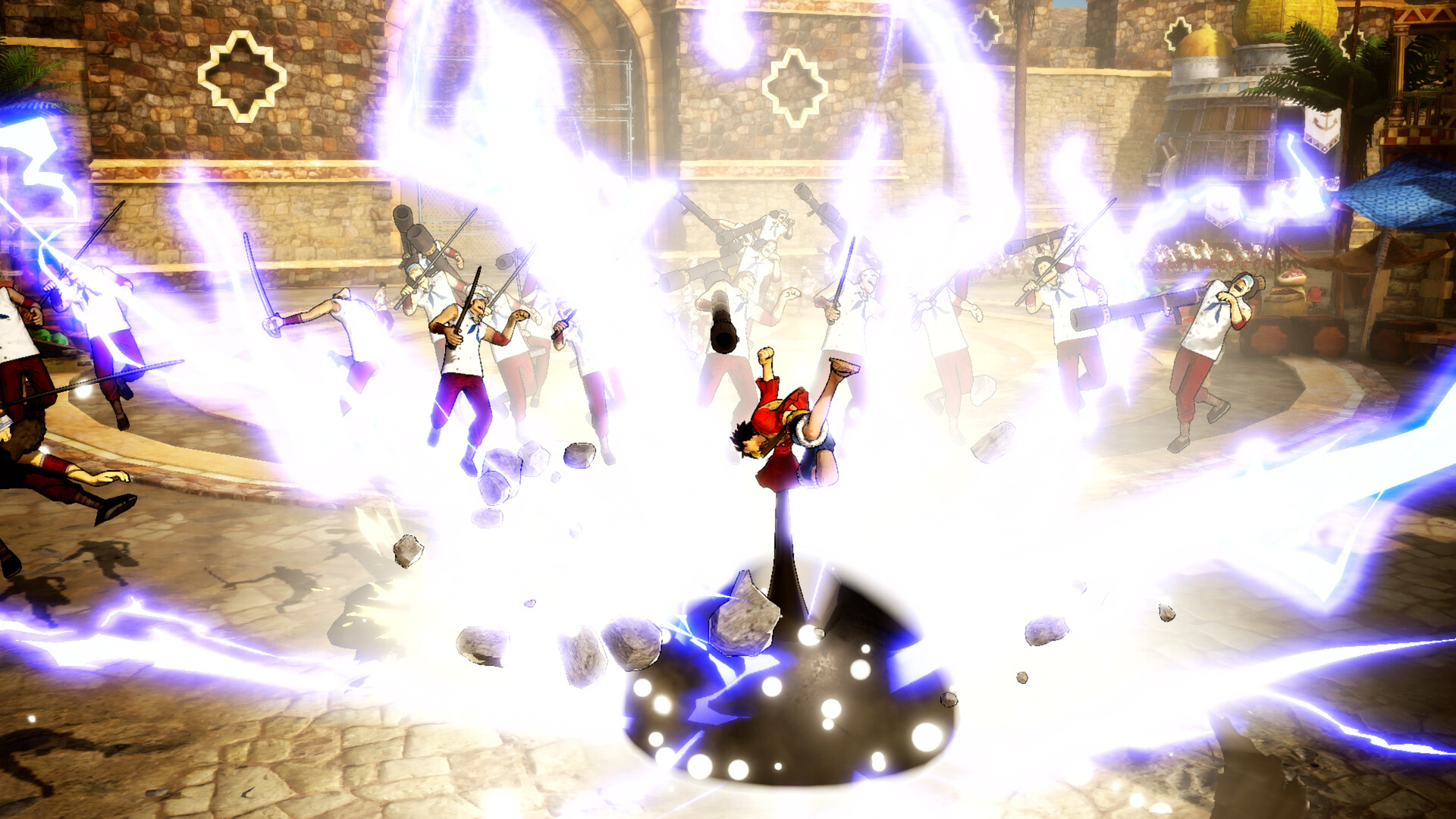
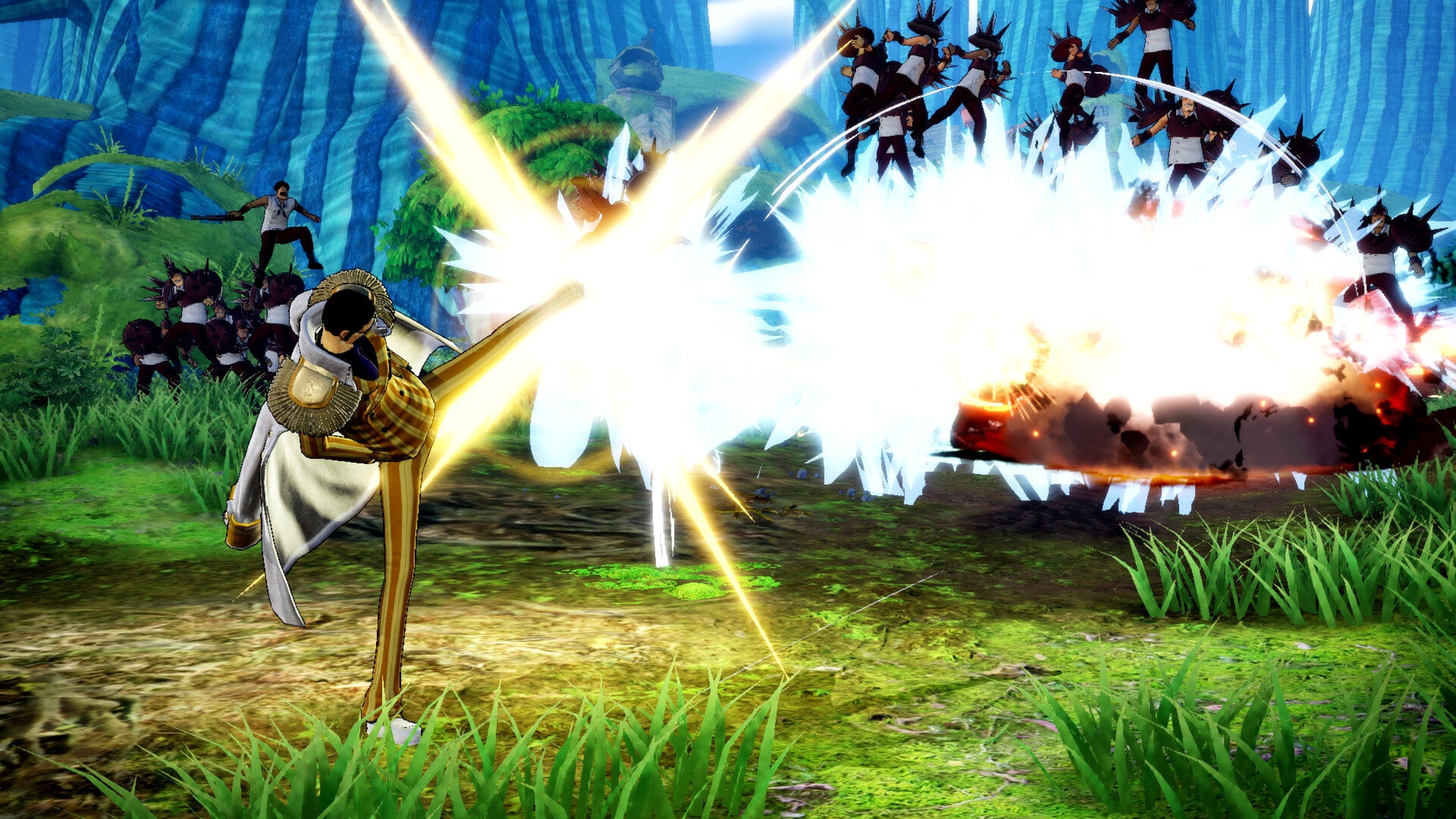
The core loop revolves around fighting hordes of enemies while adventuring with allies, mirroring the anime’s team dynamics. Visual cues like smoke and dust accompany attacks, reinforcing the feeling of a chaotic battlefield.
Buildings can collapse during combat, adding a dynamic layer to encounters and encouraging positional awareness. The design aims to place players directly in the “real ONE PIECE battlefield.”
- Watch enemy patterns before engaging large groups.
- Use collapsing structures to block enemy advances.
02 / THE GUIDE
Multiplayer Modes
The game supports both cooperative and competitive multiplayer, including PvP and online PvP matches. Players can team up with friends or face off against strangers in real‑time battles.
These modes operate alongside the single‑player experience, allowing the same combat mechanics to be used in shared or opposed play. No separate character selection is required beyond the roster provided.
- Coordinate attacks with allies for combo damage.
- Practice timing in PvP to anticipate opponent moves.
03 / THE GUIDE
Visual Effects
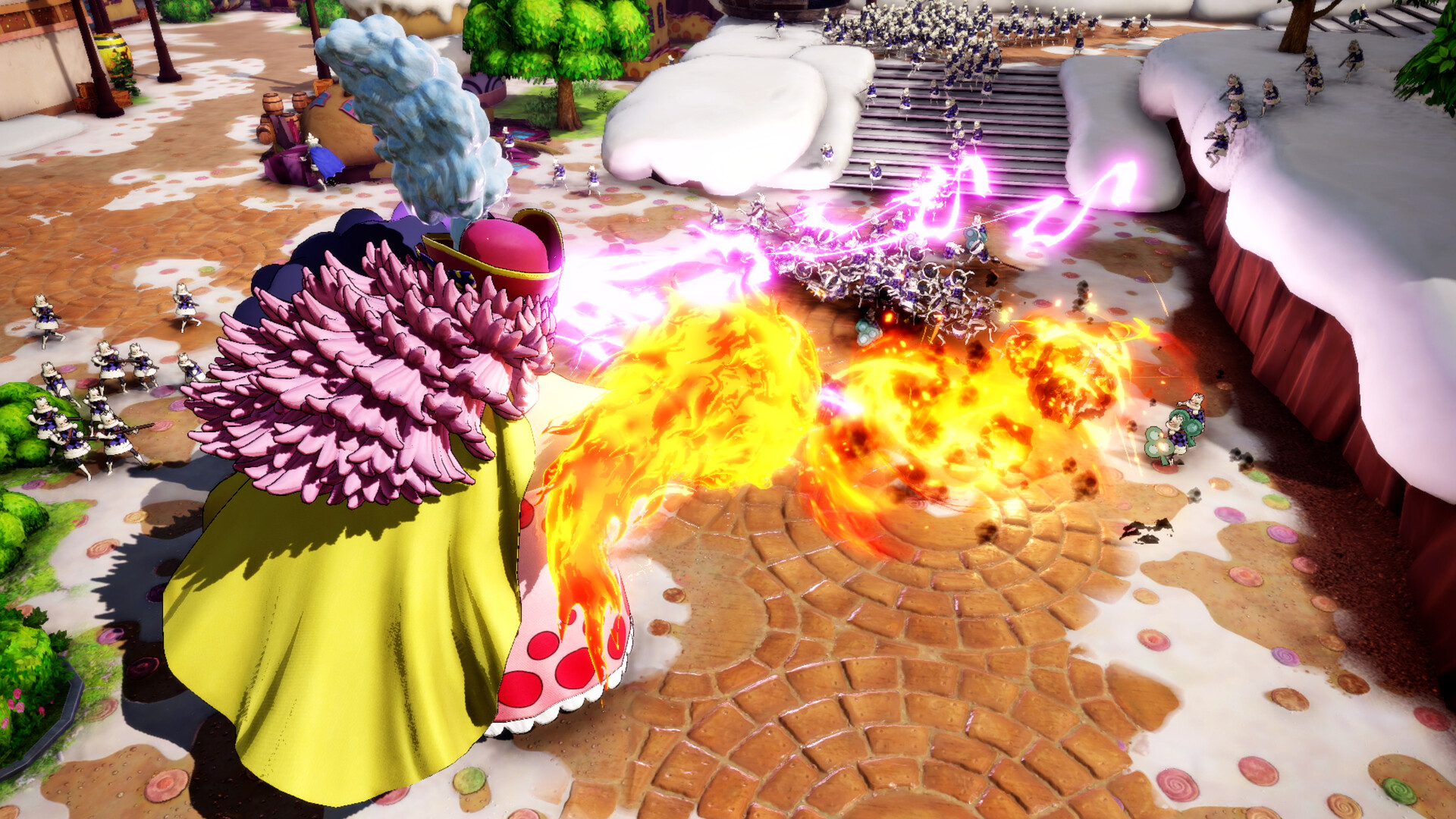
Combat generates smoke and dust, while structures crumble under heavy attacks, creating a vivid sense of destruction. These effects are designed to echo the anime’s dramatic fight scenes.
The environment reacts visibly to player actions, reinforcing the impact of each strike and making each encounter feel unique within the same stage layout.
- Position near destructible objects for tactical advantage.
- Use visual cues to gauge enemy health.
04 / THE GUIDE
Platform Features
Available on Windows, the title supports partial controller input, Steam Cloud saves, and remote play on phones, tablets, and TVs. Family Sharing lets multiple accounts access the game on a single purchase.
These features aim to provide flexibility for various play environments, from desktop to living‑room setups, without requiring additional hardware beyond a compatible controller.
- Enable Steam Cloud to keep progress across devices.
- Test controller mapping before starting a session.
05 / THE GUIDE
Achievements and In‑App Purchases
Steam achievements track milestones such as defeating a set number of enemies or completing specific stages. In‑app purchases are offered, though the core experience remains fully playable without them.
Achievements provide additional goals for completionists, while purchases may grant cosmetic or convenience items, extending the game's longevity for those interested.
- Check the achievement list to set personal challenges.
- Consider purchases only after completing the main story.

COMMUNITY
Player discussion