 GameWiki
GET YOUR BEARINGS
About One Piece Pirate Warriors 3
One Piece Pirate Warriors 3 brings the classic Straw Hat adventure to PC, covering story arcs from Fuschia Village to Dressrosa. Players can rally the crew through iconic battles such as Marineford, Fish‑Man Island, Punk Hazard and Dressrosa. The title adds higher‑quality graphics, a larger roster—including Sabo, Doflamingo and Fujitora—and new co‑op actions, while supporting split‑screen, controller input and Steam achievements.
01 / THE GUIDE
Story Arc Coverage
The game follows the original One Piece narrative, beginning at Fuschia Village and progressing to the Dressrosa kingdom ruled by Donquixote Doflamingo. Key locations like Marineford, Fish‑Man Island and Punk Hazard appear as battlegrounds. This structure mirrors the manga’s early to mid‑story progression, letting players experience major plot points in sequence.
Each arc presents its own set of enemies and objectives, culminating in confrontations with major antagonists such as Doflamingo. The storyline is presented through cut‑scenes and mission briefings that guide the player through the overarching plot.
- Observe how each location’s visual style reflects its manga counterpart for better immersion.
- Take note of enemy patterns unique to each arc; they often hint at upcoming boss mechanics.
02 / THE GUIDE
Expanded Character Roster
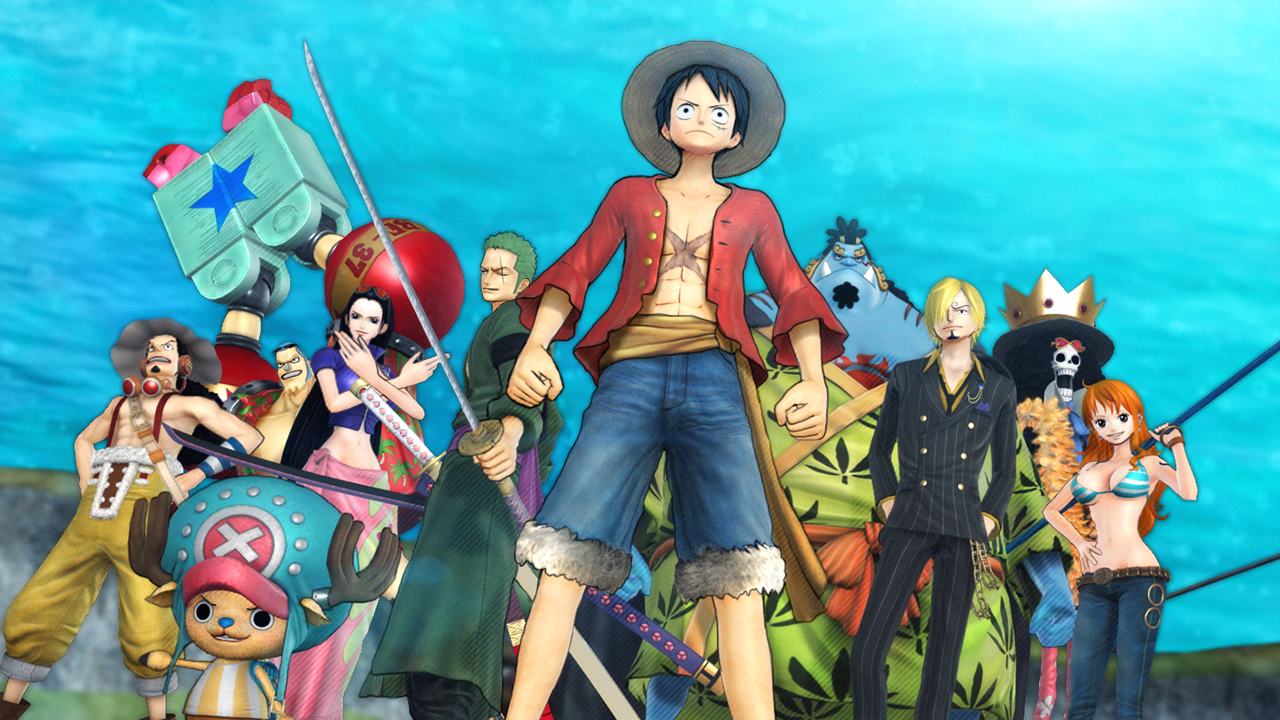
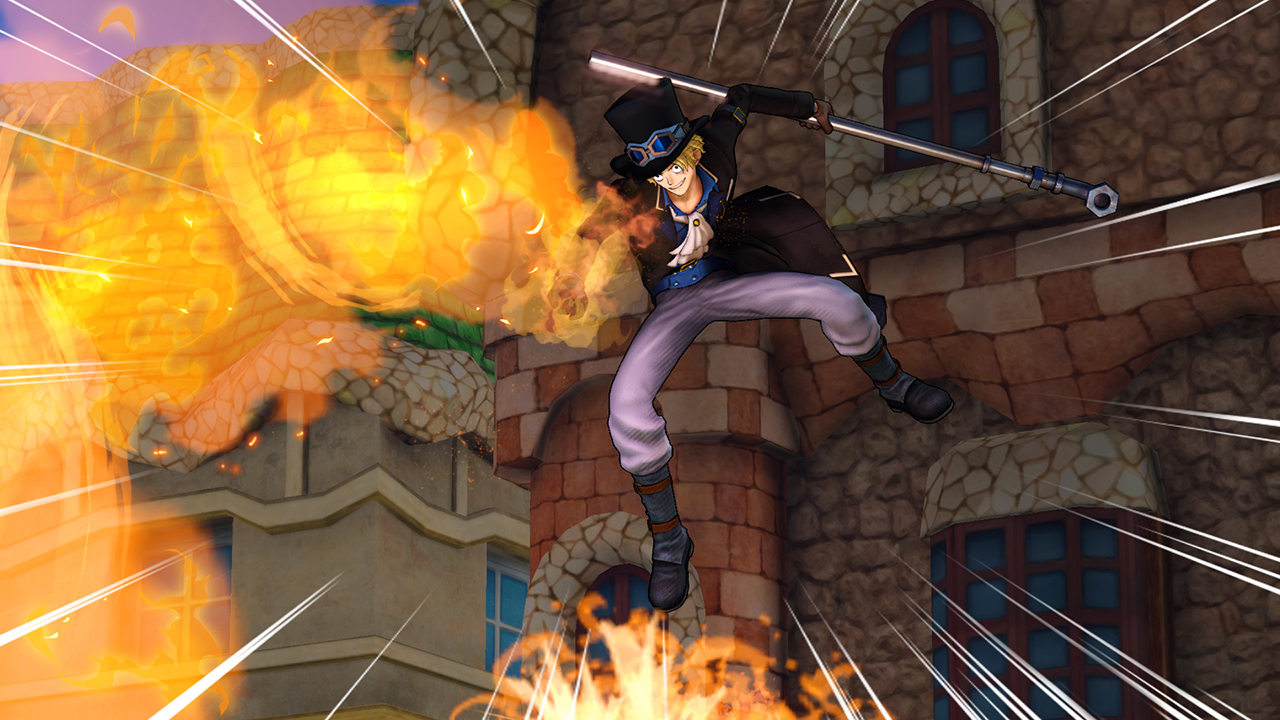
One Piece Pirate Warriors 3 increases the number of playable characters, adding fan‑favorites such as Sabo, Doflamingo and Fujitora alongside the core Straw Hat crew. Each character retains signature moves that reflect their abilities in the source material.
The larger roster gives players more characters to choose from, offering varied combat styles and visual flair. This diversity enhances replay value as different characters can tackle the same scenario in distinct ways.
- Try different characters to discover which moves best suit each enemy type.
- Compare the animation quality of newer characters to earlier ones for visual consistency.
03 / THE GUIDE
Graphics and Animation Upgrade
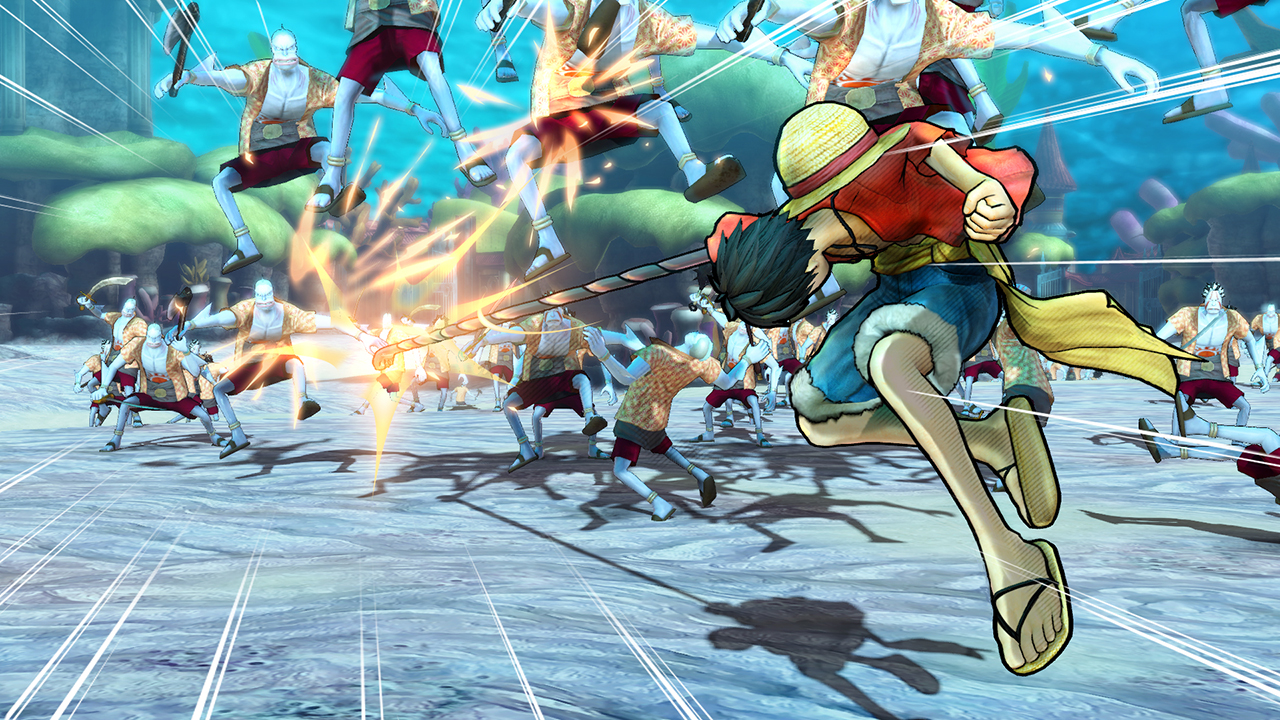
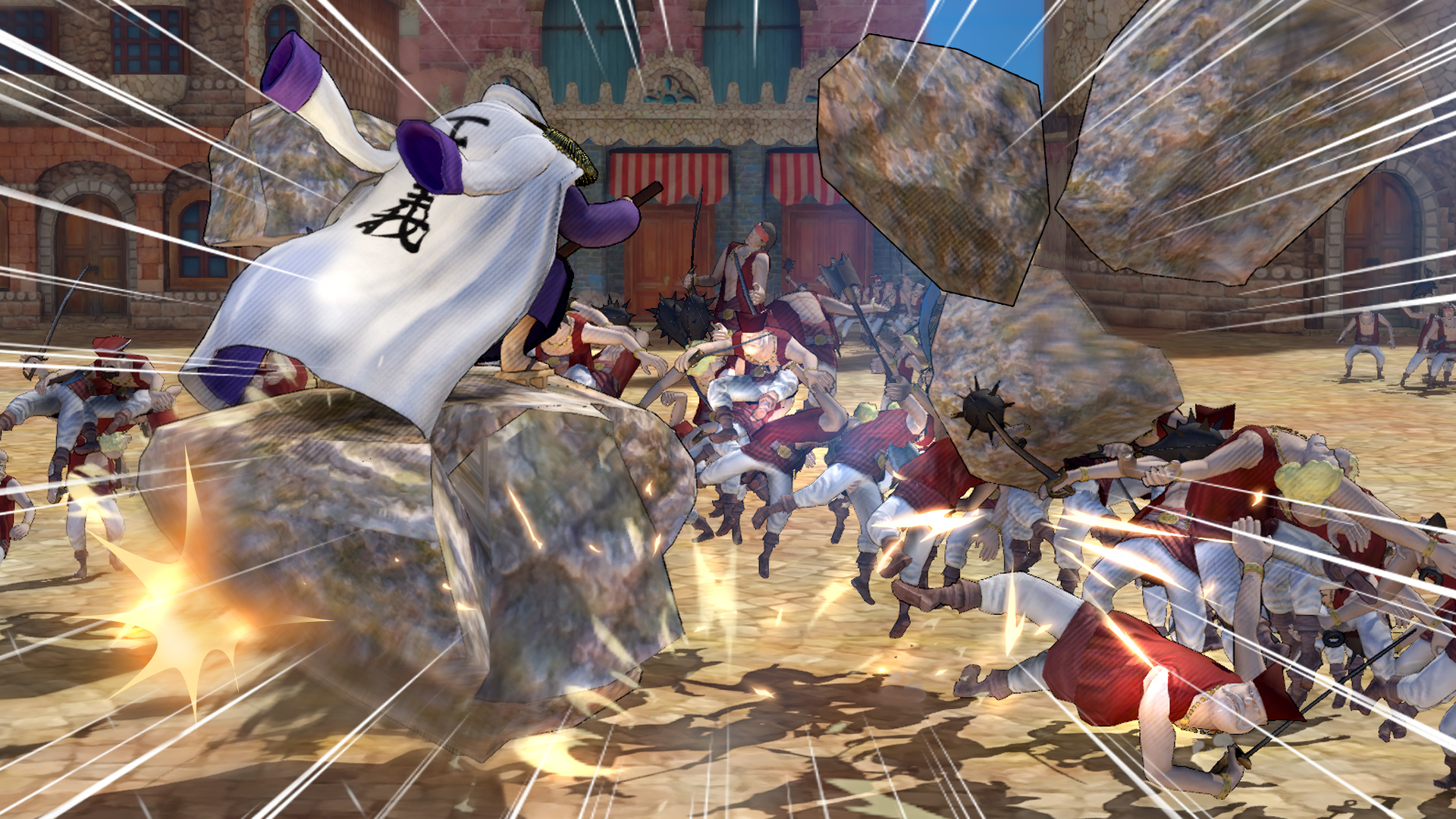
The PC version features higher‑quality graphics and smoother animation, aiming to depict the One Piece universe more faithfully than previous entries. Enhanced textures and lighting bring iconic locations to life, while character models receive refined detailing.
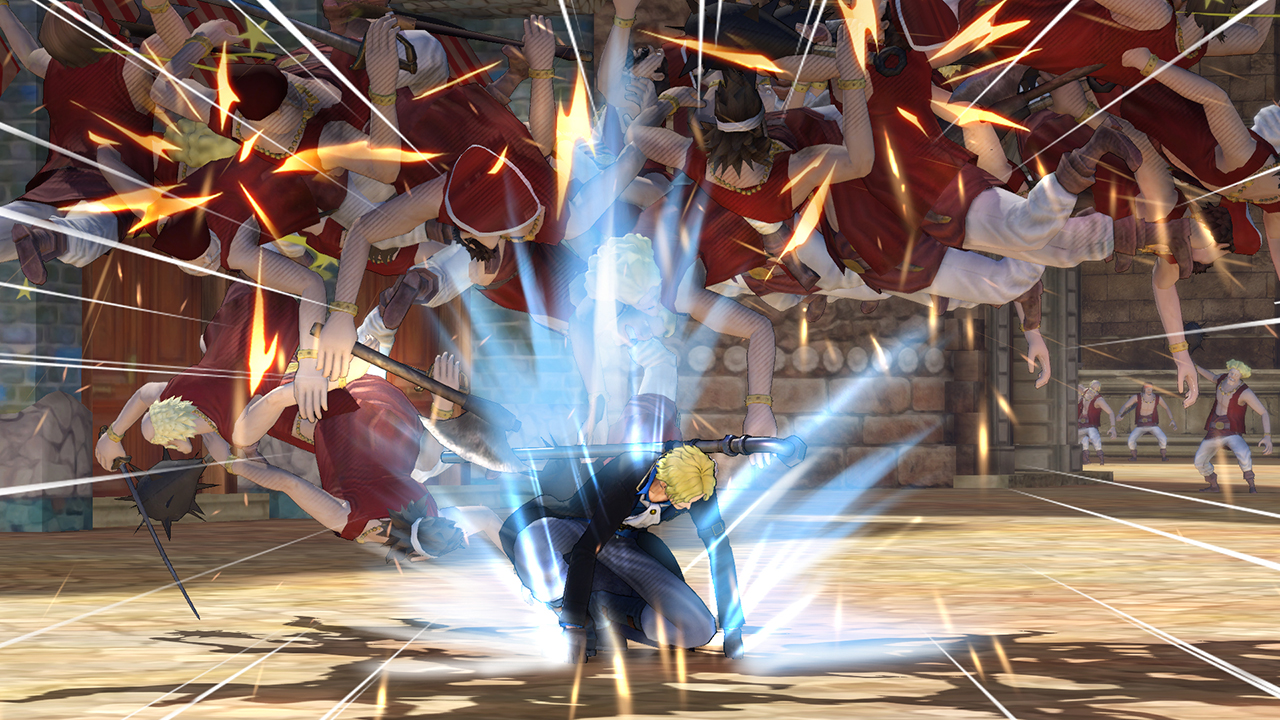
These visual improvements are designed to complement the fast‑paced action, ensuring that large‑scale battles remain clear and aesthetically engaging. The upgrade does not alter core gameplay mechanics but provides a richer visual experience.
- Adjust display settings to balance performance and visual fidelity on your hardware.
- Observe how lighting changes during night‑time stages affect enemy visibility.
04 / THE GUIDE
New Co‑op Actions (Local Only)
Pirate Warriors 3 introduces new cooperative actions that can be performed with a partner on the same screen. These joint moves add a layer of teamwork to the otherwise single‑player focused combat.
The feature is limited to local split‑screen play and does not support online co‑op. Players can coordinate timing and positioning to execute these joint attacks.
- Practice timing with a friend to maximize the damage output of co‑op actions.
- Watch the on‑screen prompts closely; they indicate the optimal moment to trigger a joint move.
05 / THE GUIDE
Steam Platform Features
The Windows release supports full controller input, shared/split‑screen multiplayer, Remote Play Together, Family Sharing and Steam Achievements. These features integrate with the Steam ecosystem, allowing players to earn trophies and invite friends without leaving the client.
While the game runs on Windows, it does not officially support macOS or Linux. Users with high‑end hyper‑threading CPUs may encounter compatibility issues, and disabling hyper‑threading before launch is recommended.
- Enable Remote Play Together to let a friend join your local session from another location.
- Check the achievement list early to set personal goals and track progress.
COMMUNITY
Player discussion