 GameWiki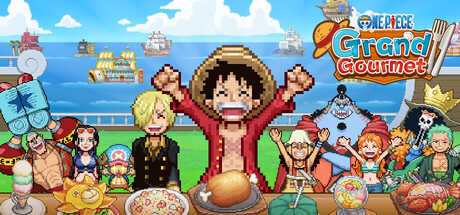
GET YOUR BEARINGS
About ONE PIECE: Grand Gourmet
ONE PIECE: Grand Gourmet places you in the second Baratie restaurant, where you work with the Straw Hat Crew to serve dishes and grow the eatery. You select ingredients, cook alongside Sanji, and arrange meals with added flourishes to create diverse menu sets.
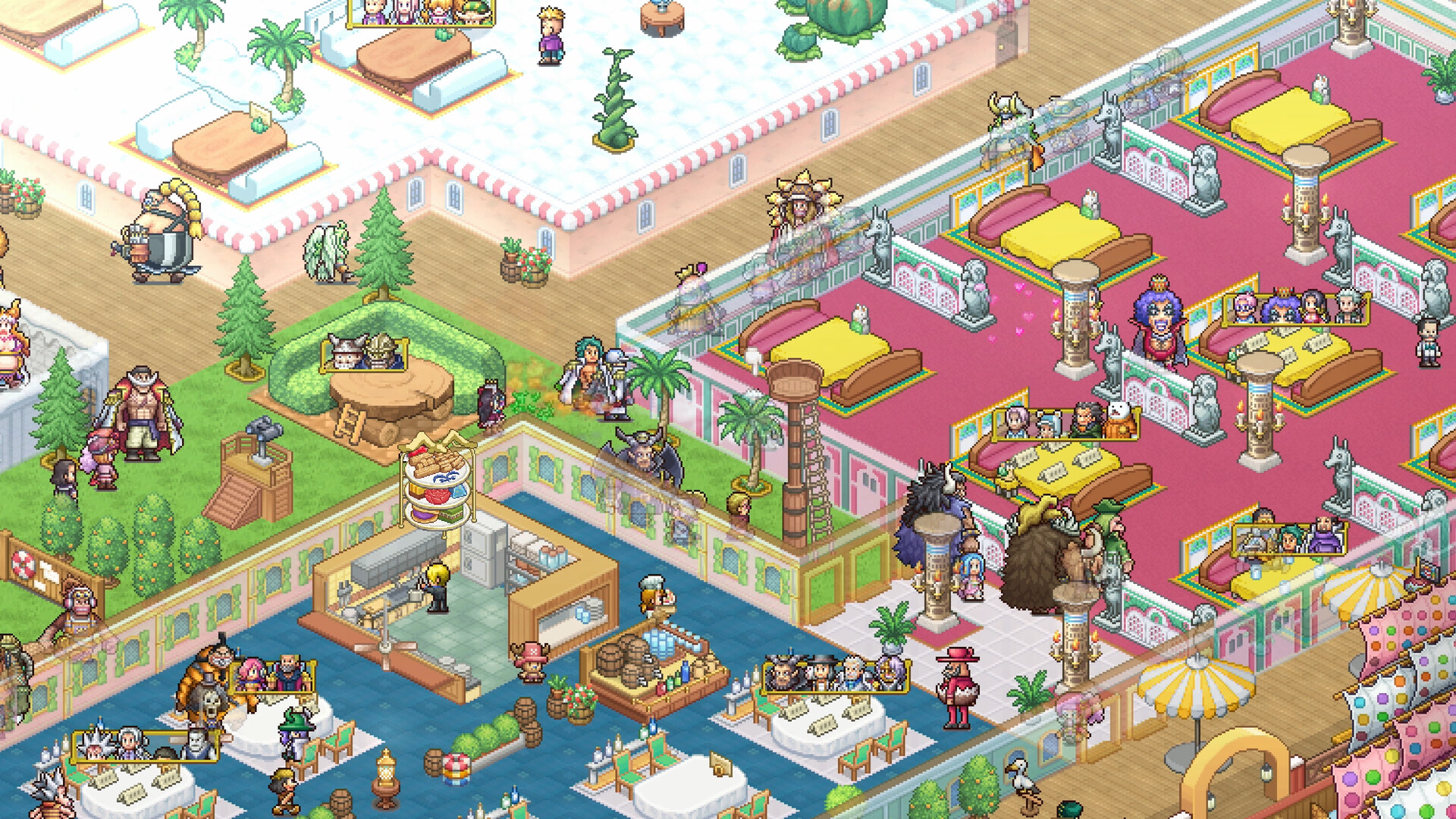
The game offers over 200 furniture, building, and decorative items—from Whole Cake Island sweets to Egghead futurism—letting you personalize the floating restaurant. More than 400 pixel‑style ONE PIECE characters appear as staff or customers, triggering unique events and regular‑patron opportunities.
01 / THE GUIDE
Restaurant Management
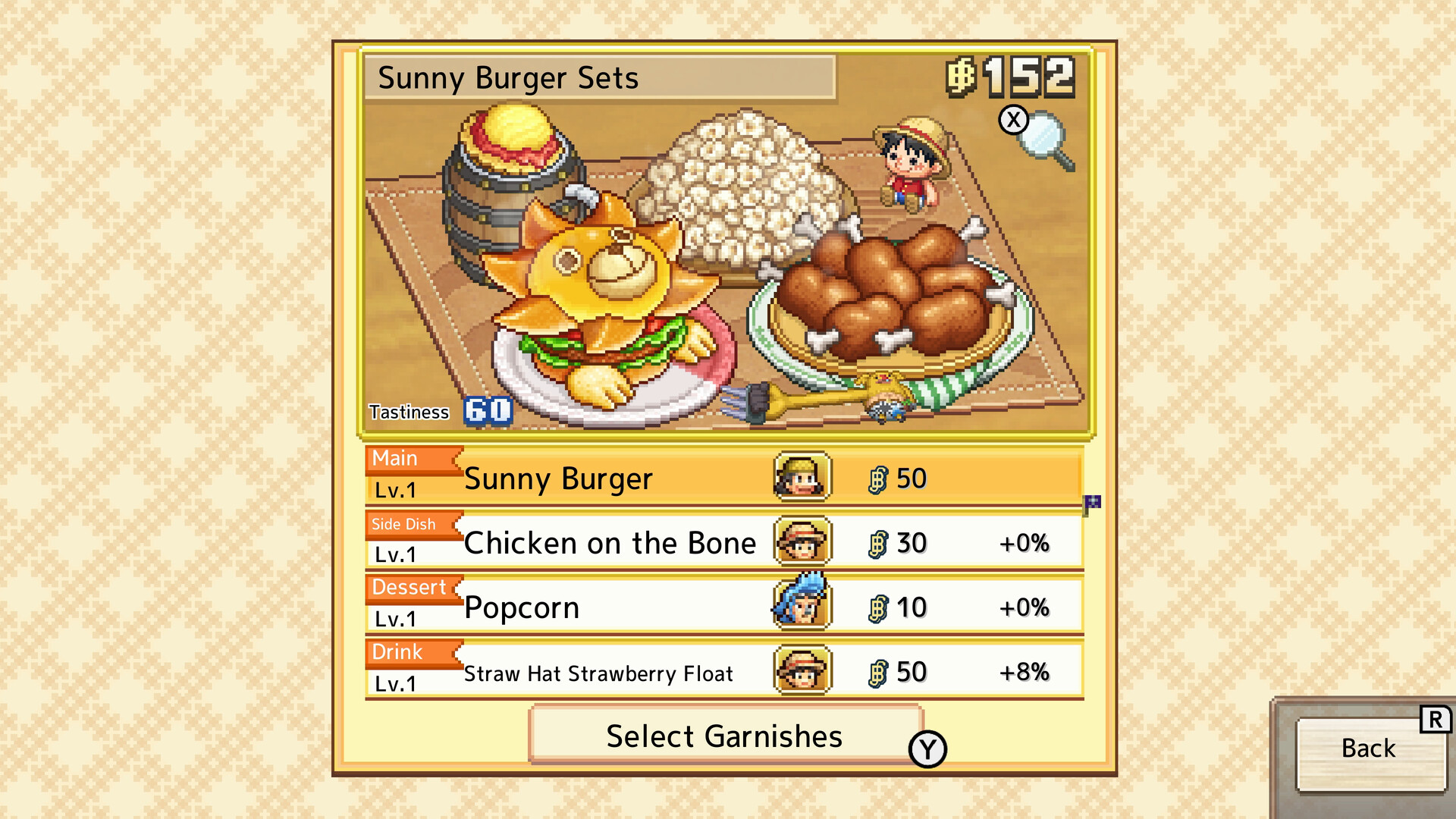
As a new staff member at Baratie’s second location, you choose ingredients and collaborate with Sanji to prepare dishes. Meal sets can be customized by adding different flourishes, expanding the menu beyond the core recipes.
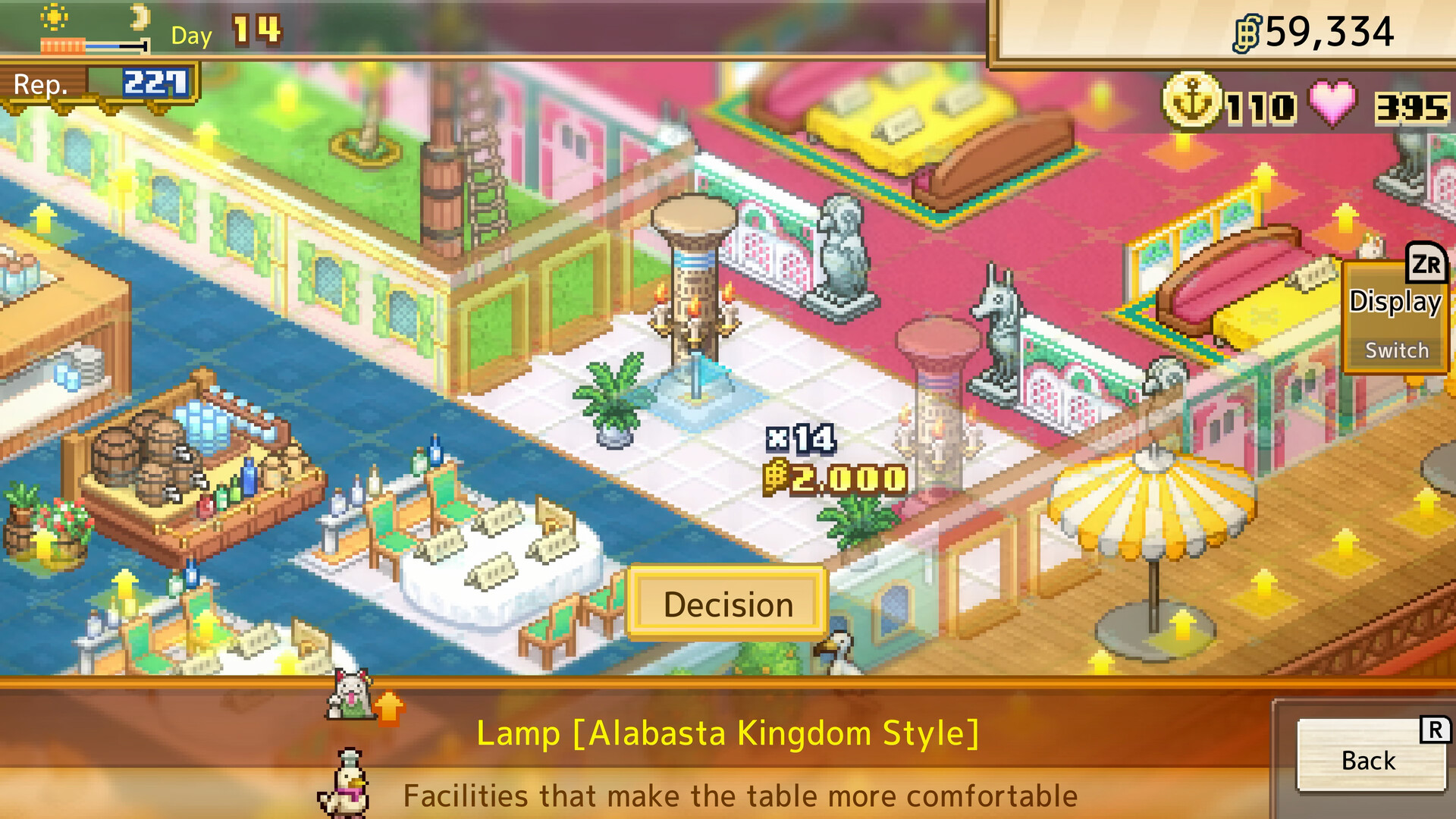
Management extends to arranging over 200 furniture, building, and decorative items, shaping the restaurant’s appearance. When a character appreciates your design, they may become a regular, influencing the flow of customers and adding narrative depth.
- Try various flourishes on the same base dish to see how menu variety changes.
- Observe which décor pieces attract regular characters and note patterns.
02 / THE GUIDE
Character Interactions
Over 400 ONE PIECE characters appear as staff or customers in a spritely pixel style, each capable of triggering character events that are not found elsewhere in the game.
If a character likes your restaurant design, they may become a regular patron, affecting customer traffic and providing opportunities for special dialogue and story moments.
- Listen to character dialogue for hints about preferred décor themes.
- Use character events for inspiration and new menu ideas.
03 / THE GUIDE
Recipe Adventure
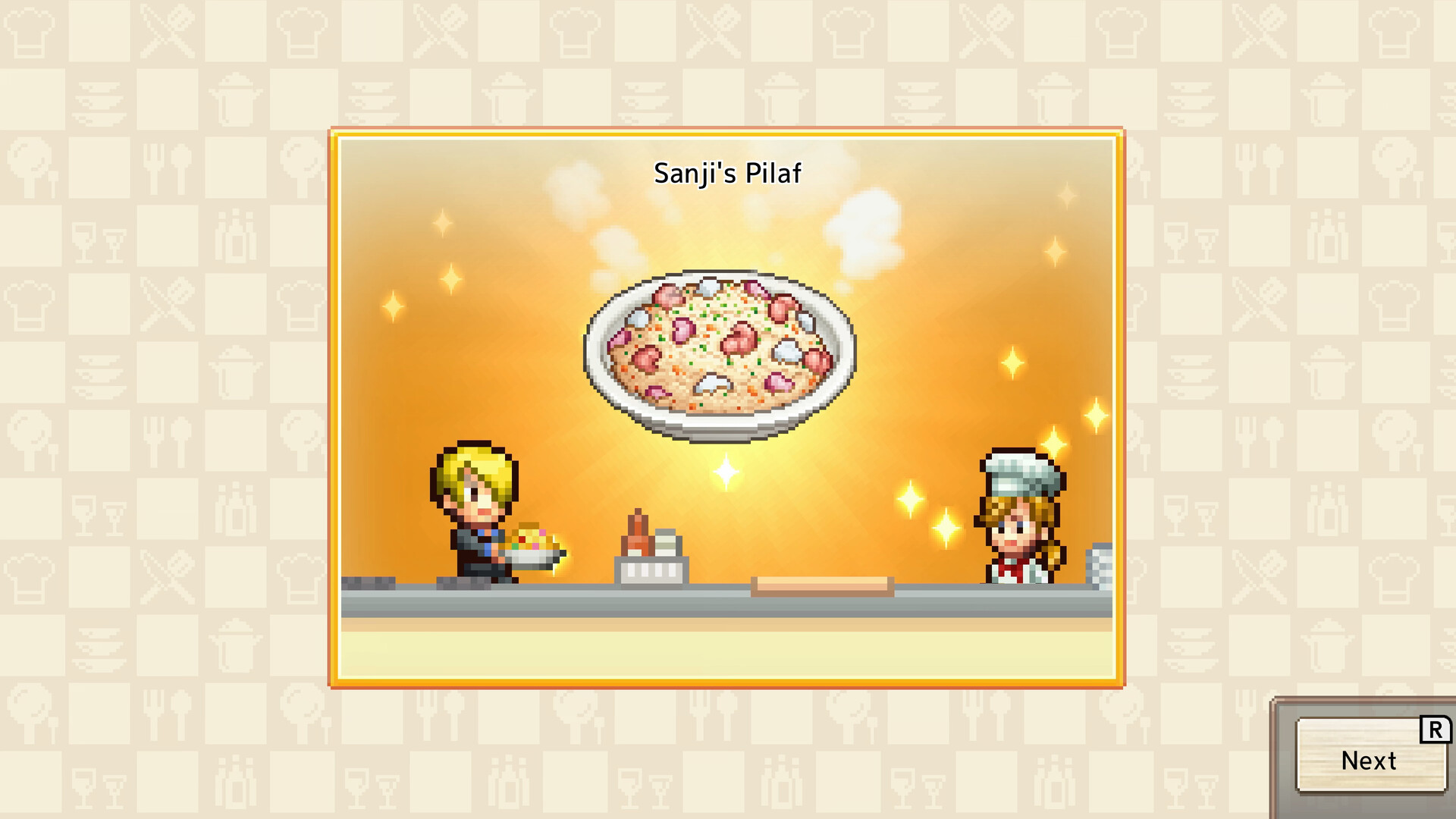
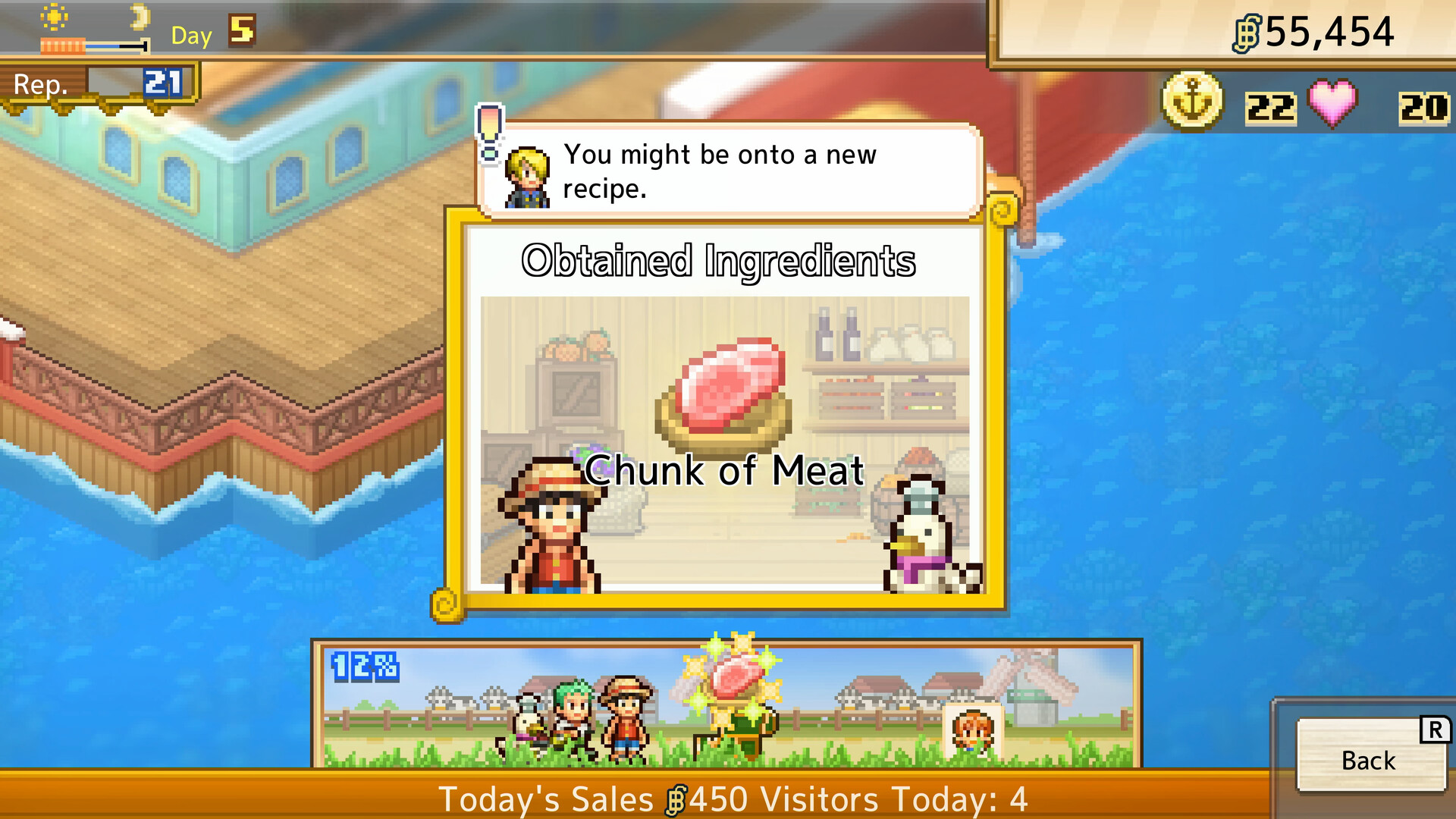
Beyond the core menu, you can adventure to discover additional recipes, including iconic dishes such as Water‑Water Meat BBQ and Sea King Penne Gorgonzola, expanding culinary options.
Some discovered recipes harness Devil Fruit powers, adding a distinct flavor to the menu and encouraging further exploration to unlock the full treasure trove of dishes.
- Keep a list of newly found recipes to avoid missing any unique dishes.
- Combine newly discovered ingredients with existing ones to experiment with hybrid meals.
04 / THE GUIDE
Customization Options
The game provides a vast selection of furniture, building, and decorative items—from Whole Cake Island dessert themes to futuristic Egghead pieces—allowing you to craft a restaurant that reflects personal style.
These visual choices can influence character satisfaction; certain designs may attract specific patrons or trigger character events, linking aesthetics to gameplay outcomes.
- Mix themes, such as dessert and futuristic, for a distinctive visual identity.
- Test how different décor arrangements affect which characters become regulars.
05 / THE GUIDE
Platform Features
ONE PIECE: Grand Gourmet runs on Windows via Steam and includes Single‑player mode, Steam Achievements, Full controller support (DualShock and DualSense), Steam Cloud, and Family Sharing, as listed in the official feature set.
Steam Cloud enables your restaurant progress to be saved online, while Family Sharing allows another account on the same device to access the game without purchasing a separate copy.
- Enable Steam Cloud in the client settings to keep your restaurant data backed up.
- Experiment with both DualShock and DualSense controllers to find the feel you prefer.
COMMUNITY
Player discussion