 GameWiki
GET YOUR BEARINGS
About On Track
On Track offers a calm, train‑themed workspace where you name a goal, set a timer, and work through a to‑do list. The single‑player mode blends task management with a rolling landscape that changes as you finish sessions.
A built‑in lo‑fi playlist and adjustable ambient sounds let you craft a personal soundscape, while the time‑of‑day setting lets you choose bright daylight or deep night for visual comfort.
01 / THE GUIDE
Goal Naming and Timer
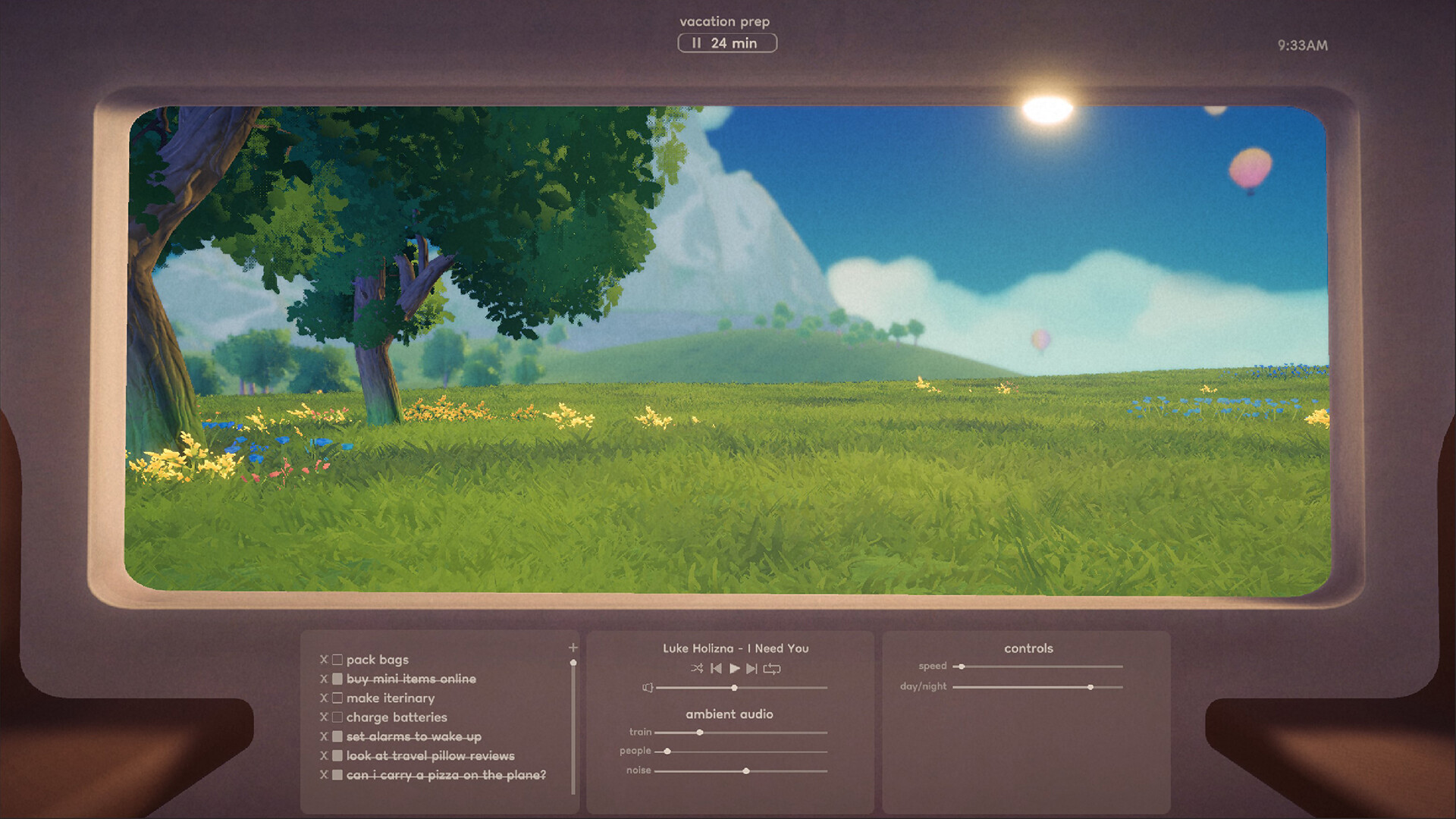
When you board the train you first name any goal you wish to accomplish and set a timer for that session. The timer can be started, stopped, restarted, or edited at any point, giving you direct control over pacing.
The ability to edit the timer during a session lets you adapt to unexpected interruptions, while crossing off tasks as the timer runs reinforces a sense of progress.
- Choose a concise, concrete goal to keep focus sharp.
- If you often finish early, lengthen the timer for the next session.
02 / THE GUIDE
Task List Management
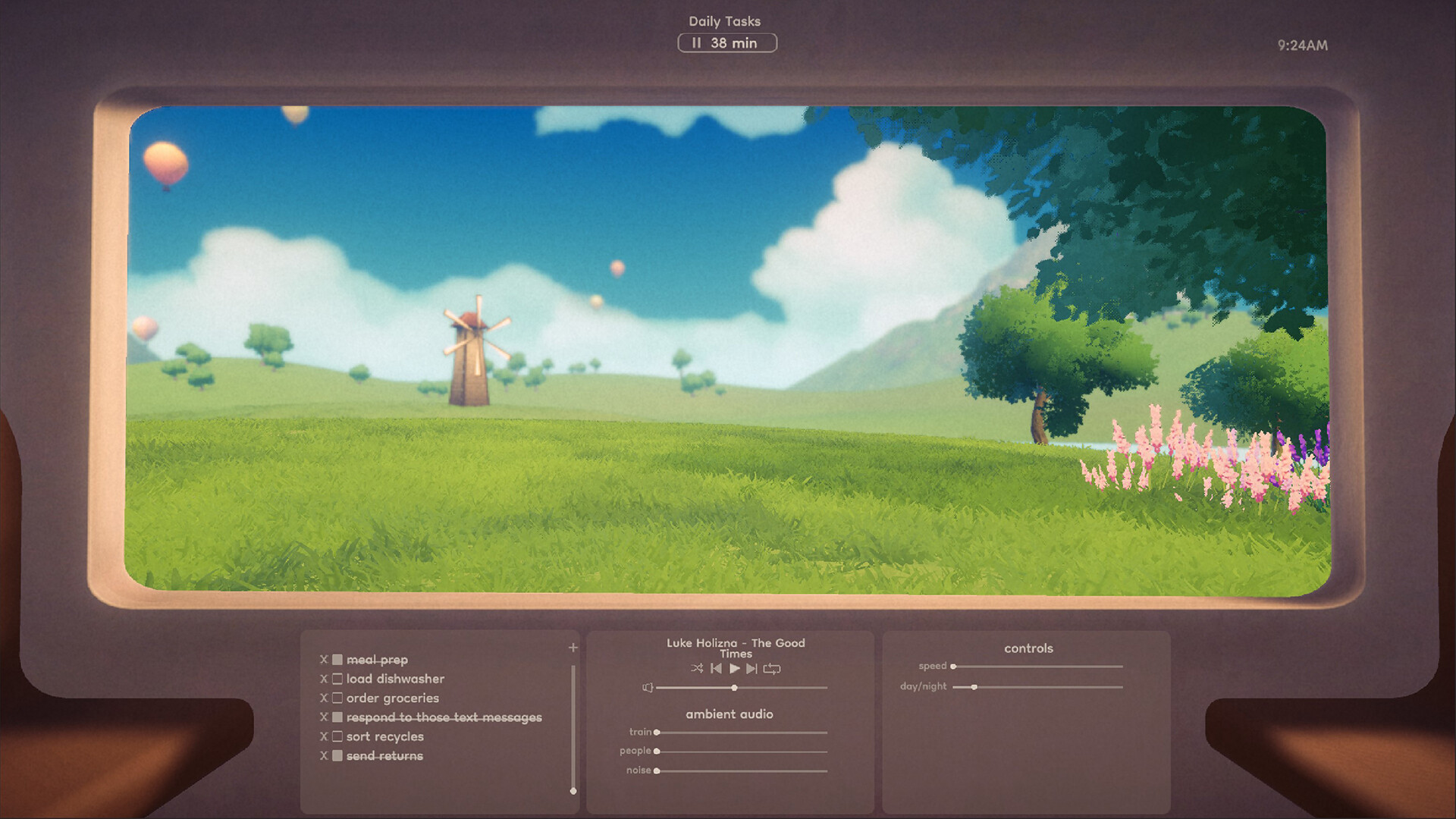
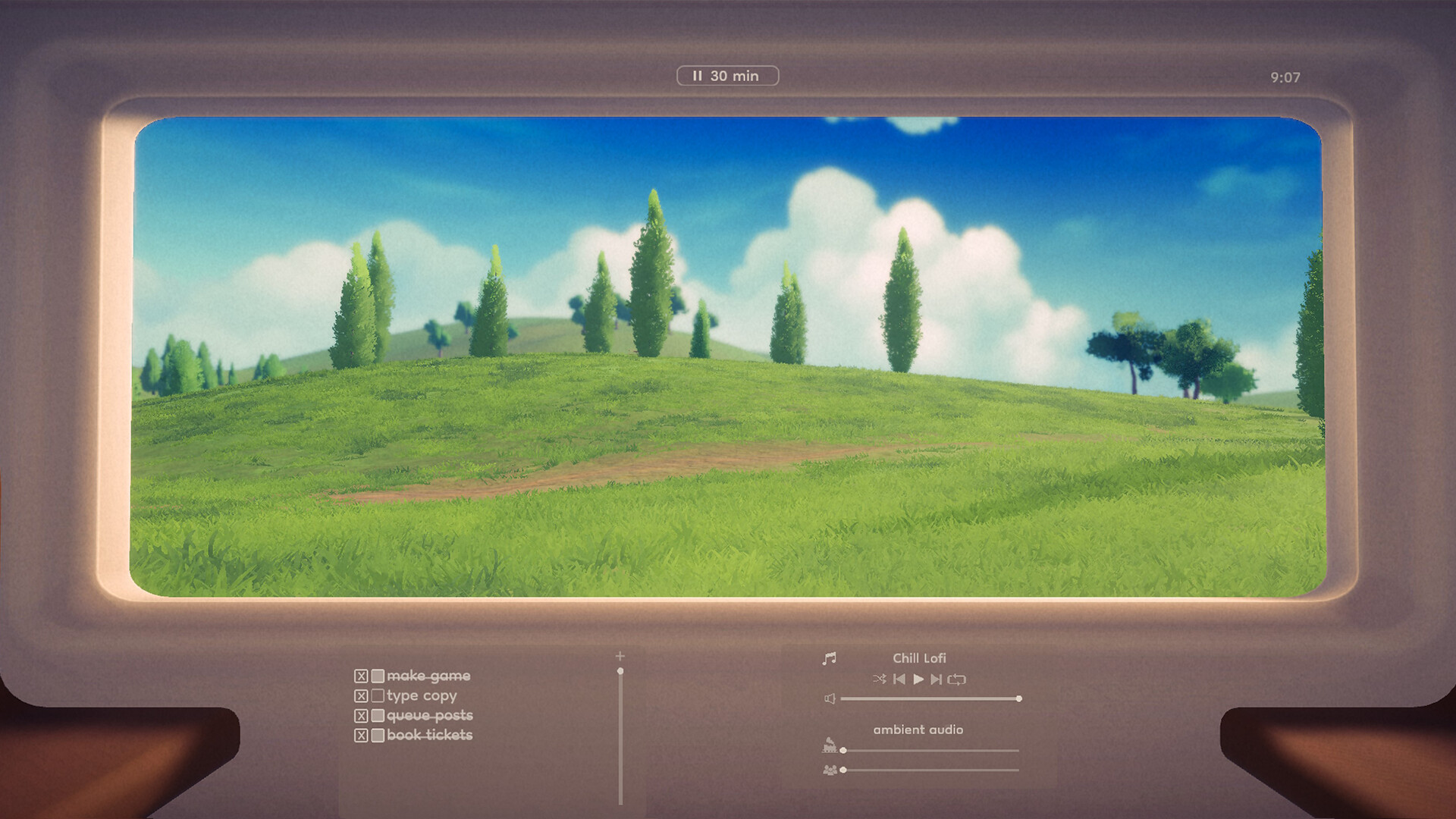
On Track provides a to‑do list where you can add tasks for the current session. Each completed item can be crossed off, giving visual feedback of progress.
Tasks may be edited or deleted at any time, allowing you to refine priorities as the session evolves without losing the overall goal.
- Group similar tasks to reduce context switching.
- Remove tasks that no longer serve the main goal to keep the list focused.
03 / THE GUIDE
Evolving Landscape
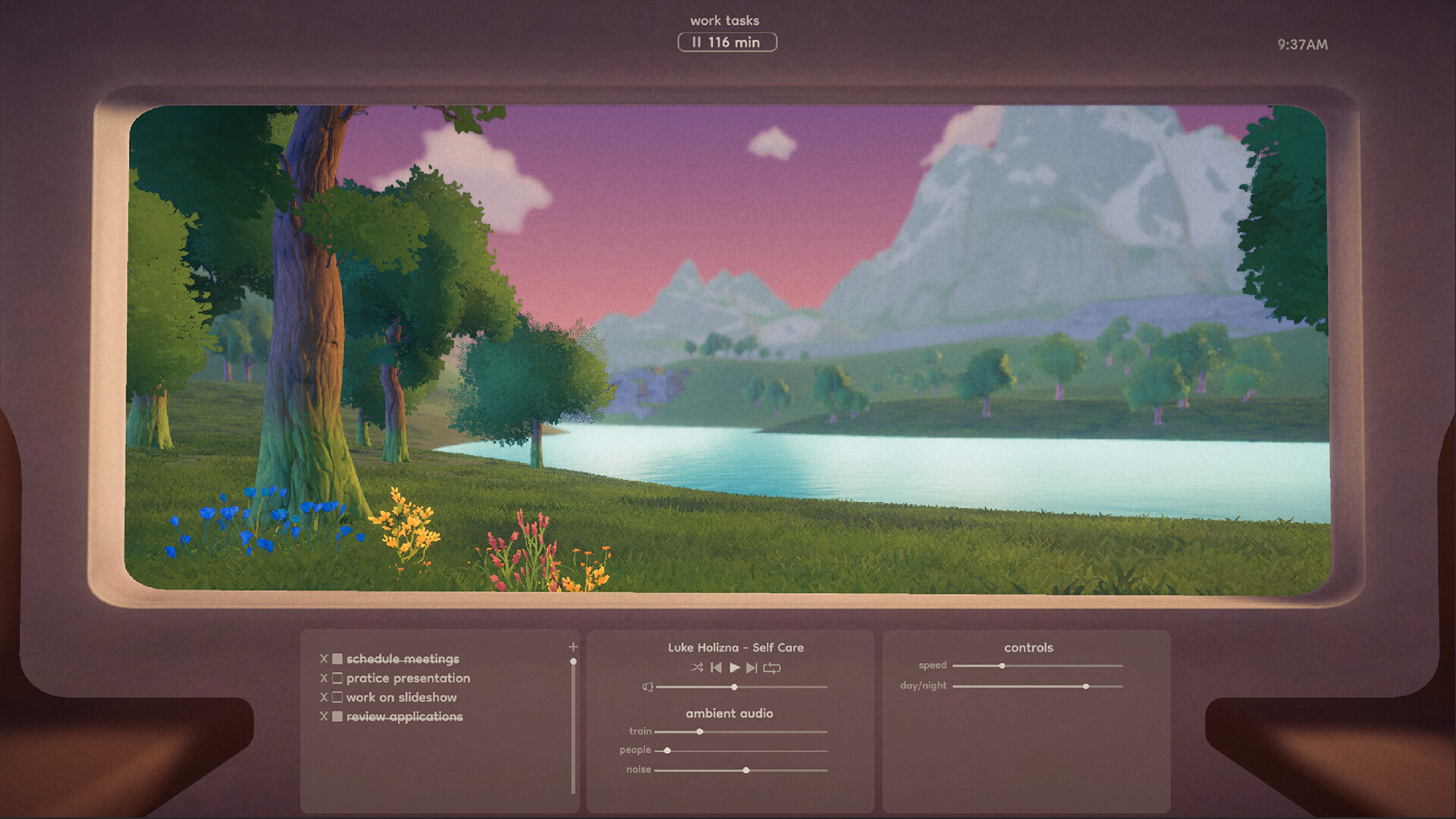
As you complete task sessions the passing landscape evolves, offering visual variety and occasional surprises that signal progress.
You can also slow down or stop the train at any time, giving you control over visual pacing.
- Watch for landscape changes as a subtle cue that a session has ended.
- Use the stop function for a brief visual break.
04 / THE GUIDE
Soundtrack and Ambient Audio
A built‑in lo‑fi playlist plays in the background to aid concentration. You can adjust the volume of the train’s rumble and neighboring passenger noises to suit your preference.
If you prefer ASMR, the ambient audio can be tuned to emphasize those subtle sounds, letting you craft a soundscape that matches your focus style.
- Lower train noise if it becomes distracting during detailed work.
- Experiment with ASMR‑focused settings to see if they improve flow.
05 / THE GUIDE
Adjustable Time of Day
Players may set the train’s environment to any time of day, from the darkest night to the brightest day, matching the visual atmosphere to personal comfort.
Changing the time of day does not alter gameplay mechanics; it simply provides aesthetic variety for each session.
- Select a bright day setting if you prefer an energetic visual backdrop.
- Choose night mode for a calmer, low‑light environment that may reduce visual fatigue.

COMMUNITY
Player discussion