 GameWiki
GET YOUR BEARINGS
About On-Together: Virtual Co-Working
On‑Together: Virtual Co‑Working creates a shared digital third‑space where you can work or study alongside friends and strangers. Your avatar sits in a cozy virtual environment while you focus on real‑world tasks, blending productivity with a light‑hearted social setting.
The platform includes a customisable Pomodoro timer, a to‑do list, and a ticket system that rewards focus. Regular breaks let you play short minigames such as basketball, fishing, or music jams before returning to work.
01 / THE GUIDE
Virtual Workspace & Locations
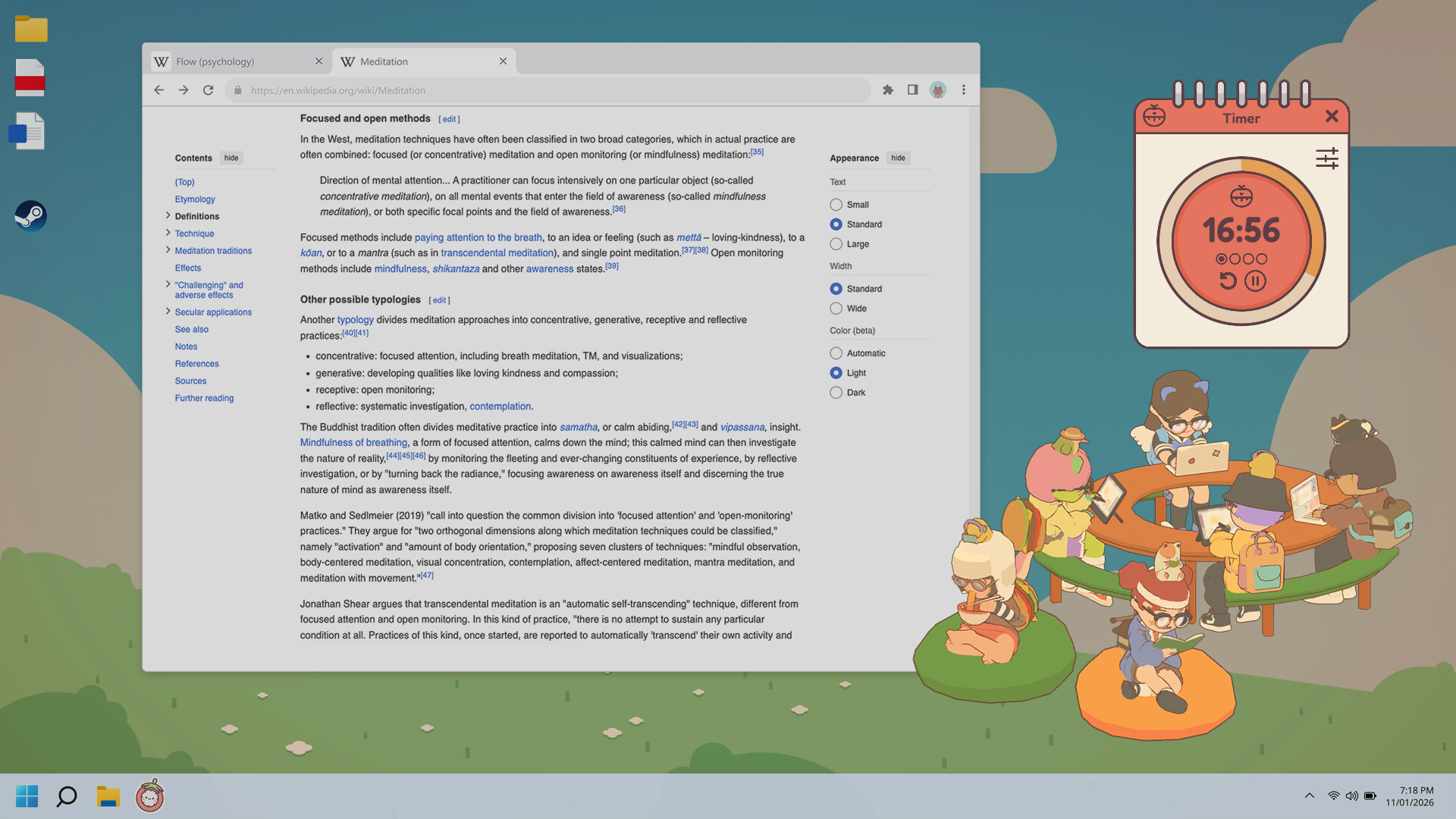
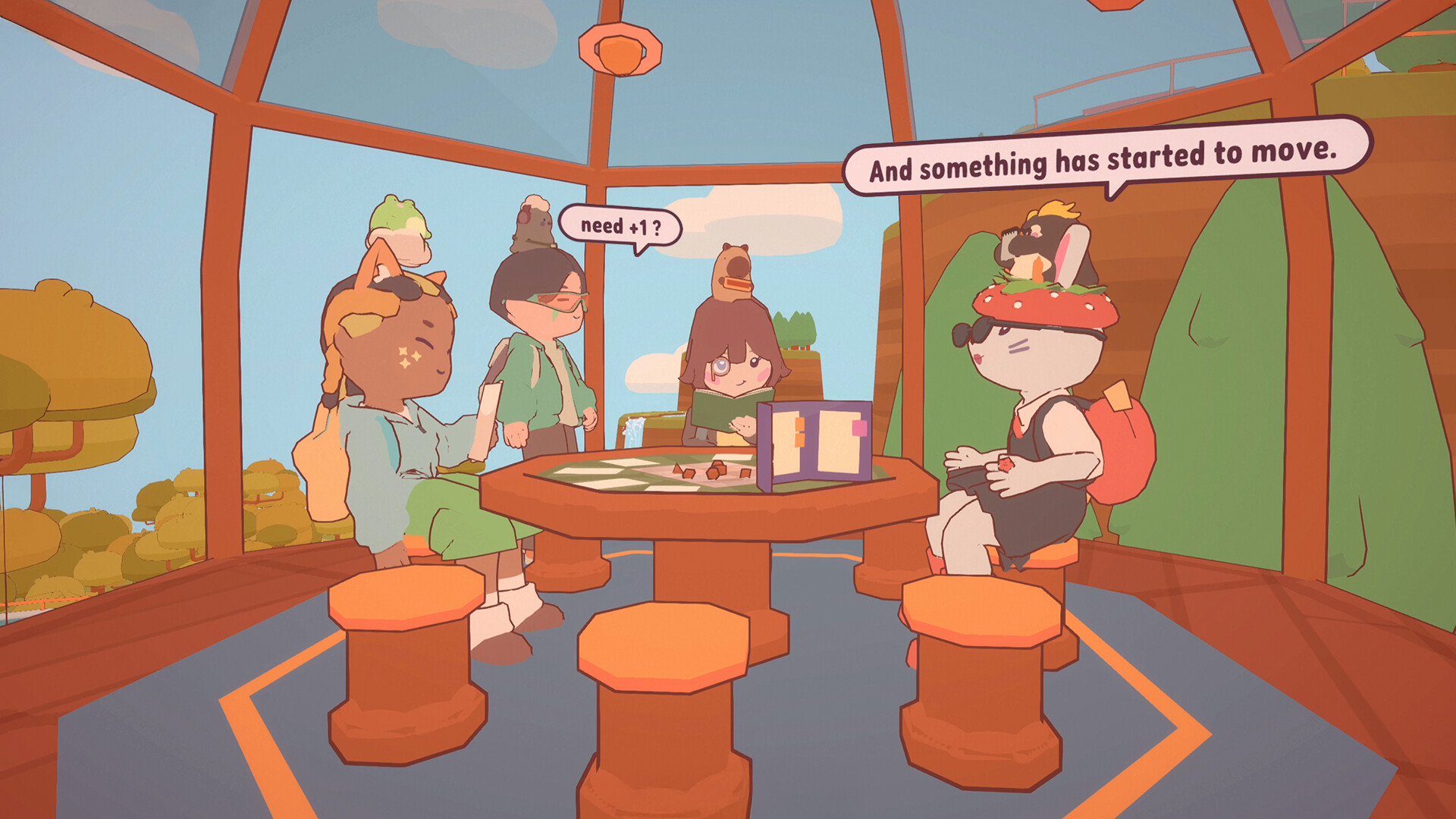
The game offers several themed locations—library, treehouse, floating lily pads—where avatars gather while you work. These spaces serve as cozy settings where avatars gather while you work.
You can view the workspace in fullscreen, alongside your screen, or as a transparent sticker, letting you choose a layout that fits your monitor setup.
- Try the treehouse if you prefer a calmer visual ambience.
- Switch between fullscreen and sticker mode to see which layout feels less intrusive.
02 / THE GUIDE
Productivity Tools
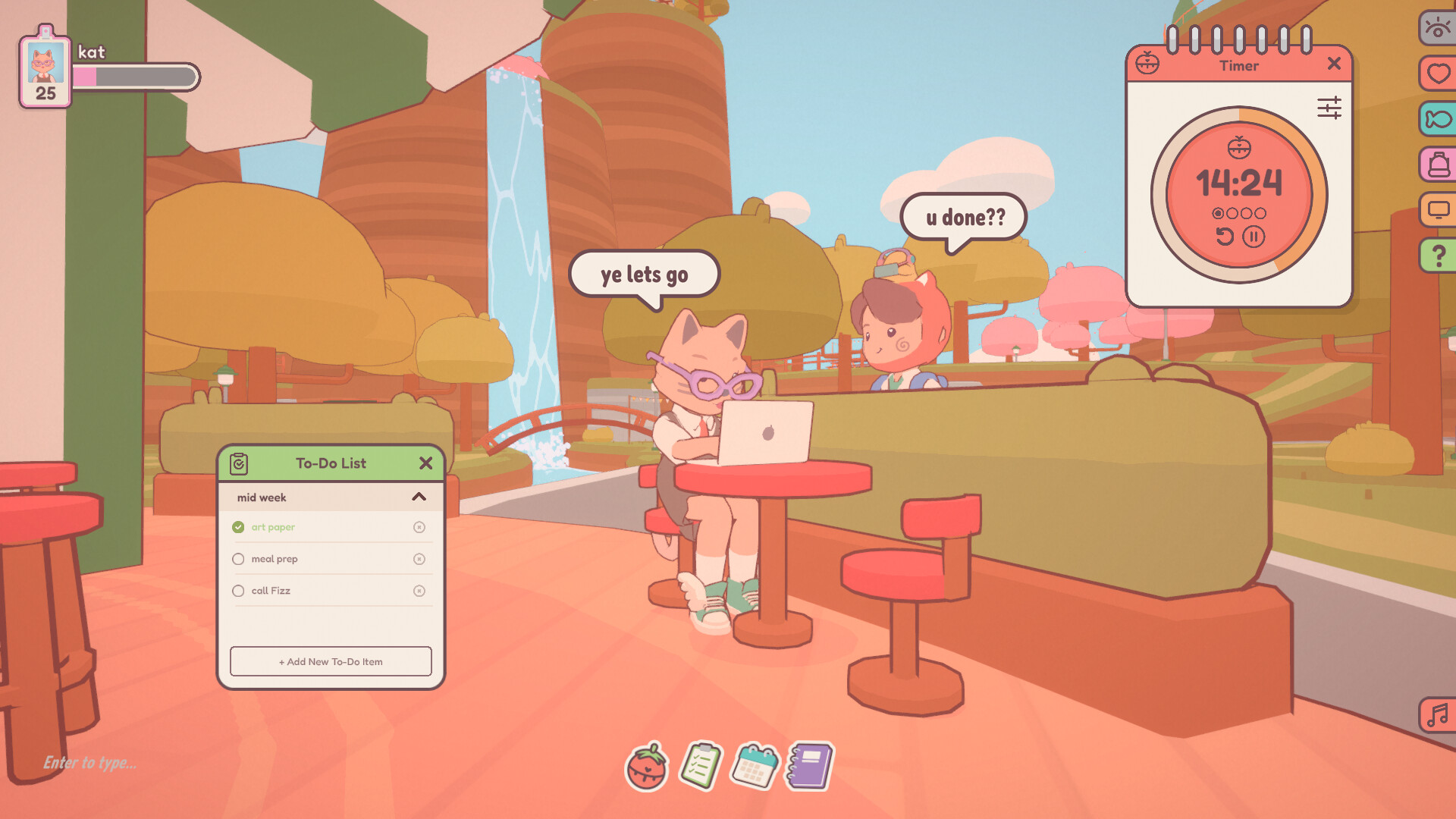
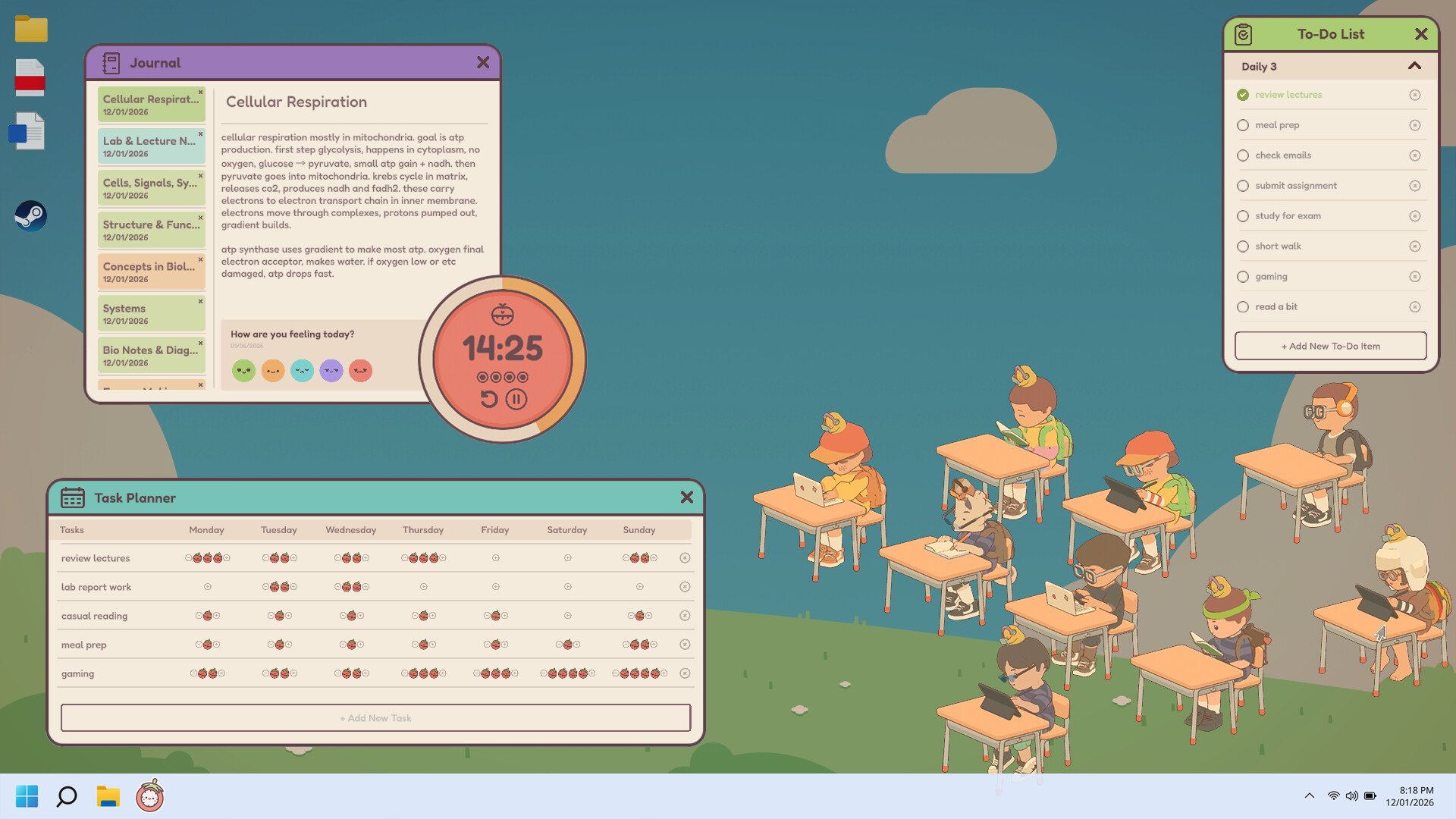
On‑Together includes a customisable Pomodoro timer and a to‑do list built into the interface. Both can be adjusted to match your preferred work‑break intervals.
The timer encourages regular breaks, and focusing earns tickets, linking your work sessions to in‑game rewards.
- Start with a 25‑minute work interval if you are new to timed sessions.
- Keep the to‑do list visible to maintain a clear sense of tasks.
03 / THE GUIDE
Avatar Customisation
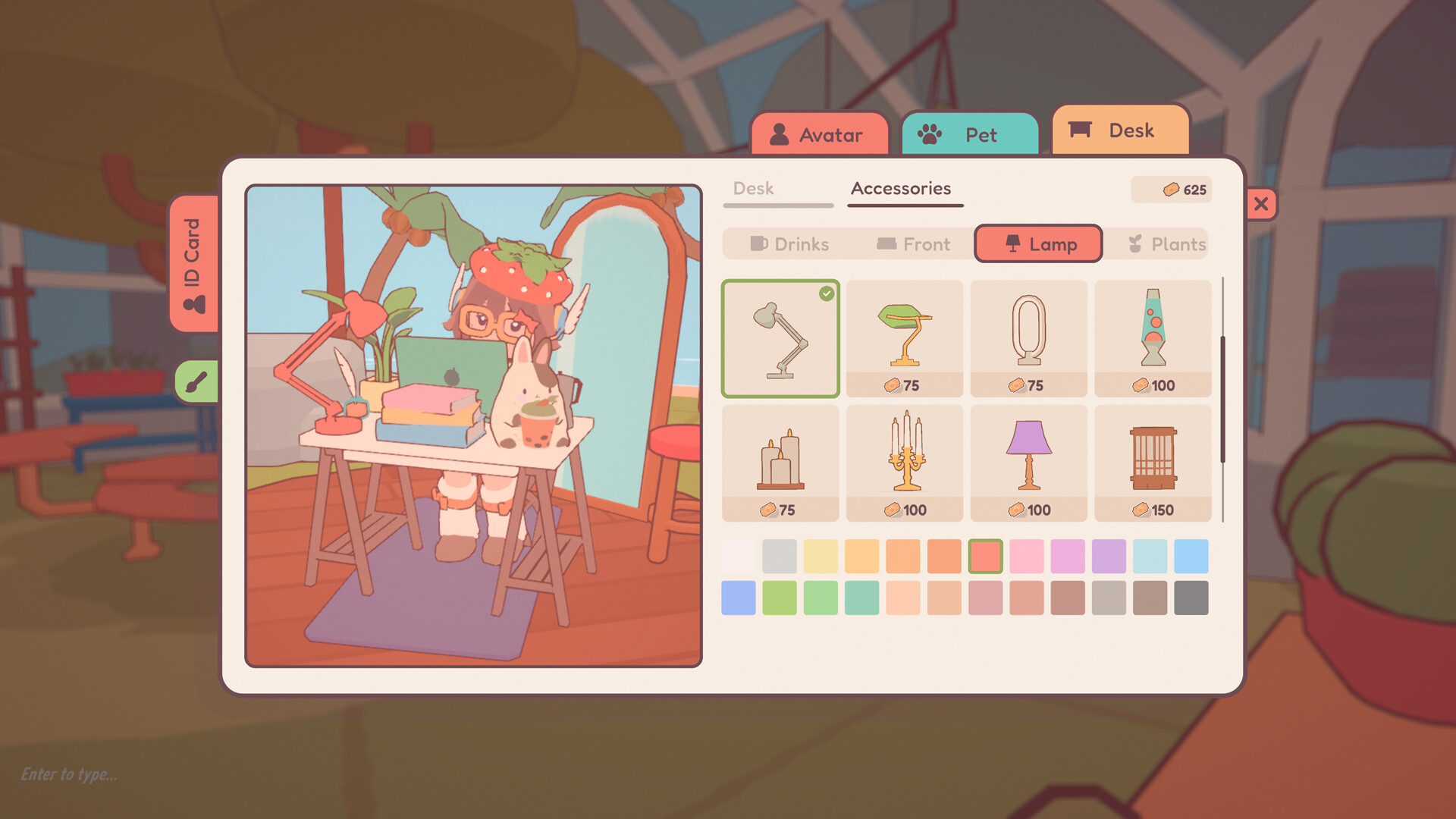
Players can personalise avatars using a large selection of human and animal options. Customisation offers a wide range of options for personal expression.
Avatars appear in the corner of the screen and display focus animations that match your real‑world activity, such as reading, doing chores, or painting.
- Select an animal avatar for a quick visual cue of a relaxed session.
- Match the focus animation to your current task for a subtle thematic tie‑in.
04 / THE GUIDE
Ticket Economy & Rewards
Focusing earns tickets, a currency you accumulate as you complete Pomodoro cycles and take scheduled breaks. Tickets can be traded for clothing, power‑ups, pet companions, and additional items.
Spending tickets is optional and provides access to new visual gear or companions, giving a tangible incentive for consistent focus.
- Save tickets for pet companions if you enjoy having a visual sidekick.
- Consider clothing upgrades after a week of steady sessions for a sense of progression.
05 / THE GUIDE
Break Minigames
During scheduled breaks you can play short minigames such as basketball, fishing, or music jams. These activities offer a quick mental reset before returning to work.
Minigames are available during breaks, fitting neatly into the break routine.
- Choose music jams if rhythmic cues help you re‑enter focus.
- Try fishing for a low‑stress option when feeling mentally fatigued.
COMMUNITY
Player discussion