 GameWiki
GET YOUR BEARINGS
About OMSI 2: Steam Edition
OMSI 2: Steam Edition expands the award‑winning bus simulator with new routes, vehicles, and a chronology system that lets you drive through Spandau from 1986 to 1994. The game adds the articulated MAN NG272 and revisits classic double‑decker models while keeping single‑player play and full controller support.
A map‑based editor lets you import aerial imagery, adapt terrain and rotate objects, and the simulation features realistic AI traffic, weather, day‑night cycles and four camera views. Family Sharing is also supported, allowing multiple accounts to enjoy the same content.
01 / THE GUIDE
New Vehicles
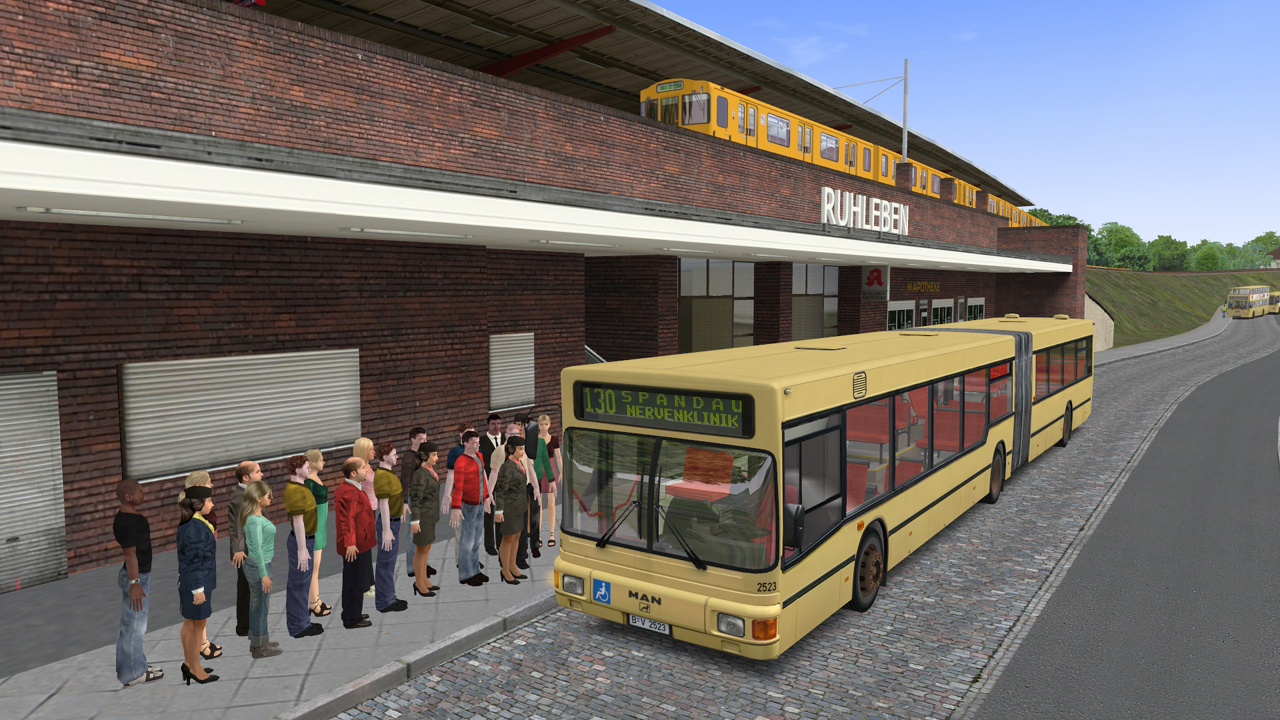
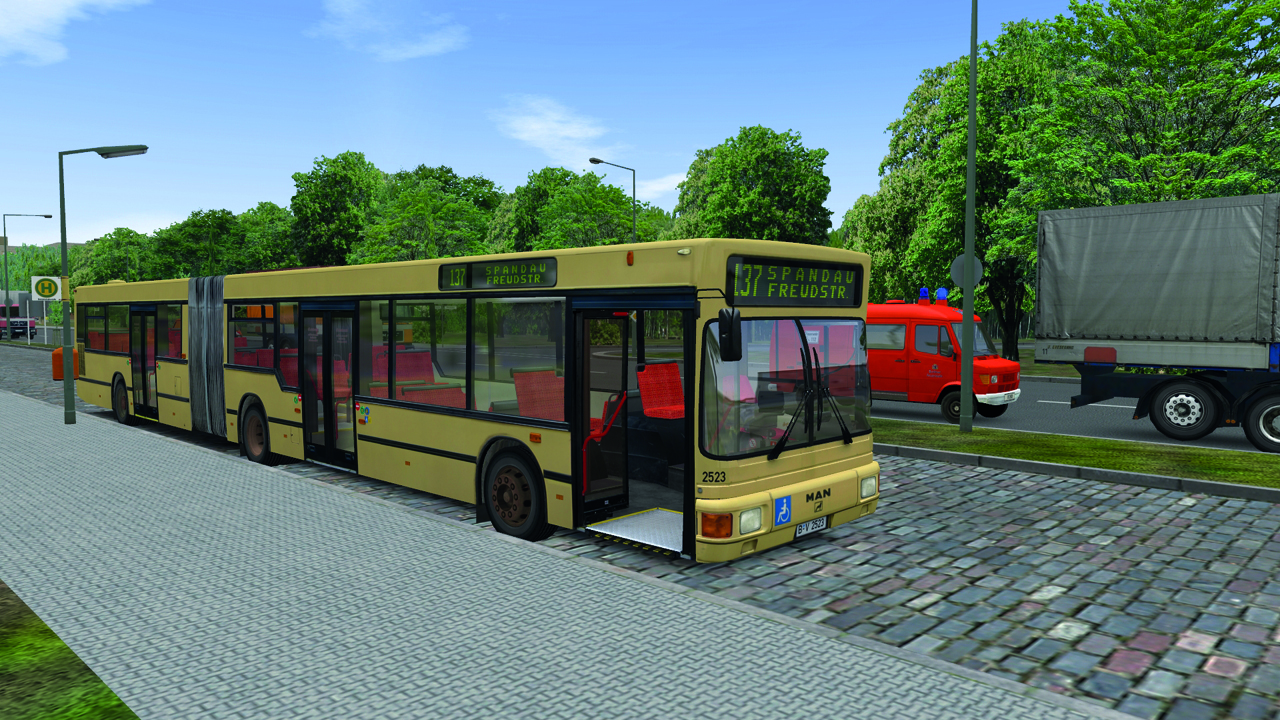
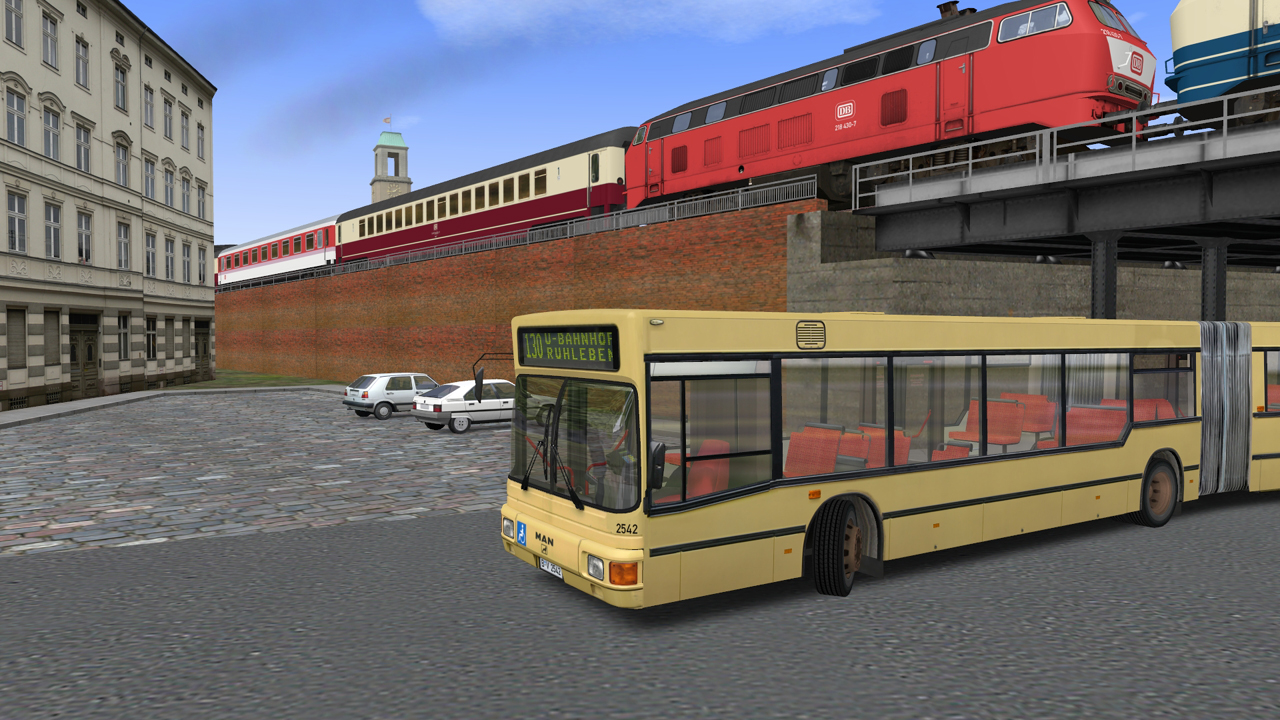
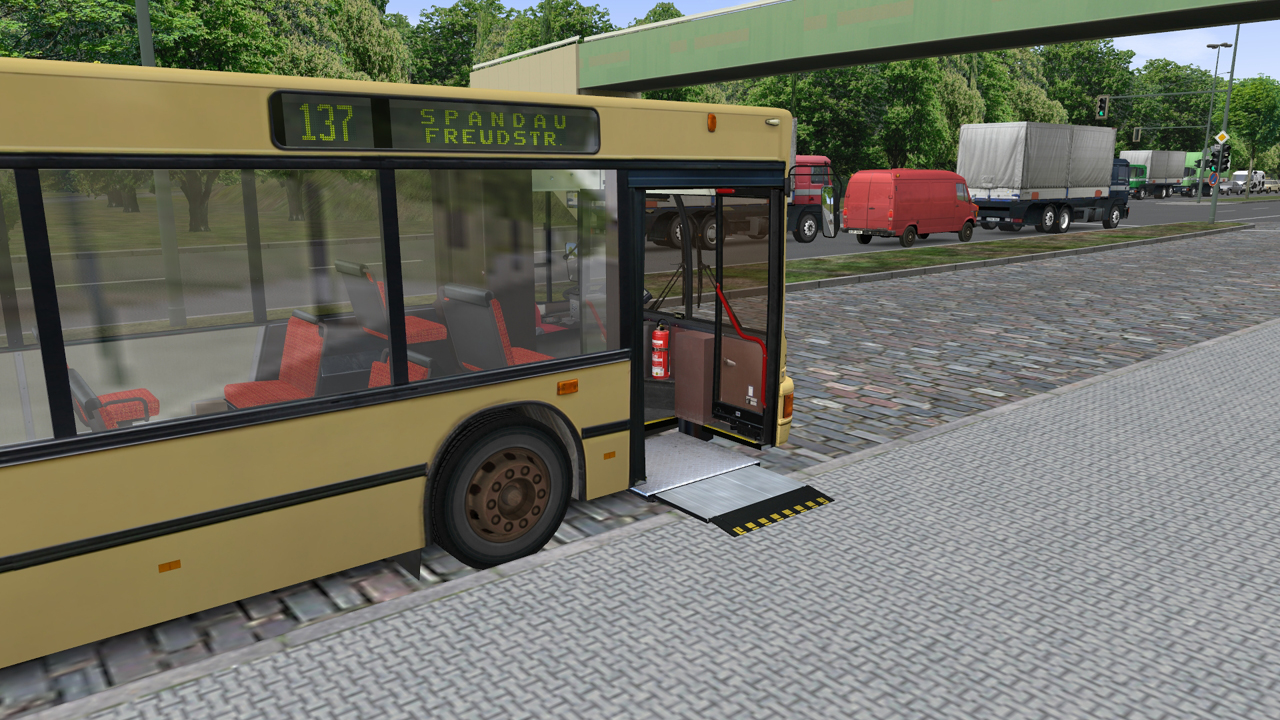
The MAN NG272 appears as the first articulated bus in OMSI history, with a recreated joint kinematics system, dedicated sounds and a bending‑protection feature. This model joins the existing MAN NL202 and the classic double‑decker SD200 and SD202.
Reworked SD200/SD202 variants add extra production years, emergency‑door openers, destination boards and sound variations that depend on the vehicle number, giving each bus a distinct auditory profile.
- Listen for the different engine tones to identify which bus you are operating.
- Observe the turning behavior of the articulated bus compared with the double‑decker on tight corners.
02 / THE GUIDE
Spandau Chronology
The chronology function lets you relive the changes taking place in Spandau between 1986 and 1994, changing the map to reflect construction sites, route expansions and new lines such as 137 to Falkensee that appeared after German reunification.
Both line 5 (Ruhleben → Spandau clinic, 12 km) and line 92 keep their original timetables, while temporary map changes like special‑bus assignments are also represented during the selected period.
- Compare building placements in 1986 versus 1994 to see how the city evolved.
- Notice how the city changes as you move through the chronology period across the years.

03 / THE GUIDE
Map Editor
The built‑in editor is map‑based and supports automatic aerial‑image import, terrain adaptation to road geometry and an improved spline connection algorithm, allowing smooth road creation and realistic landscape shaping.
Objects can be rotated on all axes, intersections receive individual vertical profiles, and the editor saves optimized loading, which enables the creation of considerably larger maps that use a world coordinate system for DEM imports via DLLs.
- Start with the automatic aerial‑image import to lay a realistic base quickly.
- Use the spline tool to test how road curvature affects vehicle handling.
04 / THE GUIDE
Traffic and Weather
AI traffic behaves realistically on roads, railways and subways, while weather, seasonal effects and day‑night cycles are fully controllable, influencing visibility and the overall ambience of the simulation.
Animated objects populate the landscape and the integrated on‑board information system (IBIS) provides route data, supporting both relaxed cruising and the tight five‑minute rhythm of line 5.
- Toggle between clear and rainy weather to observe visual changes in the environment.
- Watch AI traffic patterns during night cycles to see speed variations.
05 / THE GUIDE
Camera Views
Four camera modes are available: driver sight, passenger sight, exterior view and a free camera. Each offers a distinct perspective on the bus interior, surrounding traffic and scenery.
The free camera is useful for scouting ahead on custom maps, while the passenger view highlights interior animations and the IBIS display during routes.
- Switch to passenger view to check interior lighting on night routes.
- Use the free camera to preview upcoming intersections on tight timetables.
COMMUNITY
Player discussion