 GameWiki
GET YOUR BEARINGS
About Office After Hours
Office After Hours delivers a brief, 1‑2 hour horror‑adventure set in a quirky office that refuses to let you leave. You work overtime under a demanding boss while strange, funny anomalies appear, turning the mundane workplace into a surreal puzzle.
The game encourages exploration of 30 story‑based anomalies and over 40 total oddities, with optional extra content like Crossovertime Mode. No penalties punish missed clues; the focus is on uncovering secrets and finding a way out of the endless‑work nightmare.
01 / THE GUIDE
Anomaly Discovery
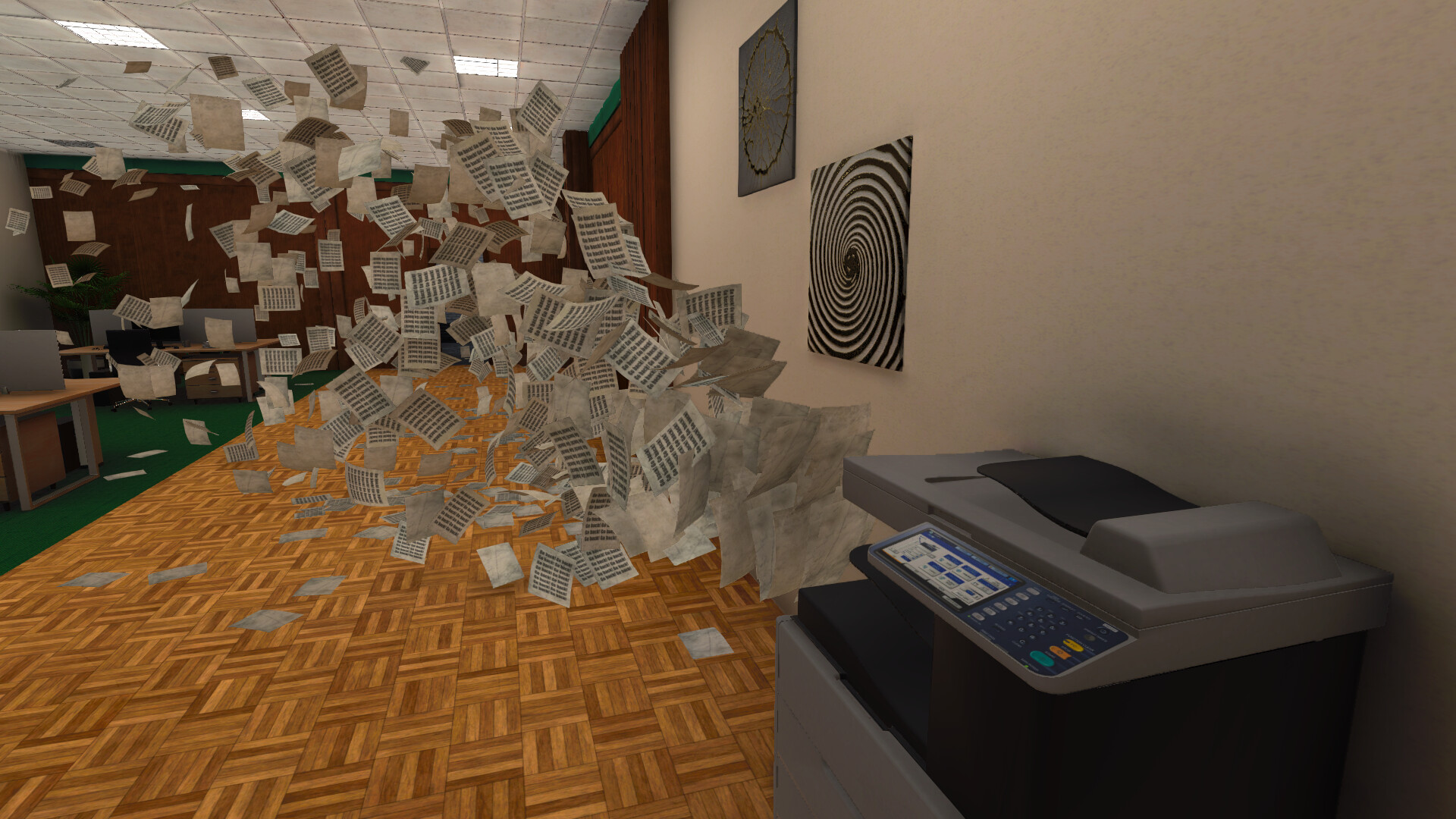
During the shift the office environment shifts, revealing work items, coffee, and occasionally the office pet. Players are prompted to spot anomalies, which include seven major anomalies, one of which conceals four smaller ones.
The game lists 30 story‑based anomalies and more than 40 total, offering pure exploration without punishment for missing any. This design encourages players to wander and observe rather than rush.
- Take time to look around each area; smaller anomalies are often hidden behind larger ones.
- Compare the layout before and after a major anomaly to notice subtle changes.
02 / THE GUIDE
Crossovertime Mode
An optional extra, Crossovertime Mode, adds a short 15–25 minute segment where players can encounter additional anomalies. This mode is separate from the main 1‑2 hour experience and focuses on rapid discovery.
While the core game is a light horror experience, Crossovertime offers a condensed burst of the same exploration style, allowing players to experience more content in a brief session.
- Use Crossovertime to practice spotting anomalies quickly.
- Treat it as a replay of the main mechanics in a tighter timeframe.
03 / THE GUIDE
Story and Escape
The narrative revolves around escaping the overwork hell of Endless Solutions. Players collect clues, numbers, and story‑related items that unlock new areas and reveal secrets.
The game promises no punishment for missing anomalies, just pure exploration and fun encounters, so you can chase the numbers and story-related items at your own pace, reinforcing the theme of breaking free from endless overtime.
- Keep track of numbers you encounter; they often hint at hidden passages.
- Collect story items even if they seem optional; they enrich the ending.
04 / THE GUIDE
Technical Features
Office After Hours supports full controller input, camera comfort options, custom volume controls, and stereo sound. It also integrates Steam achievements, cloud saves, and family sharing, ensuring a flexible single‑player experience.
The game runs on Windows via Steam and does not require timed input, allowing players to explore at their own pace without pressure from input constraints.
- Adjust camera comfort settings if the office feels claustrophobic.
- Enable cloud saves to keep progress across multiple devices.
05 / THE GUIDE
Genre and Tone
Classified as adventure, indie, and simulation, the game blends light horror with humor. Anomalies range from scary to funny, creating a mysterious yet playful atmosphere.
The short playtime and emphasis on exploration make it suitable for players seeking a brief, story‑driven experience without heavy combat or complex systems.
- Expect a mix of eerie and comedic moments; let both affect your pacing.
- Treat the simulation aspects as background flavor rather than strict mechanics.


COMMUNITY
Player discussion