 GameWiki
GET YOUR BEARINGS
About OFFBEAT
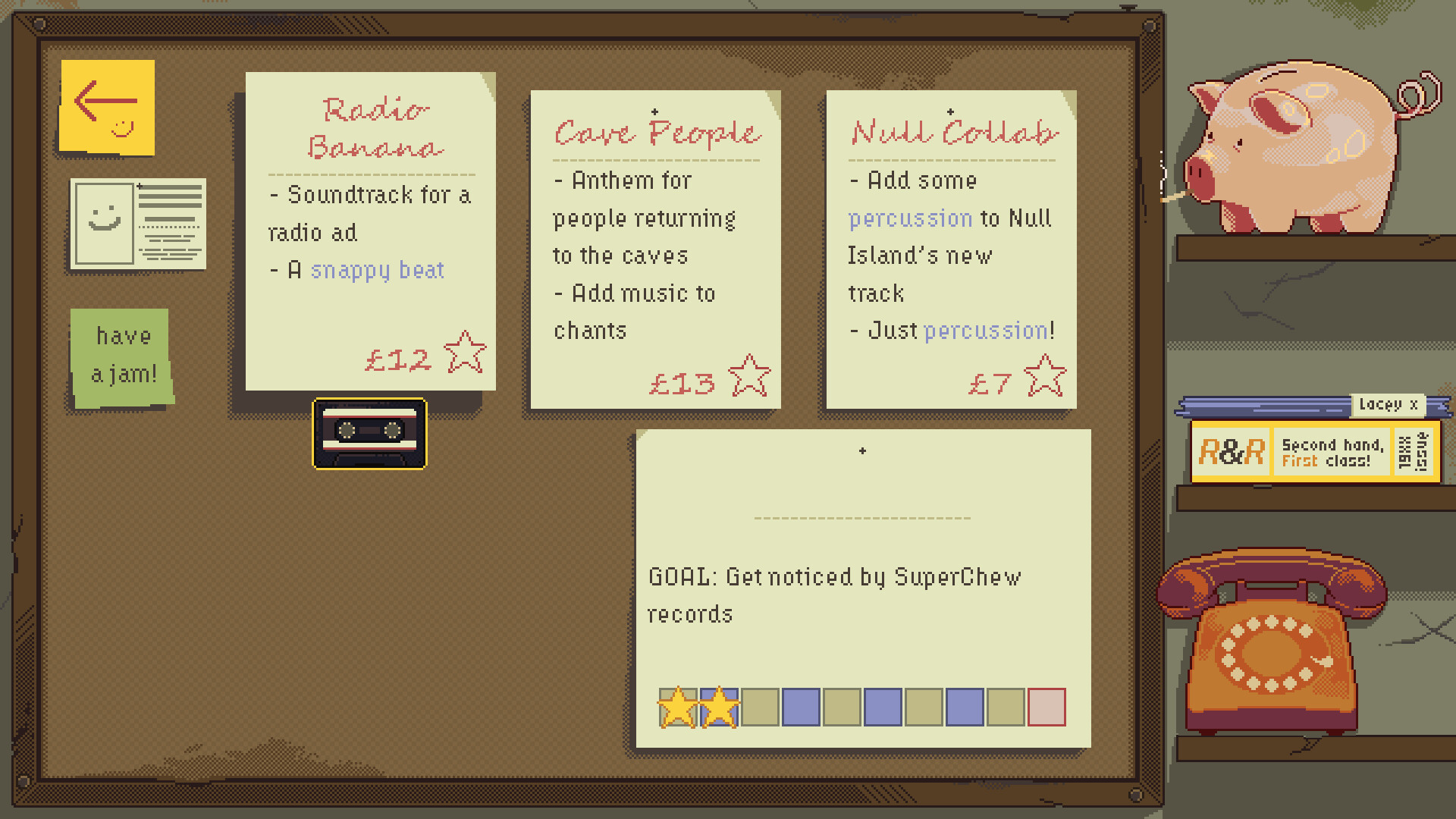
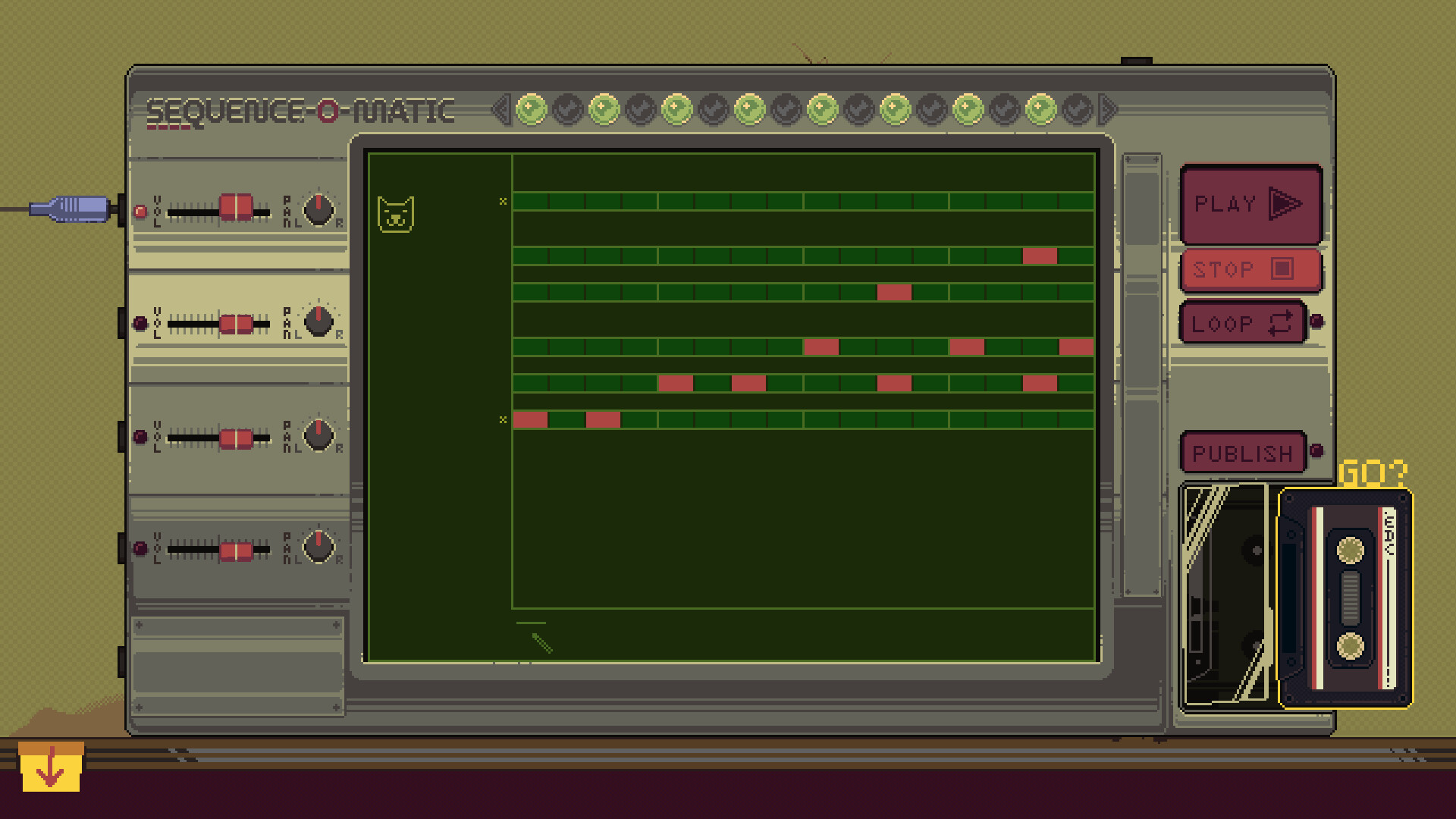
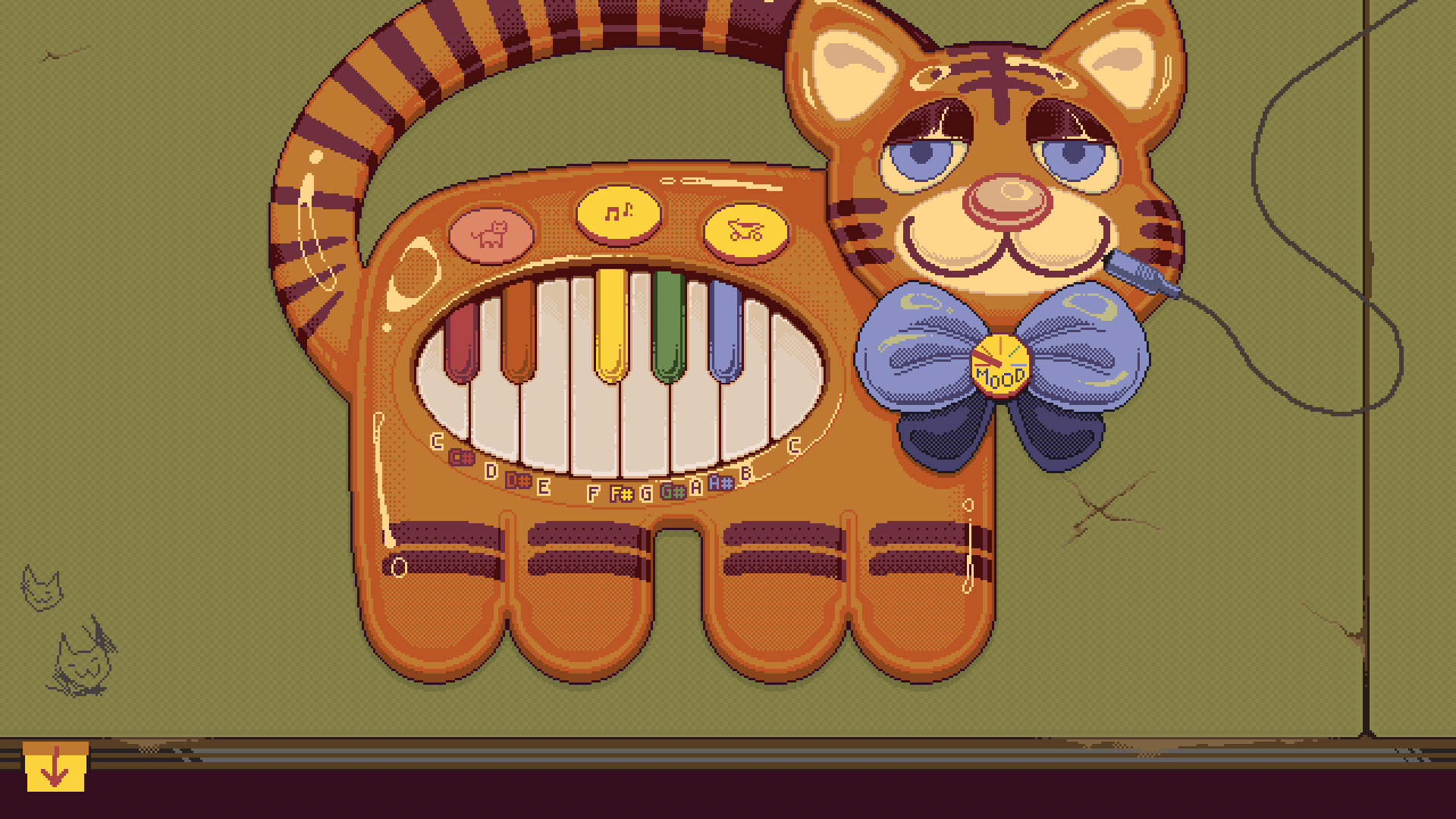
OFFBEAT drops you into a 1980s‑style audio studio where you begin as a fledgling composer with only a tiger‑shaped toy keyboard and a second‑hand 4‑track recorder. Word spreads, commissions roll in, and you expand your gear while tackling jobs that range from wedding jingles to fantasy film scores.
Beyond its simulation veneer, OFFBEAT functions as a genuine audio production tool: every track you craft can be exported as a WAV file to your computer, letting you keep or share the music you create. The low‑pressure design aims to teach basics of synthesis, sound design, composition and recording.
01 / THE GUIDE
career-progression
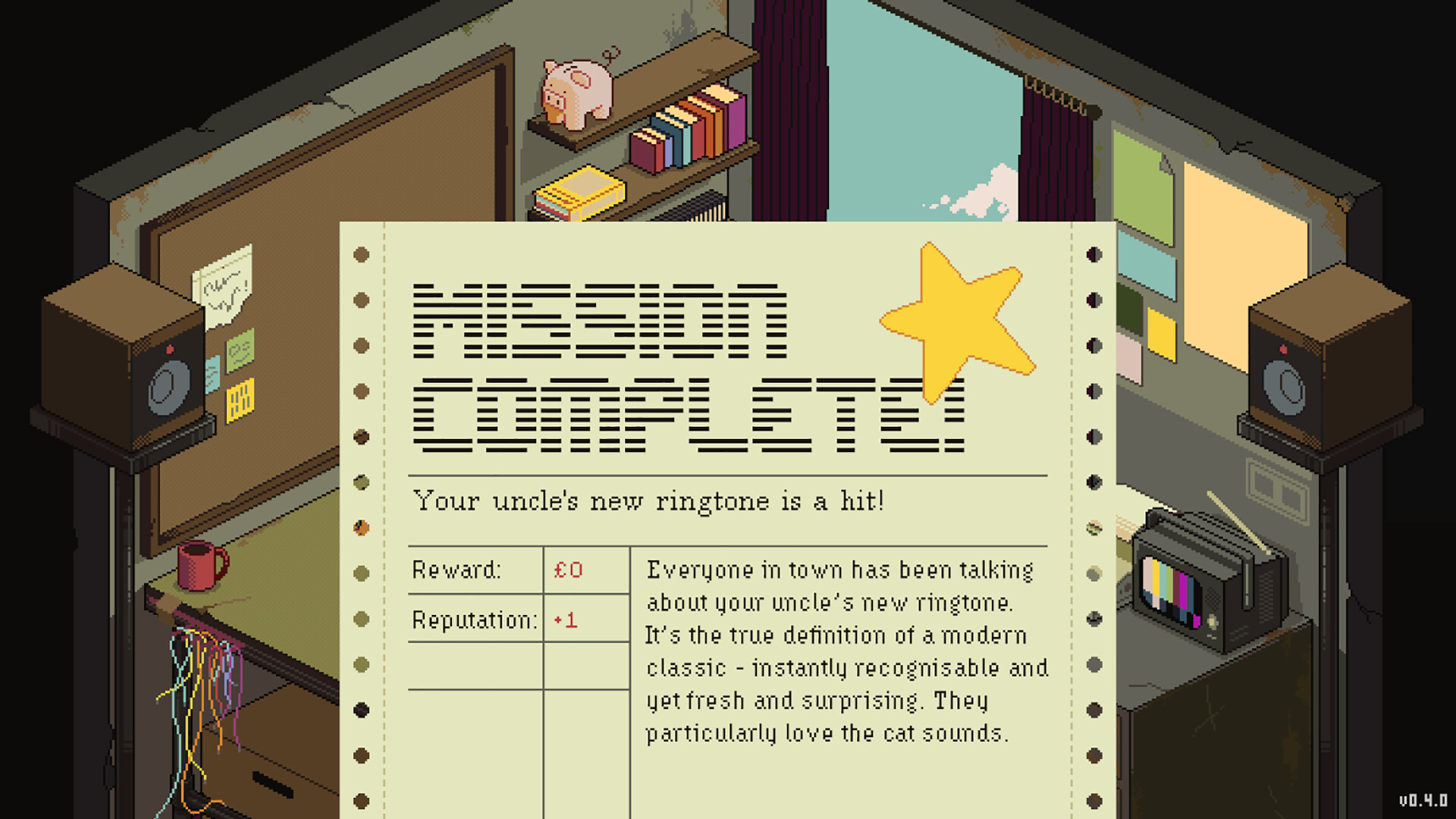
You start with a single toy keyboard and a basic 4‑track recorder, then accept jobs that gradually increase in scope and style. Each successful commission yields money that can be spent on new equipment, allowing you to tackle more complex projects.
The game is divided into chapters, each themed around a different style of electronic music. The chapters are themed after different styles of electronic music, encouraging you to broaden your compositional palette as you play through them.
- Compare early‑stage wedding tracks with later fantasy scores to notice how equipment upgrades affect your sound.
- Track your earnings after each job to gauge when you have enough funds for a desired upgrade.
02 / THE GUIDE
catalogue-upgrades
The Riches & Rags Catalogue offers a range of objects that produce interesting sounds, from singing garden gnomes to high‑end synthesizers. Purchasing items adds them to your studio, expanding the sonic possibilities at your disposal.
After buying gear, you can use the Electric Lacey system to upgrade and mod the equipment, further customizing its capabilities and shaping your personal sound.
- Experiment with both novelty items and professional synths to discover unique textures.
- Note how modding through Electric Lacey changes the timbre of a synth before committing to a final mix.
03 / THE GUIDE
audio-export
Every piece of music you create is fully simulated and can be exported as a WAV file directly onto your computer. This file can be kept, shared, or used in external projects without any in‑game restrictions.
Exporting is a core part of the game’s promise to serve as a real audio production tool, giving players a tangible result for the time they invest in composing.
- Test exported WAVs in a separate audio player to confirm quality before sharing.
- Organize exported tracks in folders by chapter to track your stylistic evolution.
04 / THE GUIDE
chapter-themes
The game’s structure follows chapters, each centered on a distinct electronic‑music style. This thematic framing guides the types of jobs you receive and the musical techniques you are encouraged to explore.
Progressing through chapters moves you into new electronic-music styles, prompting you to adapt your workflow and experiment with different production methods.
- Listen to reference tracks from each style before starting a chapter to set a tonal benchmark.
- Use the chapter’s signature instruments as a baseline, then layer in catalogue items for contrast.
05 / THE GUIDE
characters-atmosphere
A cast of eccentric characters populates the world, providing commissions, feedback, and occasional humor. Their varied personalities help create a light‑hearted atmosphere that keeps the experience low‑pressure.
The characters help drive the narrative flow, offering jobs and dialogue along the way.
- Observe how different characters describe their desired sound; this can inspire creative direction.
- Take note of recurring jokes or motifs that may hint at hidden sound‑design opportunities.

COMMUNITY
Player discussion