 GameWiki
GET YOUR BEARINGS
About ODDADA
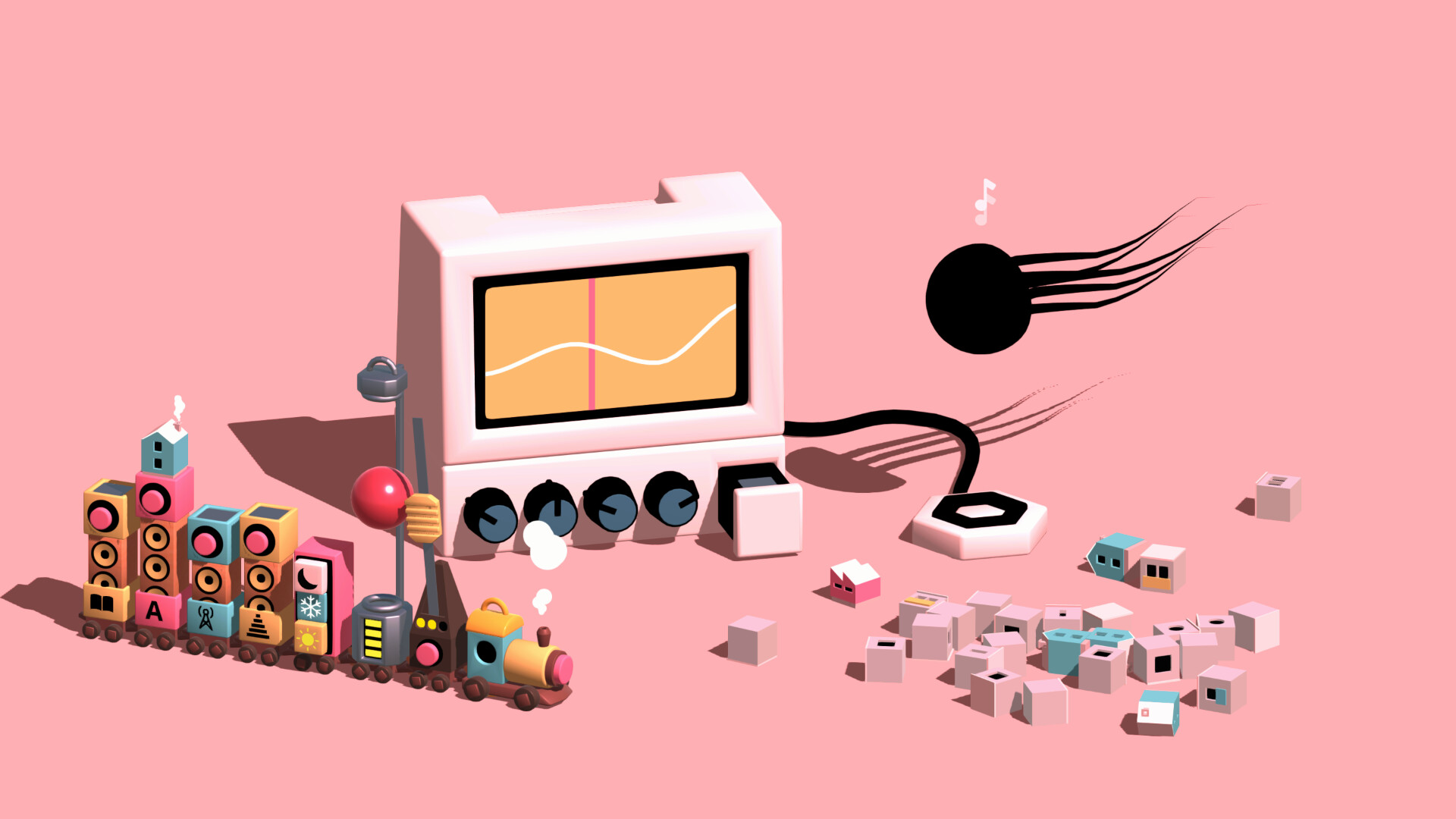
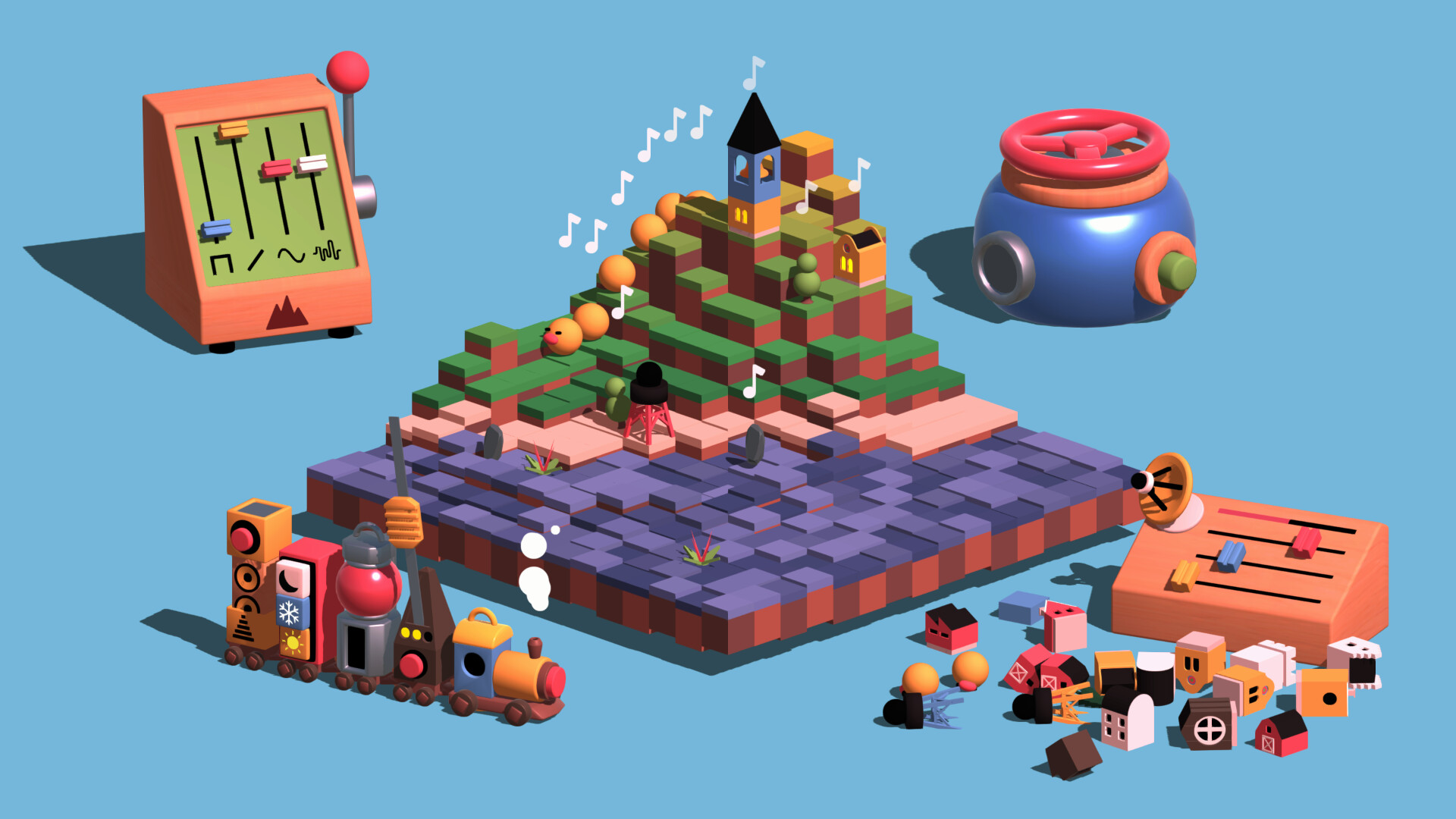
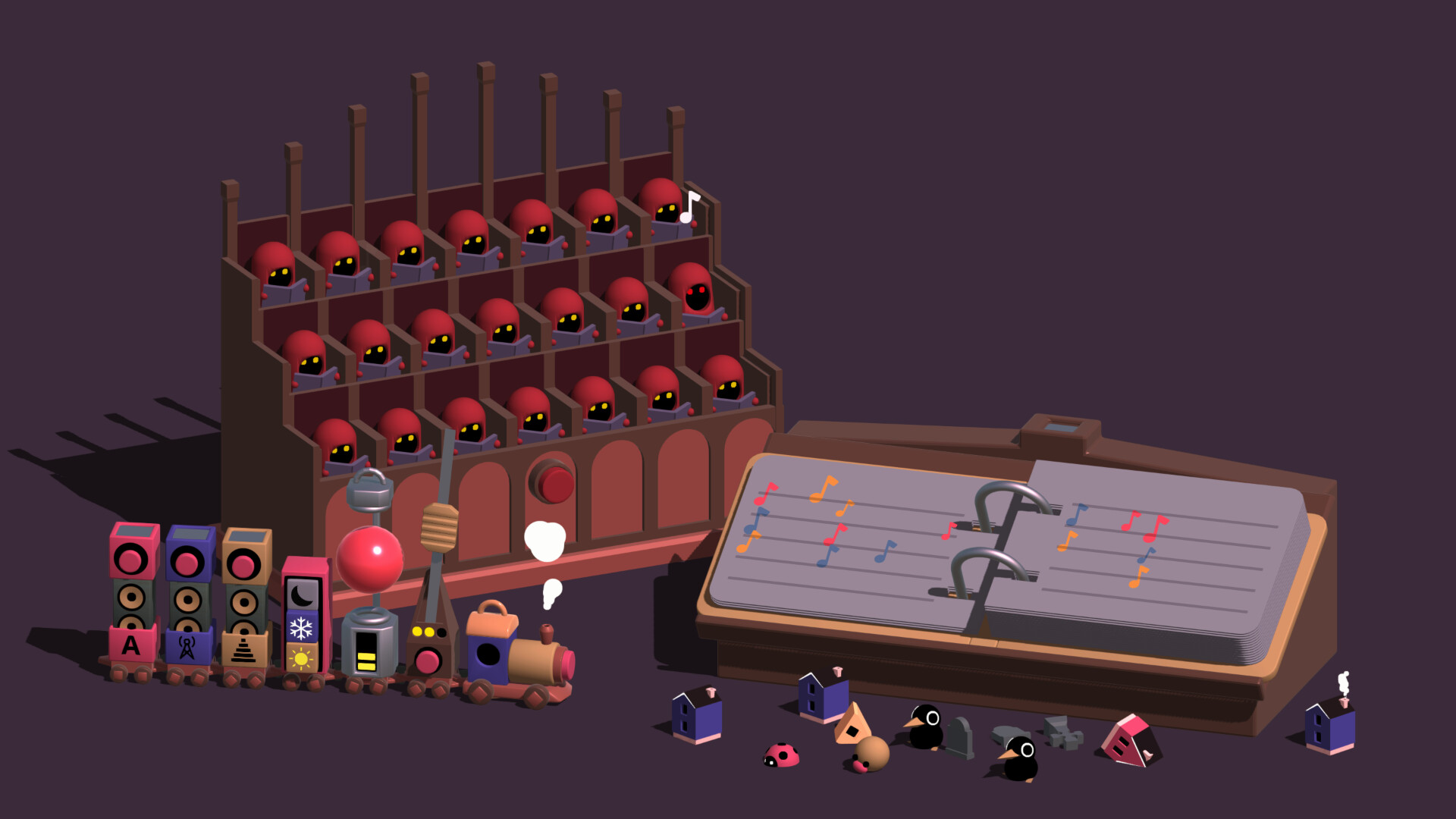
ODDADA is a low‑pressure musical playground where you guide a “tune‑train” through a series of levels, adding melodies and harmonies with toy‑like instruments. Each addition builds a layered track that culminates in a grand‑finale arrangement.
Levels and instrument selections are randomised, so every run offers a fresh sonic palette. Finished songs become virtual cassettes that you can customise, rearrange, and export as audio files to share with others.
01 / THE GUIDE
Layer‑by‑Layer Track Building
The core activity involves moving the tune‑train through a level while placing new musical elements. Each placement adds a melody or harmony layer, gradually thickening the composition as you progress toward the level’s end.
When the level concludes you enter a grand finale where the accumulated layers are arranged into a complete song. This shift moves the focus from adding parts to polishing the overall structure.
- Listen to each newly added layer before proceeding to hear how it blends with existing parts.
- Use the finale arrangement step to experiment with different ordering of previously placed layers.
02 / THE GUIDE
Randomised Levels and Instruments
Every playthrough presents a new combination of level layouts and instrument choices. The randomisation means the set of sounds you work with changes from run to run, encouraging continual discovery.
Because the instruments differ each time, you encounter unfamiliar timbres and patterns, which can inspire new melodic ideas and keep the creative process lively.
- Approach each new instrument as an opportunity to expand your musical vocabulary.
- Compare how the same melodic idea sounds when played on different randomly supplied instruments.
03 / THE GUIDE
Virtual Cassette Customisation
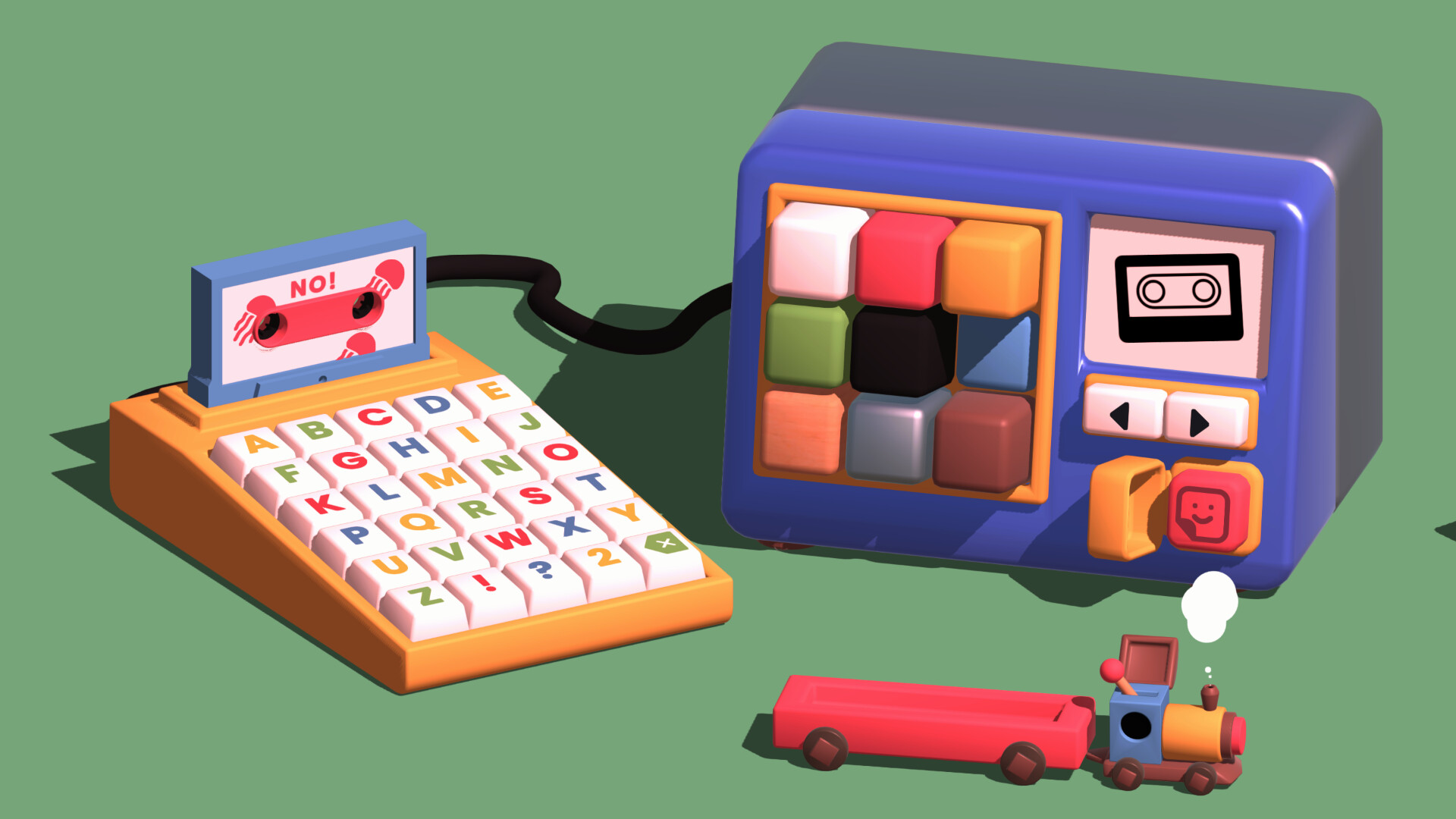
When a track is finished it is saved onto a virtual cassette. The cassette can be customised and rearranged before you consider it complete.
Collecting customised cassettes builds a personal library that reflects each creative session, allowing you to identify and revisit particular musical experiments later.
- Create a visual theme for each cassette that matches the mood of the music inside.
- Rearrange tracks on a cassette to explore alternative song structures before finalising.
04 / THE GUIDE
Exporting Creations as Audio Files
Completed cassettes can be exported directly as audio files, turning in‑game creations into standalone tracks you can share outside the platform.
Exported files retain the layered arrangement you built, so listeners experience the full depth of your musical decisions without needing the game.
- Export after you have finalised the cassette arrangement to capture the intended order.
- Test the exported file on multiple playback devices to verify consistent quality.
05 / THE GUIDE
Full Controller Compatibility
ODDADA lists full controller support, including DualShock and DualSense devices. This means you can navigate menus, place musical layers, and customise cassettes using a supported gamepad.
Full controller support means the game can be played with a supported controller, including DualShock and DualSense devices.
- Experiment with different controller grips to find a comfortable way to select instruments and place layers.
- Observe how the game responds to various controller inputs to determine the most efficient navigation method.

COMMUNITY
Player discussion