 GameWiki
GET YOUR BEARINGS
About Octodad: Dadliest Catch
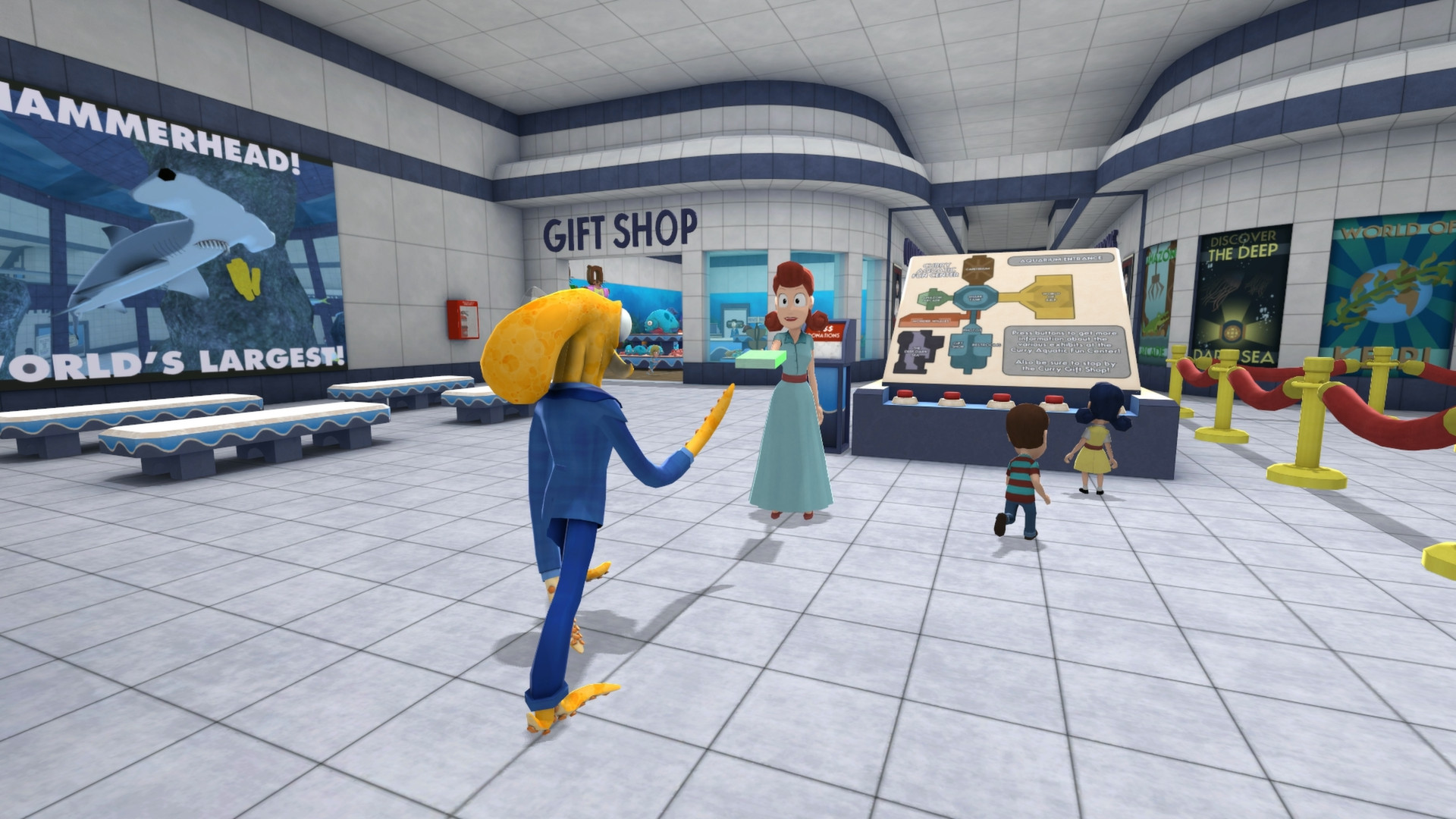
Octodad: Dadliest Catch puts you in the tentacled shoes of an octopus masquerading as a human dad. You must complete everyday chores while keeping your true nature hidden from a skeptical family, using physics‑driven controls that make simple actions feel chaotic.
The sequel adds a new story about a strained marriage and an aquarium visit, local co‑op for up to four players, a Windows‑only level editor that feeds the Steam Workshop, and full controller support across the listed platforms.
01 / THE GUIDE
Wacky Physics
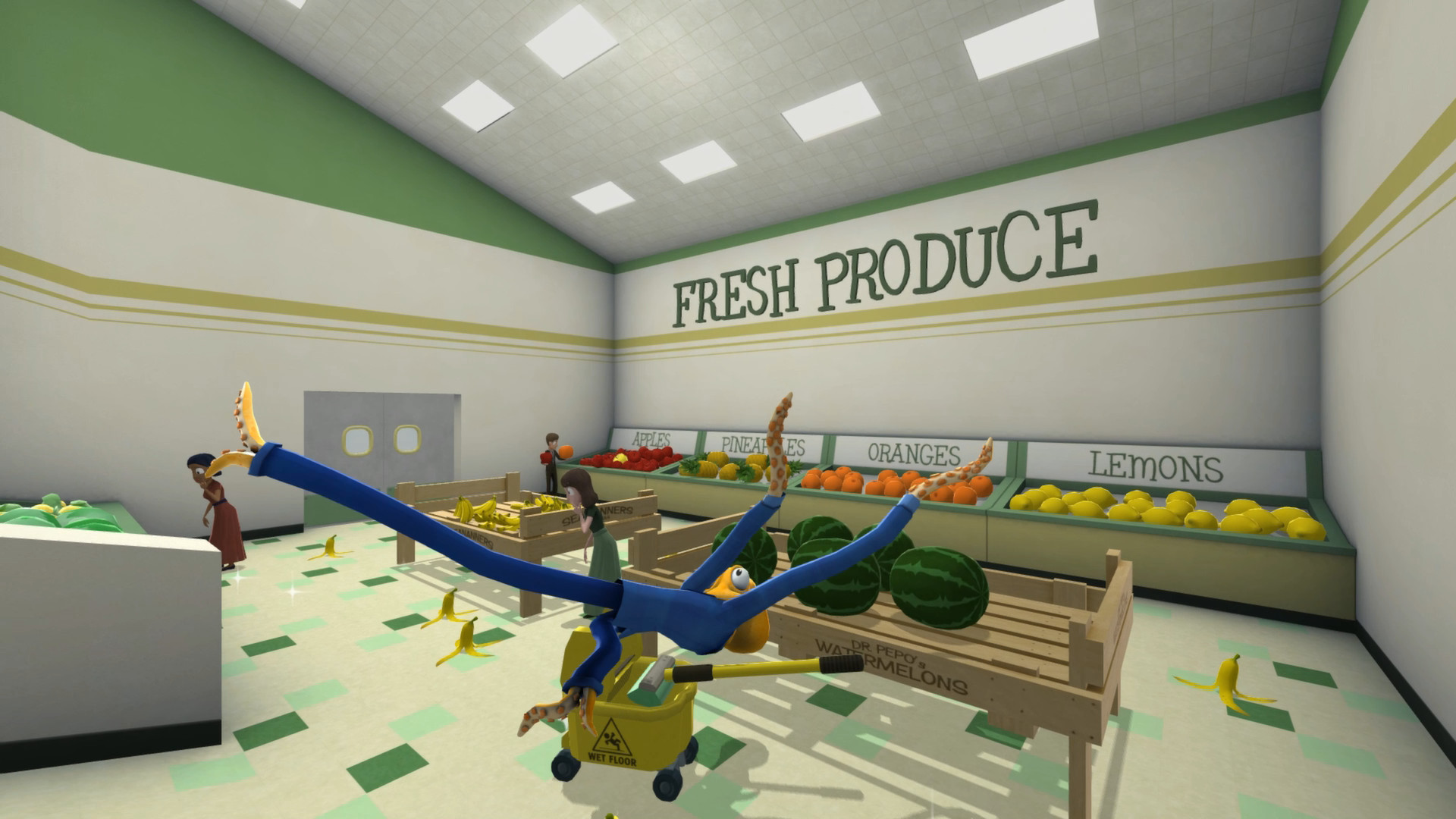
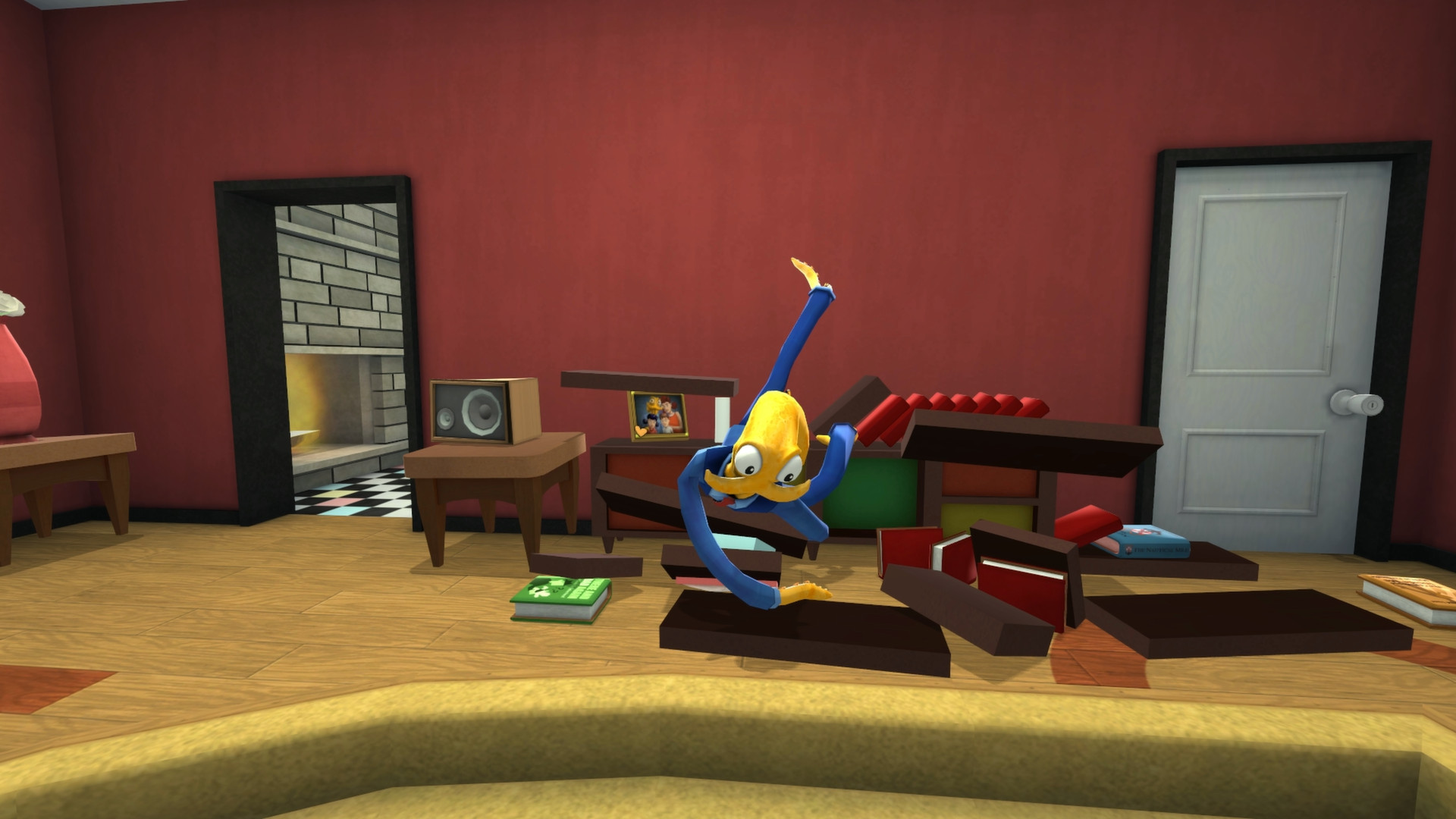
Octodad’s rag‑doll physics cause his tentacles to flop unpredictably whenever the player inputs a command. Because the physics react to each movement, the same task can produce a different, often humorous, result each time it is attempted.
The physics are tied directly to the control inputs, so players can intentionally exaggerate motions to amplify the chaos. This creates a feedback loop where the player’s timing and force shape the comedic outcome of ordinary chores.
- Try slower, deliberate inputs to gain finer control over flailing limbs.
- Deliberately over‑rotate a limb to see how the physics amplify the motion.
02 / THE GUIDE
Local Co‑op Mode
The game supports local co‑op for two to four players, letting each participant control one of Octodad’s limbs. This shared‑screen mode multiplies the difficulty, as teammates must coordinate their inputs to keep the octopus upright.
Co‑op is listed among the game’s features, letting two to four players share control of Octodad’s limbs. The mode simply expands the single‑player control scheme to multiple input devices.
- Assign each player a limb that matches their comfort with the controller layout.
- Use simple verbal cues like “left arm up” to reduce accidental flailing.

03 / THE GUIDE
Steam Workshop Level Editor
A Windows‑only editor is included, allowing players to design custom stages for Octodad. Once a level is built, it can be uploaded to the Steam Workshop where the community can download and play it.
The workshop integration means that user‑created levels are accessible from the game’s interface, providing additional challenges beyond the base adventure without requiring further development from the studio.
- Start with simple platform layouts before adding complex obstacles.
- Test the level repeatedly to ensure Octodad’s physics don’t trap him unfairly.
04 / THE GUIDE
Full Controller Support
Octodad accepts a range of inputs, including Xbox 360, DualShock 4, DualSense, mouse + keyboard, Mac multitouch trackpad, and Windows 8 touchscreens. The description notes that XInput devices are the most straightforward to use.
DirectInput controllers are also supported, though the text mentions they may require manual remapping. The description notes that DirectInput devices may require manual remapping in most circumstances, so setup effort can vary by hardware.
- Use an XInput gamepad for the least configuration hassle.
- If using DirectInput, open the remap menu early to assign comfortable buttons.

COMMUNITY
Player discussion