 GameWiki
GET YOUR BEARINGS
About Oblivity - Find your perfect Sensitivity
Oblivity is an aim‑training application that lets you test mouse sensitivity instantly and climb leaderboards against friends. It offers a growing library of scenarios, playlists, and community‑created content for endless practice.
Beyond basic drills, Oblivity includes a Sensitivity Finder, Smart Play recommendations, detailed analysis tools, replay viewing, and a converter for translating sensitivities between supported first‑person shooters. The experience is fully customizable, from crosshair design to HUD colors.
01 / THE GUIDE
Aim Trainer
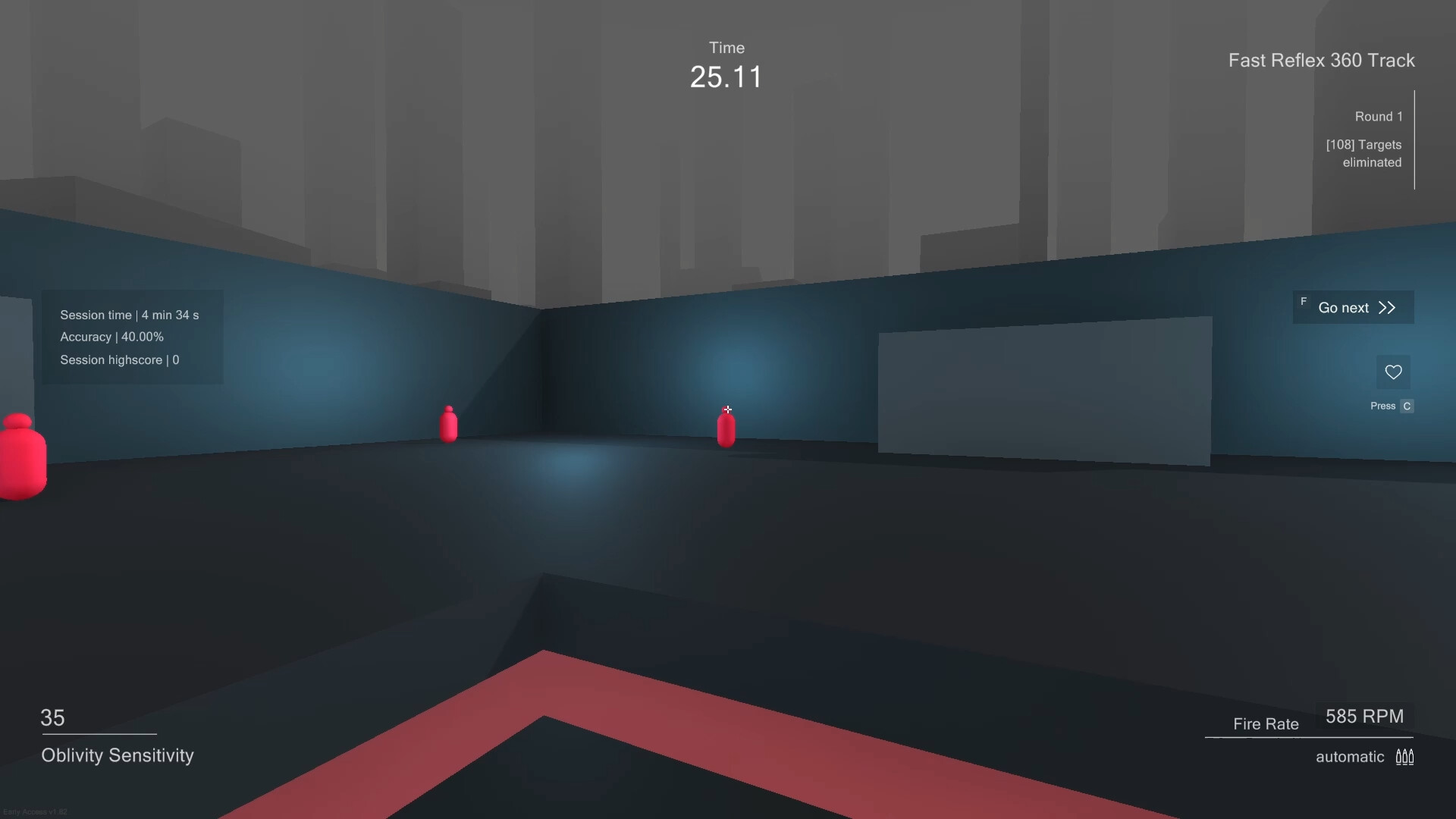
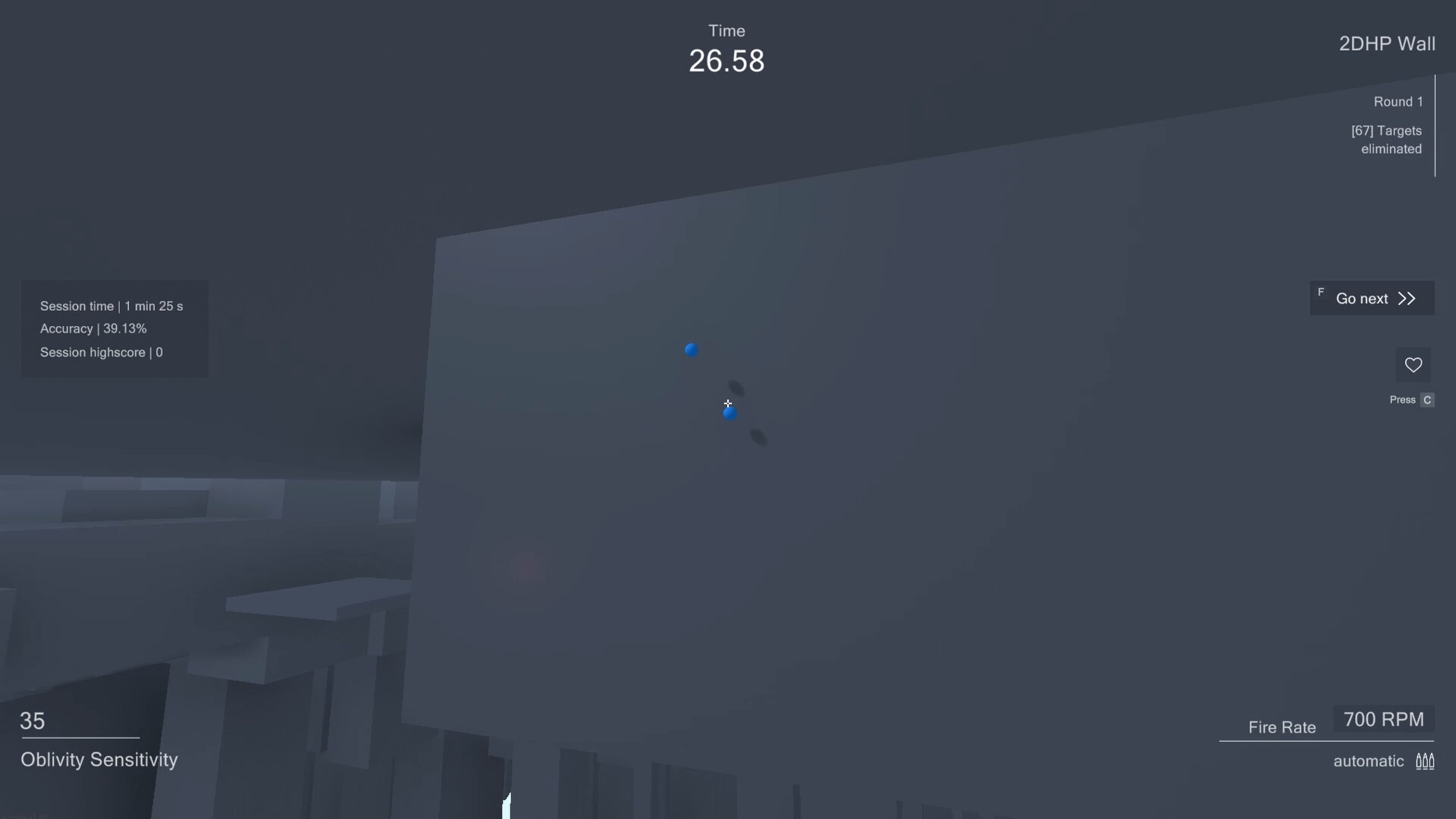
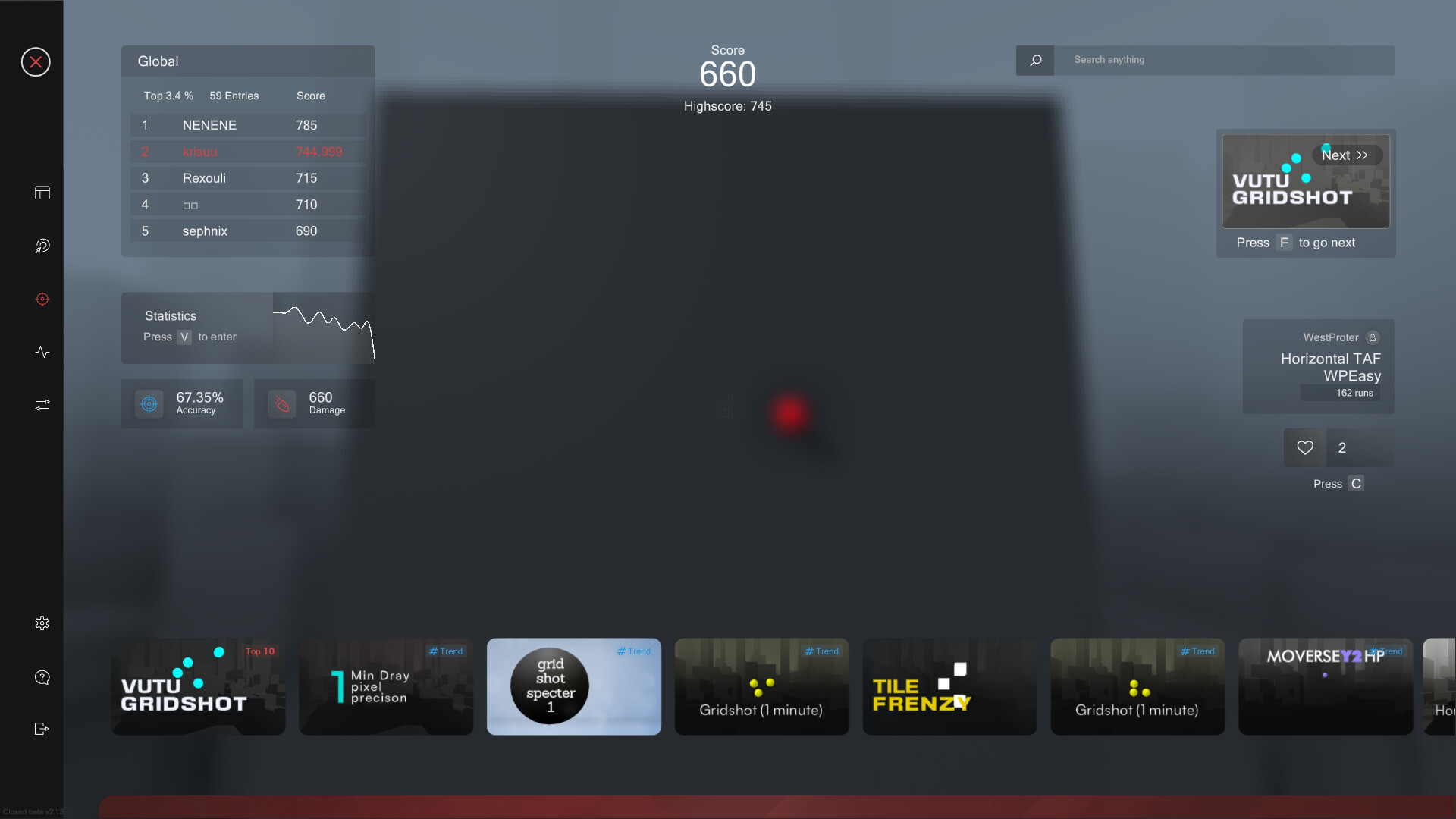
The Aim Trainer lets you try new mouse sensitivities right away, using a continuously expanding online library of scenarios and playlists. You can compete on leaderboards with other players and friends.
Players may also create, upload, and share their own scenarios with the Oblivity community, expanding the training options available to everyone.
- Experiment with different playlists to find the ones that challenge your weak angles.
- Watch top leaderboard runs for ideas on scenario selection.
02 / THE GUIDE
Sensitivity Finder
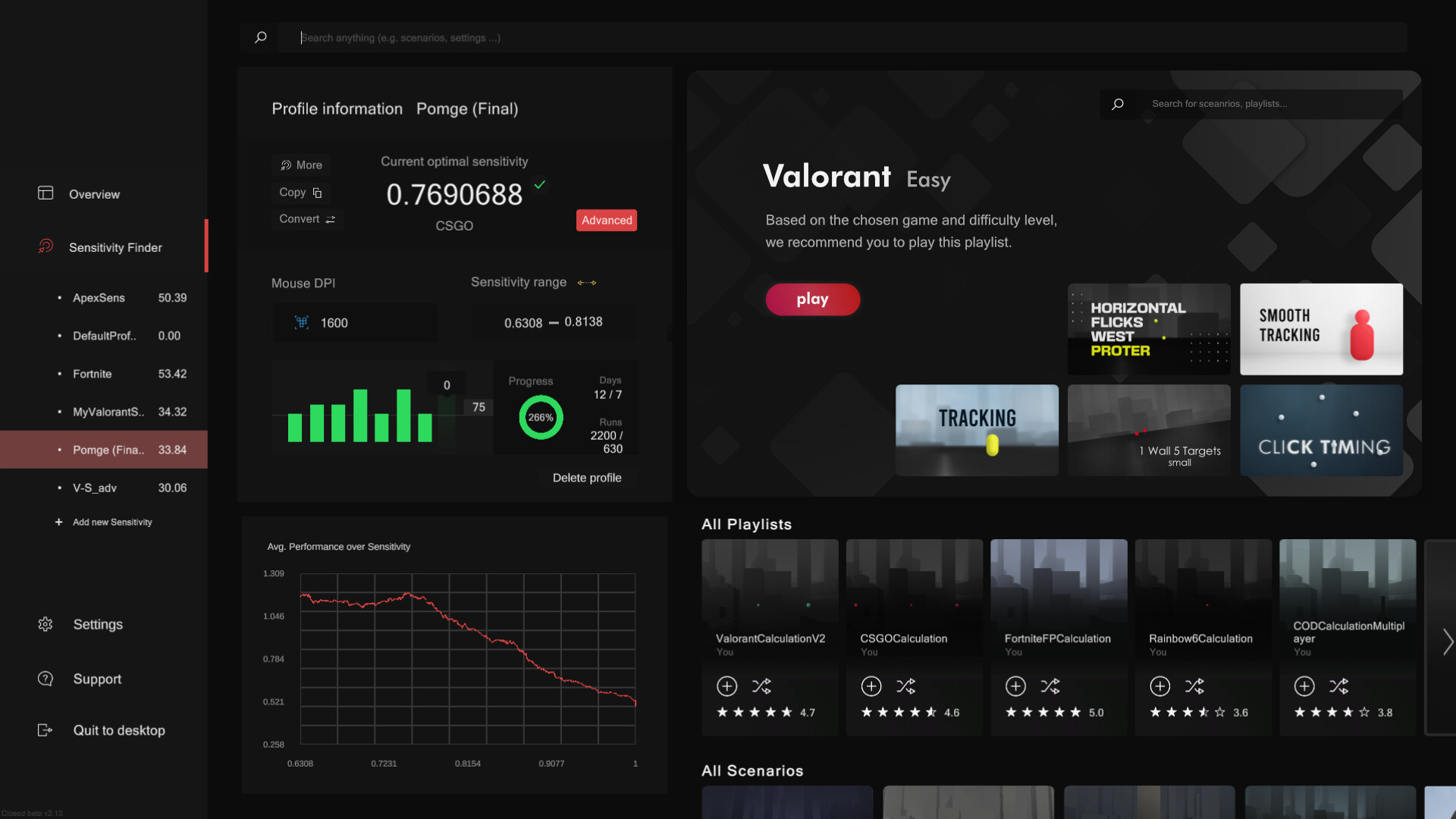
The Sensitivity Finder runs a series of scenarios matched to your chosen FPS. Each round changes your mouse sensitivity while the algorithm records performance and movement data.
Over longer sessions the system aggregates data to reveal which sensitivity levels give you the highest accuracy and consistency.
- Run several full cycles to let the algorithm collect enough data.
- Compare the suggested sensitivity with your current in‑game setting.
03 / THE GUIDE
Smart Play
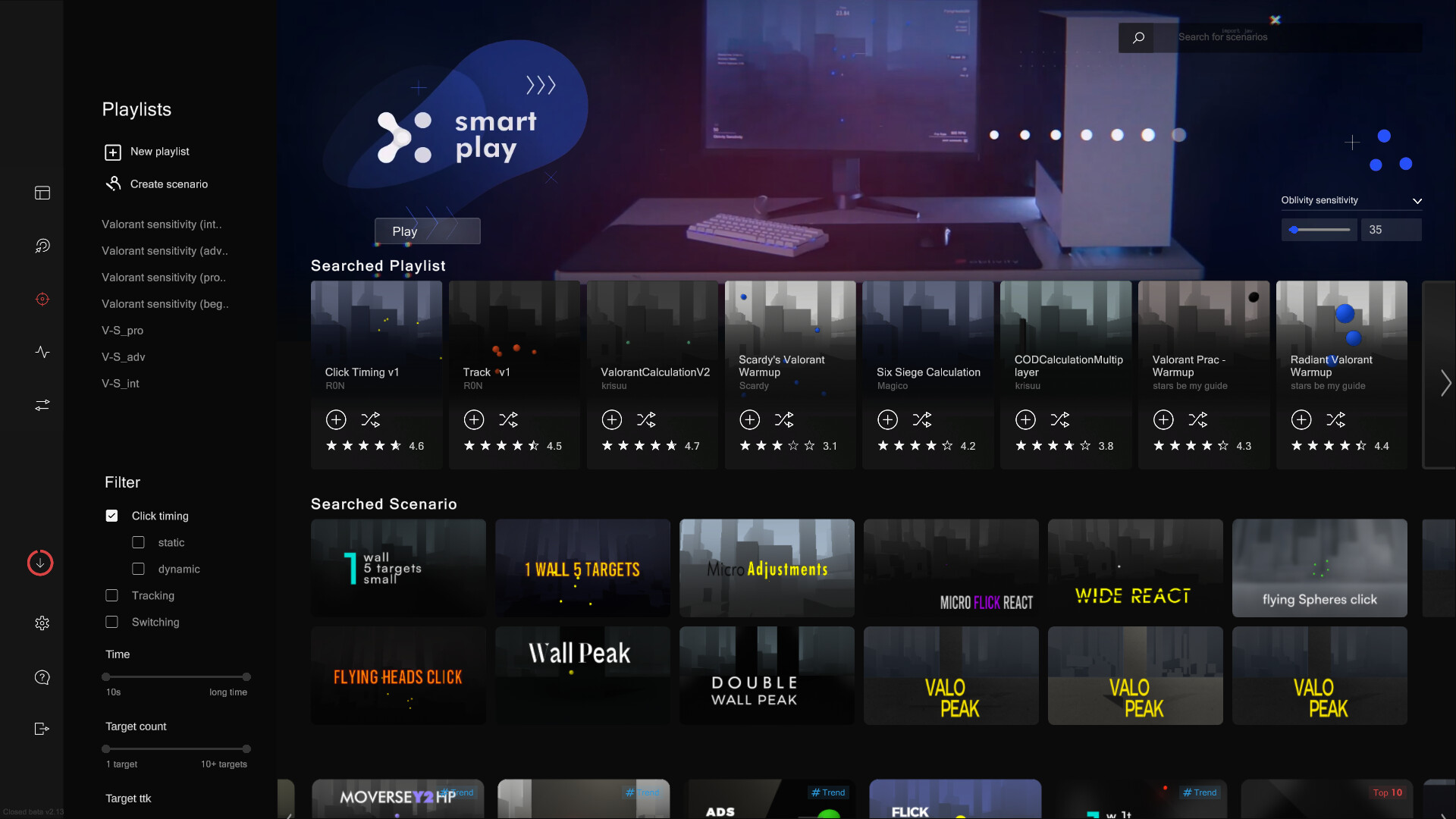
Smart Play automatically selects the next scenario based on your preferences, helping you discover new drills without manual browsing.
Simply click “Next” and the system picks the following scenario based on your liking and preferences.
- Use Smart Play after a warm‑up to keep the training flow uninterrupted.
- Adjust your preferences in the settings to guide the algorithm toward specific aim styles.
04 / THE GUIDE
Analysis & Replay
After each session, the Analysis tab displays accuracy, mouse speed, score, and detailed metrics such as deviation from the ideal path, overshoot, undershoot, and aiming smoothness.
Every run can be rewatched with the Replay tool, where you can adjust playback speed and enable onscreen indicators that compare your aim line to the optimal path.
- Review the deviation graph to spot consistent directional errors.
- Slow down replays at moments of high deviation to see exact mouse movement.
05 / THE GUIDE
Converter & Options
The Converter translates your Oblivity sensitivity to any supported first‑person shooter and vice‑versa, allowing precise cross‑game calibration.
Options let you customize colors, crosshair, sound effects, HUD, FOV types, keybinds, monitor resolution, and aspect ratio for a fully personal training environment.
- Save a preset before making major visual changes to revert quickly.
- Test converted sensitivities in a short scenario to confirm comfort.
COMMUNITY
Player discussion