 GameWiki
GET YOUR BEARINGS
About Obduction
Obduction is a single‑player adventure from Cyan, the studio behind Myst, that places you in a strikingly detailed sci‑fi world. The narrative begins when an organic artifact drops from a night sky, whisking you away to alien landscapes that blend familiar Earth fragments with strange new environments.
The game supports VR, including Oculus Rift, and benefits from higher‑end hardware to showcase its lush visuals. Alongside the immersive exploration, players can earn Steam achievements, collect trading cards, and enjoy cloud saves and family sharing across Windows and macOS.
01 / THE GUIDE
VR Support
Obduction runs in virtual reality and is compatible with the Oculus Rift, allowing players to experience its environments in virtual reality. The VR mode leverages the game’s visual fidelity, which is described as “visually lush and detailed.”
Playing in VR is recommended for higher‑end systems, as the experience demands the minimum and recommended specifications noted by the developers. The game also lists Tracked Controller Support, indicating that motion controllers can be used within the VR setting.
- Ensure your system meets the recommended specs for smoother VR performance.
- Experiment with tracked controllers to interact naturally with the environment.
02 / THE GUIDE
Story Premise
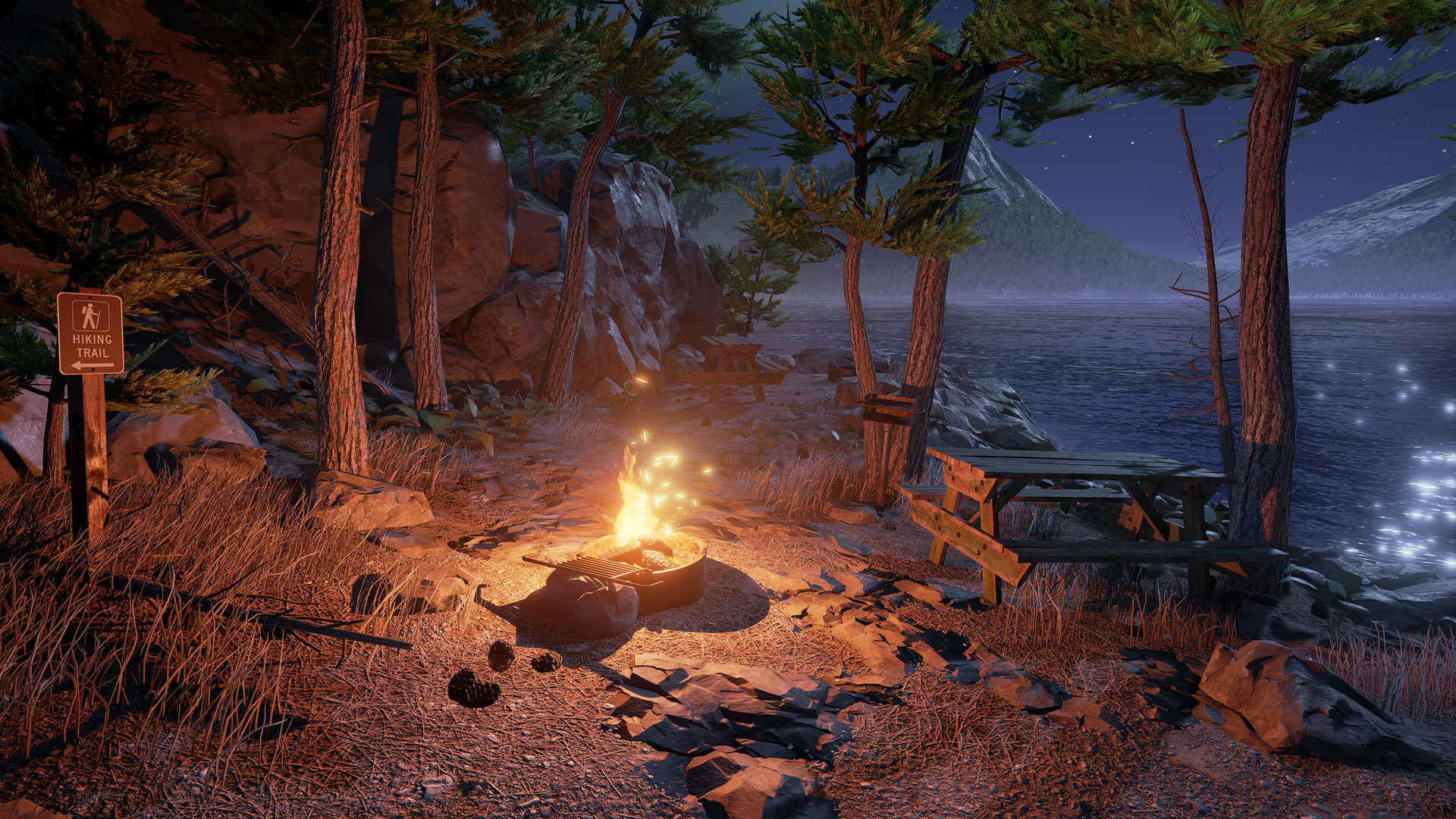
The adventure begins beside a lake on a cloudy night when a mysterious organic artifact falls from the starry sky. Without warning, it transports you across the universe, placing you in an alien landscape that incorporates pieces of Earth from unexpected times and places.
The narrative emphasizes exploration and discovery, urging players to consider clues and make choices that have substantial consequences, ultimately shaping the story toward making a new home.
- Pay close attention to environmental clues to understand the world.
- Consider the impact of your decisions, as they affect the story’s outcome.
03 / THE GUIDE
Visual Design
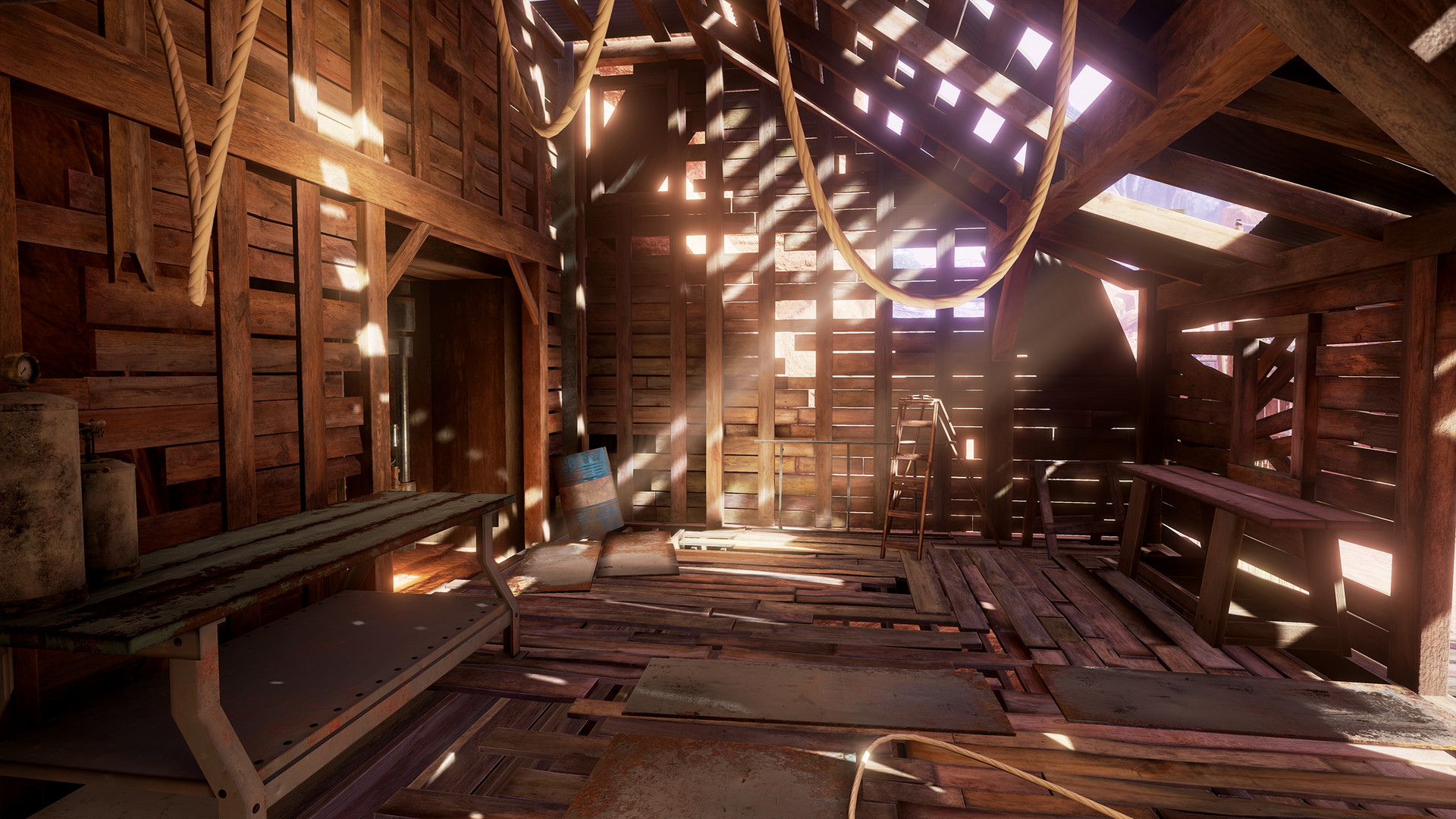
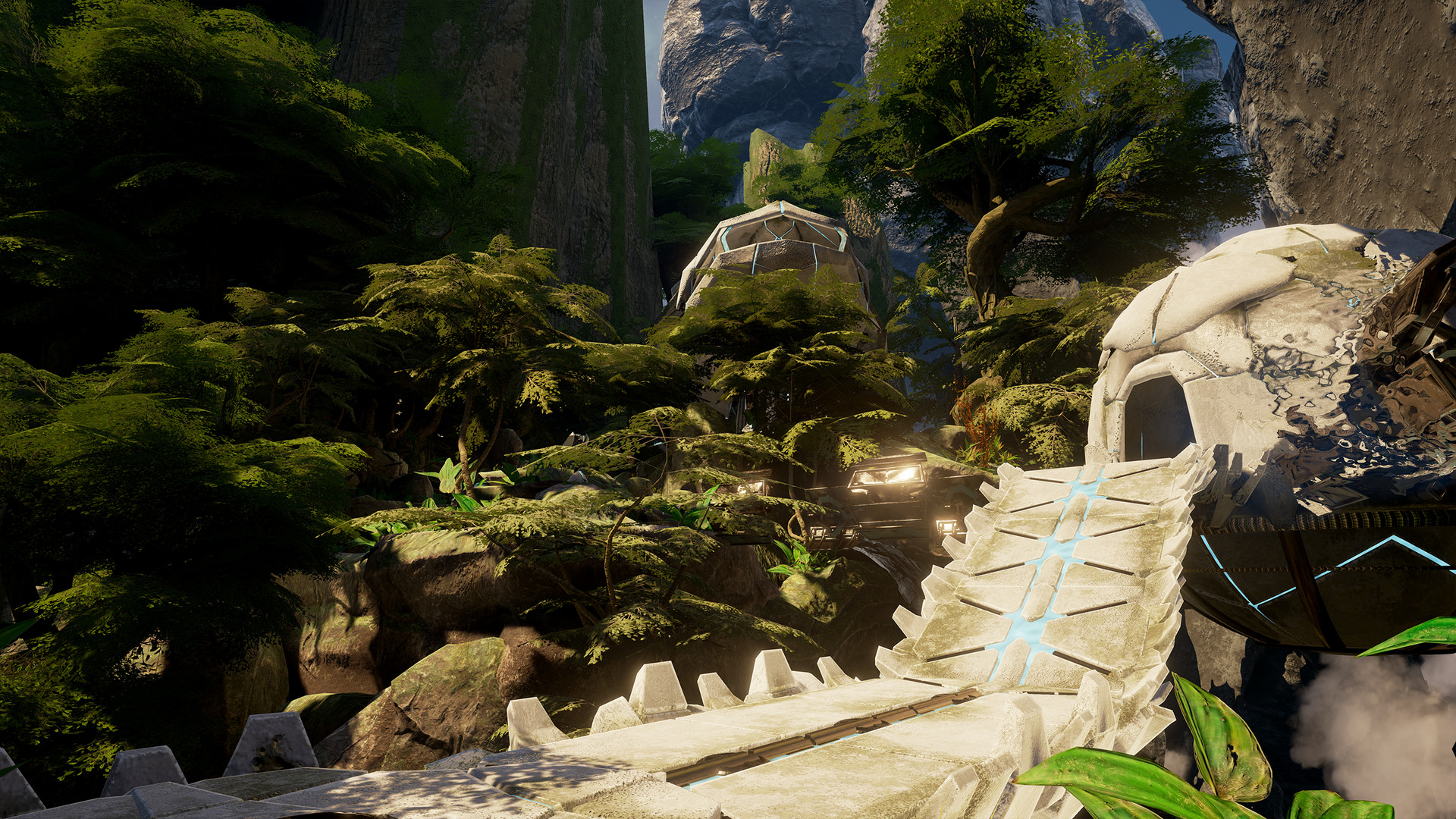
Obduction is praised for its “immense and immersive” and “breathtaking” visuals, presenting otherworldly beauty that feels magical. Reviewers note that its world is a worthy successor to Myst, highlighting the detailed and lush environments.
The game’s visual style is a core part of its appeal, encouraging players to bask in the enigmatic landscapes while they explore and solve puzzles.
- Take time to explore vistas; the visuals reward lingering.
- Use VR mode to fully appreciate the depth of the scenery.
04 / THE GUIDE
Platform Availability
Obduction is available on Windows and macOS through Steam, supporting both operating systems for desktop play. The Linux platform is not listed, indicating it is not officially supported.
Steam features such as Cloud saves and Family Sharing are enabled, allowing progress to be synced and shared across eligible accounts on the supported platforms.
- Enable Steam Cloud to keep saves backed up.
- Use Family Sharing to let others try the game without purchasing.
05 / THE GUIDE
Steam Features
The title includes Steam Achievements and Steam Trading Cards, giving players extra goals and collectible items tied to the game’s presence on the platform. Partial Controller Support is also listed, indicating some controller functionality.
These Steam integrations complement the single‑player experience, offering optional milestones and community‑driven collectibles without affecting core gameplay.
- Track achievements to gauge your progress.
- Collect trading cards for a complete Steam set.


COMMUNITY
Player discussion