 GameWiki
GET YOUR BEARINGS
About Nyan Cat: Lost In Space
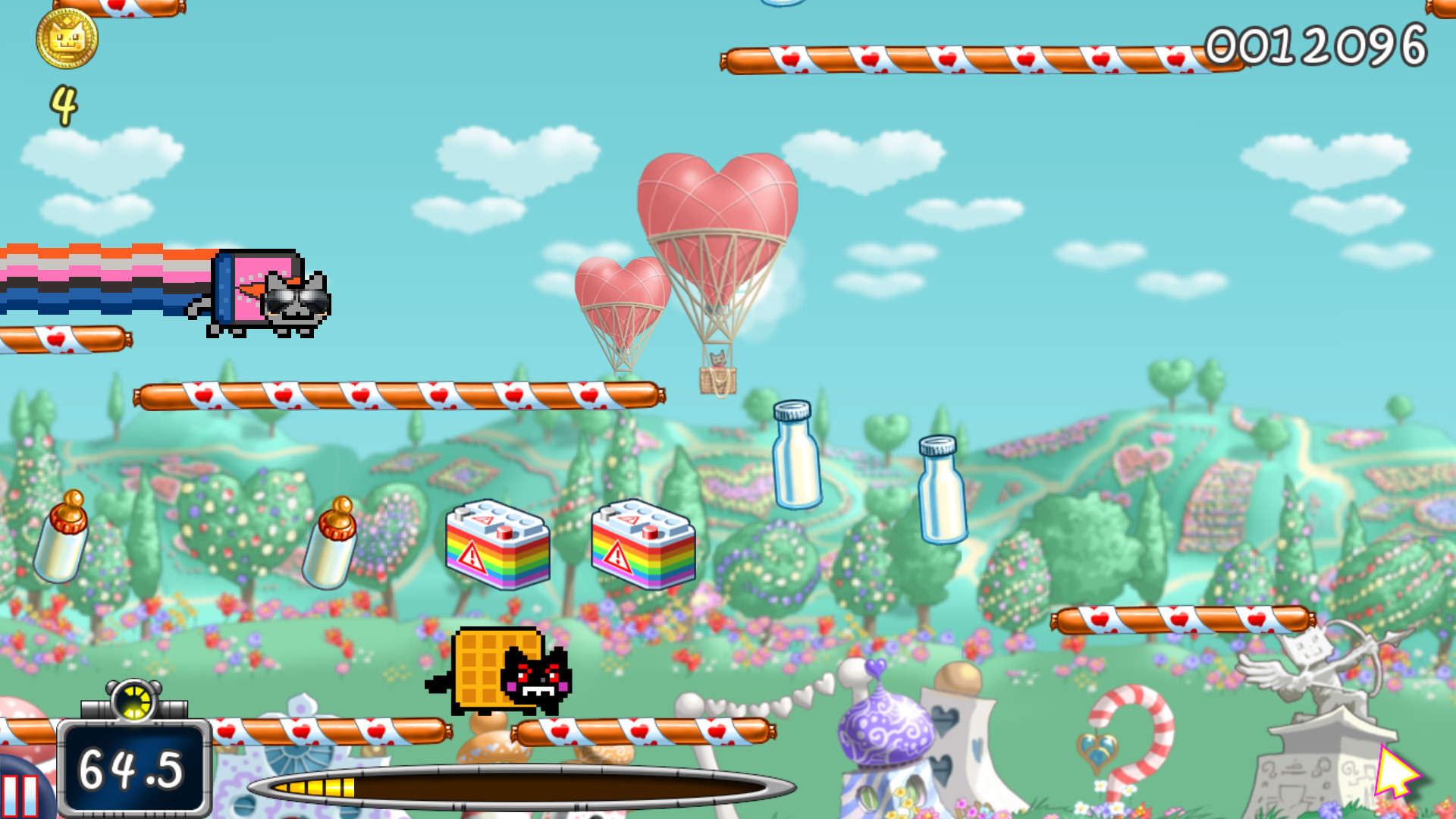
Nyan Cat: Lost In Space lets players guide the iconic flying cat through endless space, gathering tasty collectables and dodging angry dogs. The game mixes platform jumping on cake, boost items and quirky power‑downs for a colorful, fast‑paced experience. Multiple modes let you face the rival Tac Nayn, explore planets with Nyan Wings, or care for a virtual Nyanagotchi, while the ever‑present Nyan‑song keeps the mood upbeat.
01 / THE GUIDE
Tasty Collectables
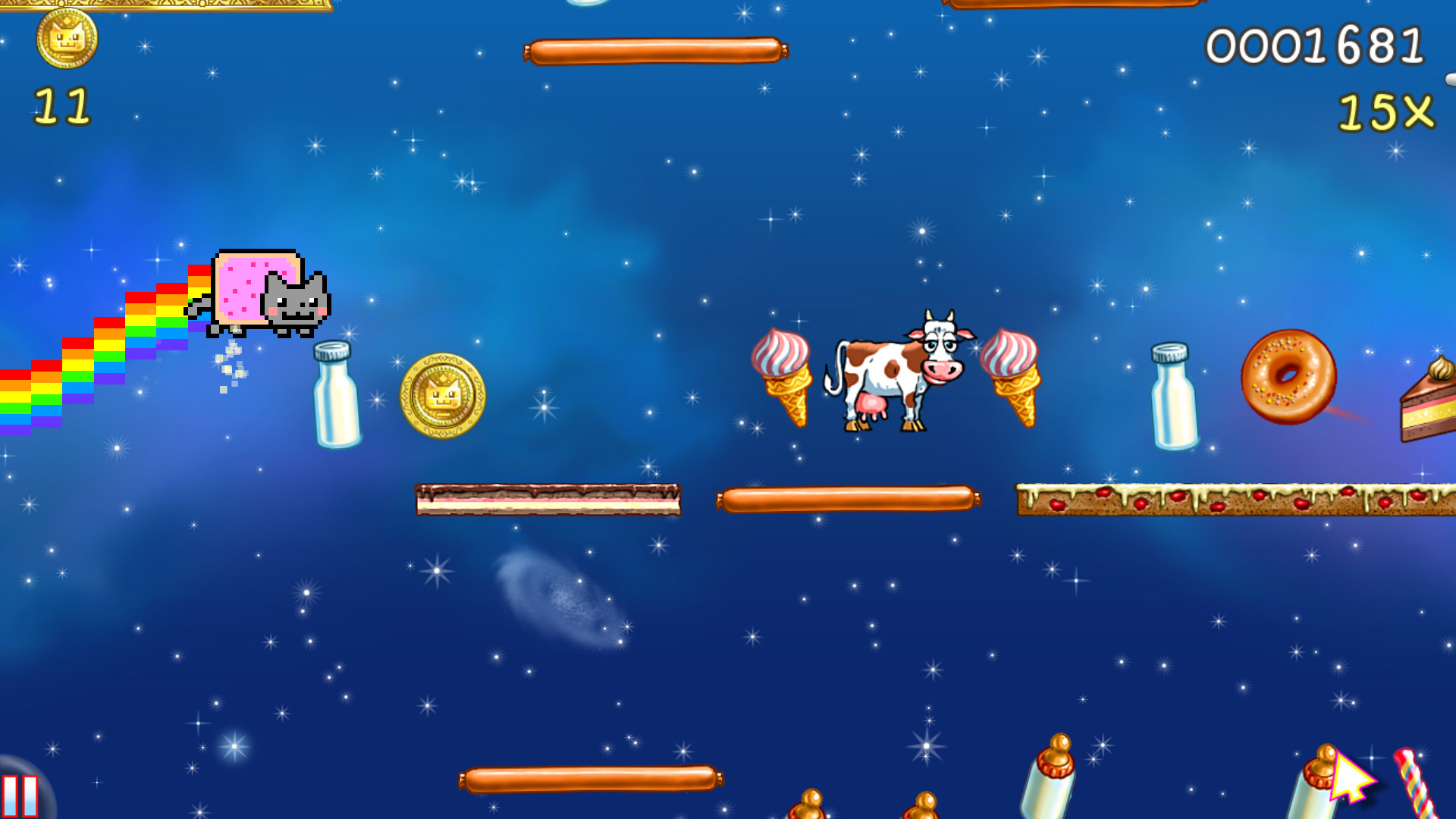
Players can pick up a variety of items such as energy drinks, donuts, ice‑cream and coins while flying. These collectables appear throughout the infinite space and on cake platforms.
Collecting these items contributes to the score and can be exchanged for boost items that enhance gameplay.
- Focus on routes with dense cake platforms to increase collectable density.
- Combine collectable gathering with power‑up usage for higher score multipliers.
02 / THE GUIDE
Crazy Powerups
The game offers powerups like rockets, bubbles and other boost items that temporarily change Nyan Cat’s abilities. These can be bought with collected coins.
Powerups may provide effects such as shield protection or score multipliers, adding strategic layers to each run.
- Activate speed‑boosting powerups before large gaps to maintain momentum.
- Use shield powerups when approaching clusters of angry dogs.
03 / THE GUIDE
Five Game Modes
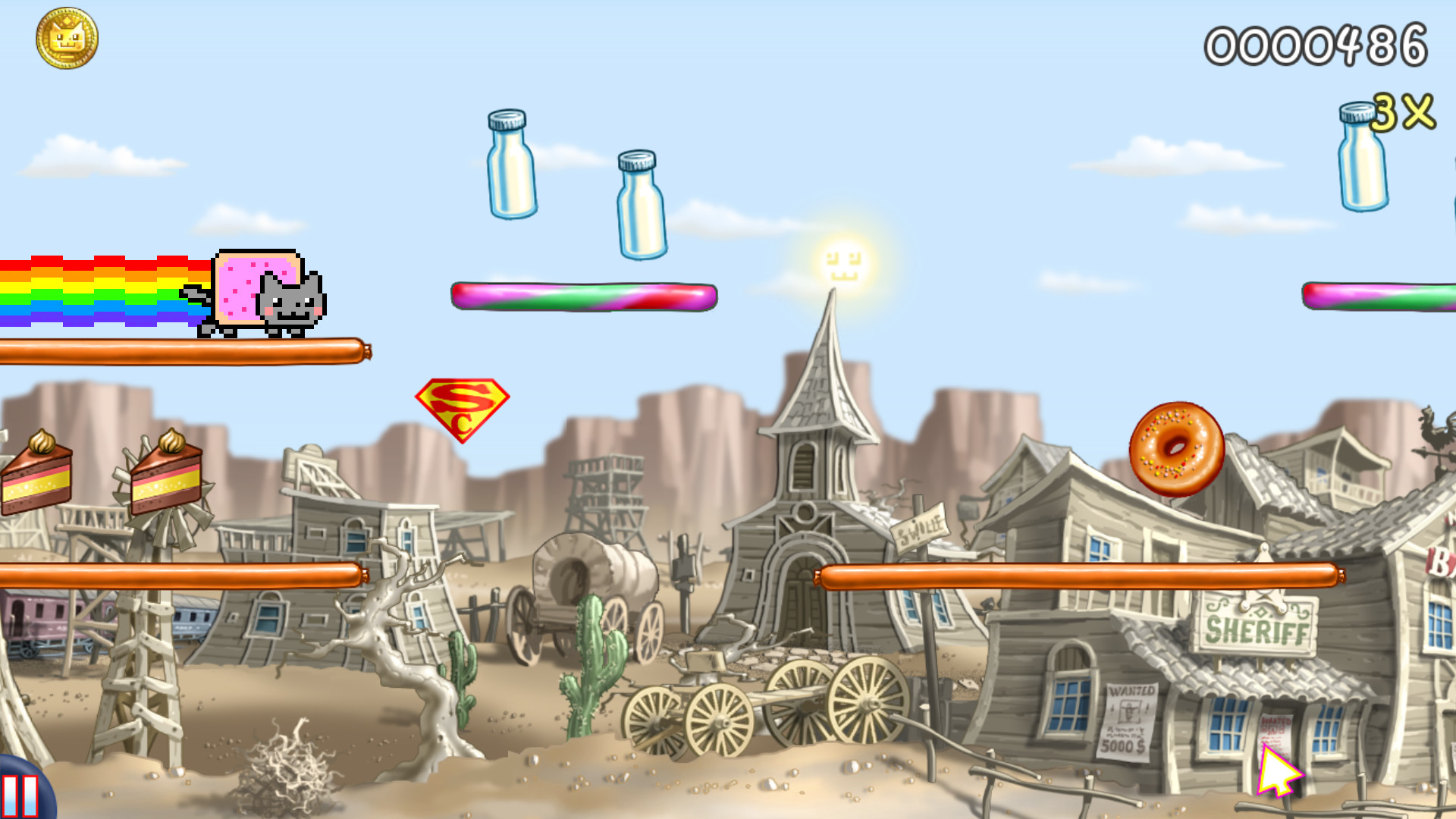
Nyan Cat: Lost In Space includes five distinct modes, one of which is Nyan Wings that teaches flight on different planets. Other modes let you battle the foe Tac Nayn or explore parallel universes.
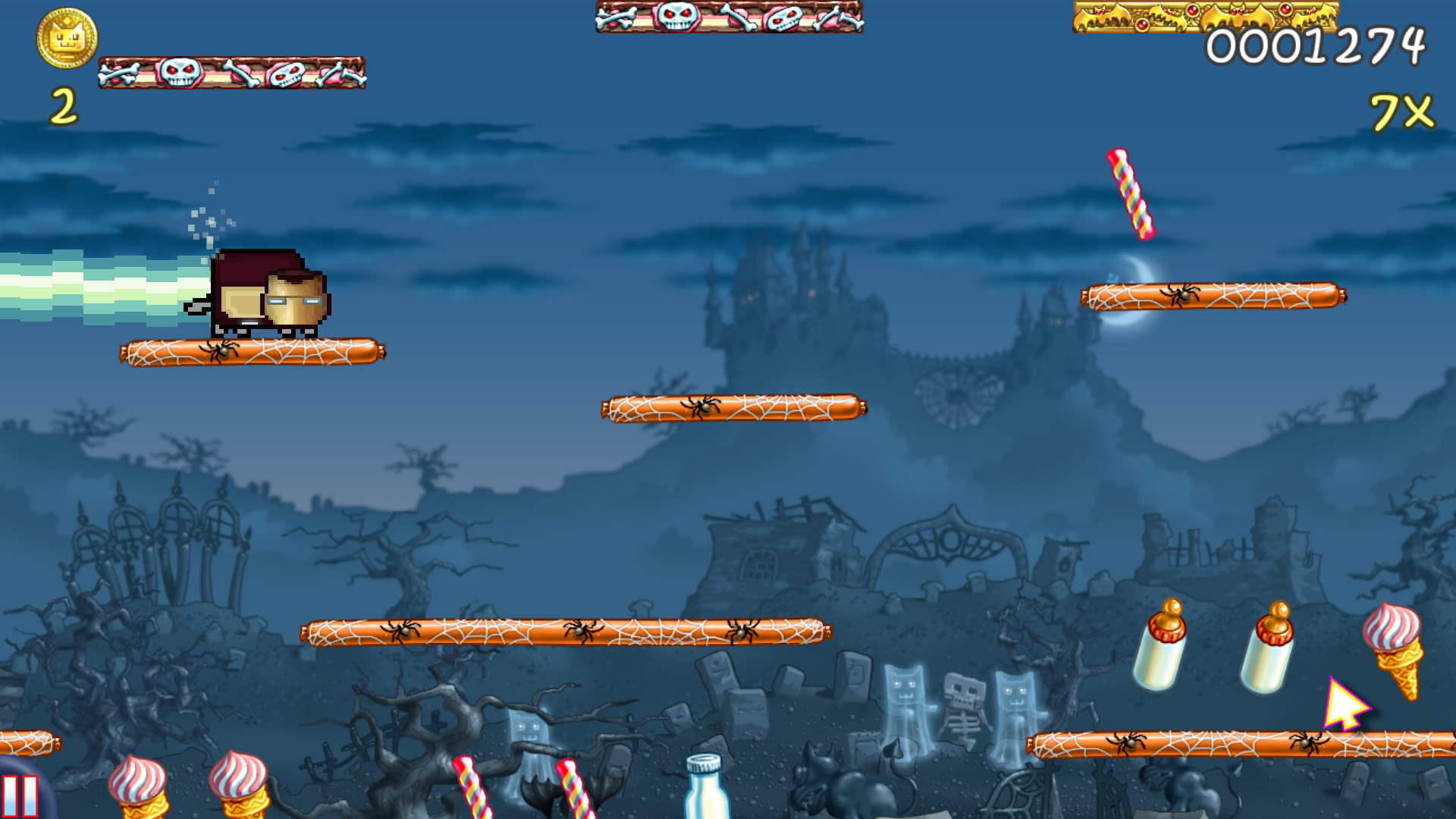
Each mode retains the core collectable and powerup mechanics while offering unique visual themes and challenges.
- Try Nyan Wings first to become comfortable with planetary flight mechanics.
- Switch modes after a high score to keep the experience fresh.
04 / THE GUIDE
Nyanagotchi Room
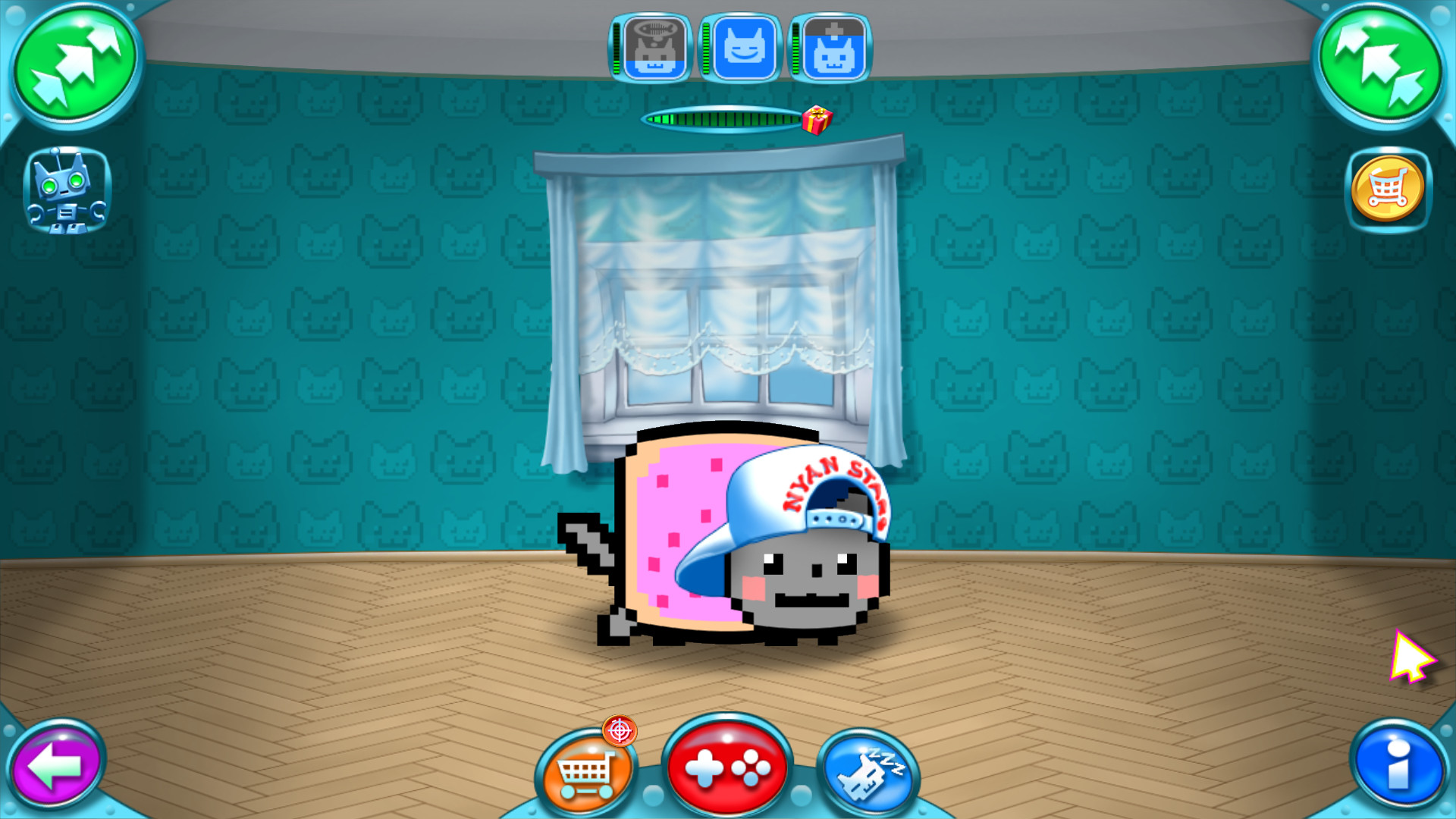
A dedicated Nyanagotchi room lets players train and feed their own Nyan. Keeping the Nyan happy speeds up the receipt of gifts.
The happiness meter directly influences how quickly rewards appear, encouraging regular interaction.
- Feed the Nyan regularly to maintain a high happiness level.
- Observe which foods raise happiness fastest and prioritize them.
05 / THE GUIDE
Nyan Editor
The Nyan Editor is a documented feature that lets players create custom content, though the source does not specify which types of content it supports.
Custom creations can expand the visual variety beyond the built‑in themes.
- Experiment with different background themes to match your preferred aesthetic.
- Save multiple editor projects to compare how different Nyan forms affect visual style.
COMMUNITY
Player discussion