 GameWiki

GET YOUR BEARINGS
About Nothing To Declare
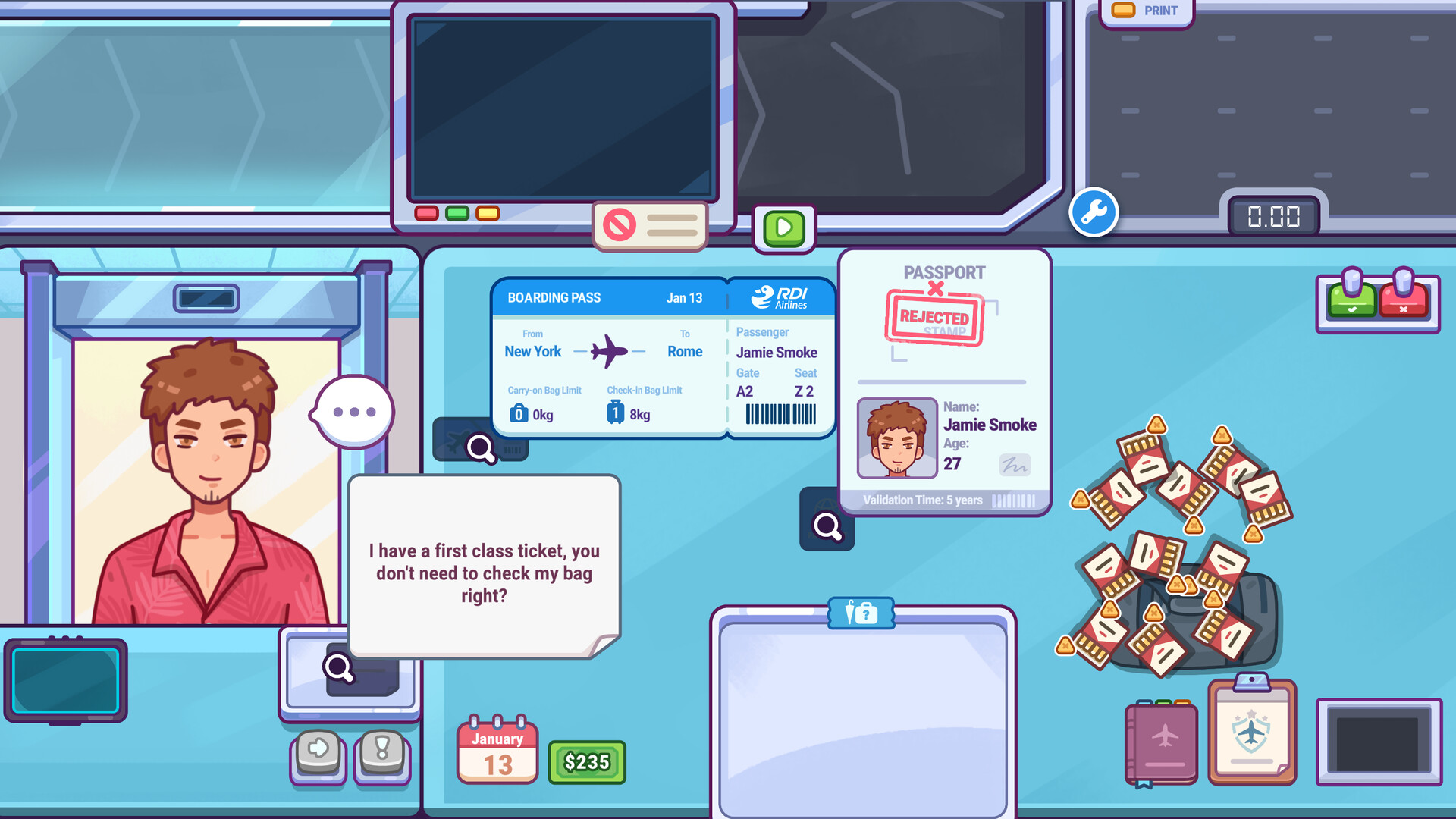
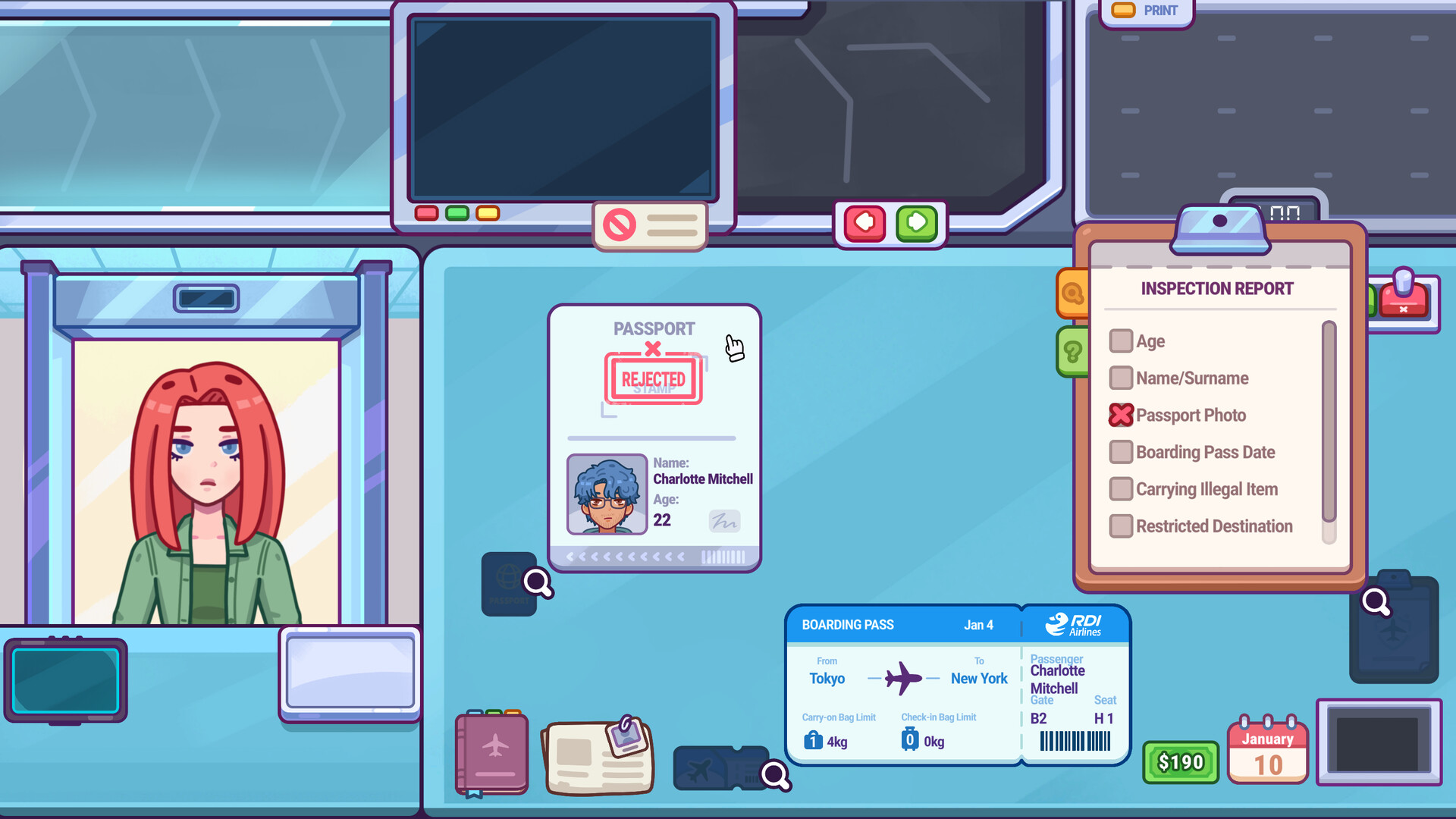
Nothing To Declare puts you on a cozy, hand‑drawn airport checkpoint where you greet travelers, check passports, weigh luggage and run X‑ray scans. When something feels off you can unzip a bag and search it in a short mini‑game, deciding whether to let it pass or investigate further.
Each shift is scored based on the calls you make, the money you earn and any penalties you incur. The game runs on Windows, macOS and Linux, offers adjustable difficulty, a mouse‑only mode, save‑anytime and Steam Cloud support for flexible play sessions.
01 / THE GUIDE
Core Gameplay Loop
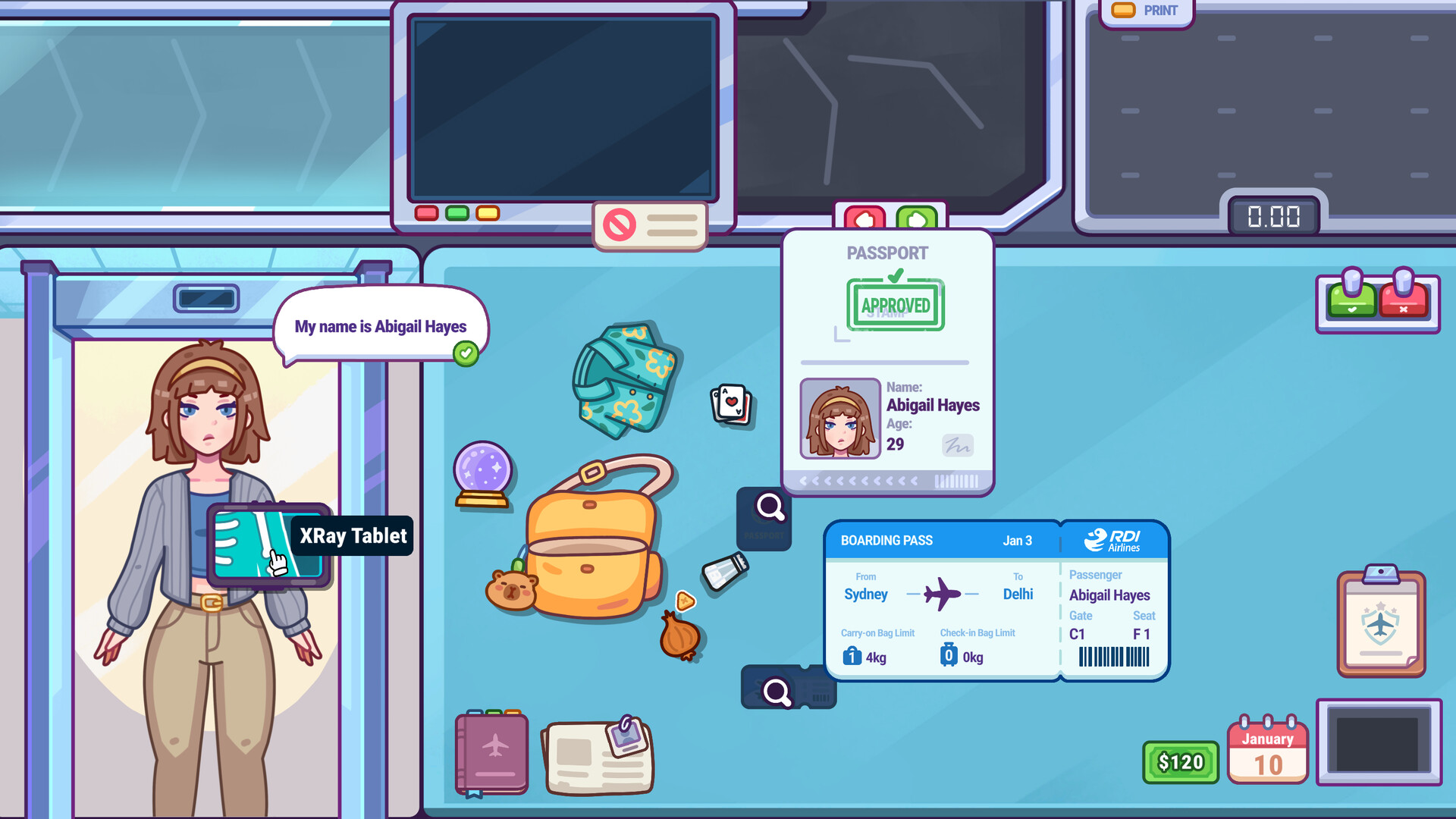
A shift starts at either the passenger checkpoint or the baggage station. You greet each traveler, check their passport, weigh their suitcase and scan it with an X‑ray. The visual feed is intentionally noisy, requiring you to look for hidden items.
If the scan or your intuition suggests a problem, you can unzip the bag and search it in a dedicated mini‑game. After the shift ends you receive a grade that reflects smart calls, earnings and any penalties.
- Watch the weight indicator closely before deciding to open a bag.
- Use the X‑ray scan to confirm suspicions before spending time on a search.
02 / THE GUIDE
Mini‑Game Variety
The game includes four core mini‑games: bag weighing, X‑ray scanning, passenger interviews and luggage searching. Each is presented as a short interactive challenge that mirrors a real security task.
Additional mini‑games appear as the airport expands, keeping each shift fresh and giving you new ways to apply judgment and observation.
- Practice the X‑ray layers to become faster at spotting subtle shapes.
- Read dialogue options quickly to gauge a passenger’s honesty.
03 / THE GUIDE
Hand‑Drawn Visuals
All graphics are rendered in a charming, hand‑drawn 2D style that gives the airport a warm, character‑filled atmosphere while keeping the interface clear.
The art direction emphasizes readability, ensuring that items in scans or luggage are distinguishable without overwhelming the player.
- Adjust the volume controls to focus on audio cues that complement the visuals.
- The mouse‑only option can help you make precise selections in the visual mini‑games.
04 / THE GUIDE
Performance Grading
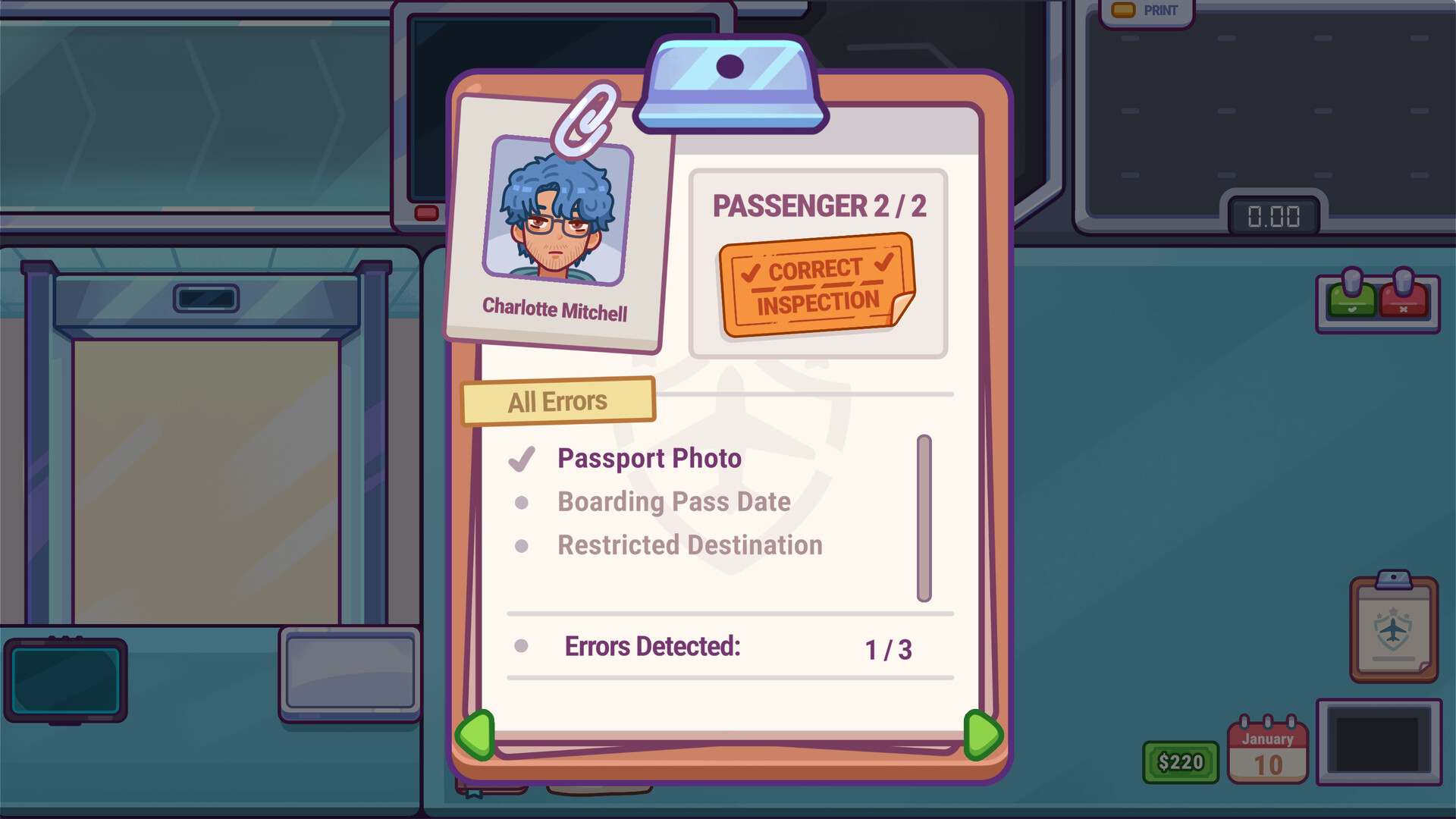
At the end of each shift you receive a grade based on the decisions you made, the money earned and any penalties incurred. This feedback lets you see where you were efficient or where mistakes happened.
The airport continues to grow, introducing new passengers and items, so you can replay shifts with the same grading system while trying different approaches.
- Review your grade details to identify which mistakes cost the most points.
- Experiment with slower, more thorough checks to see how they affect your score.
05 / THE GUIDE
Platform Features
Nothing To Declare is available on Windows, macOS and Linux. It supports Steam Cloud saves, family sharing and achievements, letting you keep progress across devices.
Custom volume controls, adjustable difficulty and a mouse‑only option let you tailor the experience, while the save‑anytime feature lets you pause and resume shifts at will.
- Enable adjustable difficulty to match your comfort level with each mini‑game.
- Use Steam Cloud if you play on multiple computers.

COMMUNITY
Player discussion