 GameWiki
GET YOUR BEARINGS
About Nonogram - The Greatest Painter
Nonogram – The Greatest Painter is a picture‑logic puzzle game where players fill grid cells according to side numbers to reveal hidden artwork. It offers over 200 hand‑crafted puzzles in both black‑and‑white and colour, providing a steady stream of challenges.
Beyond the core puzzles, the title includes an endless supply of community‑created paintings via Steam Workshop and a built‑in level editor that supports grids up to 100 × 100. Clean art design and ambient music aim to keep the experience relaxing yet mentally engaging.
01 / THE GUIDE
Hand‑crafted puzzles
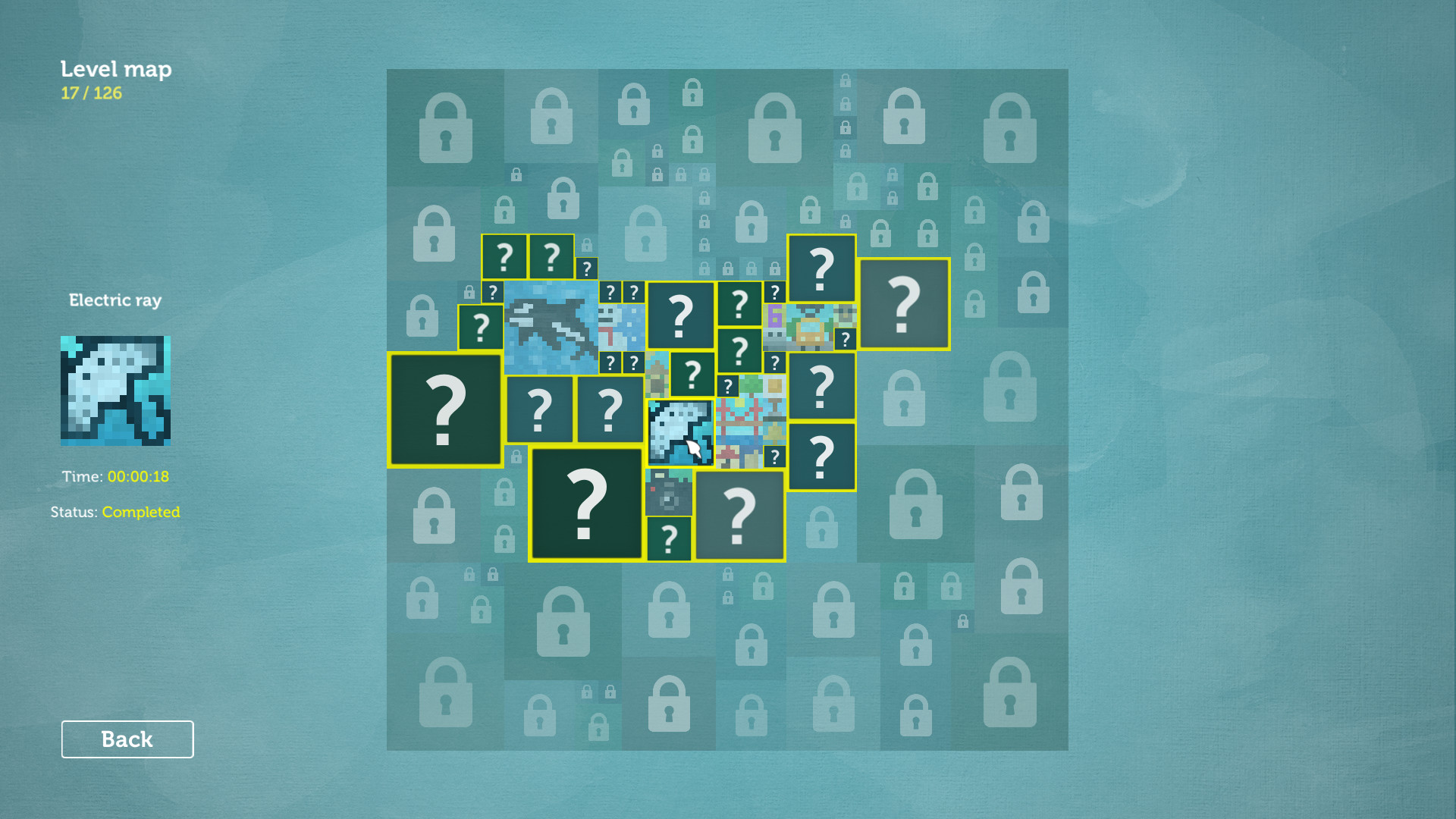
The game ships with more than two hundred original nonogram puzzles. These are divided between coloured and black‑and‑white grids, giving visual variety while using the same numeric clues mechanic.
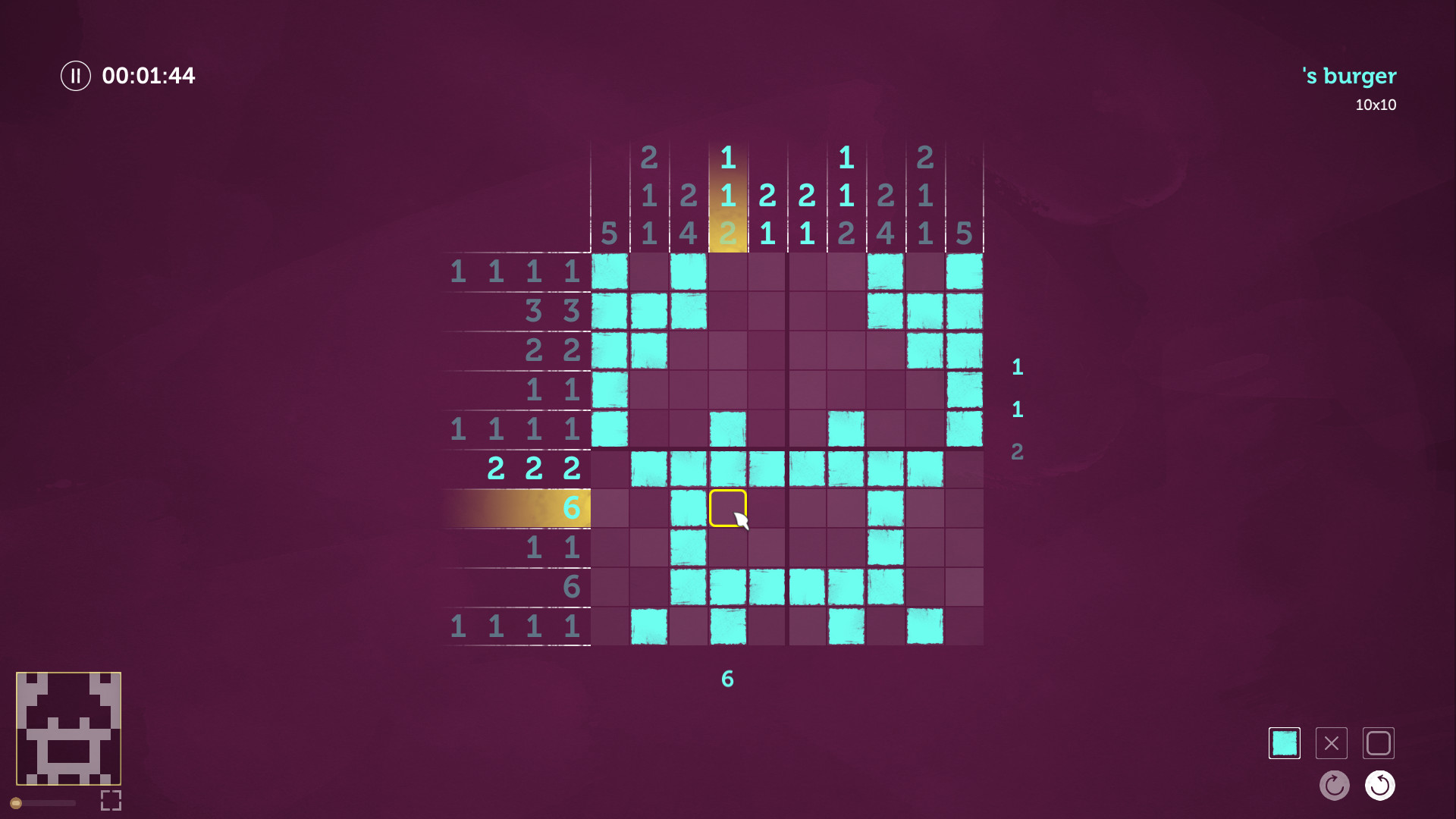
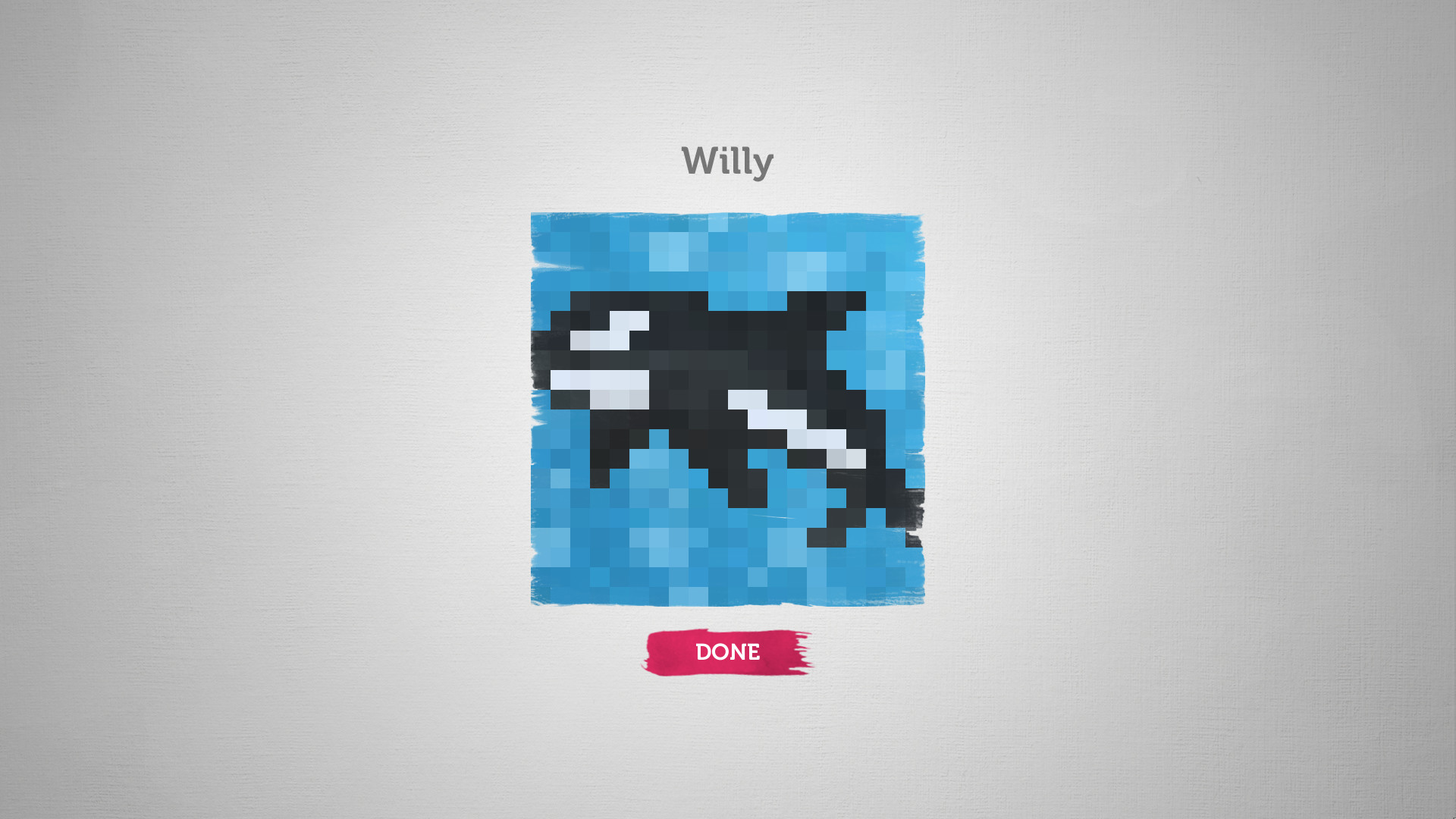
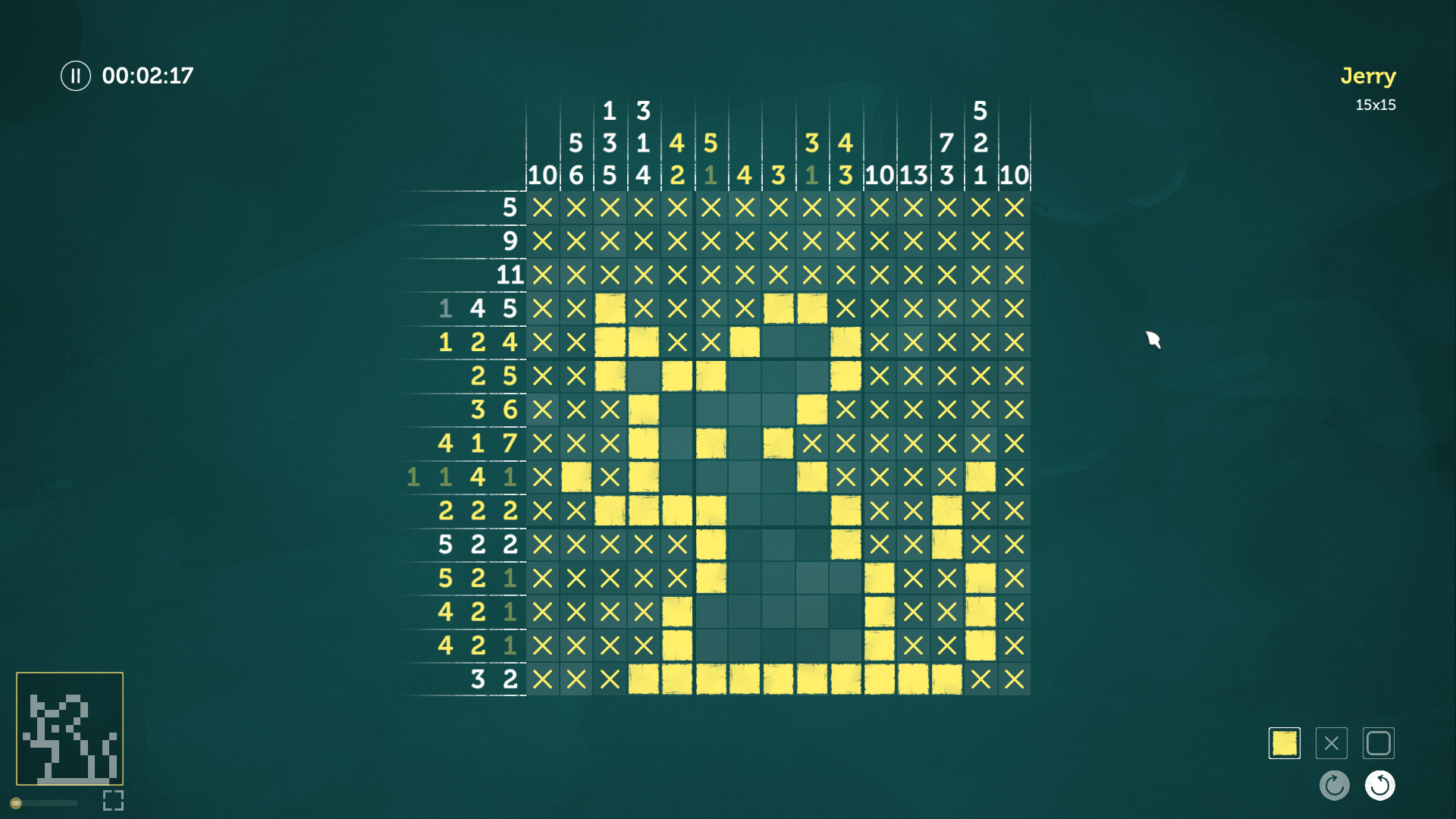
Each puzzle follows the classic nonogram rule set: cells are either filled or left blank based on the numbers that describe contiguous blocks in each row and column. Completing a puzzle reveals a complete picture.
- Start with smaller grids to learn clue patterns before tackling larger ones.
- Compare completed sections with the ambient artwork for a satisfying visual payoff.
02 / THE GUIDE
Steam Workshop integration
Players can download an endless list of user‑made paintings from the Steam Workshop, extending replayability after the built‑in puzzles are solved. The workshop content follows the same nonogram rules as the official levels.
Because the workshop is community driven, new puzzles appear regularly, ensuring that the game never feels empty even after finishing the original catalogue.
- Browse the workshop for themes that match your visual preferences.
- Rate puzzles you enjoy to help others find quality content.
03 / THE GUIDE
Level editor
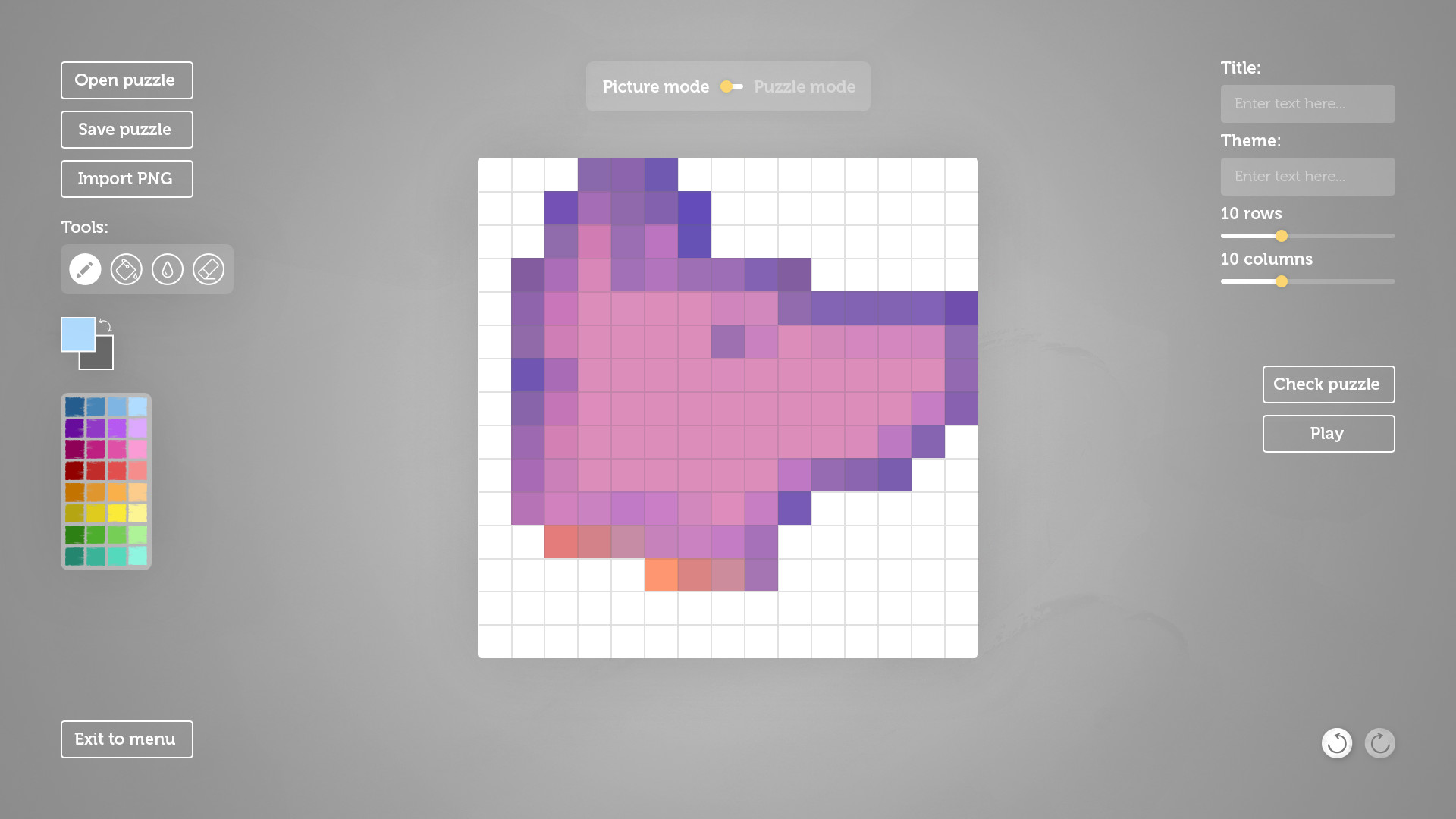
The built‑in editor lets players design their own nonograms up to a 100 × 100 grid size. Creators place numeric clues manually, shaping the intended picture through the same logic used in the main game.
Edited levels can be shared via Steam Workshop, allowing the community to experience custom challenges without leaving the platform.
- Begin with modest grid sizes to test clue accuracy before expanding.
- Test your custom puzzle yourself to verify that the intended image emerges correctly.
04 / THE GUIDE
Audio‑visual design
Art design is described as clean and beautiful, providing clear visual feedback for each filled cell. Ambient soundtracks play in the background, intended to keep the mind sharp and focused while solving puzzles.
The combination of minimalist graphics and soothing music creates a relaxed atmosphere, which can help players maintain concentration over longer sessions.
- Balance the ambient music with any external sounds to suit your preferences.
- Take short breaks if the ambient music becomes repetitive.
05 / THE GUIDE
Platform features
The title supports single‑player gameplay, Steam Achievements, Steam Cloud support, and Family Sharing. These features are native to the Windows version available on Steam.
Steam Cloud and Family Sharing are listed among the game's Steam features, alongside single-player support and Steam Achievements.
- Enable Steam Cloud in settings to safeguard your puzzle progress.
- Check the Achievements list for optional goals that track puzzle milestones.
COMMUNITY
Player discussion