 GameWiki
GET YOUR BEARINGS
About NoLimits 2 Roller Coaster Simulation
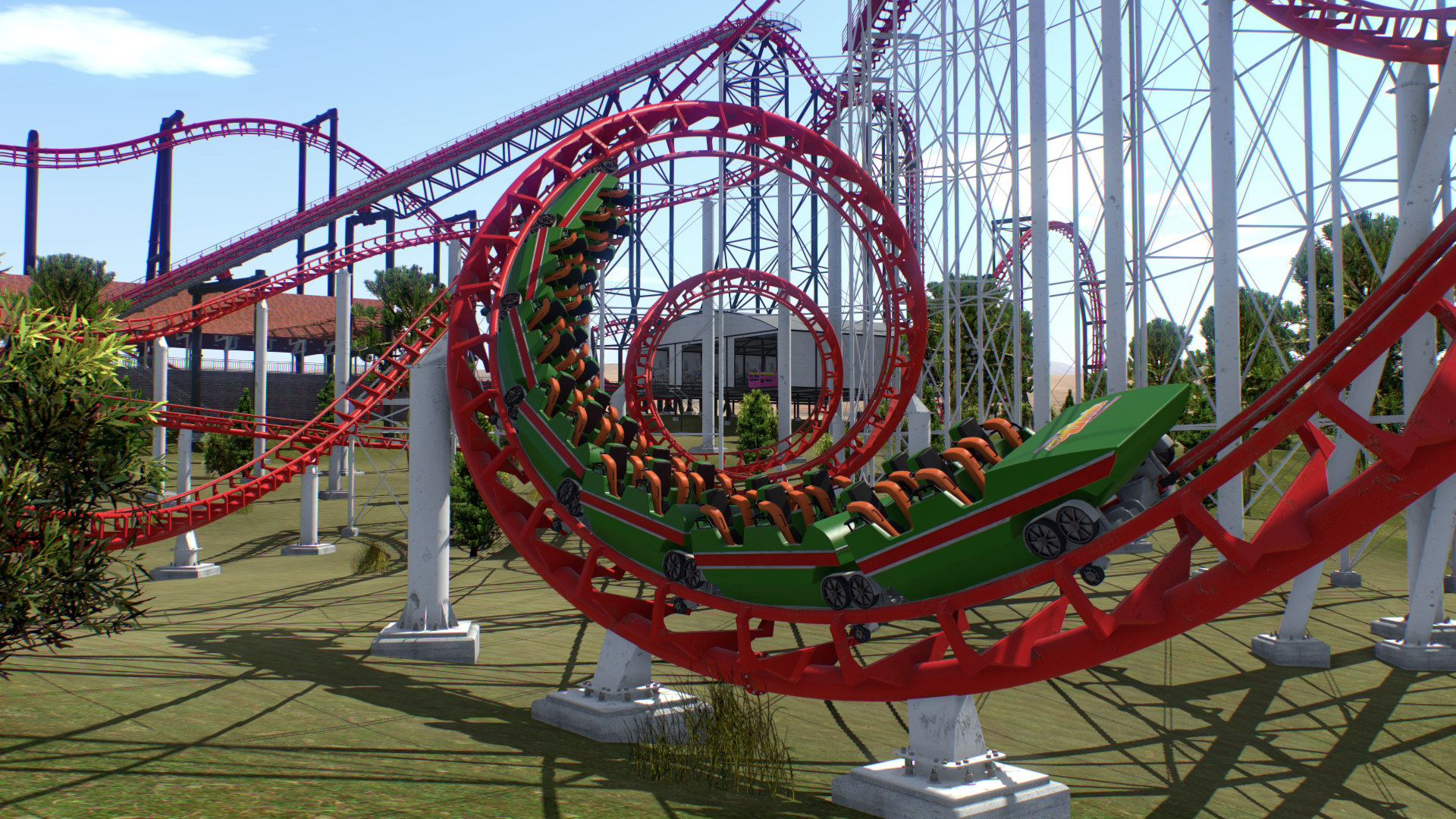
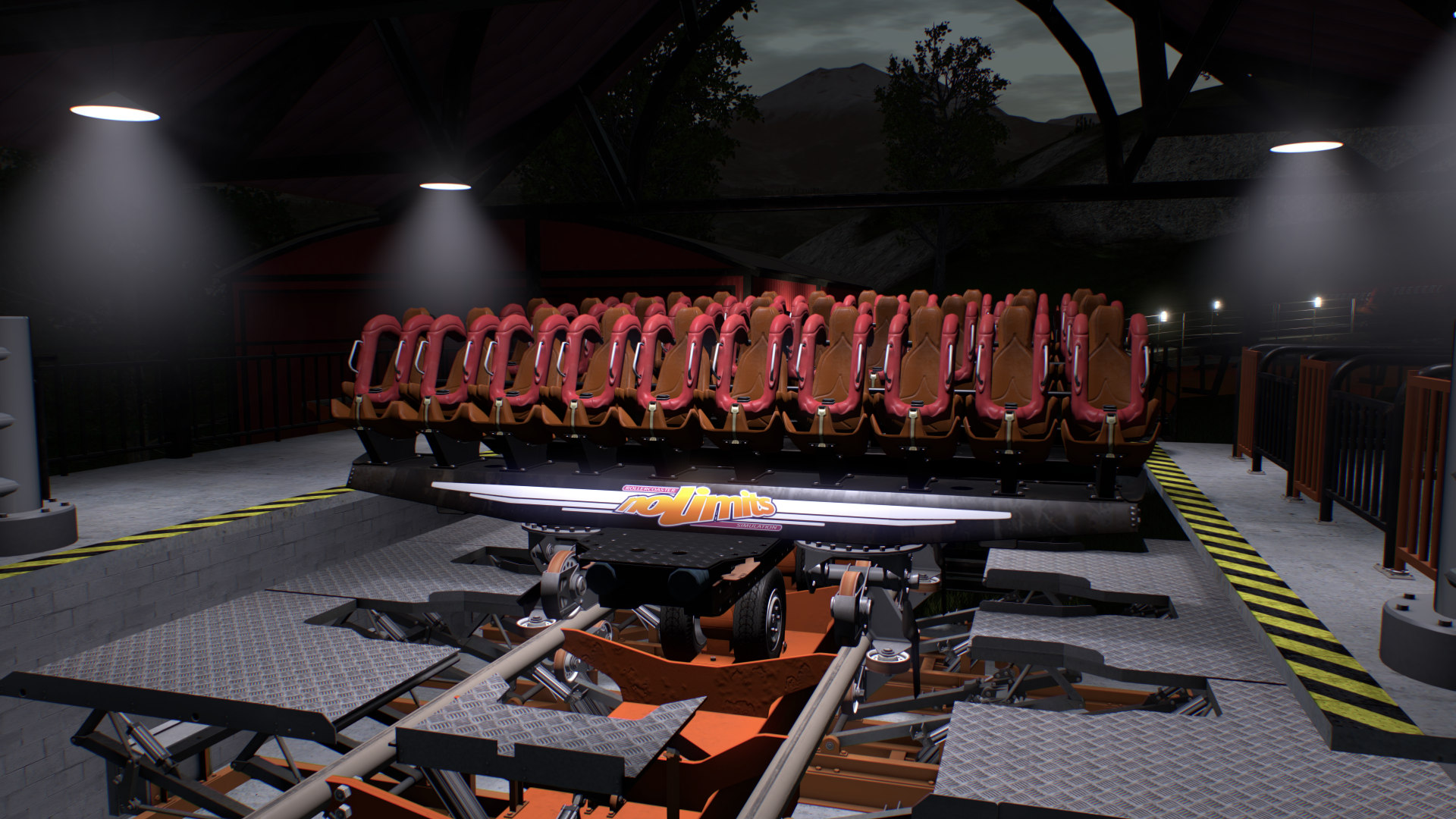
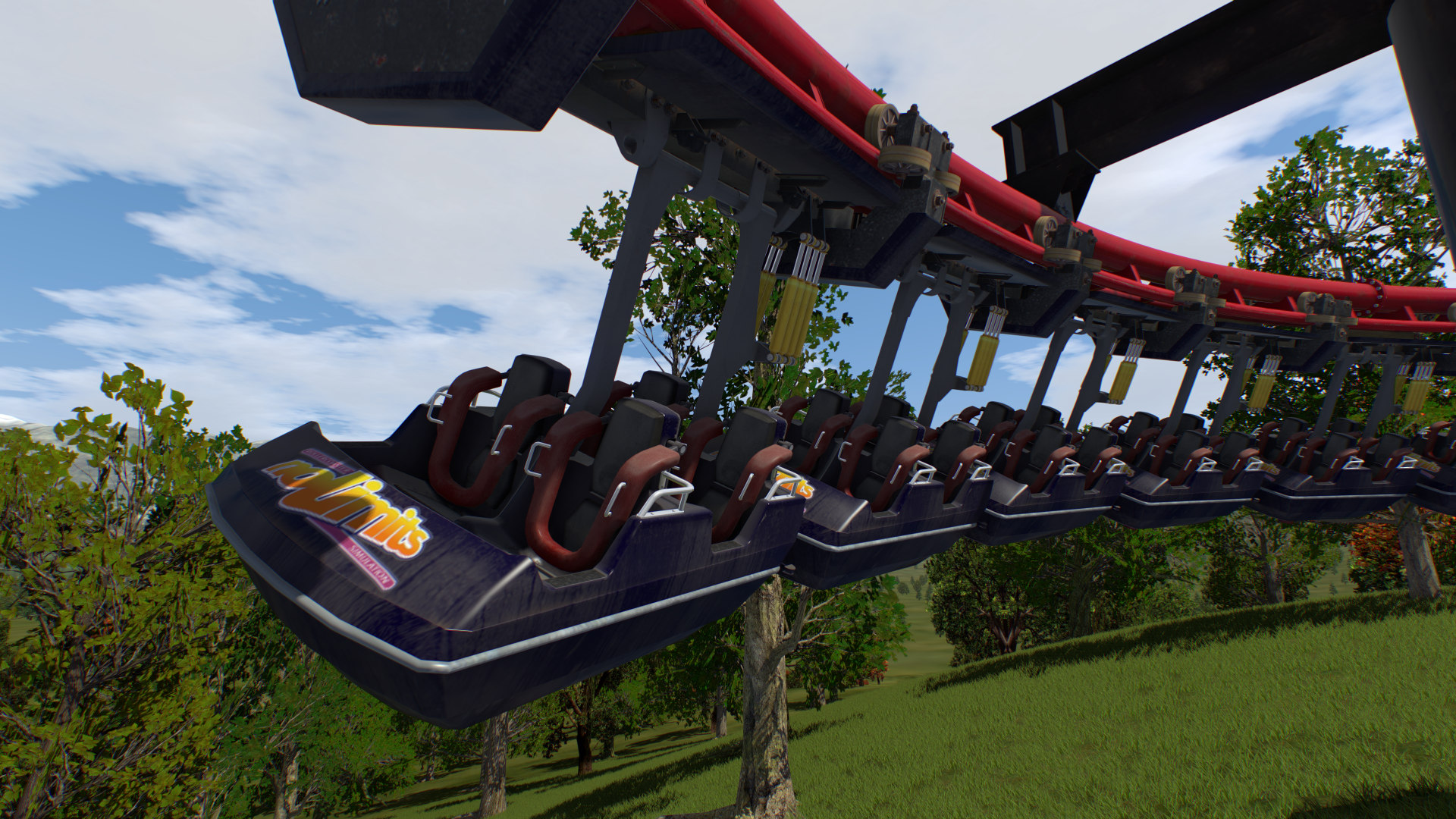
NoLimits 2 delivers a highly detailed roller‑coaster simulation that lets players ride famous coasters or build their own from scratch. The editor uses a CAD‑style wire‑frame view, while the ride itself runs in real‑time with authentic physics, sounds and visual effects. The package also supports VR headsets, multi‑train operations and a full park editor, making it a tool used by professional designers and hobbyists alike. Its extensive scenery library and advanced lighting give each park a unique atmosphere.
01 / THE GUIDE
Realistic Physics and Ride Experience
The simulation models coaster dynamics down to wind rush and metal‑on‑metal sounds, creating a ride that feels authentic from the first lift hill to the final stop. Physics constraints are the only limits on what you can design, ensuring every coaster behaves as expected. Players can select any seat, car or train and adjust the line of sight with the mouse, giving a personalized perspective of the ride’s motion and forces.
- Observe how different track angles affect speed before committing to a final layout.
- Test a short segment in real‑time to verify that brake and lift settings behave as intended.
02 / THE GUIDE
Full‑Featured Roller Coaster Editor
The editor provides a CAD‑style wire‑frame display where tracks, supports and objects are dragged and dropped. Slider bars let you zoom and change perspective, while spline tools allow complex track shaping. Additional options include backward‑running trains, block sections, dual stations and custom spline positions, giving designers fine‑grained control over every element of the coaster.
- Use the spline position controls to fine‑tune transitions between track elements.
- Experiment with block sections to manage multiple trains safely on the same layout.
03 / THE GUIDE
Virtual Reality Compatibility
NoLimits 2 supports Oculus Rift CV1, Rift DK2 and HTC Vive (via OpenVR) on Windows, requiring Runtime 1.3 or newer. In VR, head movement is simulated with the mouse, letting you look around the coaster from any seat. VR support is listed for the Windows version, letting you experience the simulation’s rides in an immersive headset view.
- Calibrate your headset before riding to ensure the mouse‑simulated head movement aligns with your view.
- Start with a simple coaster in VR to become comfortable with the motion before tackling complex designs.
04 / THE GUIDE
Multiple Trains, Coasters and Park Editing
The engine allows more than one train on a coaster, multiple coasters in a single park, and even duelling coasters with synchronized stations. A special walk mode with collision detection lets you explore the park on foot. An integrated park editor lets you add scenery objects and adjust terrain, while the environment editor changes the skybox and background; the simulation also features weather effects and a dynamic day‑night cycle.
- Use the walk mode to check clearance between tracks and scenery before finalizing a layout.
- Synchronize station timings when setting up duelling coasters to avoid train collisions.
05 / THE GUIDE
Advanced Visuals and Audio
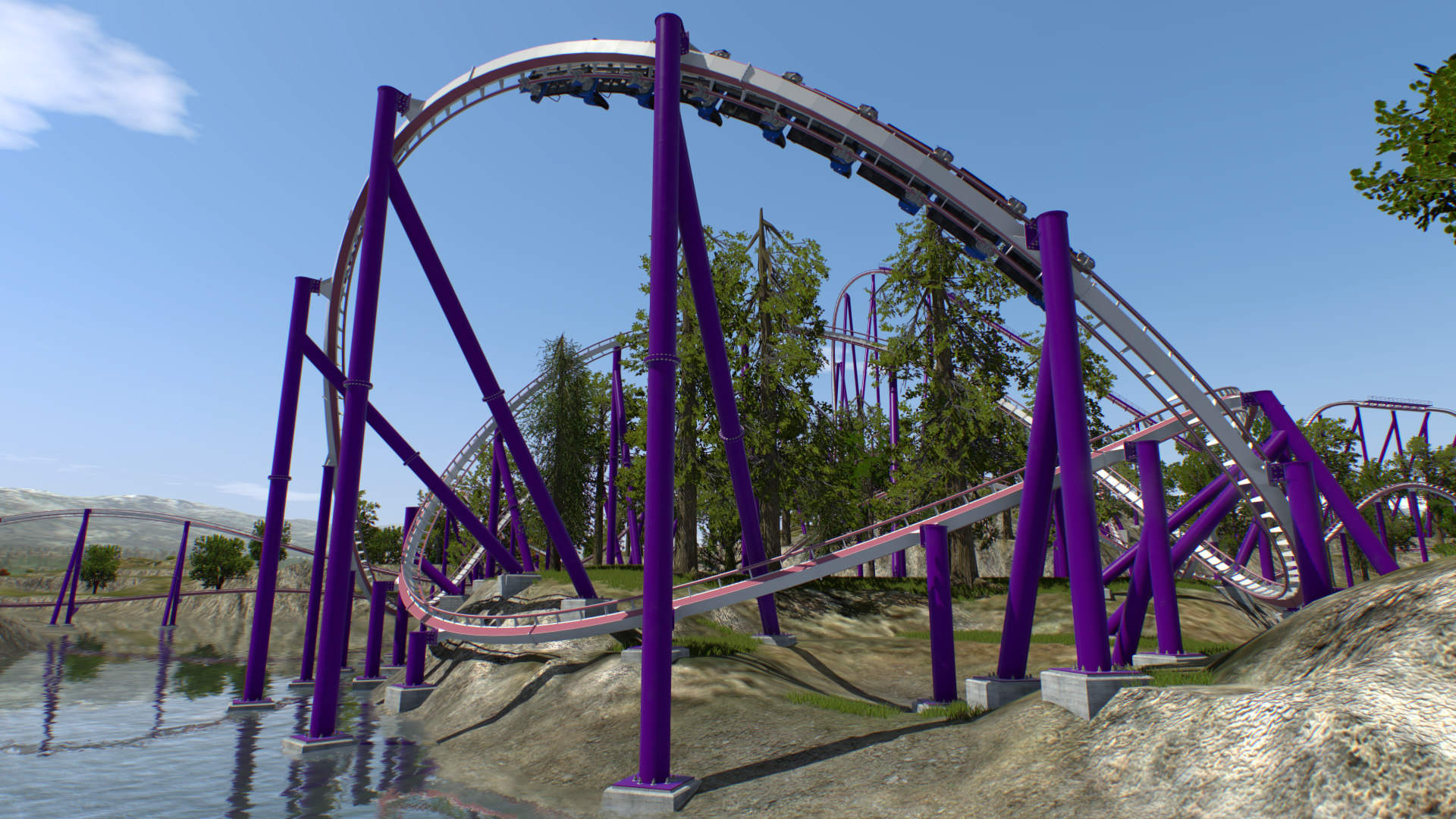
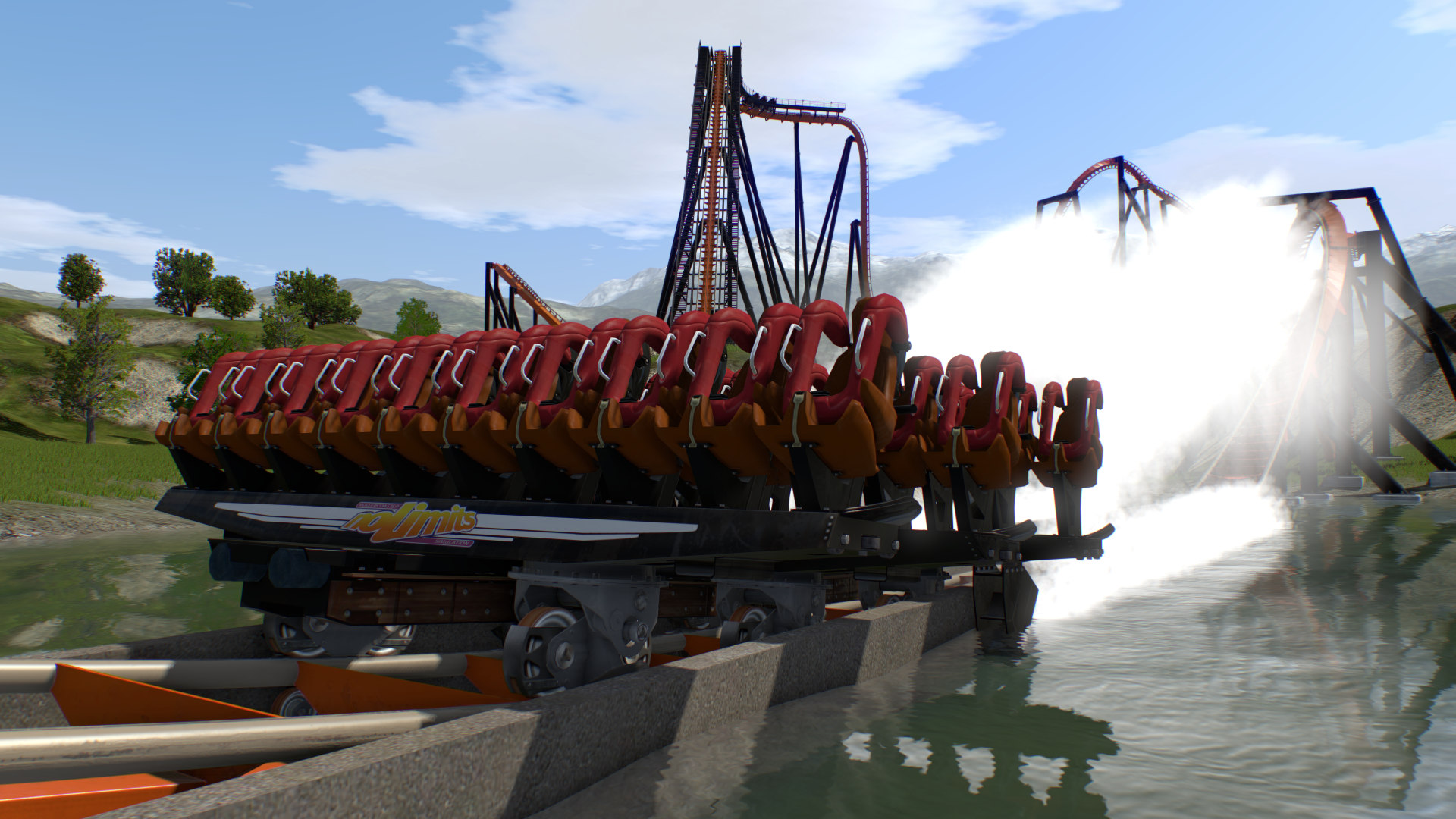
Next‑generation graphics include normal mapping, specular masks, reflections, real‑time shadows, lens flare, volumetric light, fog, depth‑of‑field and dynamic sky with a day‑night cycle. Audio uses OpenAL for 3D surround sound and environmental reverb, enhancing tunnel and wind sensations. Additional effects such as water splash for dive coasters and animated brakes further increase realism, while a high‑quality video export captures rides frame‑perfectly.
- Enable weather effects to see how fog influences rider perception of speed.
- Export a short video of a test run to evaluate lighting and shadow placement before publishing.
COMMUNITY
Player discussion