 GameWiki
GET YOUR BEARINGS
About No Time to Relax
No Time to Relax is a satirical life‑simulation where you climb the corporate ladder, study, and manage sanity while competing against friends. The game blends casual strategy with indie charm, offering both solo and multiplayer experiences across Windows and macOS.
Players can customize avatars, decorate apartments, and even dabble in the stock market, all while navigating hexes and pets that shift the competitive balance. A peaceful mode provides a low‑stress alternative, and a soundtrack and achievements round out the experience.
01 / THE GUIDE
Multiplayer Modes
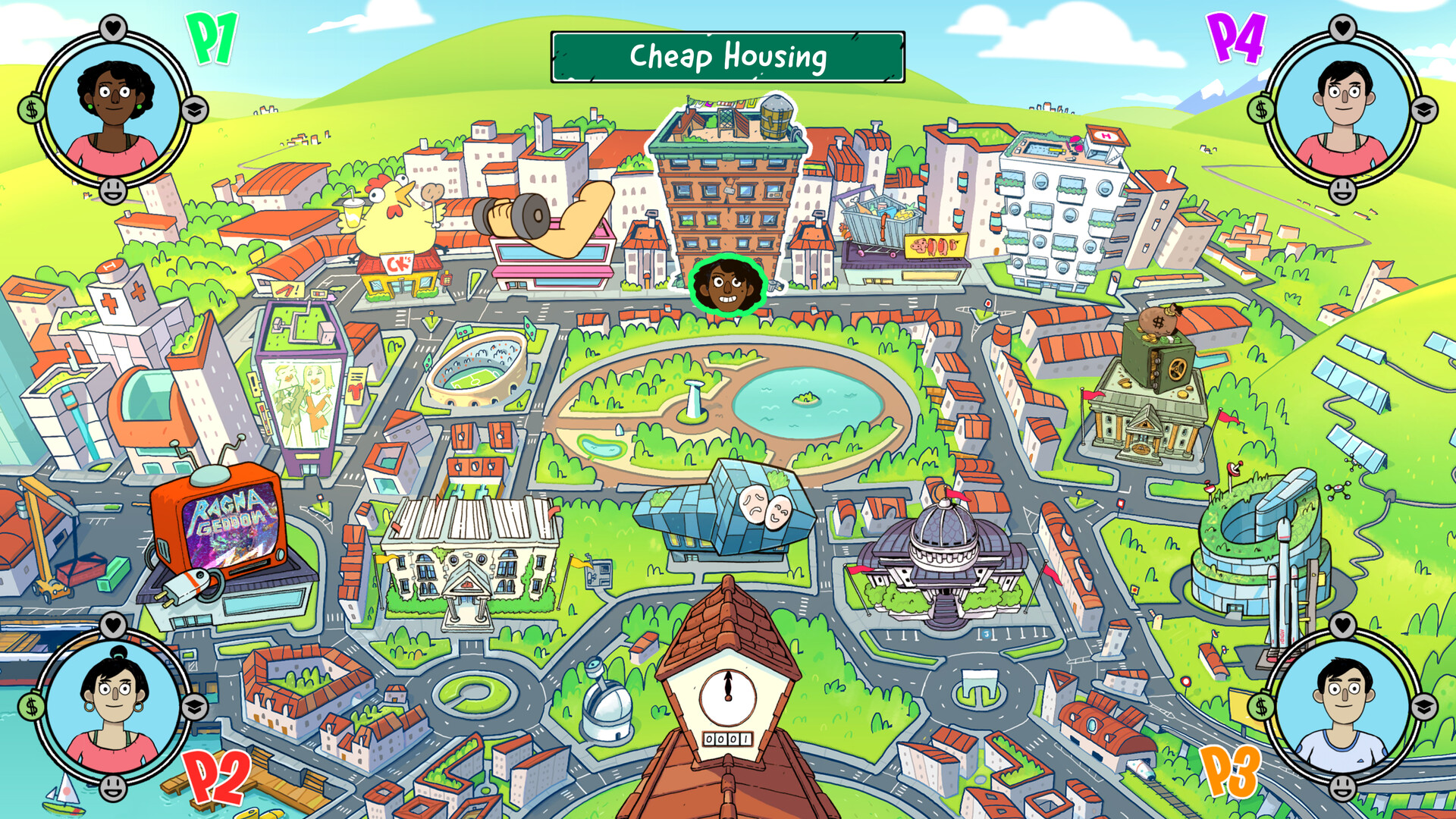
Up to four players can face off locally, and the game also supports online PvP with friends or strangers. Pass‑and‑play is included, allowing quick swaps between participants. Single‑player pits you against a CPU opponent, humorously dubbed “Skynet”. The mix of local and online options lets groups choose the most convenient setup.
- Try a local session first to gauge each other's strategies before moving online.
- Use the pass‑and‑play feature for quick turn‑based challenges on a single device.
02 / THE GUIDE
Career Progression
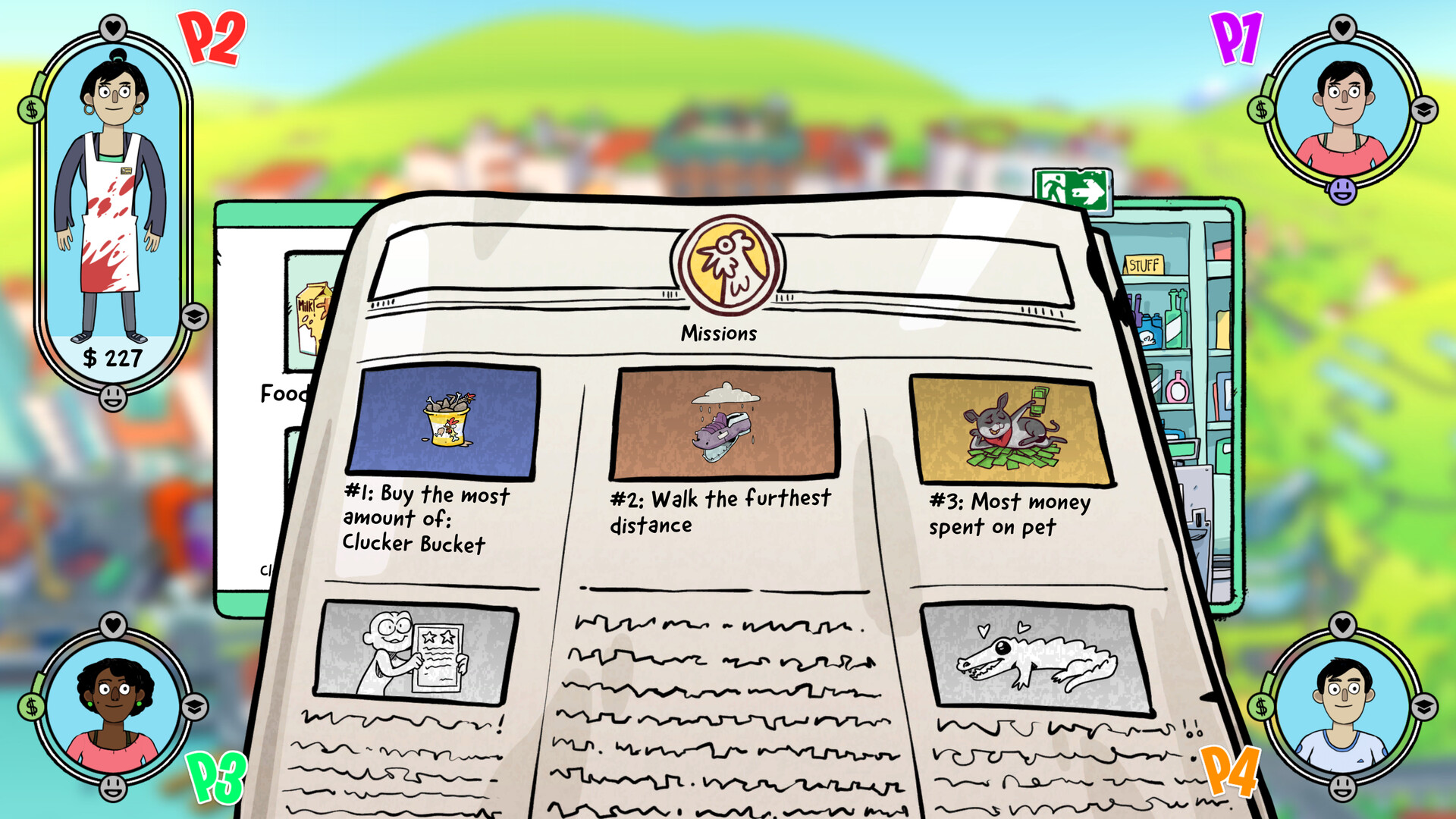
Advancing your character involves education, work experience, and stock‑market activity. These elements combine to simulate climbing the corporate ladder. Finishing missions can give you the upper hand, alongside education, work experience and stock-market play.
- Balance studying and working to avoid over‑straining your sanity meter.
- Invest in the stock market after completing missions for a financial edge.
03 / THE GUIDE
Apartment Decoration
Players can furnish their virtual apartments with both cheap and fancy items, personalising their space. Decorating adds a personal visual layer to your apartment. The variety of décor lets you express style while you work toward career goals.
- Mix inexpensive and upscale items for a balanced aesthetic.
- Use décor as a visual cue for progress milestones.
04 / THE GUIDE
Peaceful Mode
A dedicated peaceful mode removes hexes, offering a less stressful experience. This alternative caters to players who prefer a calmer pace. Without hexes, competition focuses on career and financial management rather than magical interference.
- Select peaceful mode when experimenting with new strategies without hex disruption.
- Compare outcomes between peaceful and regular modes to see hex impact.
05 / THE GUIDE
Avatar Selection
The game provides seven distinct avatars for players to choose from at the start. Each avatar represents a different visual identity. Choosing an avatar lets players pick from seven distinct visual identities.
- Pick an avatar that matches your preferred visual style.
- Switch avatars between sessions to keep the experience fresh.
COMMUNITY
Player discussion