 GameWiki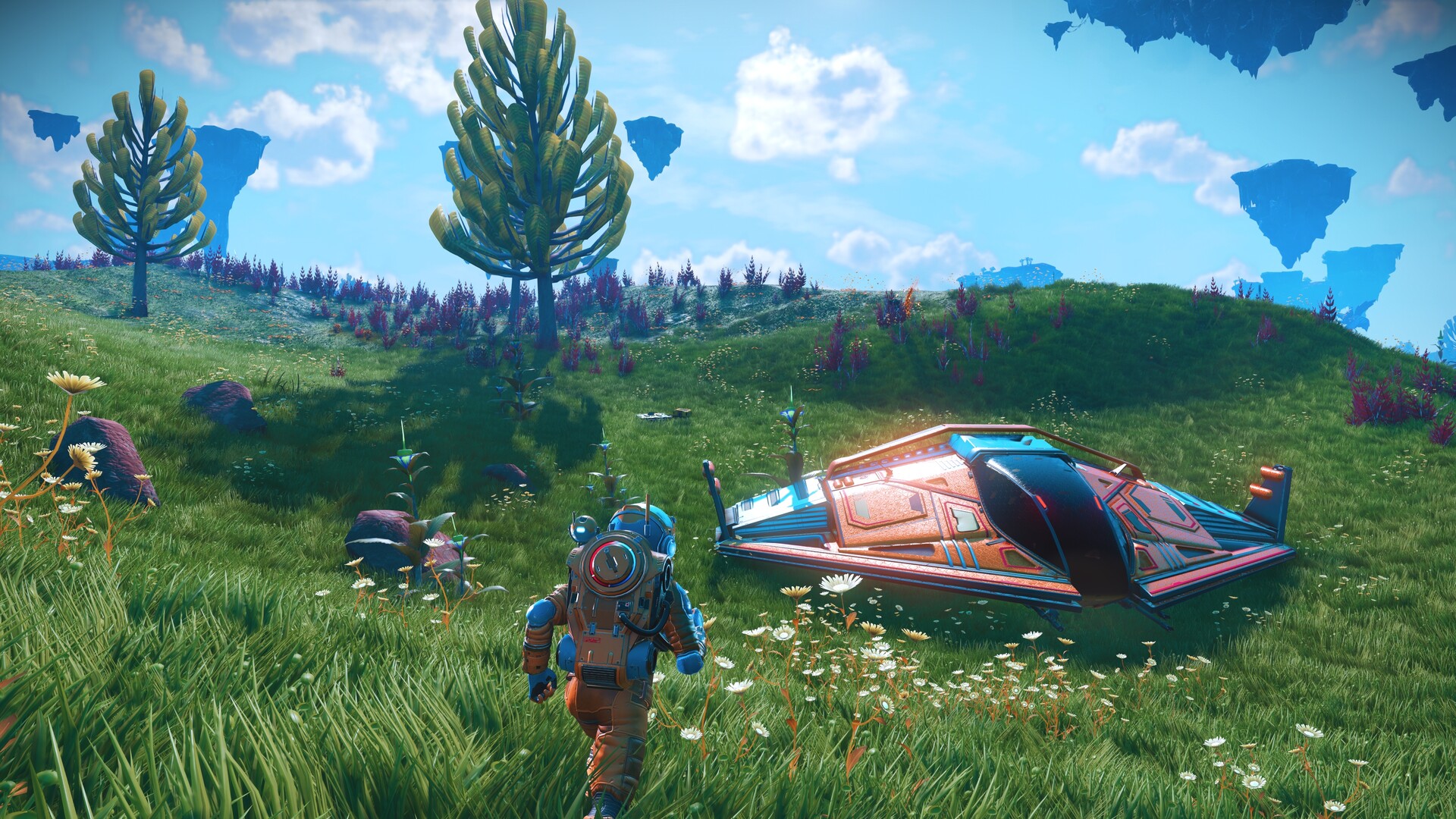

GET YOUR BEARINGS
About No Man's Sky
No Man's Sky connects planetary exploration, survival, ships, bases, trade, and a large set of optional activities. Its opening missions introduce systems that later become everyday tools. Following those prompts until you can travel and recover comfortably gives you a stronger foundation than trying to assemble every advanced activity immediately.
This wiki follows that foundation into a useful first base and a manageable exploration routine. Keep survival consumables available, separate technology goals from cargo clutter, and use the mission log to choose what the next trip is meant to accomplish. New updates can add systems and revise existing ones, so use Hello Games' release log for current patch details while treating this page as a starting framework.
01 / THE GUIDE
Opening survival: secure shelter and essential resources
Your early priorities are the hazard protection and life-support systems shown on the suit interface. Look for shelter and the materials indicated by the tutorial before taking a long detour. Caves and your ship can provide recovery opportunities, while a short supply route is safer than wandering until several systems need recharging at once.
Scan the environment and read the resource name before mining. Keep materials for survival and repairs until you understand how quickly you consume them. On a hostile planet, a full inventory of valuable finds is less useful than room for the resource that keeps your suit functioning. Gather enough to leave safely, then return for optional discoveries with better preparation.
- Follow the opening repair prompts in their displayed order.
- Identify a nearby shelter before a storm becomes urgent.
- Keep emergency suit and mining-tool supplies.
- Leave cargo space for materials needed by the current mission.
02 / THE GUIDE
Ship repairs and travel: distinguish each fuel system
A starship has several systems with different jobs and resource needs. Launching from a planet, travelling within a system, and warping between systems are separate actions. Read the damaged component or fuel prompt instead of crafting a resource for the wrong system, and keep the materials needed for the next takeoff before landing somewhere remote.
Use the opening mission chain to unlock travel capabilities gradually. Visit the space station when the route becomes available, note its services, and learn where to return for upgrades or a teleporter connection. Before departing a system, decide whether you are following a mission marker, searching for a specific resource, or simply scouting a more comfortable home planet.
- Inspect the system that is empty before crafting fuel.
- Keep a takeoff reserve for remote landings.
- Use mission markers to avoid confusing local travel with a warp objective.
- Record useful stations and planets for later visits.
03 / THE GUIDE
First base: build a functional stop before a permanent home
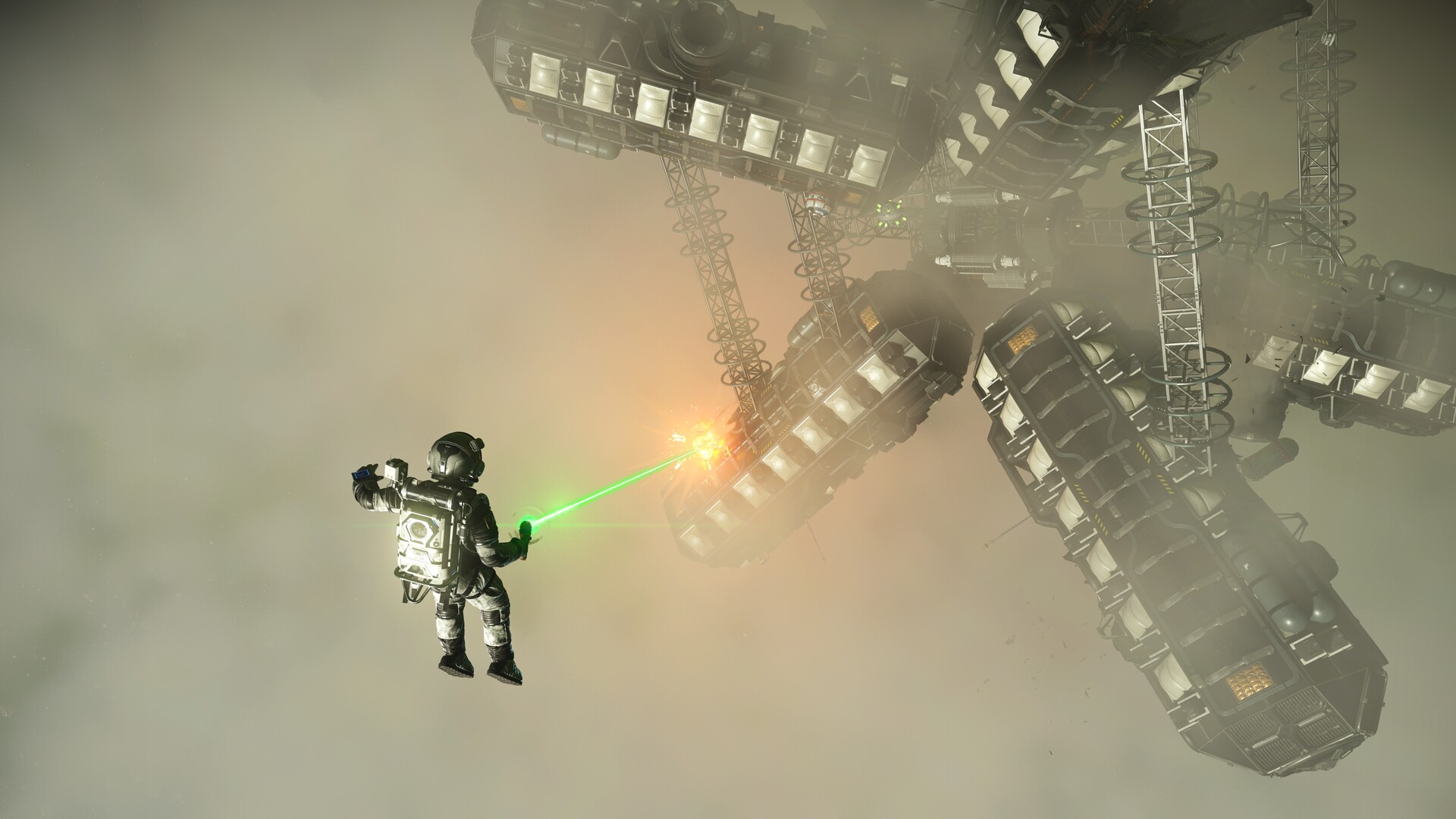
Your first base does not need to be your final architectural project. Choose a location that makes shelter, basic gathering, and return trips convenient, then build the essential components requested by the base-building missions. A small functional outpost can teach the construction and power systems without consuming all your early materials.
Add storage and transport options as their blueprints become available. Plan power generation and wiring alongside the devices that need them, rather than surrounding an unpowered machine with decoration. Keep the resource-processing area easy to reach and remember that the reason for this base is to support exploration; you can search for a more attractive or specialized site after travel becomes comfortable.
- Choose predictable shelter over a dangerous scenic location for the first stop.
- Follow base missions to learn relevant blueprints.
- Check power requirements before adding powered equipment.
- Keep a clear route between storage, processing, and the landing area.
04 / THE GUIDE
Units, nanites, cargo, and upgrade priorities
Units, nanites, and research resources support different kinds of progress. Read the purchase currency before selling useful materials to fund the wrong goal. Early cargo space and a few well-chosen technology improvements can make exploration much more comfortable, whereas purchasing every available module can crowd out the resources needed to use the equipment.
Choose one upgrade problem at a time: running out of inventory, struggling with hazard exposure, inefficient scanning, or a ship that is expensive to operate. Compare the proposed improvement with that actual problem. Keep the resources needed for repair and travel separate from goods you intend to sell, and avoid treating every newly discovered object as permanent cargo.
- Check which currency an upgrade consumes.
- Keep essential repair and fuel materials before selling surplus.
- Buy technology that solves a repeated inconvenience.
- Review cargo after each major expedition rather than hoarding indefinitely.
05 / THE GUIDE
Mission log, the Space Anomaly, and choosing a direction
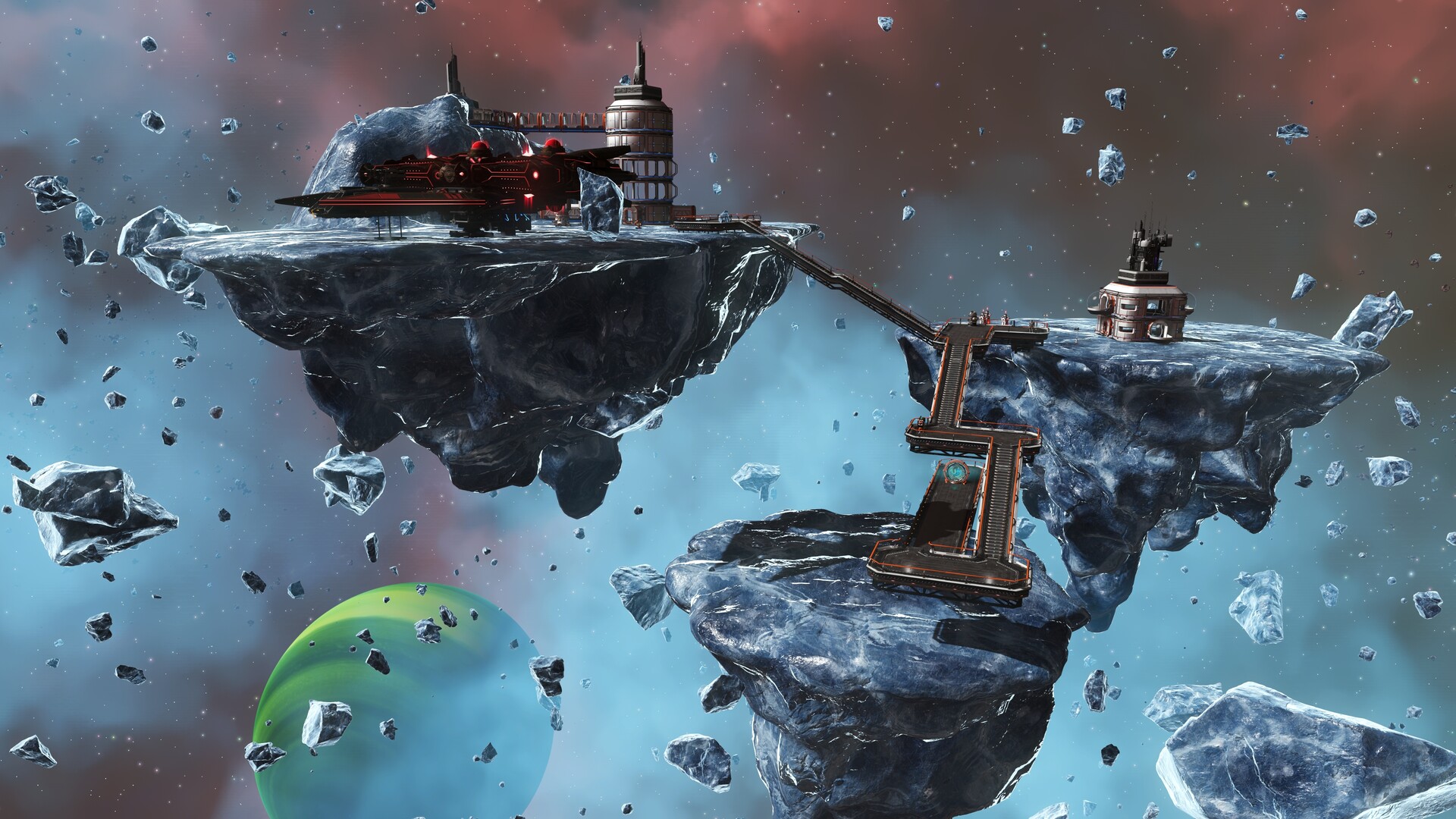
The mission log determines which objective the game is currently guiding. When the on-screen instructions seem unrelated to your intended task, check the selected mission before assuming a blueprint or destination has disappeared. Follow the primary introduction until the Space Anomaly and its services become available, then use the options there to pursue a more personal direction.
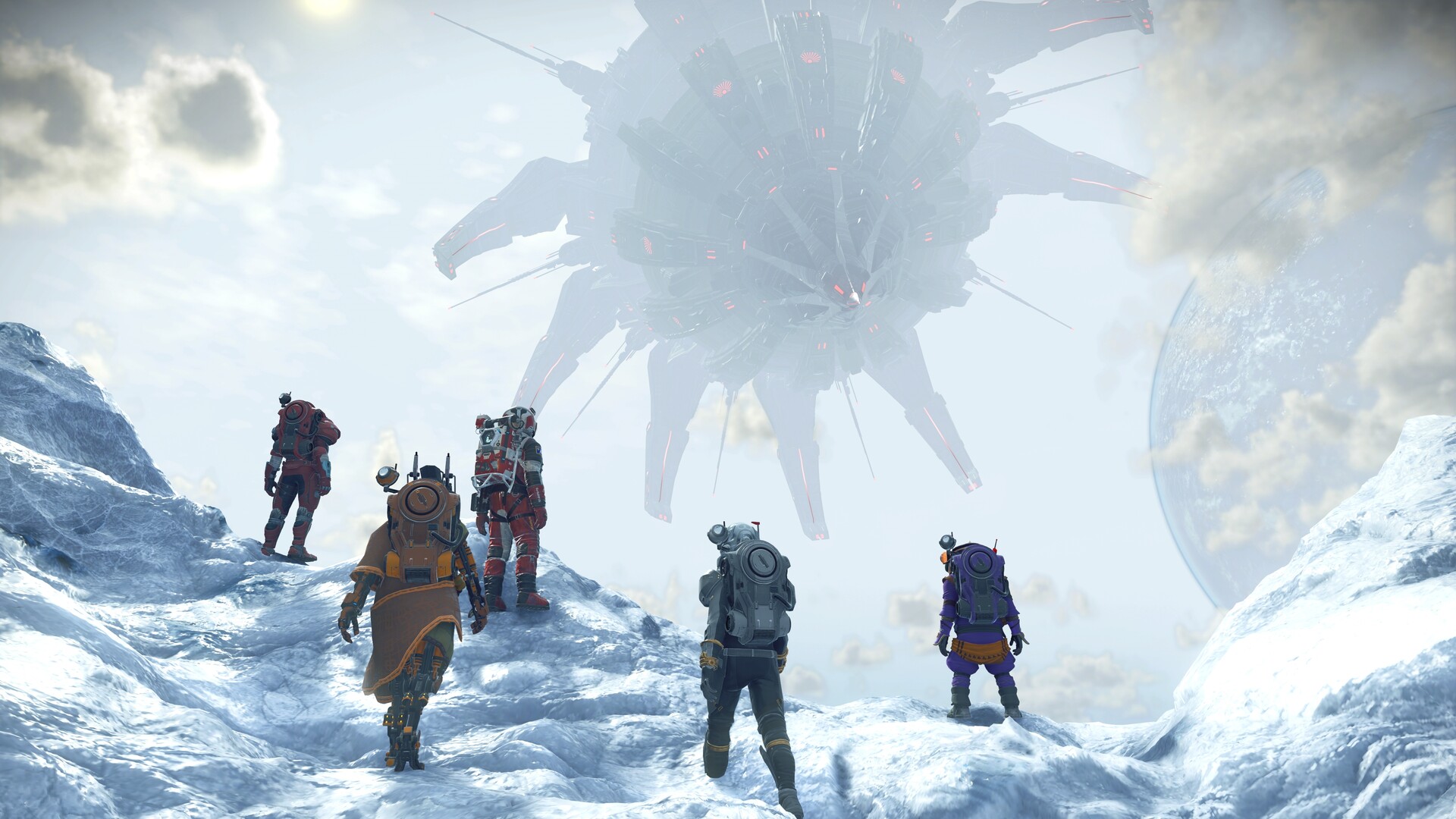
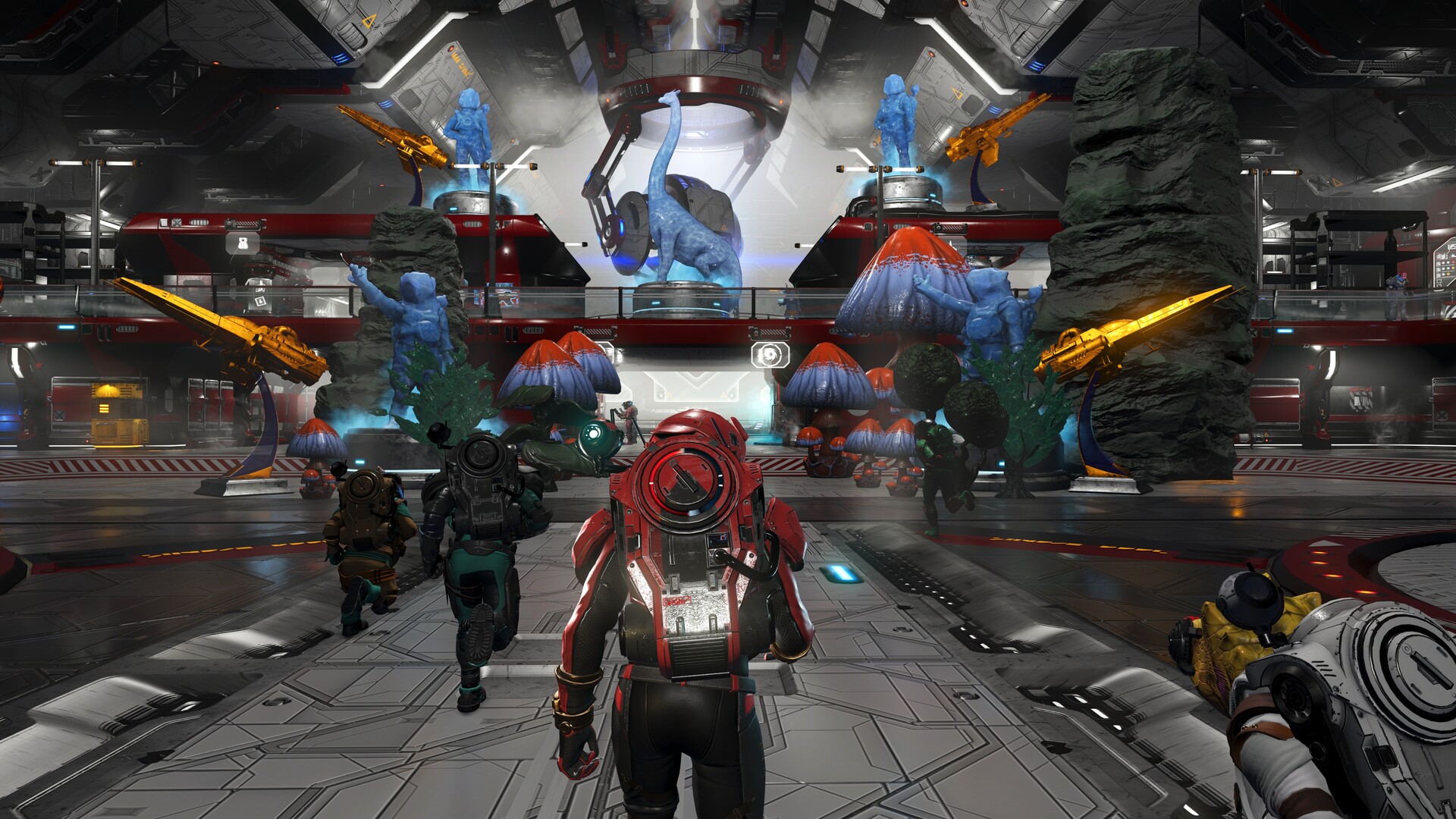
You can focus on exploration, base construction, trading, ships, story, or cooperative activities without trying to complete every system immediately. In multiplayer, agree on a shared activity and review your network and interaction settings. For a return after a long break, consult official patch notes before committing rare resources to an older guide's assumptions about technology, storage, or progression.
- Select the intended mission before following an on-screen marker.
- Visit the Anomaly after the introduction unlocks it.
- Choose one activity to explore deeply before collecting every possible goal.
- Check network settings before a public cooperative session.
COMMUNITY
Player discussion