 GameWiki

GET YOUR BEARINGS
About No, I'm not a Human
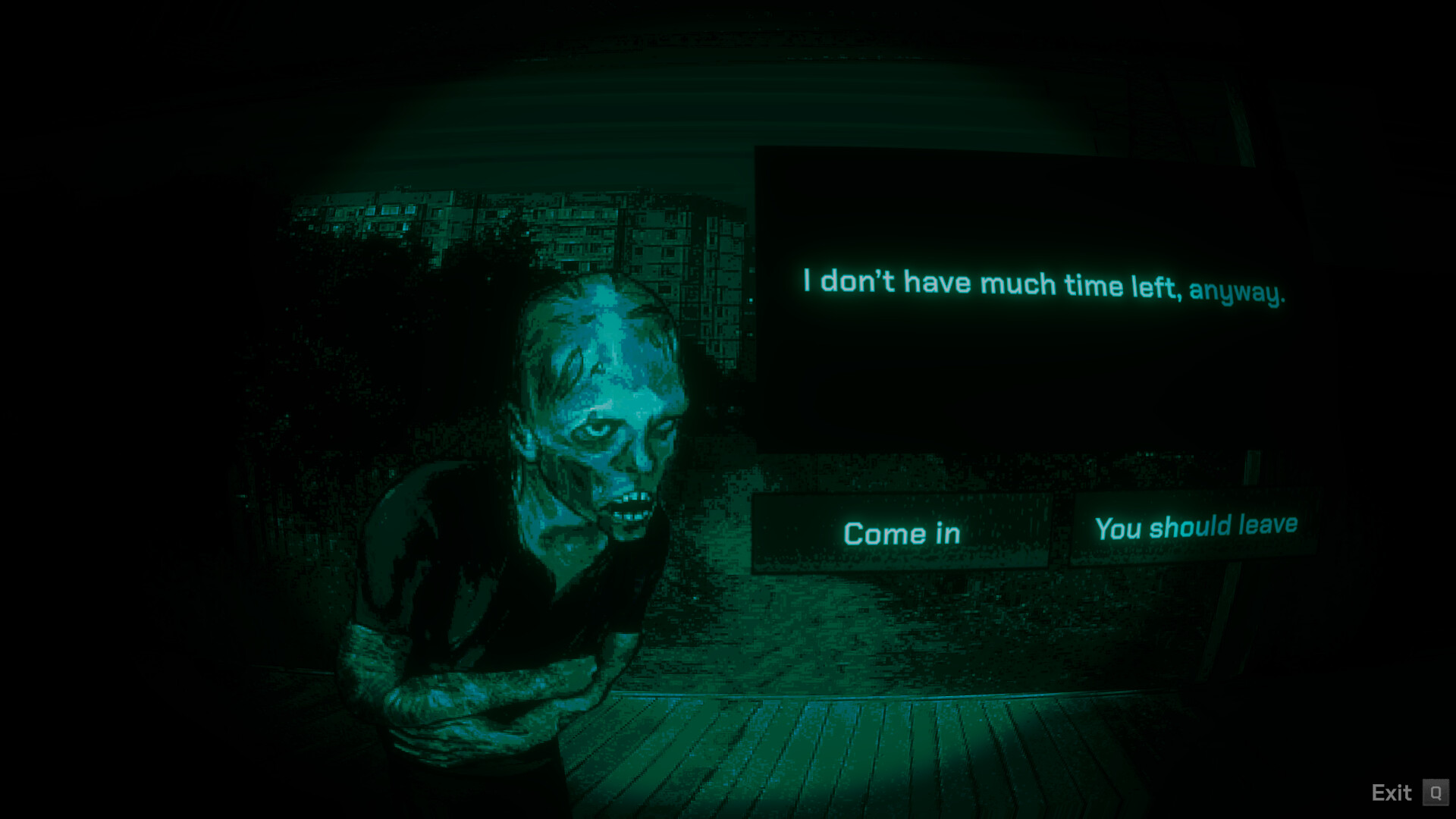
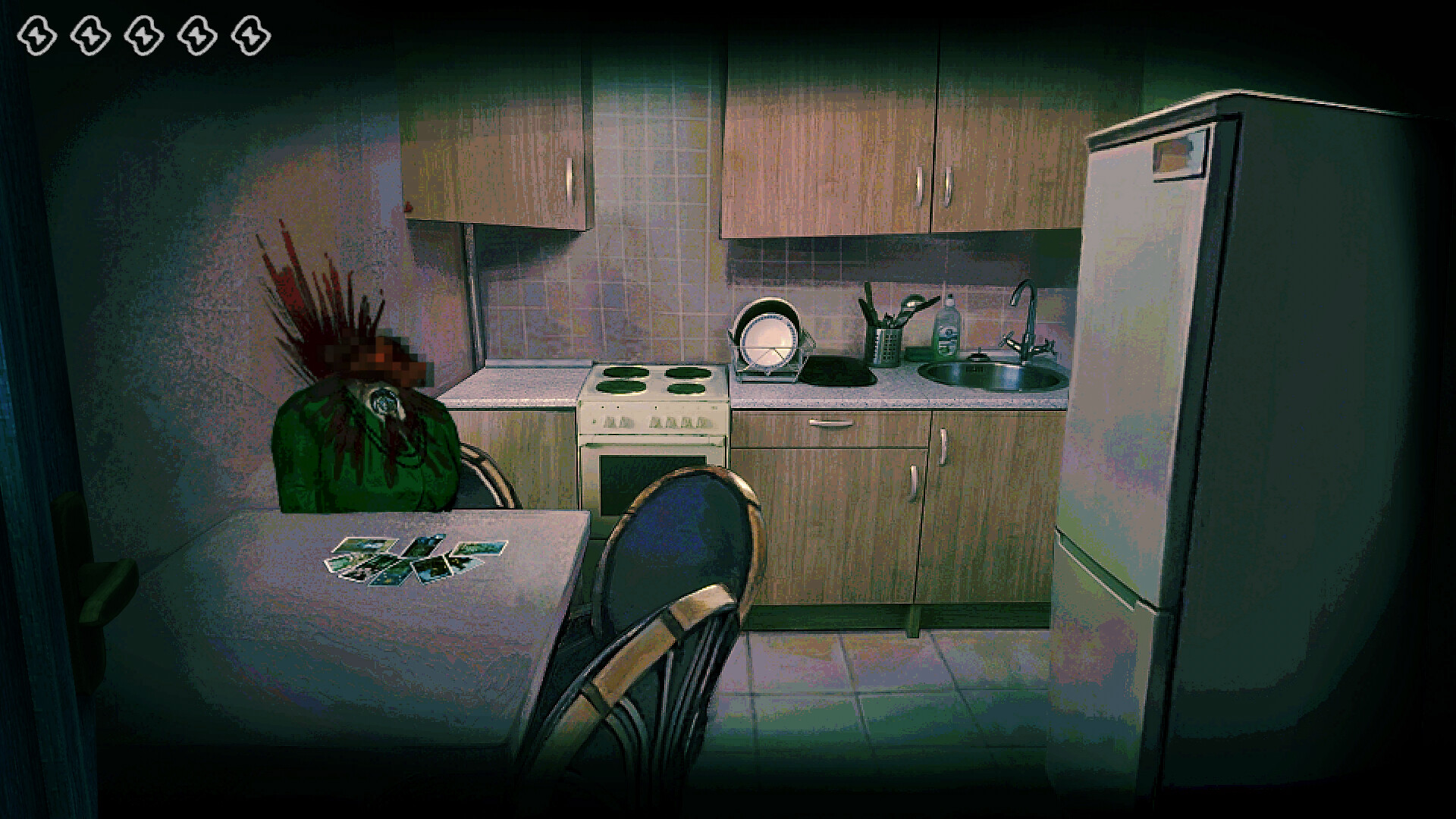
No, I'm not a Human is an indie simulation created by Trioskaz for Windows. The game places players in a bleak, sun‑scorched world where night offers the only refuge, but that darkness is occupied by mysterious Visitors. Players must decide whom to trust, interrogate guests, and act against the looming threat.
The experience is single‑player only and includes Steam achievements, cloud saves, and full controller compatibility. It also supports family sharing and offers trading cards on Steam, giving players extra ways to engage with the title beyond the core narrative.
01 / THE GUIDE
Narrative and Setting
The story unfolds in a dying world where “Acrid aromas of sun‑scorched streets fill the air” and “Blackened corpses gnarled into shapes of agony line streets.” Night is the only safe time, yet it belongs to the Visitors, creating a tense atmosphere of distrust. Players encounter a solitary voice at the door, pleading for refuge. The description asks players to “Look for the signs” and decide whether the Guests are allies or threats, framing the core dilemma of the game.
The setting emphasizes isolation and moral choice, urging players to “Do What You Must” while confronting the Visitors who “kill.” The narrative drives the simulation’s focus on interrogation and survival in a hostile environment.
- Pay close attention to dialogue cues that may hint at a guest’s true nature.
- Use the night’s darkness strategically to observe without being seen.
02 / THE GUIDE
Single‑Player Experience
No, I'm not a Human is designed for a single player, meaning all decisions, interrogations, and outcomes are handled by one person. There are no multiplayer or co‑op components listed in the official features. The solo focus allows players to fully immerse themselves in the moral choices presented, such as whether to “Let some in” or “Kill them first.”
Because the game is single‑player, progress is saved locally and can be synced via Steam Cloud, ensuring continuity across sessions without external assistance.
- Save frequently to make use of Steam Cloud backup.
- Take notes on each guest’s story to track patterns.

03 / THE GUIDE
Platform Availability
The title is officially released for Windows only; macOS and Linux are not supported according to the platform list. This limits the player base to PC users running the Windows operating system. Windows compatibility ensures that all listed features, such as controller support and Steam achievements, function as intended on the supported platform.
Players on unsupported systems will need to use Windows or a compatible environment to experience the game.
- Verify your Windows version meets Steam’s minimum requirements.
- Consider using Windows compatibility tools if you’re on a different OS.
04 / THE GUIDE
Achievements, Stats, and Trading Cards
The game integrates Steam achievements, allowing players to earn recognitions for completing specific actions or reaching milestones. Additionally, it tracks player statistics, providing insight into performance. Steam Trading Cards are also available, offering collectible items that can be crafted into badges or traded with other users, adding a layer of community interaction beyond gameplay.
These features are fully supported on Windows and are stored in the player’s Steam profile, making them accessible across any device that can log into the same account.
- Check the achievement list early to set personal goals.
- Collect all trading cards to craft a unique badge.
05 / THE GUIDE
Full Controller Compatibility
No, I'm not a Human offers full controller support, including DualShock and DualSense devices. Players can use these controllers for the entire experience without needing a keyboard or mouse. The game also lists generic “Full controller support,” indicating that all gameplay functions are mapped to controller inputs, making it accessible for those who prefer console‑style controls on PC.
Controller support works alongside Steam Cloud and family sharing, so saved data remains consistent regardless of the input method.
- Test both DualShock and DualSense to see which feels more comfortable.
- Adjust controller sensitivity in Steam’s controller settings if needed.


COMMUNITY
Player discussion