 GameWiki
GET YOUR BEARINGS
About Nioh 3
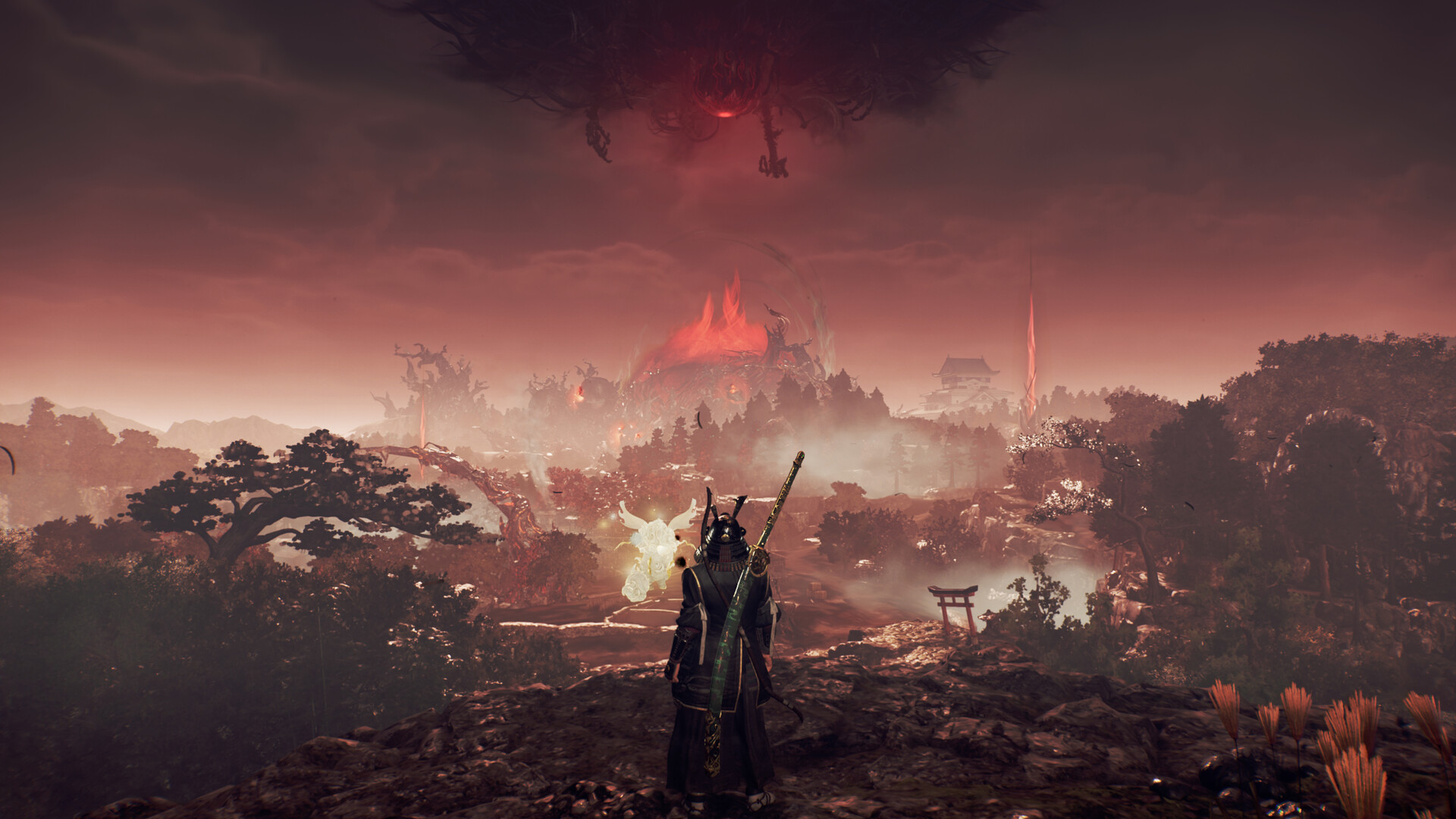
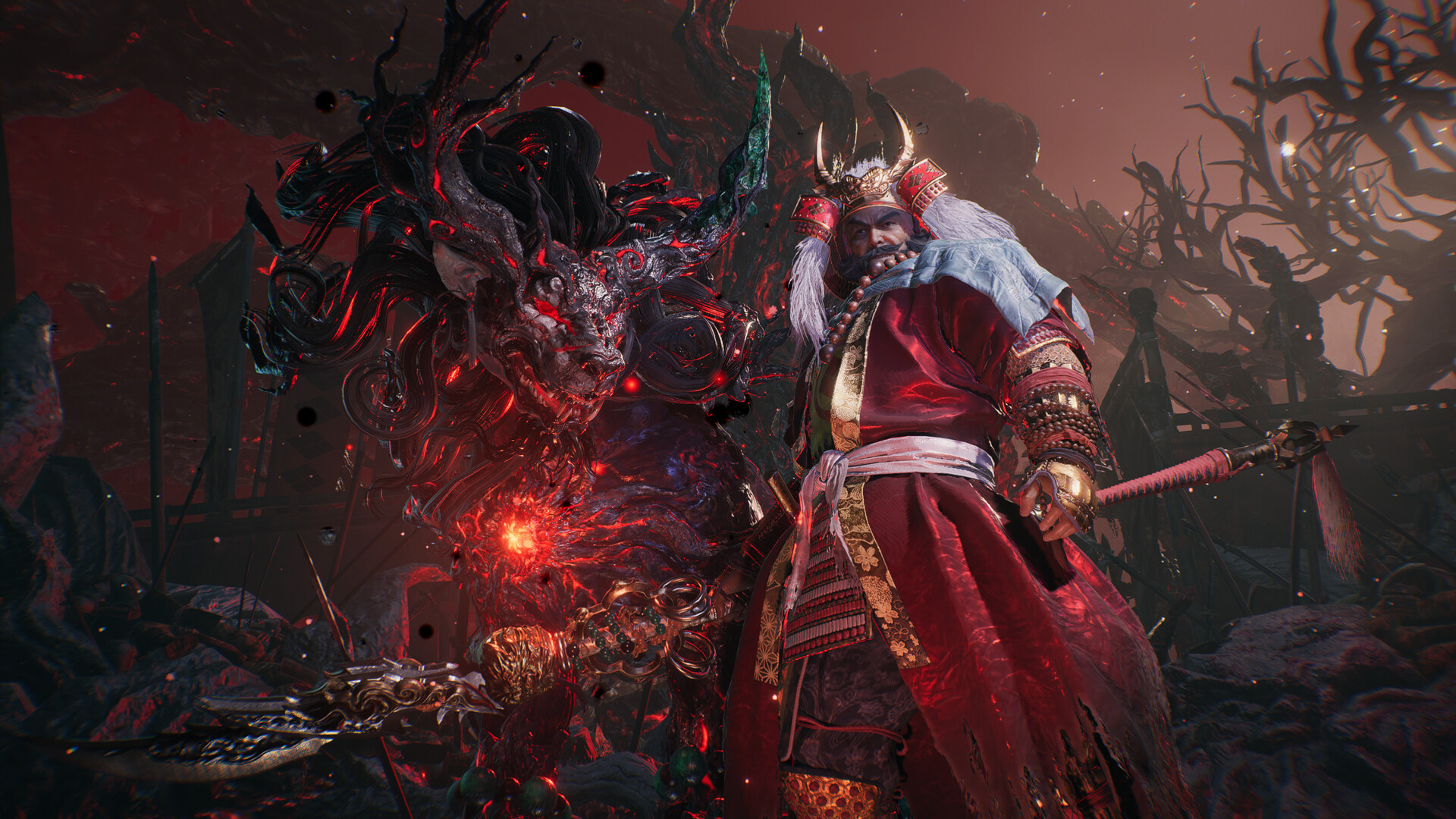
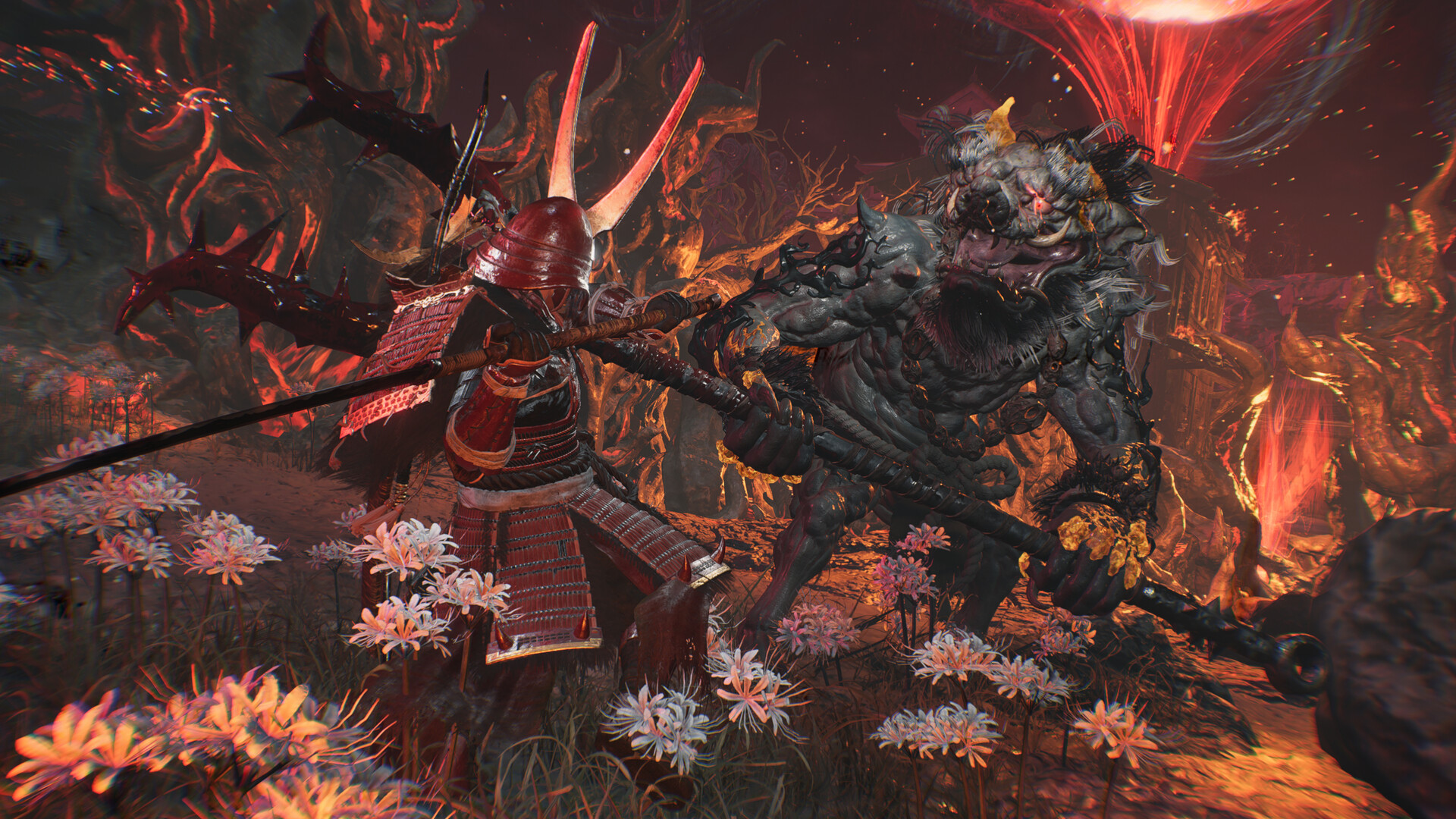
Nioh 3 continues the dark samurai action-RPG series, placing players in an alternate Warring States era where bandits run rampant and yokai skulk about. The game blends an open field for exploration with the tense combat the series is known for.
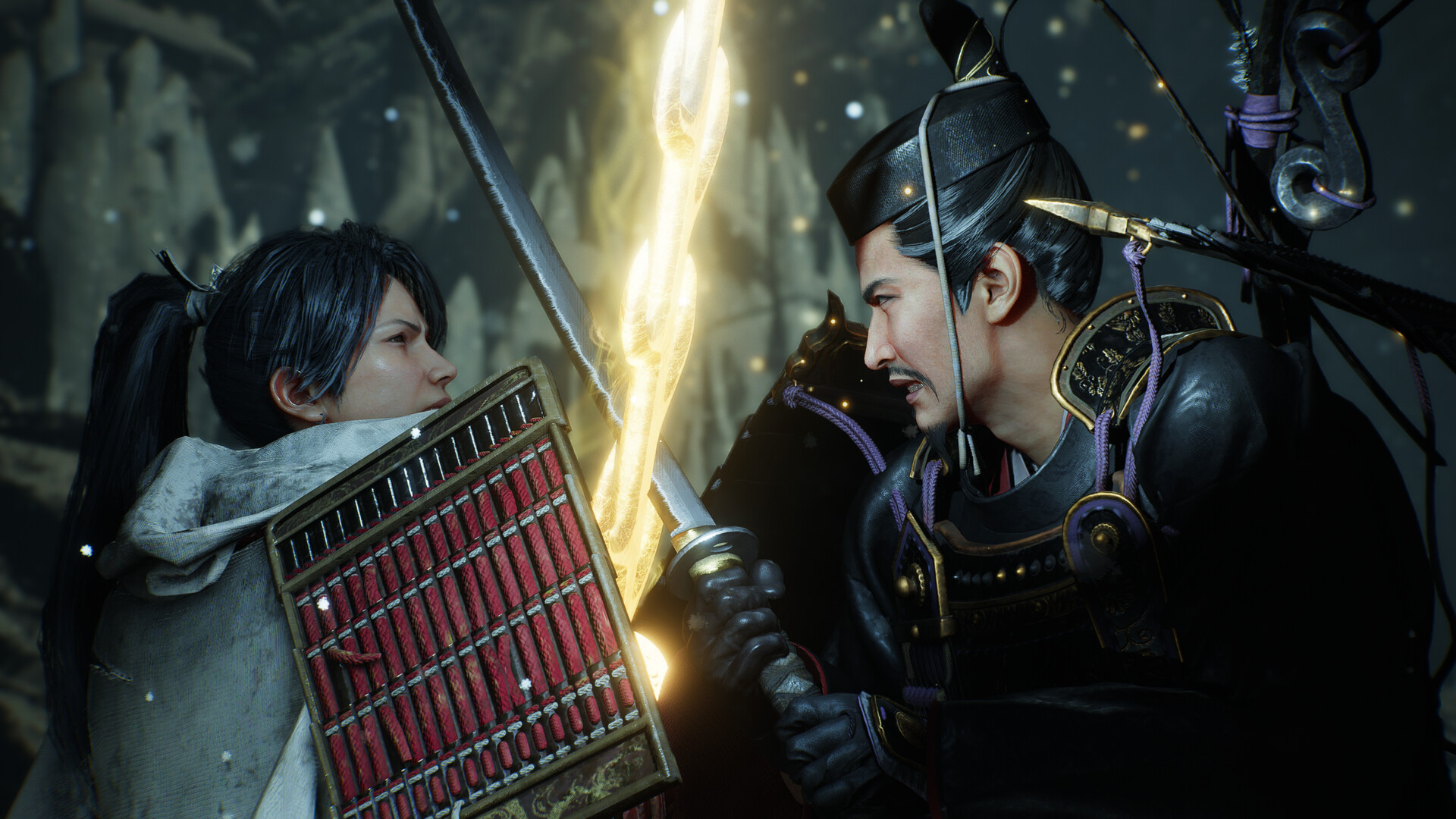
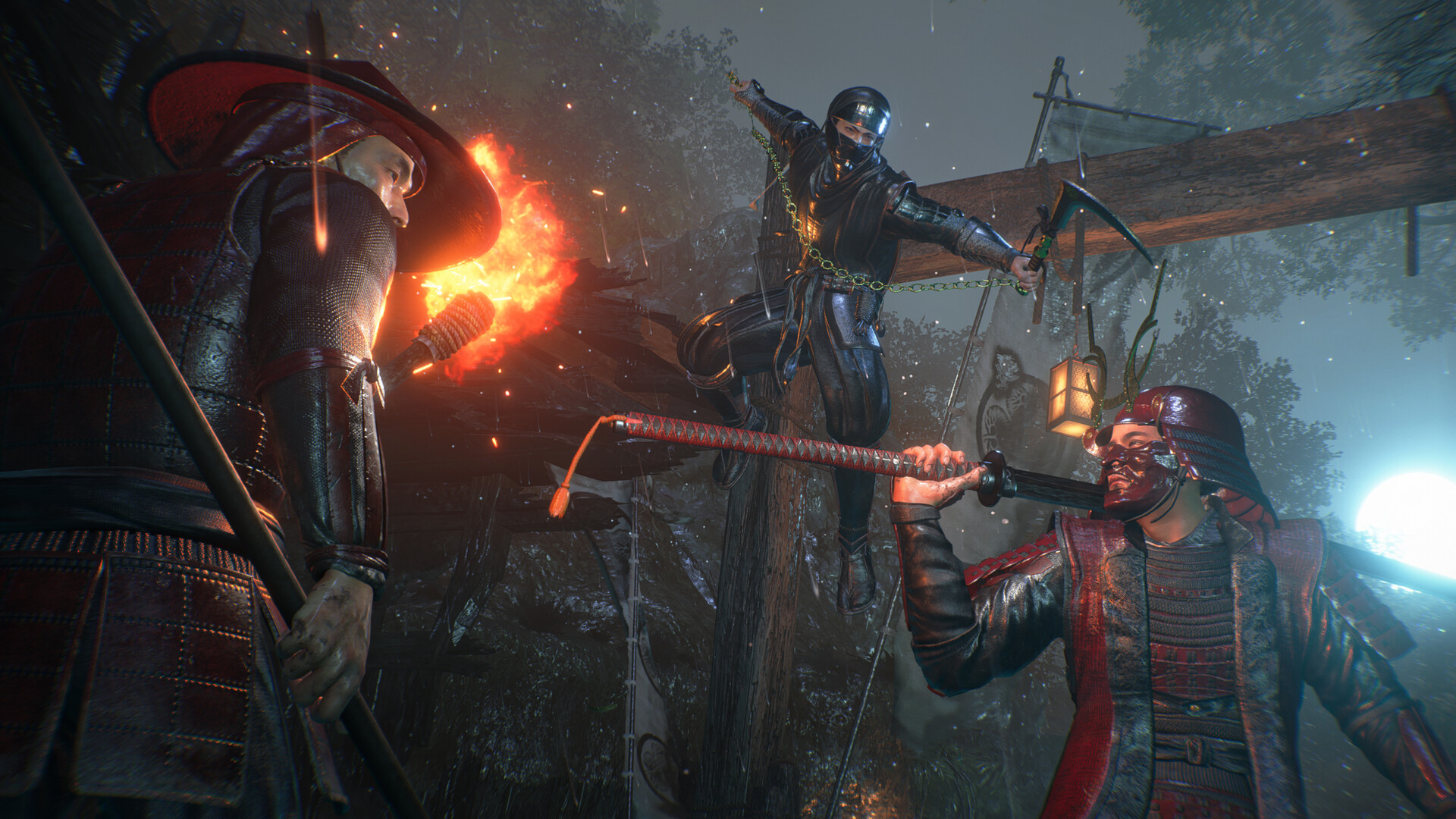
Players can switch instantaneously between Samurai and Ninja combat styles, facing enemies head-on or relying on swift movements and special techniques. The Steam listing includes single-player, multiplayer, and online co-op, along with achievements, trading cards, cloud saves, leaderboards, and a range of accessibility options.
01 / THE GUIDE
Open Field Exploration
The game presents an open field that encourages players to wander and discover what lies ahead. Within this space, menacing villages where darkness lurks and formidable yokai encounters await, adding tension to exploration.
The open design is meant to let players explore freely while still conveying the characteristic pressure of the Nioh series. This balance aims to keep both newcomers and veterans engaged as they contend with the ominous presence of the Crucible.
- Take time to scan your surroundings for villages and other points of interest before committing to a fight.
- Use the openness of the field to create distance and regroup when a battle turns against you.
02 / THE GUIDE
Samurai and Ninja Combat Styles
Players can switch instantaneously between two combat styles during battle. Samurai Style focuses on direct, head-on confrontation, while Ninja Style emphasizes quick movements and special techniques.
The seamless transition lets you adapt to enemy behavior mid-fight, offering tactical depth as you decide when to trade blows and when to rely on speed.
- Consider switching to Ninja Style when you need mobility to escape pressure.
- Use Samurai Style against enemies you want to confront directly with strong attacks.
03 / THE GUIDE
Demo Save Integration
Progress from the demo transfers when you first open the full release. The transfer depends on using the device that holds that demo save. Opening the full release and creating a save also prevents further access to the demo, according to the official notes.
The listed bonus window ended on February 15, 2026. The official notes describe the Twin-Snake Helmet as a rare Jakotsu-baba drop after that date. The old deadline is historical, so it should not be treated as an available promotion.
- Launch the full game on the same device where your demo save lives to retain that progress.
- Treat the February 2026 bonus cutoff as past, and consult the official notes before planning a helmet drop attempt.
04 / THE GUIDE
Online Co-op Features
The Steam listing includes multiplayer, co-op, and online co-op among its features, letting players share the experience with others. Steam achievements, trading cards, cloud saves, stats, and leaderboards round out the connected experience.
Accessibility options such as adjustable text size, subtitle options, and camera comfort settings are listed, supporting a broader audience across solo and shared play.
- Review the subtitle and text-size options before starting a session so dialogue stays readable.
- Check the Steam listing's feature list to confirm which online modes are offered before planning sessions with friends.
05 / THE GUIDE
Accessibility and Control Options
The Steam listing documents a variety of accessibility features, including adjustable text size, camera comfort, color alternatives, custom volume controls, playable without timed input, and stereo and surround sound support.
The listing also notes DualShock and DualSense controller support along with partial controller support, so players on different setups can check which options fit their hardware before purchasing.
- Explore the color alternatives and text-size settings early to find a readable configuration.
- If timed inputs are a barrier, look for the playable-without-timed-input option in the settings.
COMMUNITY
Player discussion