 GameWiki
GET YOUR BEARINGS
About Ninja Kiwi Archive
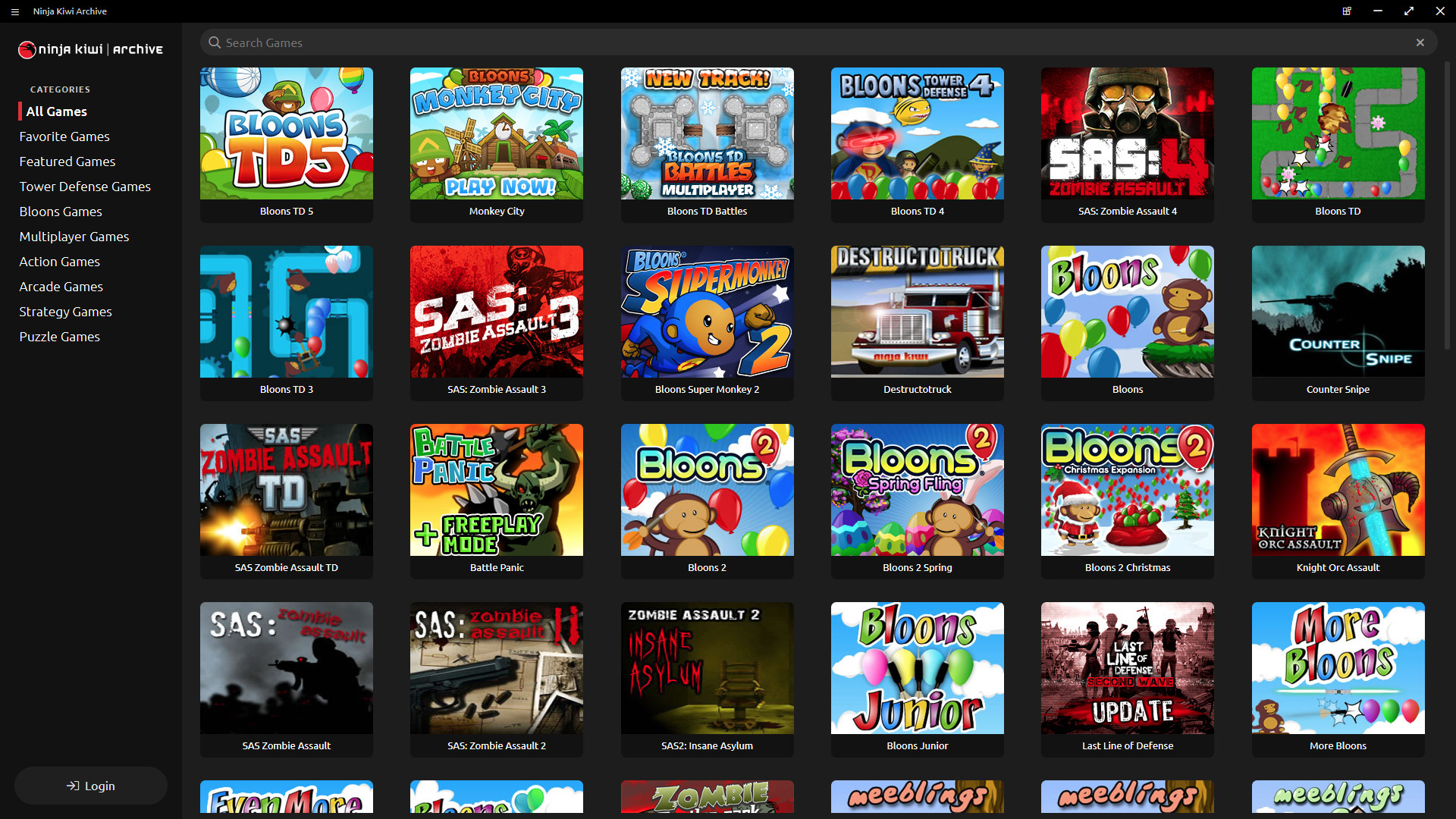
Ninja Kiwi Archive bundles more than 60 classic Flash titles from the Ninja Kiwi website into a single Windows‑only package. Each game is stored exactly as it appeared online, preserving graphics, sound, and code after browsers stopped supporting Flash.
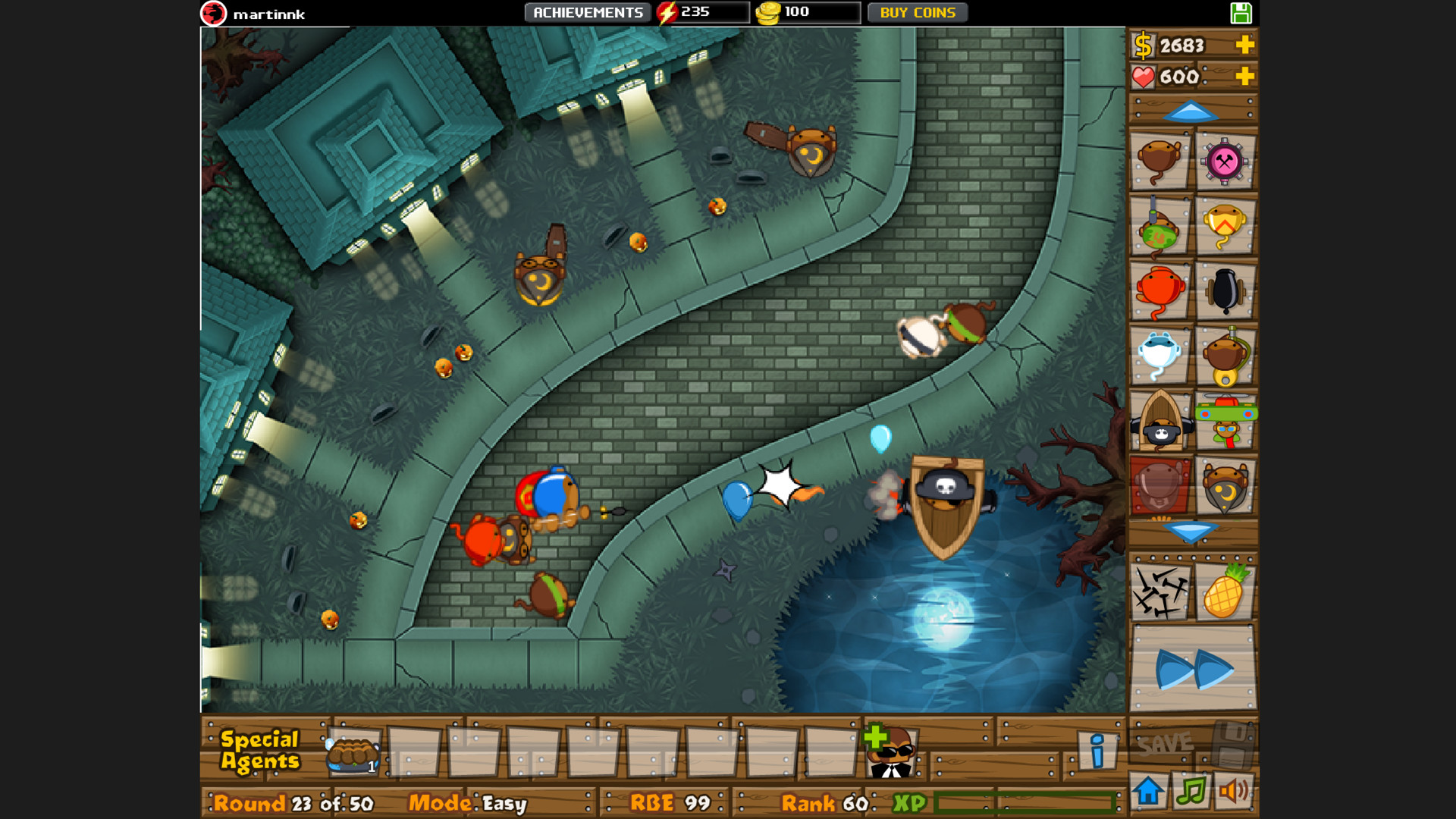
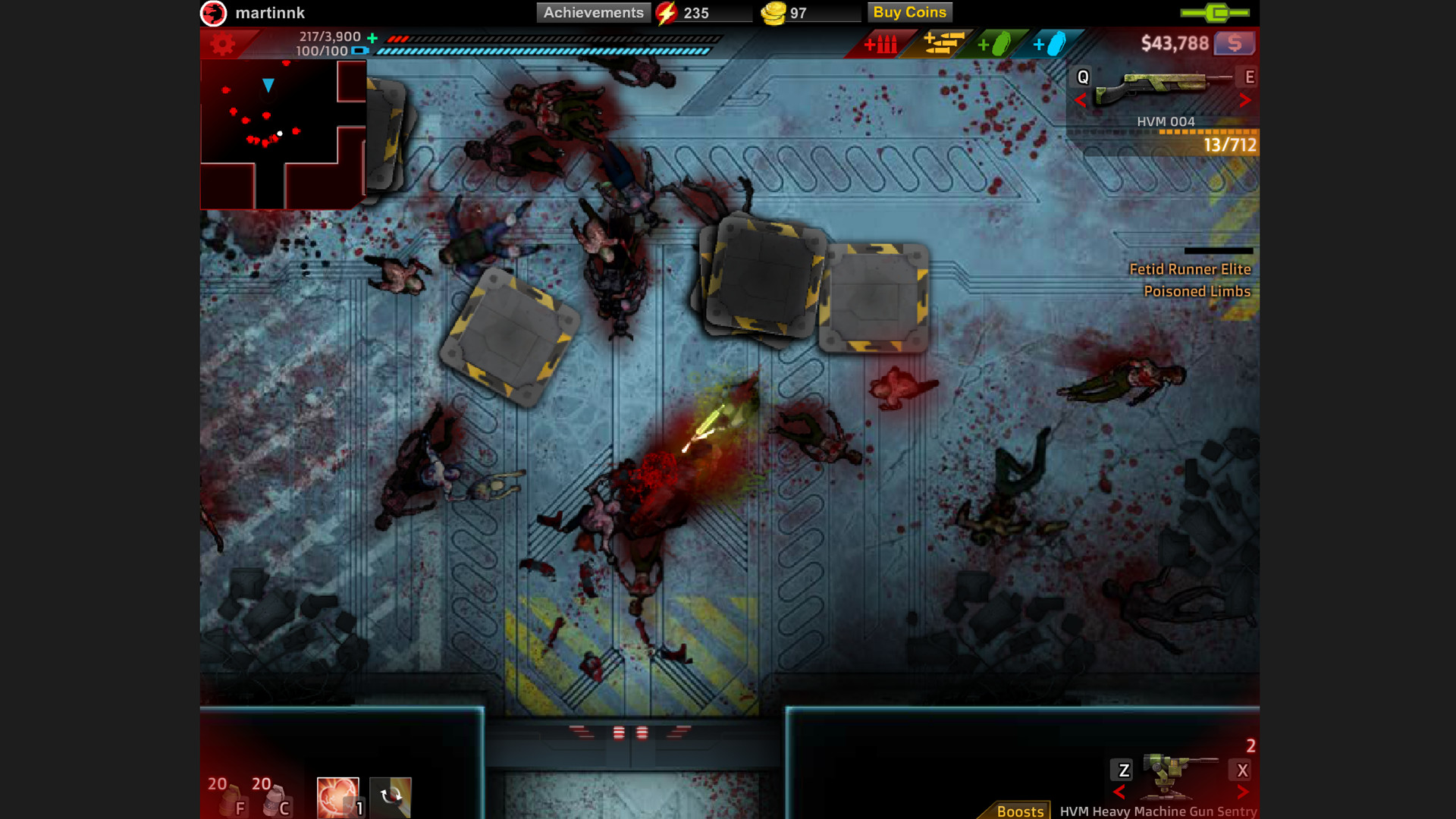
The collection includes early versions of series such as Bloons TD 5, Bloons Monkey City, Bloons TD Battles and SAS: Zombie Assault 4, plus many hidden gems from over fourteen years of development.
01 / THE GUIDE
Game Collection
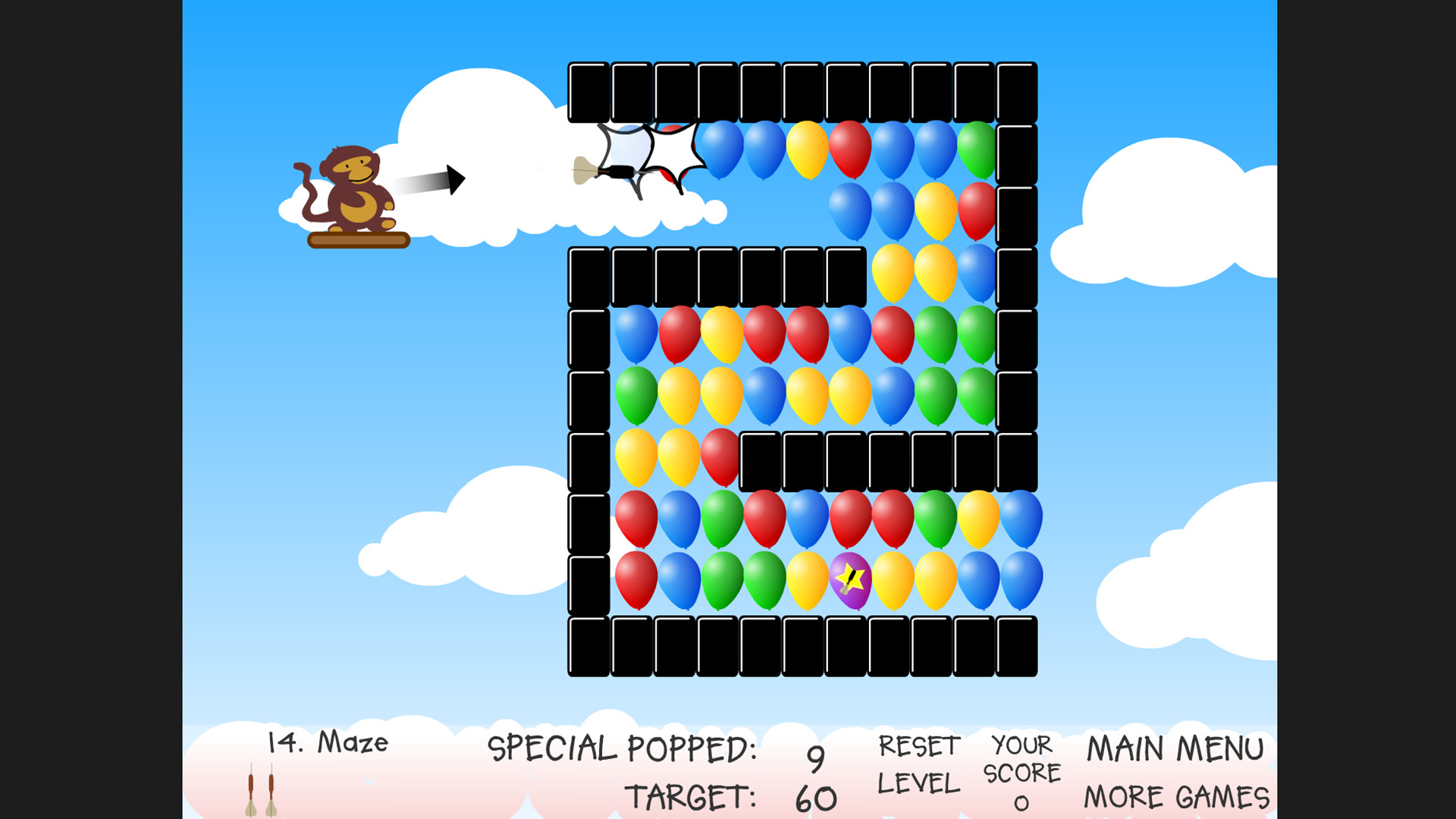
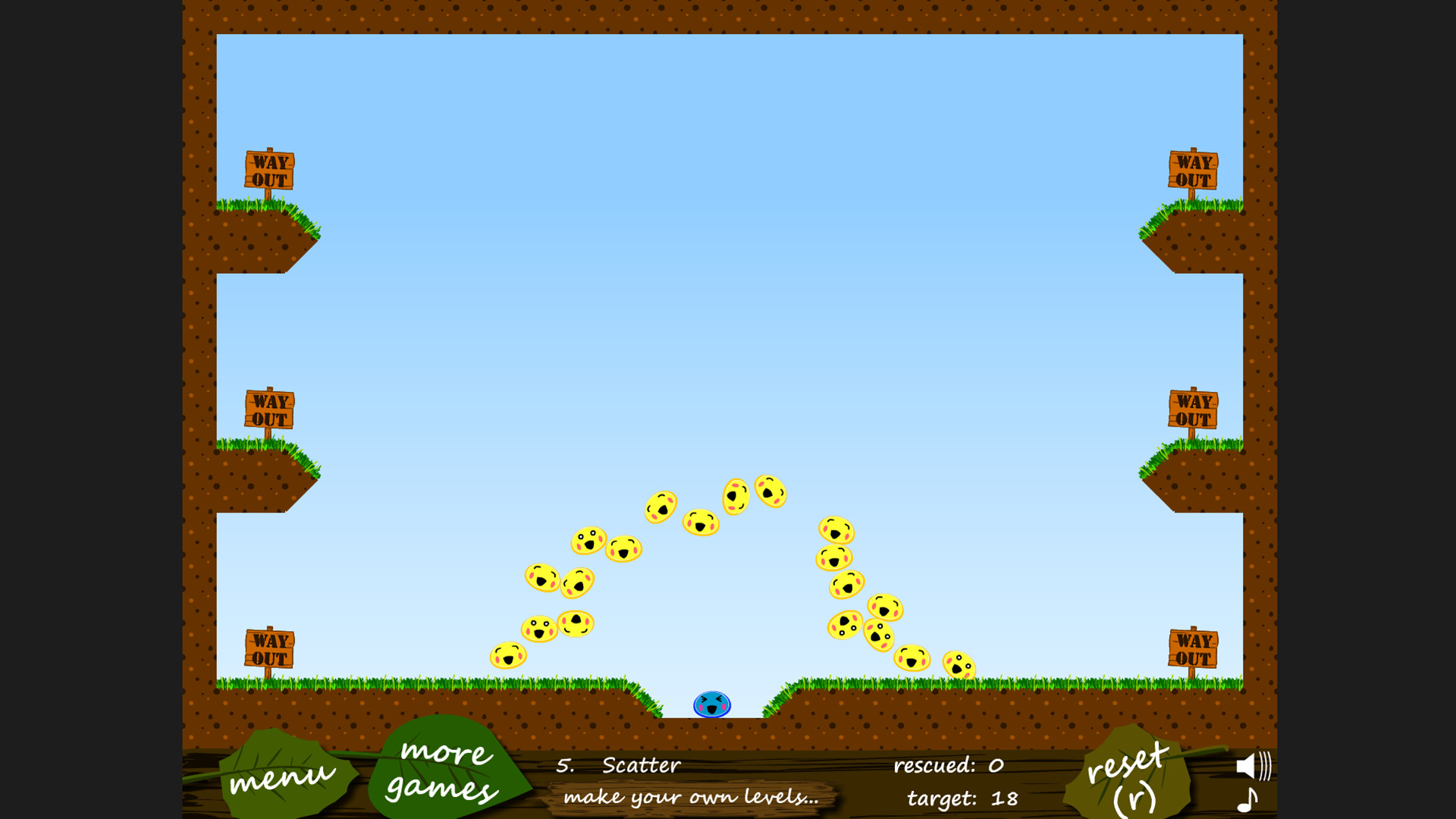
The archive offers a curated set of 60+ classic web games, all kept in a “time capsule” format. Every title is presented exactly as it was on the original Ninja Kiwi site, with no alterations to graphics or code.
Because the games are preserved in their original Flash state, players can experience the forerunners to later releases and directly compare early design choices with modern iterations.
- Browse titles by genre to discover unfamiliar classics.
- Observe visual or mechanical differences when playing early versions alongside their sequels.
02 / THE GUIDE
Single‑player and Multiplayer Modes
The archive offers the best single and multiplayer Flash game experiences, with PvP, online PvP, co-op, and online co-op among its listed features. Modes include PvP, online PvP, co‑op, and online co‑op, preserving the original multiplayer experience.
These modes function within the original Flash implementations, so the balance and rules are identical to the web versions. No additional modifications are applied to the gameplay.
- Try both solo and co‑op versions to see how gameplay changes.
- Notice how classic PvP matches feel compared with modern online titles.
03 / THE GUIDE
Progress Sync via Ninja Kiwi Account
Logging into a Ninja Kiwi account restores saved progress and game states from the original web platform. This lets returning players pick up where they left off, even after the Flash era ended.
The sync works across all games in the archive, providing a seamless transition from browser‑based saves to the packaged version without manual file transfers.
- Verify your account credentials before launching the archive.
- Check saved progress after the first launch to confirm successful sync.
04 / THE GUIDE
In‑App Purchases
Several titles include in‑app purchase options, mirroring the original monetisation model of the Flash games. These purchases can be made within the archive environment, offering the same content as the web versions.
Purchases are optional and provide additional content matching the original player experience of these Flash games.
- Review purchase options before buying to understand what is added.
- Play the free content first to gauge whether a purchase is worthwhile.
05 / THE GUIDE
Platform Availability
The archive is released for Windows computers; macOS and Linux are not listed as supported platforms. This aligns with the official platform specification, ensuring Windows users receive full functionality.
No other operating systems are mentioned, so compatibility is limited to the documented Windows environment. Users on unsupported systems would need a compatible Windows setup to run the archive.
- Confirm your Windows version meets system requirements before installing.
- If you need access on another OS, consider a Windows virtual machine.
COMMUNITY
Player discussion