 GameWiki
GET YOUR BEARINGS
About Nine-Tailed Okitsune Tale
Nine‑Tailed Okitsune Tale is a Japanese‑style action RPG starring Kohaku, a nine‑tailed fox of unknown gender. Kohaku transforms into various forms to capture mischievously unsealed evil spirits while solving a series of anomalies that threaten the Capital of Nasubigahara.
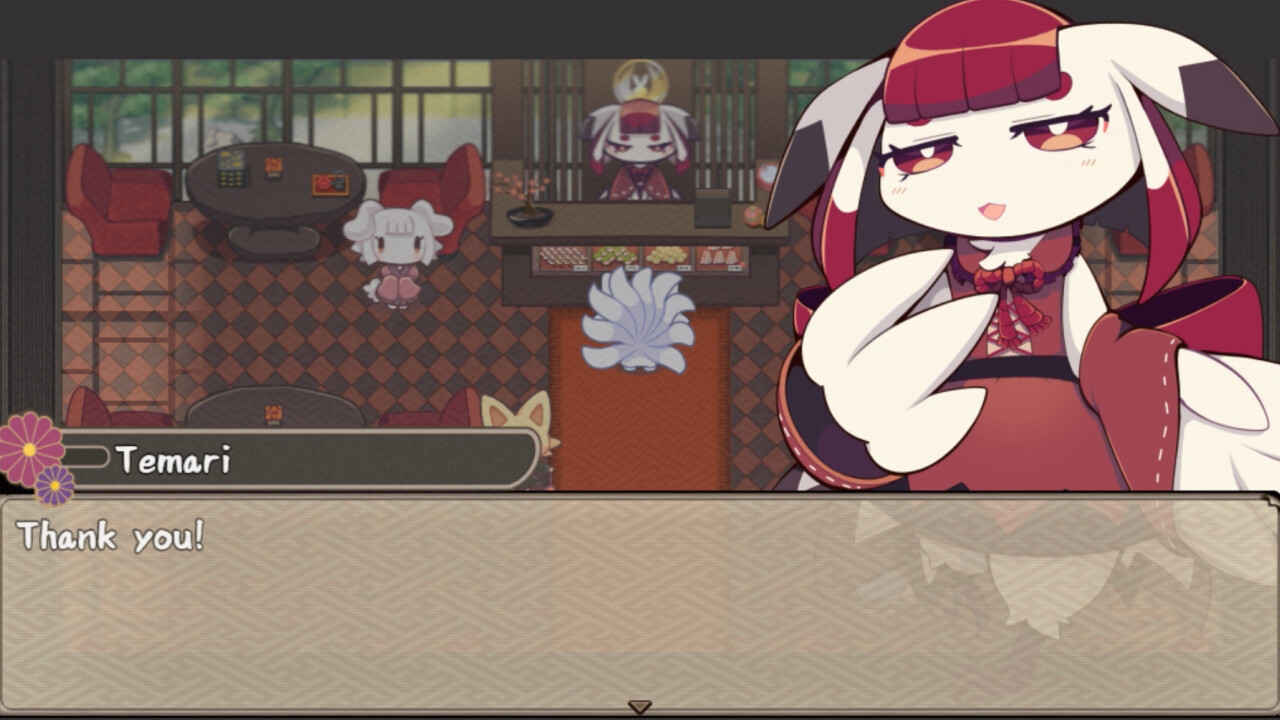
The game features hand‑drawn graphics by BAYACHAO, a soundtrack by Mr. aaaa, and more than twenty voiced characters. It is marketed as beginner‑friendly, emphasizing story and dialogue over high‑difficulty combat, and runs on Windows and macOS with full controller support.
01 / THE GUIDE
Storyline
Kohaku, once a notorious trickster, is now tasked with sealing unleashed evil spirits. The narrative follows Kohaku’s journey through the Capital of Nasubigahara, confronting anomalies that endanger the city’s peace.
Throughout the adventure, Kohaku seeks the trust of the capital’s residents, aiming to bring lasting safety. The plot unfolds via scenario events that encourage thoughtful engagement with the world.
- Track each scenario’s outcome to see how the story develops.
- Notice how Kohaku’s interactions affect resident reactions.
02 / THE GUIDE
Characters & Voices
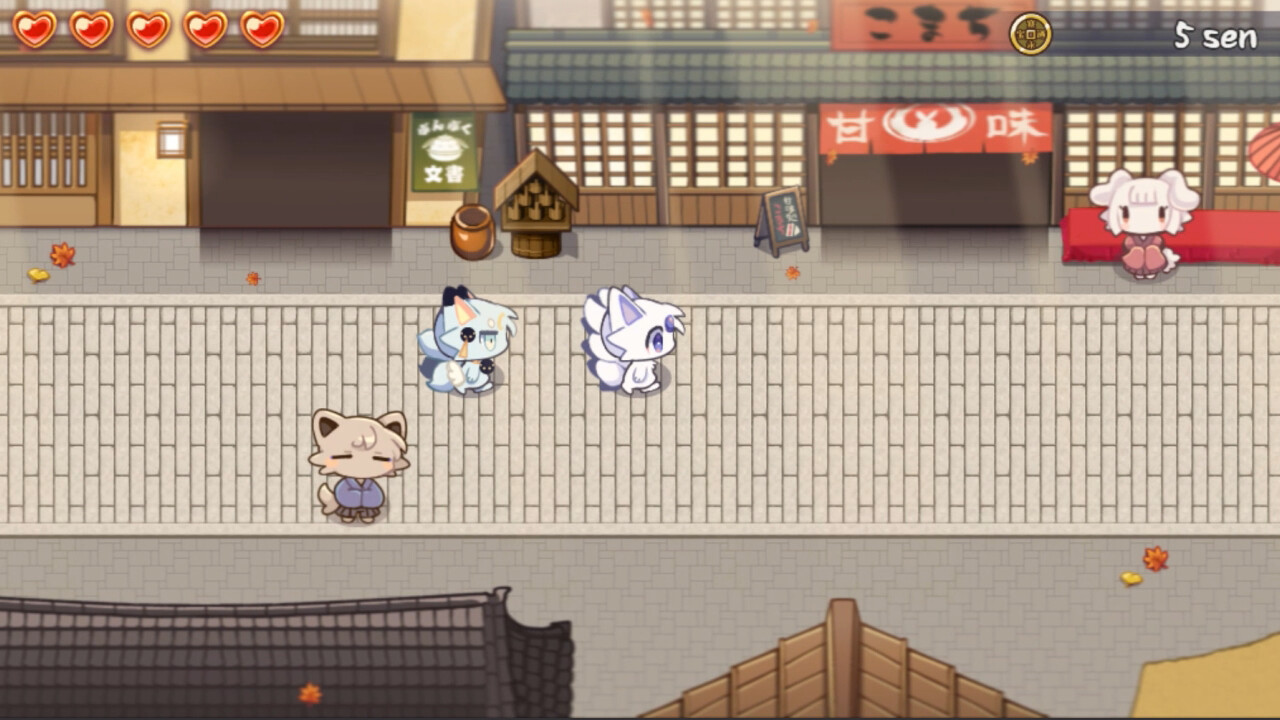
Over twenty characters appear, each with a unique Japanese voice line. These voices differentiate personalities and convey the fantasy worldview.
Dialogue drives the plot forward, and the variety of voices adds depth without requiring demanding combat, matching the beginner‑friendly design.
- Listen for vocal cues that hint at motives.
- Character voices are in Japanese, so non-Japanese speakers may want to follow the dialogue text closely.
03 / THE GUIDE
Art & Music
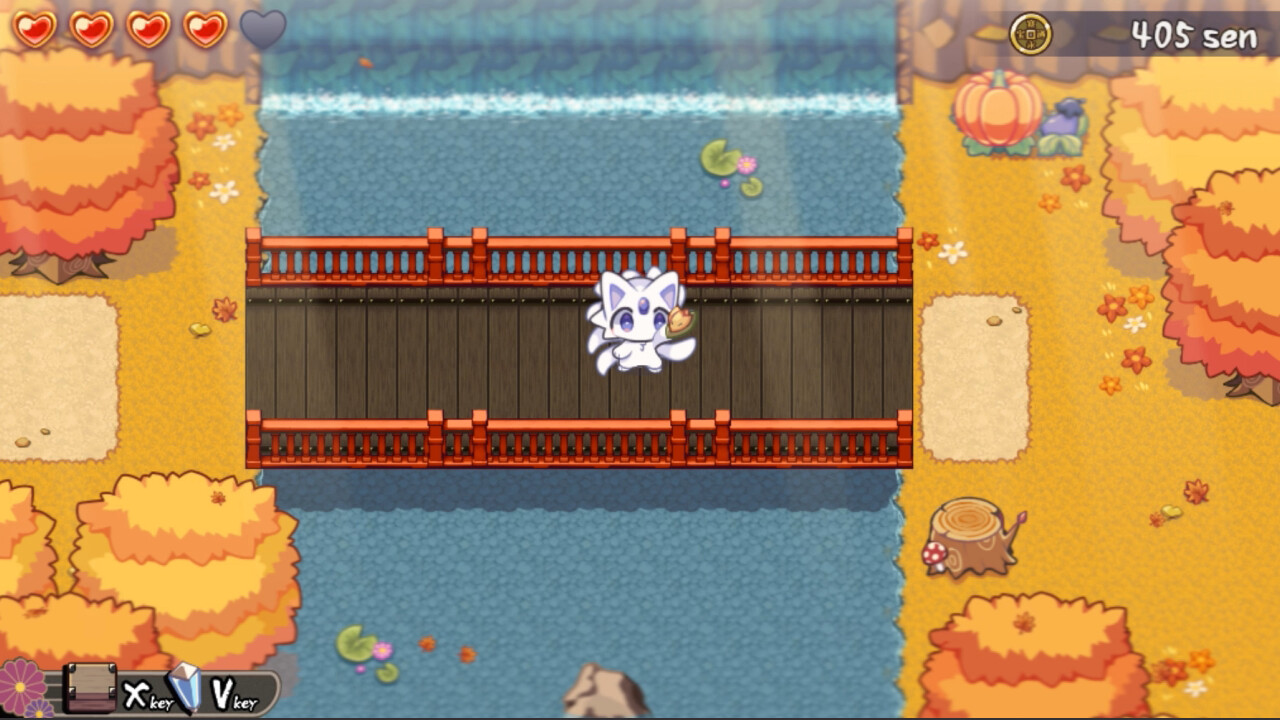
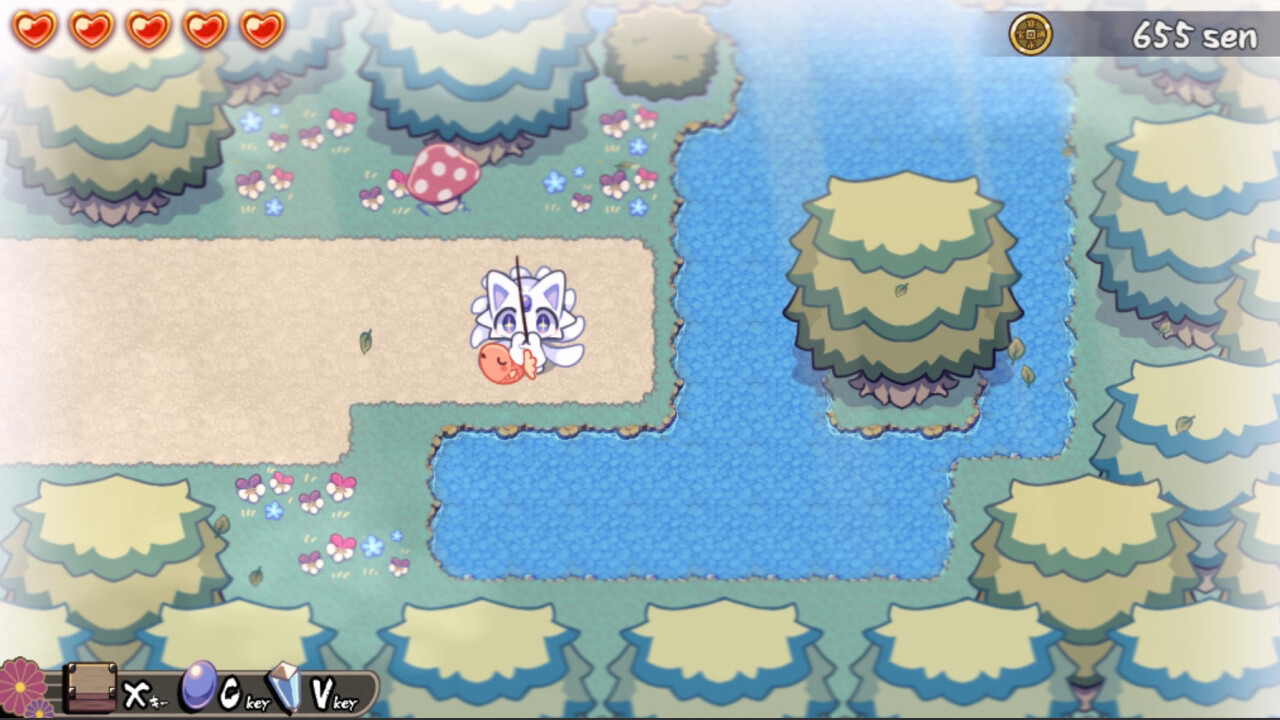
The visual style uses hand‑drawn graphics created by BAYACHAO, giving the world a whimsical aesthetic that supports the Japanese‑inspired setting.
A soundtrack composed by Mr. aaaa accompanies gameplay, reinforcing the fantasy atmosphere and complementing the narrative focus.
- Pause at scenic moments to appreciate the details.
- Keep the soundtrack in mind when playing to appreciate how it complements the scenes.
04 / THE GUIDE
Controls & Platforms
The title runs on Windows and macOS and offers full controller support alongside keyboard input, allowing players to choose either method.
Steam overlay is unavailable; screenshots can be taken with the Print Screen key and accessed via the Steam library’s local files folder.
- Test both keyboard and gamepad to see which feels smoother.
- Remember the Print Screen shortcut for quick captures.
05 / THE GUIDE
Media Sharing
Players may use the game’s copyrighted assets up to the end rolls in videos and still images, regardless of personal or commercial intent, encouraging community sharing.
Captured screenshots are stored in the "Okitsune_capture" folder within the game’s local files, making them easy to locate for editing or posting.
- Organize images in the designated folder for quick access.
- Credit the game when sharing media.
COMMUNITY
Player discussion