 GameWiki
GET YOUR BEARINGS
About NIGHT-RUNNERS PROLOGUE
NIGHT‑RUNNERS™ PROLOGUE drops you into a shadowy Japanese street‑racing underworld set sometime between 1990 and 2009. You chase crew dominance, negotiate wagers, and climb the rankings while navigating corrupt power struggles. The game offers deep car customization, a walkable garage and parking areas, and a photomode that mimics VHS aesthetics. Full controller support and single‑player focus let you explore the scene at your own pace.
01 / THE GUIDE
Extensive Car Customization
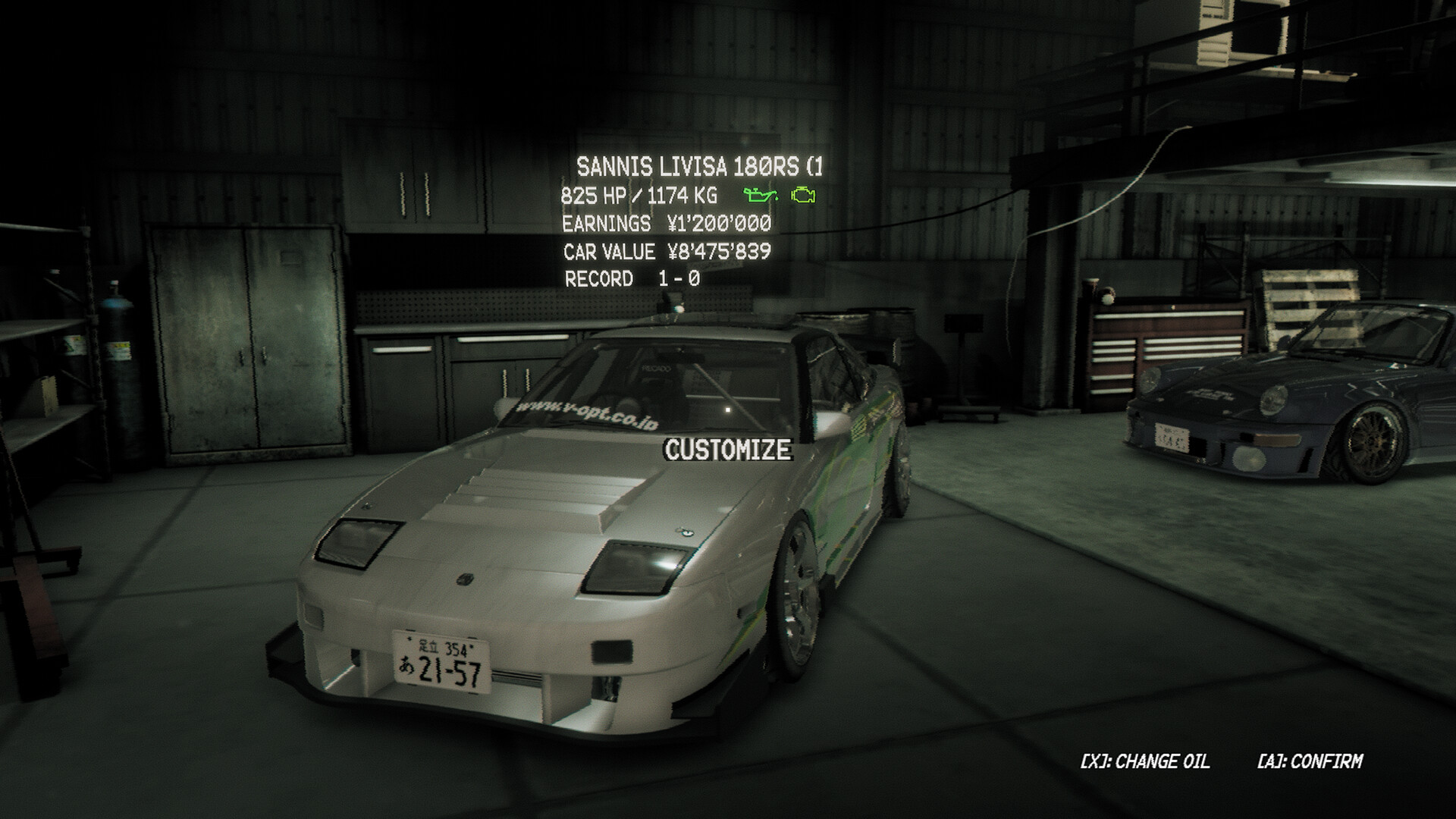
Players can modify exterior, interior, wheels, engine, and handling, tailoring each vehicle to personal taste and performance needs. Every change is reflected in the car’s stats and visual appearance. Customization is central to progression; upgraded parts affect how the car behaves during races and how long the engine endures abuse.
- Compare part stats before installing to gauge performance impact.
- Balance visual upgrades with handling tweaks for optimal race results.
02 / THE GUIDE
Garage and Safehouse Exploration
The game lets you freely walk around your garage, safehouse, and parking areas between races, inspecting cars, changing oil, and repairing engines. Maintenance influences engine longevity after intense runs. You can also remove parts, store them, or sell them for cash, then transfer components to other owned vehicles.
- Regularly check oil status to extend engine life.
- Use storage to keep valuable parts before selling.

03 / THE GUIDE
1v1 Wager Racing
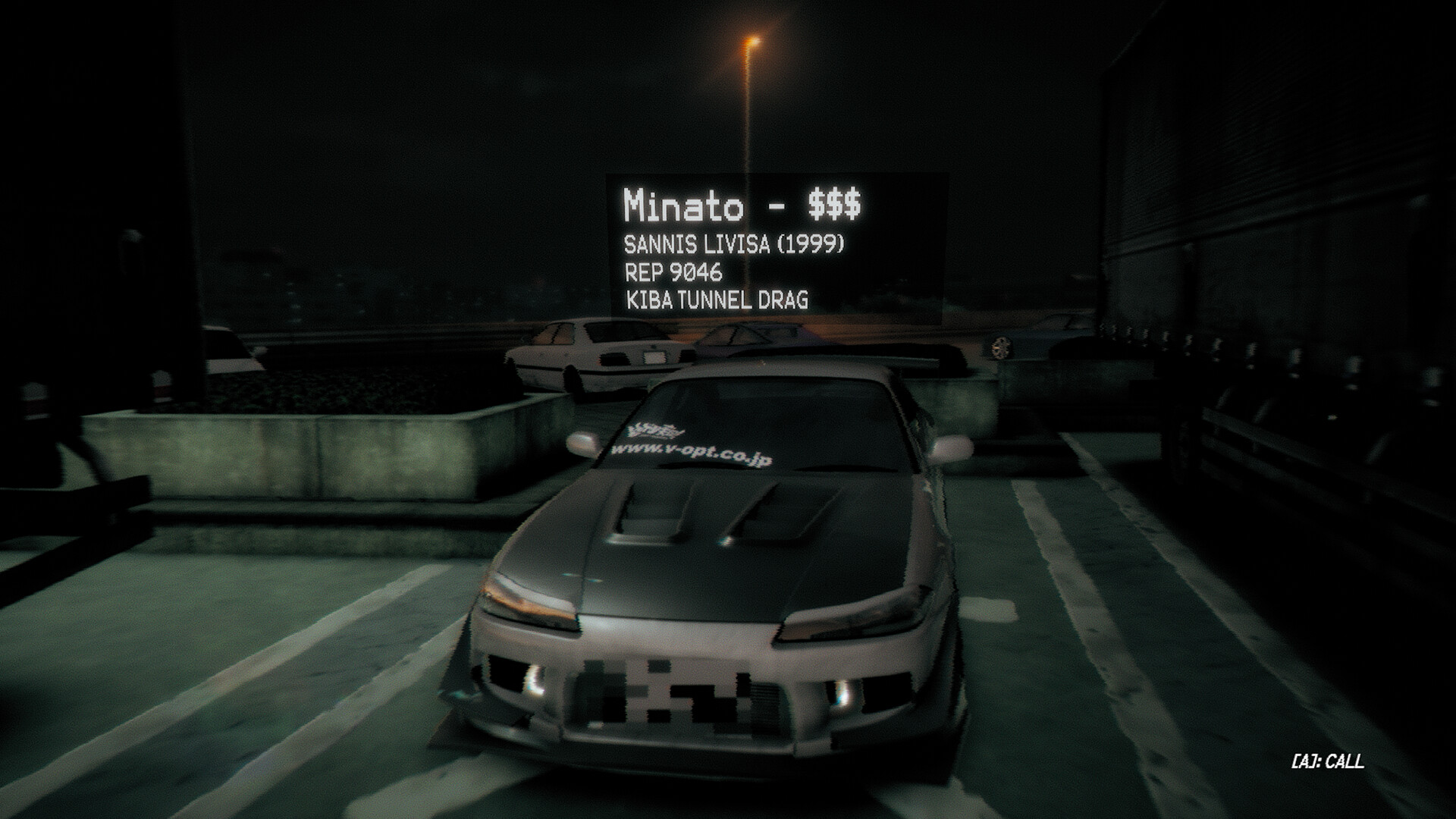
Enter a Parking Area (PA) to negotiate real cash wagers with local crews. Winning earns cash; losing forfeits the bet. Some opponents may offer a ‘double or nothing’ race as a chance to recover losses. Racers react dynamically to newcomers, showing disdain until you prove skill through victories.
- Start with modest wagers to build confidence.
- Observe opponent dialogue for hints about their confidence.
04 / THE GUIDE
Photomode and Visual Settings
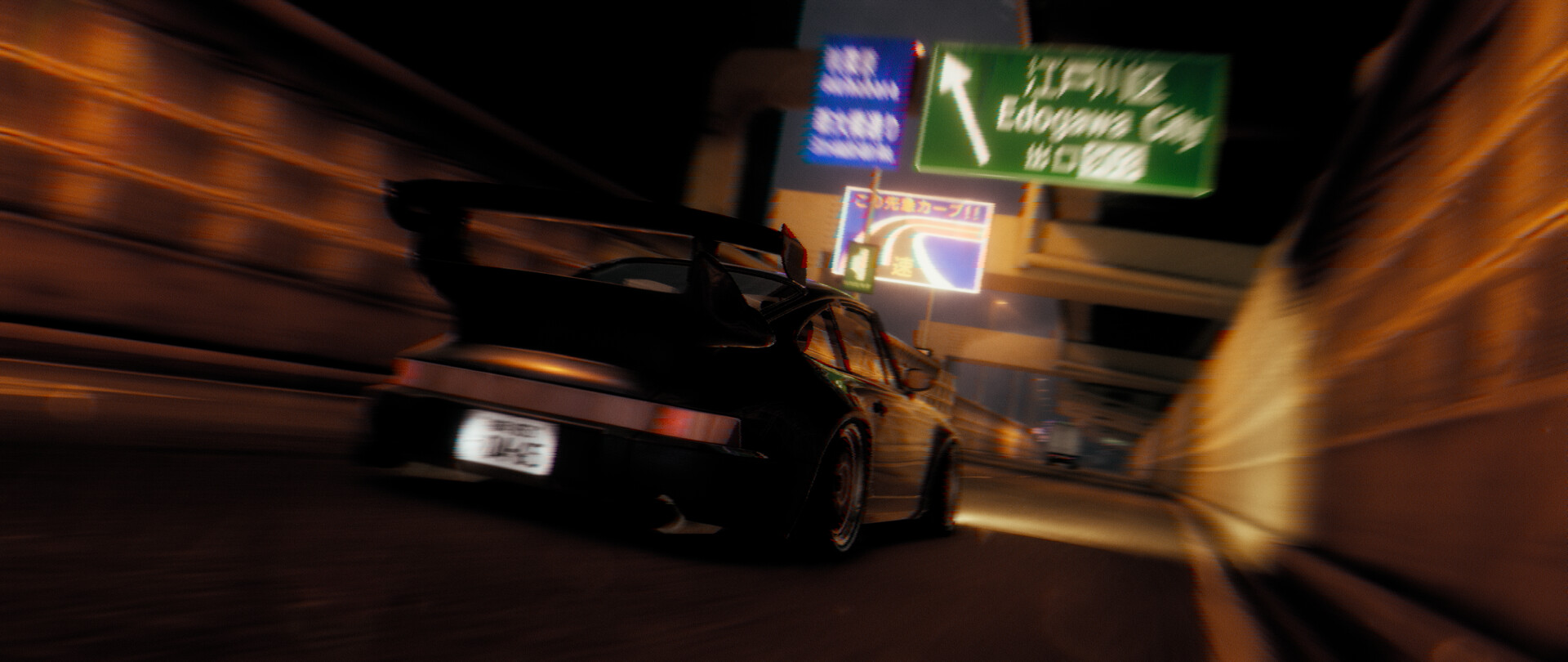
A full photomode provides VHS, old‑camera effects, and motion blur, allowing creative captures of races and cars. Players can adjust screenshake, camera field of view, to fine-tune your captures. These tools let you document progress and showcase customized vehicles in stylized frames.
- Experiment with motion blur for dramatic speed shots.
- Use FOV adjustments to capture wider garage scenes.
05 / THE GUIDE
Controller Compatibility
The title supports full controller input, recommending gamepads and specifically listing DualShock and DualSense compatibility. Family Sharing is also enabled, allowing shared access across accounts. The official information highlights controller play without detailing other input methods.
- Try both DualShock and DualSense to compare feel.
- Enable family sharing for convenient co‑ownership.

COMMUNITY
Player discussion