 GameWiki

GET YOUR BEARINGS
About Night Rolls Cozy Store
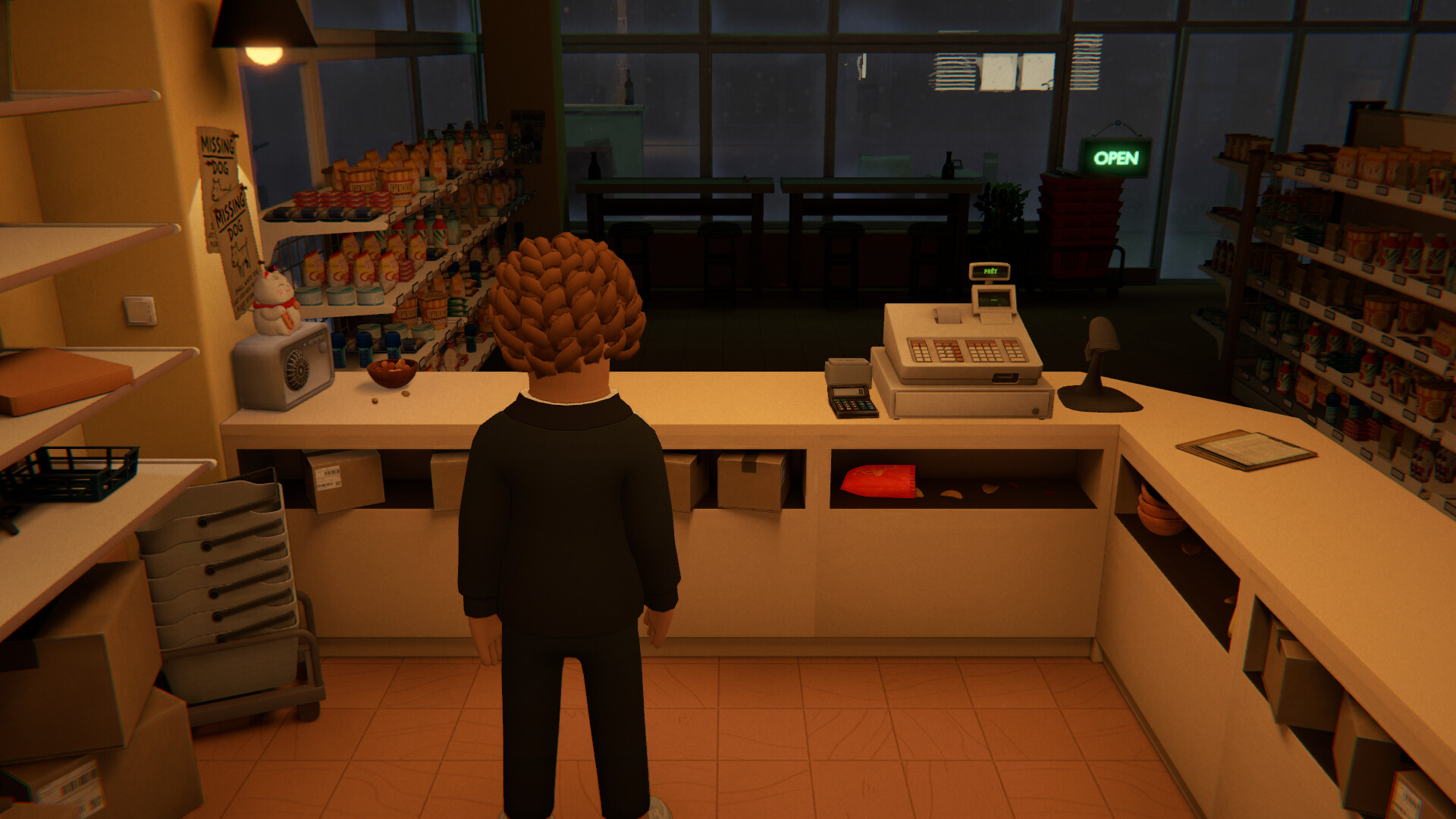
Night Rolls: Cozy Store puts you behind the counter of a small convenience shop that opens at 11 PM and closes at 6 AM. During each night you order stock, restock shelves, prepare sushi by hand, and serve the customers who wander in while the city sleeps.
You can set prices, read customer reviews, and customize the store's colours, your character, and what you listen to during the shift. The game has no bankruptcy screen; a slow night simply encourages a different plan for the next shift.
01 / THE GUIDE
Sushi Making
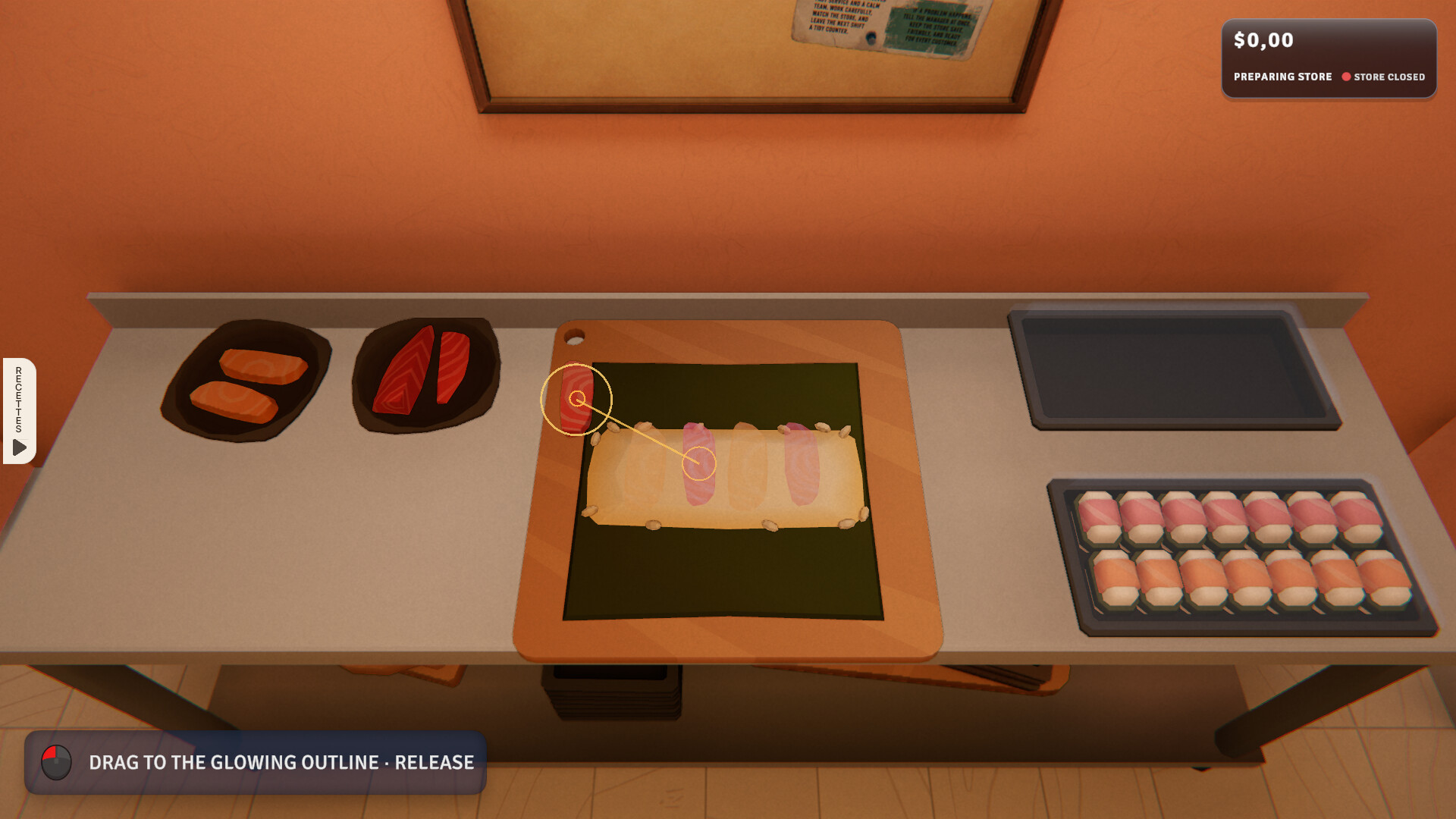
In the kitchen you select a recipe from the cookbook and place each ingredient yourself to create sushi, nigiri, or maki. New recipes become available as you continue playing, expanding the range of dishes you can offer.
Prepared sushi must be sold before it expires, so you need to manage the timing of preparation and service during the night shift. Fresh food takes extra effort but can earn more money.
- Check the expiration timer before starting a batch.
- Keep the most recent dishes near the counter for quick access.
02 / THE GUIDE
Stock Management
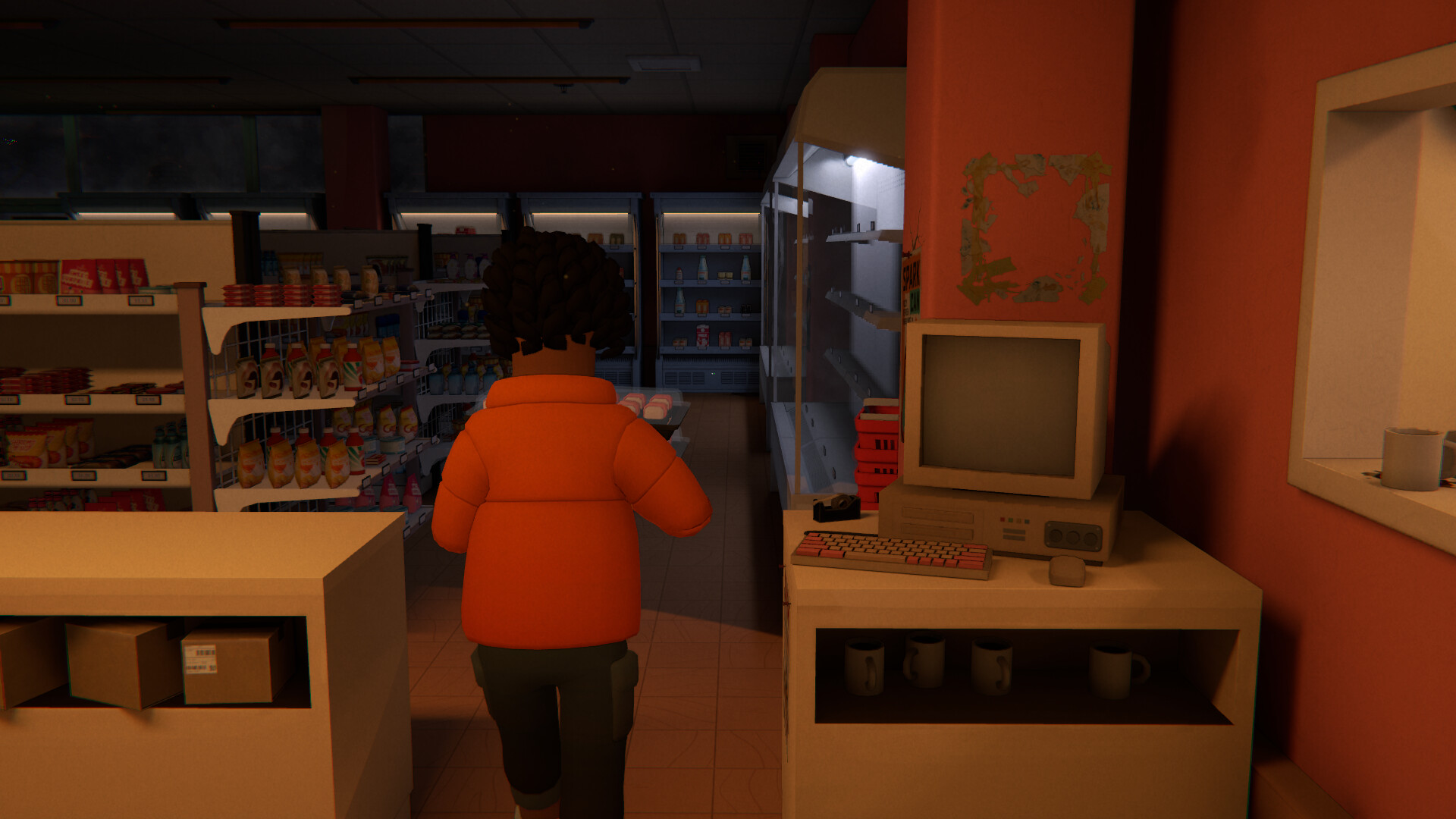
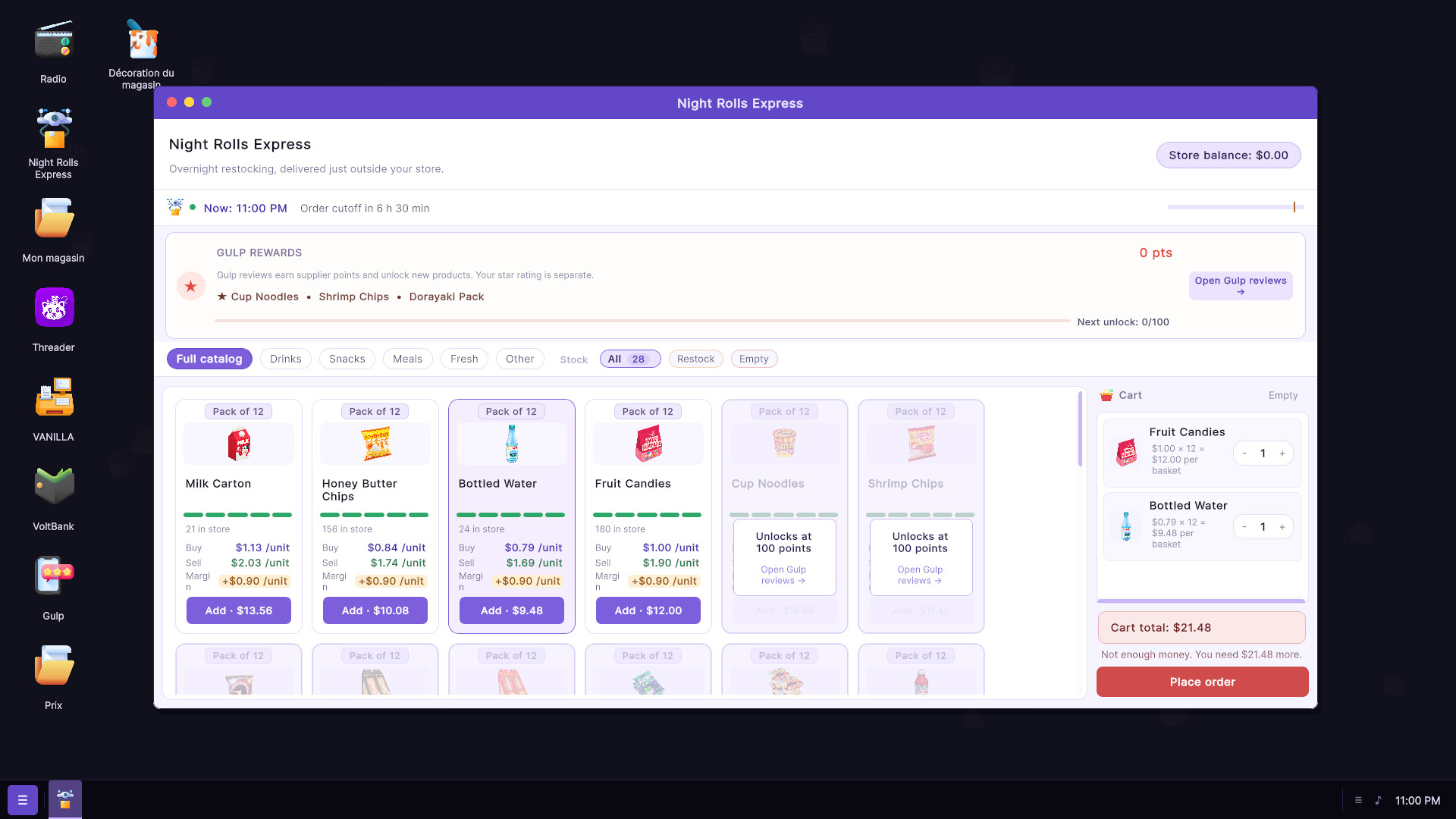
Use the store computer to order drinks, snacks, groceries, and other items. Deliveries arrive outside via drone; you bring them inside, unpack, and place them on the shelves.
Restocking empty shelves and unlocking new and exclusive products are tied to the items you order, so keeping the shelves filled helps customers find what they need.
- Unpack deliveries promptly to free space for new stock.
- Prioritize ordering items that have been requested in reviews.
03 / THE GUIDE
Money Management
You set your own prices and can follow trending products shown on the store computer. Sales and expenses are displayed, letting you see how each night affects your balance.
Rent, bills, stock, and ingredients all need paying. Saving enough money lets you eventually buy the store for yourself, and there is no bankruptcy screen; a bad night simply requires a revised plan for the next shift.
- Adjust prices after checking which items are trending.
- Set aside a portion of nightly profit for the store purchase goal.
04 / THE GUIDE
Customer Reviews
After each visit customers may leave reviews that note whether they found what they wanted, floor cleanliness, and product choice. You can read these reviews on the store computer each night.
Building a good reputation through positive reviews unlocks additional products, giving you more options for stocking the store.
- Read new reviews before ordering stock.
- Address repeated complaints about missing items.
05 / THE GUIDE
Store Customization
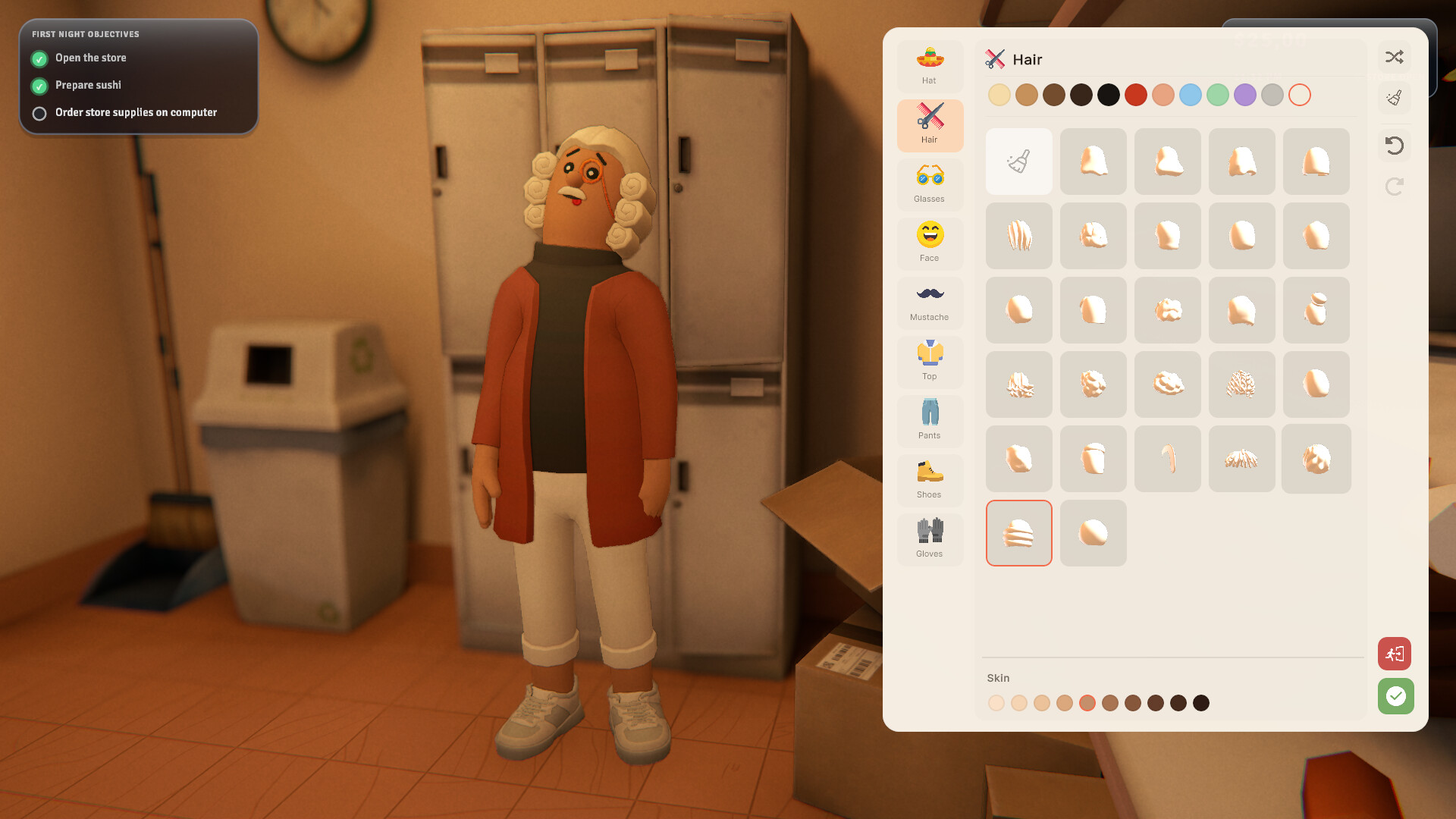
You can change the colours of the store and kitchen, customize your character's appearance, and choose what to listen to during the shift. These options let you tailor the visual and audio ambience.
Local posts, a view of the street outside, and a cat you can pet appear as ambient details while you work.
- Experiment with different colour palettes to find a comfortable look.
- Choose audio that matches the pace you prefer for the night.
COMMUNITY
Player discussion