 GameWiki
GET YOUR BEARINGS
About Nidhogg
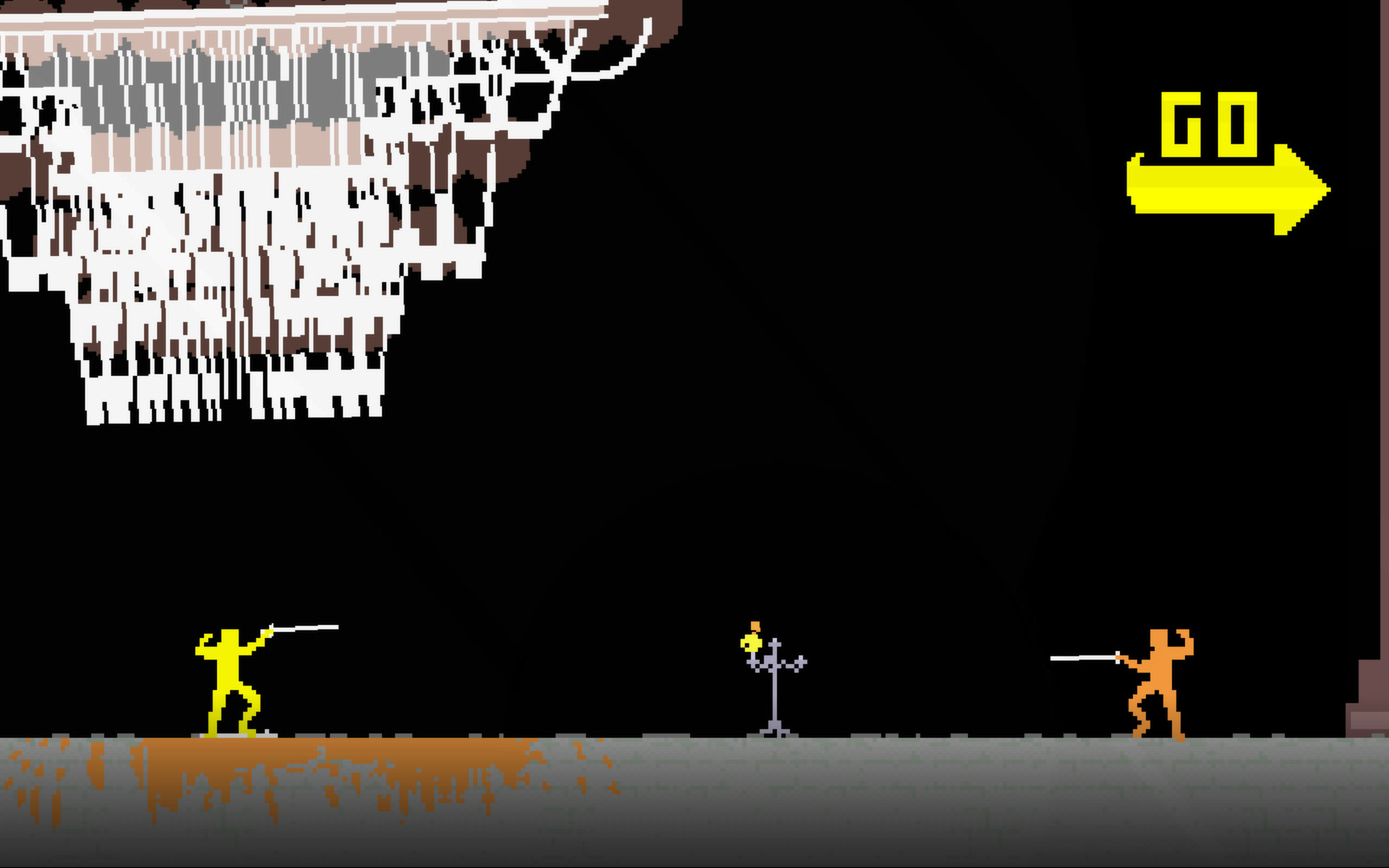
Nidhogg is a fast‑paced two‑player fencing duel where each kill pushes the victor forward toward a goal‑zone. Players can fight armed with swords or unarmed with punches, kicks, rolls and wall jumps, while new opponents constantly appear to challenge progress.
The game includes a single‑player Arcade mode, local 2‑player and tournament modes for 3‑8 players, and online matches using rollback netcode. Five arenas—Castle, Wilds, Mines, Clouds and Fields—offer distinct layouts, and the soundtrack dynamically adapts to each bout.
01 / THE GUIDE
Combat Mechanics
When armed, players can perform lunges, parries and sword throws. When unarmed, punches, sweep kicks, dive kicks, rolls and wall jumps are available, letting combat continue without a blade.
Each successful kill advances the attacker toward their goal‑zone, but advantage can shift quickly as new opponents spawn. The arena stretches in both directions, encouraging use of formations and chokepoints to outwit the opponent.
- Try both sword and unarmed options in a practice match to see which moves feel more natural in each arena.
- Observe how opponents use wall jumps; timing a dive kick after a wall jump can create openings.
02 / THE GUIDE
Game Modes
Arcade mode offers single‑player challenges against AI personalities, allowing players to practice strategies before facing humans. The mode also records scores for leaderboard comparison.
Local multiplayer includes a 2‑player mode and a tournament mode supporting 3‑8 players on the same screen. Online play uses rollback netcode to provide low‑latency matches with friends or random opponents.
- Start with Arcade mode to learn AI behavior before entering online matches.
- Use tournament mode for a social setting; the larger player count adds unpredictable encounters.
03 / THE GUIDE
Arenas
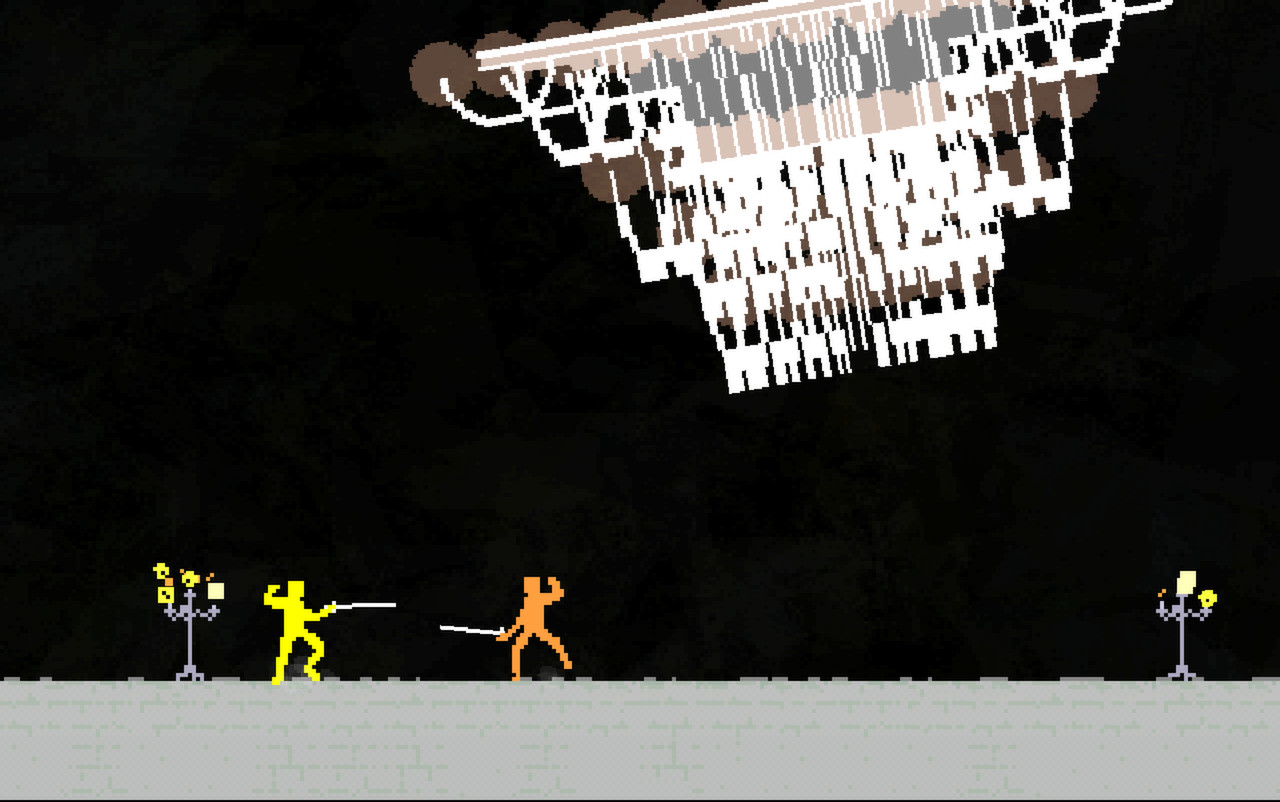
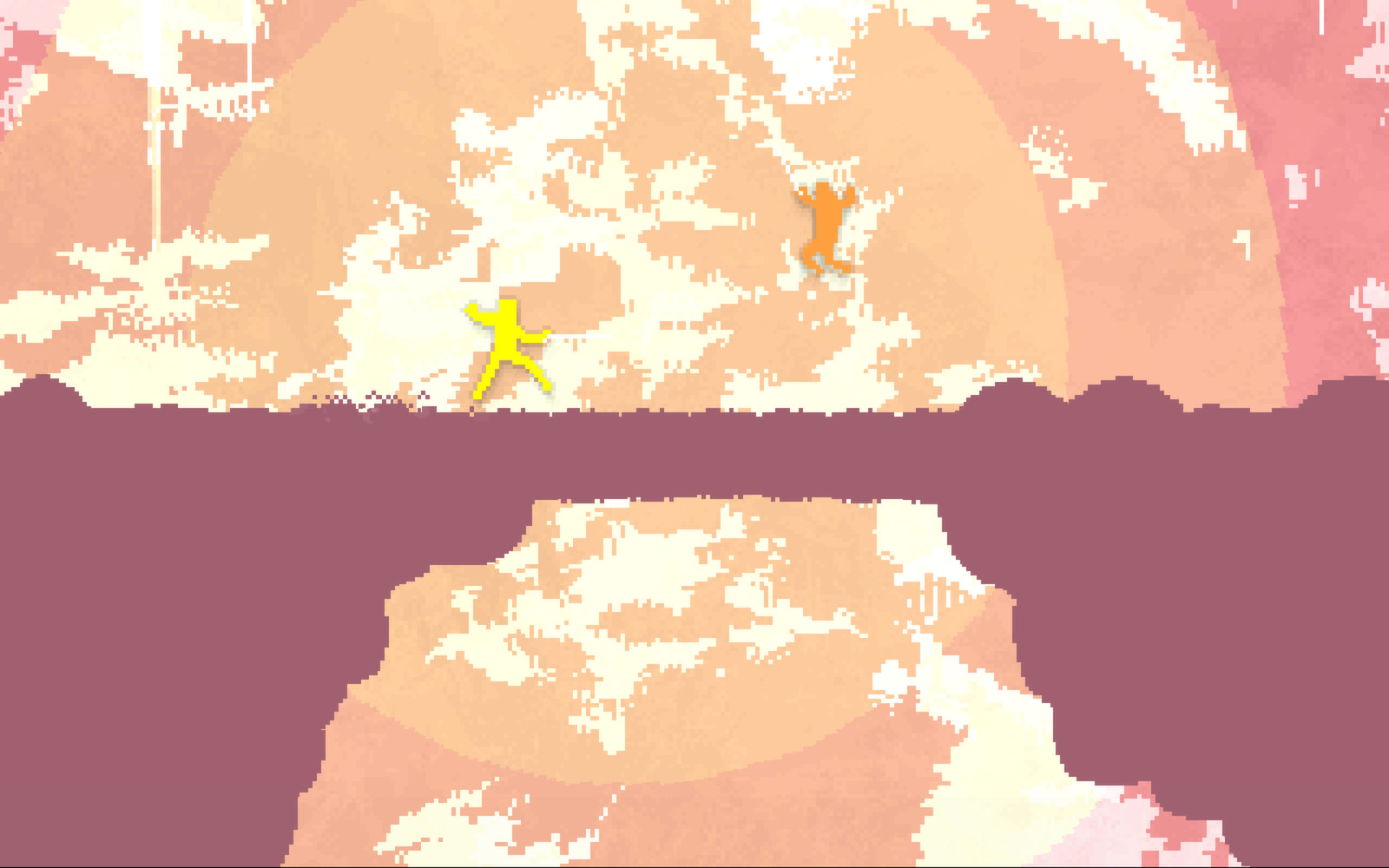
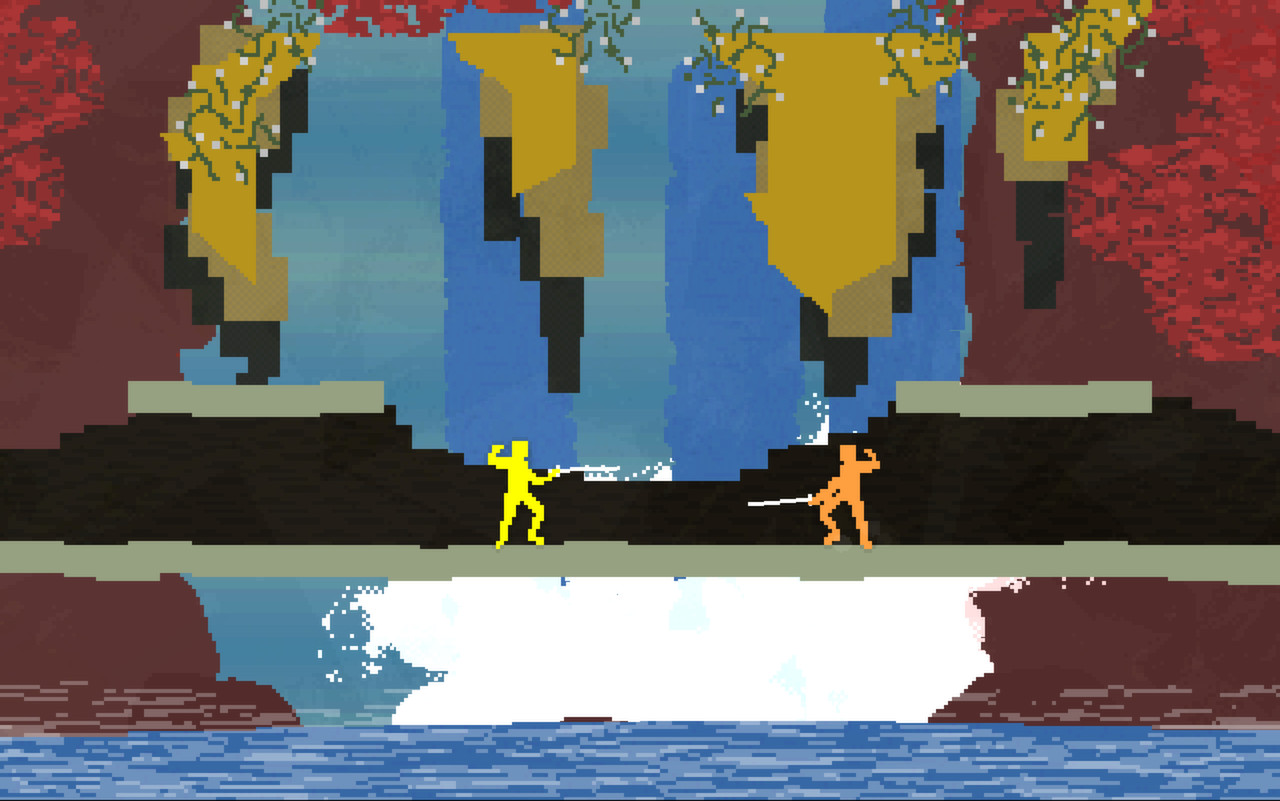
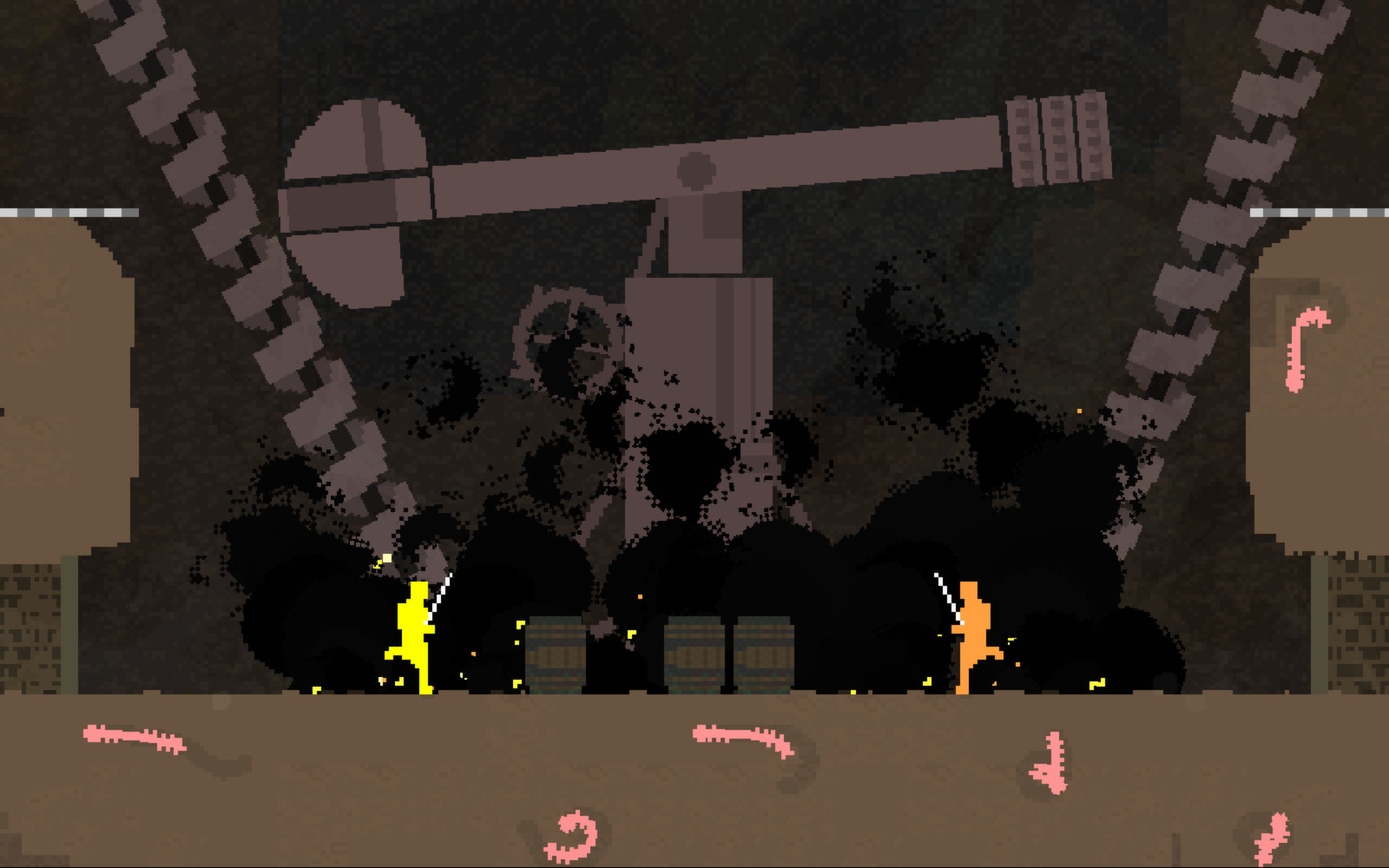
Five arenas—Castle, Wilds, Mines, Clouds and Fields—each contain multiple rooms with unique geometry. Layouts include strategic formations and chokepoints that influence how far a player can push forward after a kill.
Because the arena stretches in both directions, knowledge of room flow helps maintain momentum toward the goal‑zone. Players must adapt tactics to each arena’s specific obstacles and openings.
- Spend a few rounds exploring each arena’s rooms to learn where opponents are likely to appear.
- Use narrow chokepoints to force opponents into predictable attack paths.
04 / THE GUIDE
Audio & Visual
Dynamic music composed by Daedelus changes with each play‑through, providing a unique soundtrack that reacts to the flow of combat. The music varies in intensity as matches progress.
Visuals feature minimalist arenas and acrobatic animations such as wall jumps and dive kicks, reinforcing the fast‑paced, fluid nature of each duel.
- Listen for musical shifts; they often coincide with heightened combat activity.
- Watch opponent animations for cues about upcoming attacks, like a wind‑up for a dive kick.
05 / THE GUIDE
Game Variants
In offline multiplayer and tournament modes, players can toggle variants such as Spine Swords, Slow Mode, Boomerang Swords, Time Limits, No Swords, Throws Only, Divekicks, Baby Mode, Low Gravity, Sudden Death, Skippy Mode and Turbo Mode.
These toggles add or remove mechanics—like sword throws—or alter physics—such as low gravity—allowing each match to feel fresh and encouraging experimentation.
- Enable a single variant at a time to understand its impact before combining multiple changes.
- Low gravity can make wall jumps travel farther; test it in open arenas for maximum effect.
COMMUNITY
Player discussion