 GameWiki
GET YOUR BEARINGS
About Neyyah
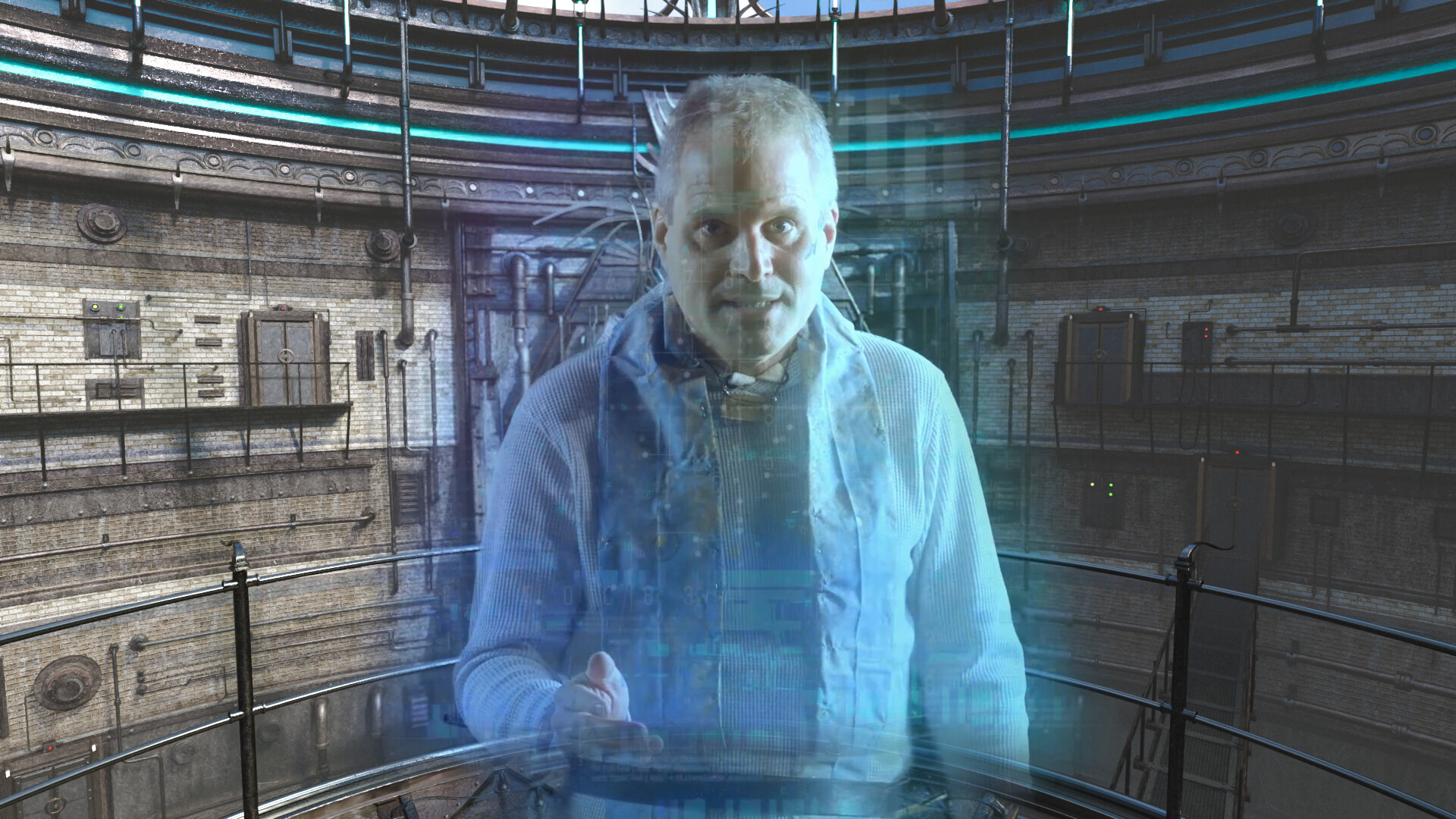
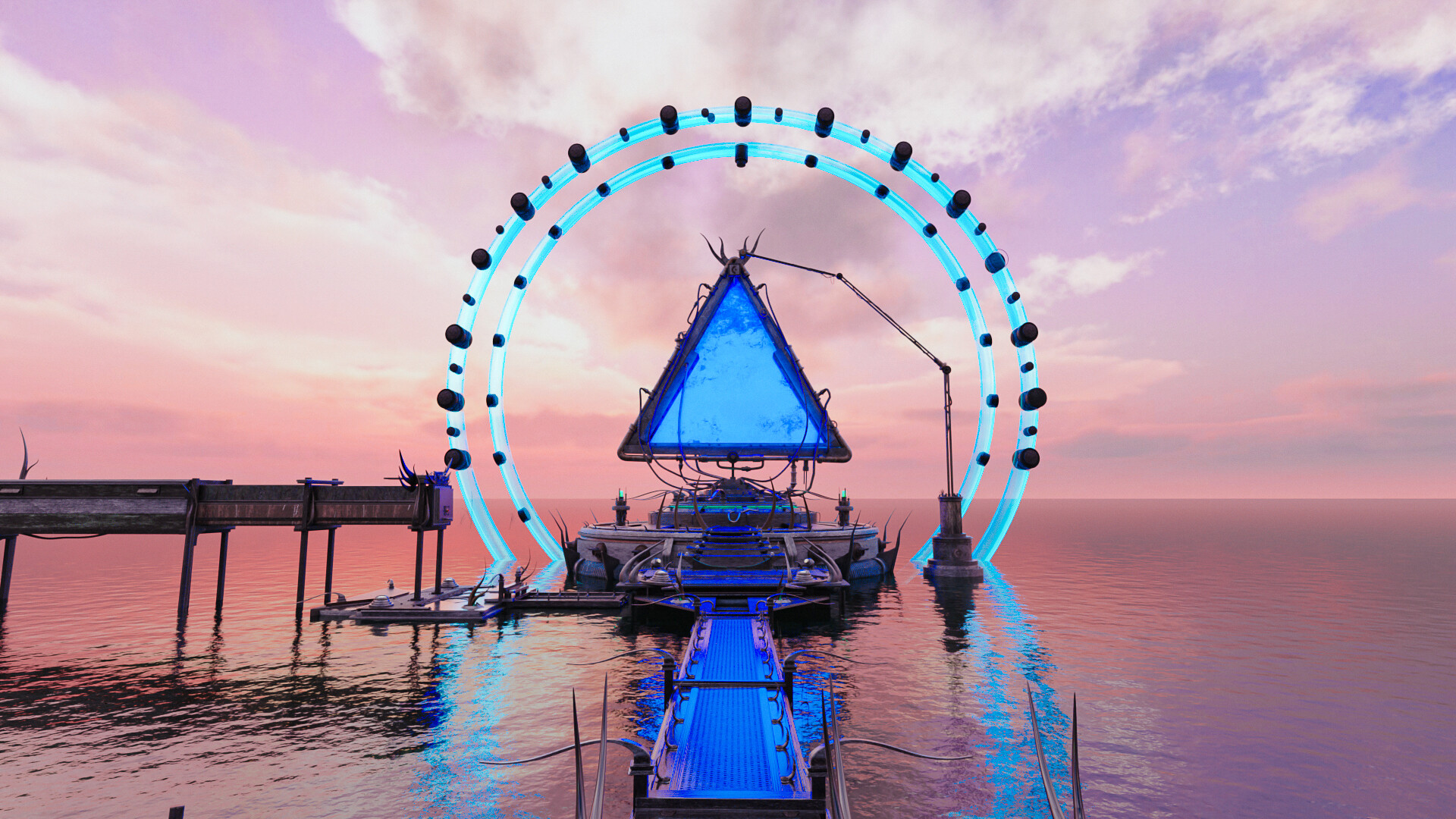
Neyyah is a first‑person point‑and‑click adventure that begins with the player waking from a strange dream and being sent by Vamir to the remote island chain called Neyyah. The narrative drives you to explore mechanical contraptions, rusted levers and blue plasma portals while uncovering a secret tied to Earth’s fate.
Gameplay focuses on observation, note‑taking and environmental storytelling. A 2D point‑and‑click interface offers several cursor options and four movement‑transition settings, letting you adjust how the camera moves as you solve puzzles and piece together the cultures that shaped the islands.
01 / THE GUIDE
Island Setting
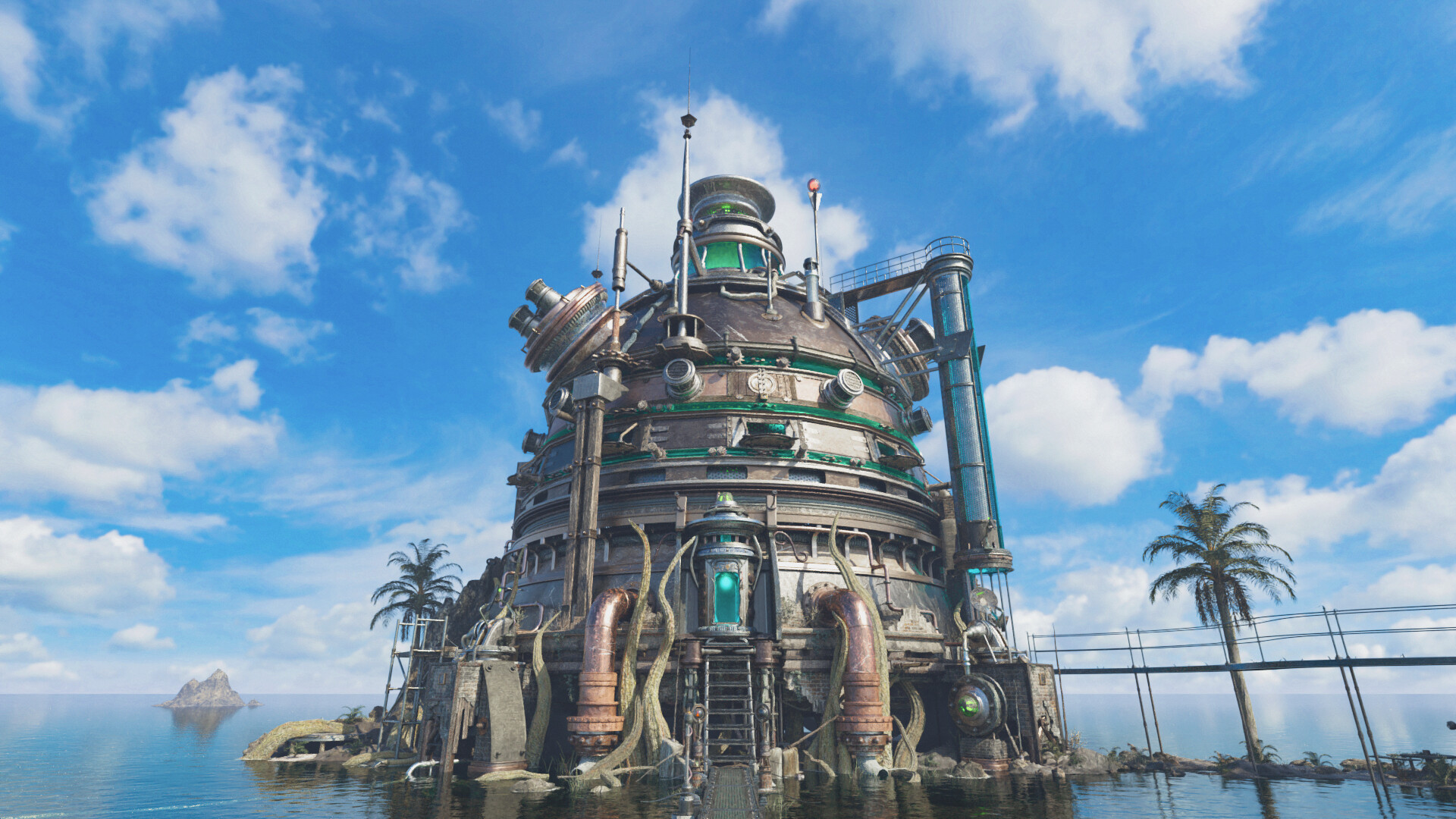
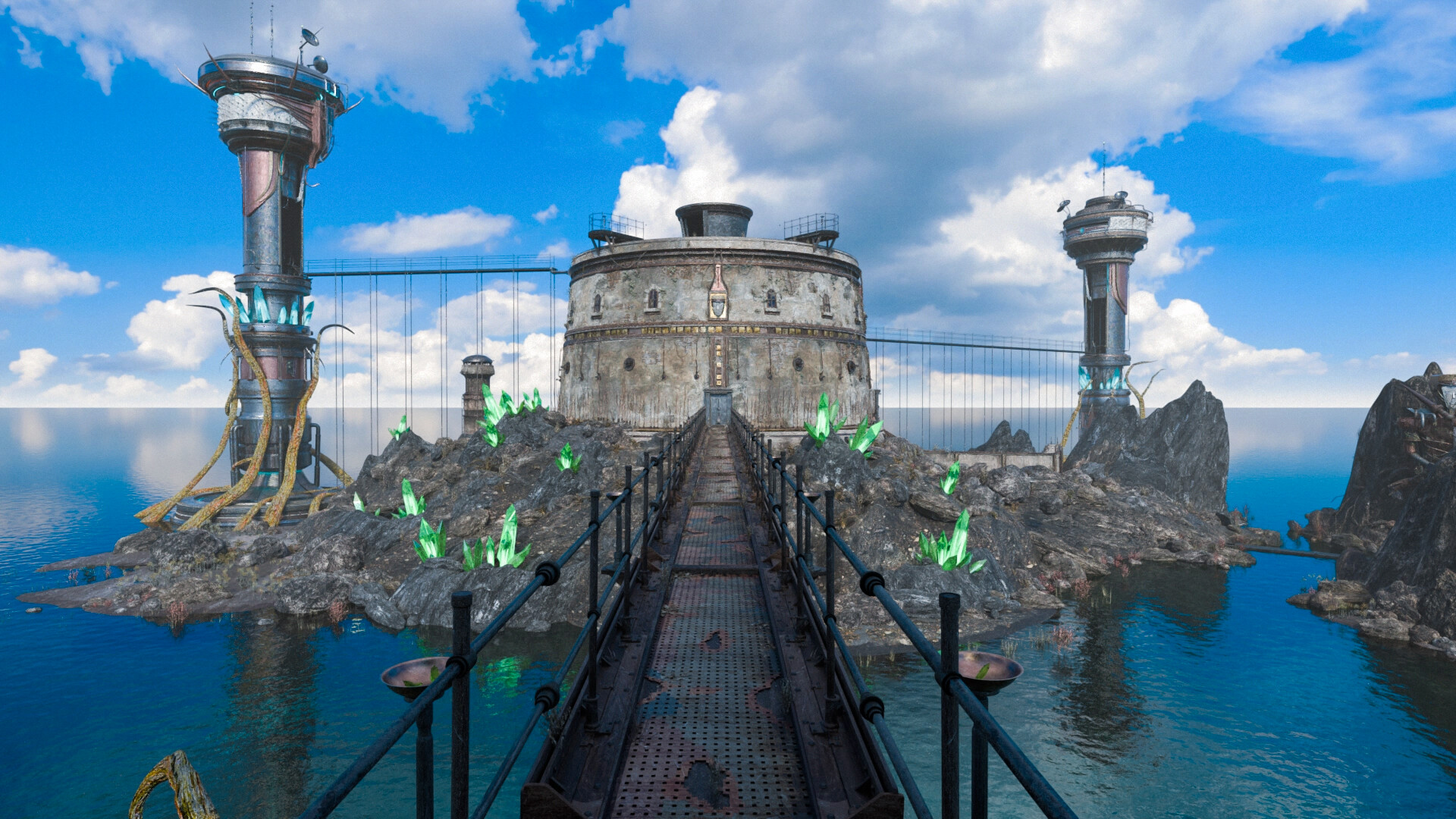
The world consists of a collection of remote, almost abandoned islands linked by complex portal machinery. Each island contains rusted levers, blue plasma portals and cultural artifacts that hint at two distinct societies, providing visual clues for the player to piece together.
Exploration is non‑linear; you can explore the islands non-linearly as you link the portal systems. The setting encourages you to compare architectural details and machinery across islands to infer the history of the vanished cultures.
- Write brief notes on portal colors and lever designs to spot recurring patterns.
- Sketch island silhouettes to help remember their relative positions.
02 / THE GUIDE
Movement Transition Settings
Four movement transition settings—OFF, SPEED, NEUTRAL and RELAX—control how the camera moves between points of interest. Changing the setting adjusts the smoothness and speed of camera pans, allowing you to tailor navigation to your observation needs.
Switching between the four settings can be useful when revisiting dense areas for detail or when covering larger distances quickly. The options are suited to each individual's style of gameplay.
- Select RELAX when you need extra time to examine intricate environmental clues.
- Choose SPEED for quick travel across open island sections.
03 / THE GUIDE
Faster Travel Mode
A Faster Travel mode lets you skip ahead of certain scenes, reducing the time spent moving between locations. The feature is presented as an optional toggle that can be activated during exploration.
When enabled, the game jumps past designated travel sequences, delivering you to the next interactive area more quickly. The mode simply helps you get to where you need to be more effectively.
- Enable Faster Travel after you have already visited a region and only need to reach a new puzzle.
- Disable it if you prefer to view each transition for atmospheric detail.
04 / THE GUIDE
Visual Presentation
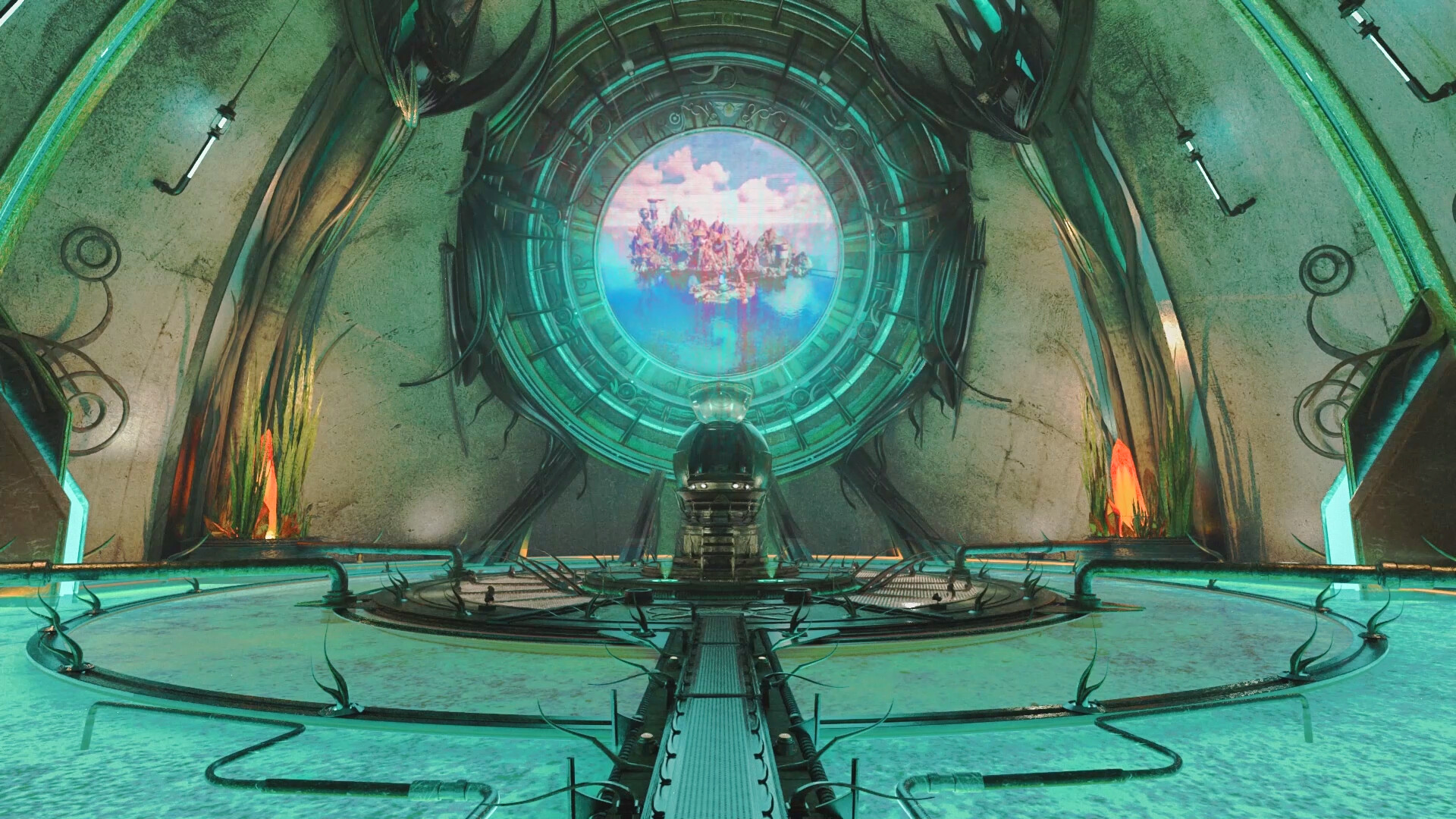
The game features beautiful pre‑rendered graphics delivered with a high level of richness and realism. Detailed textures and lighting convey the mood of each island and highlight the mechanical contraptions that populate the world.
Because the visuals are static renders, environmental storytelling relies on visual cues such as wear on machinery, color shifts in portals and placement of cultural relics. Observing these details can reveal narrative information without additional text.
- Adjust your display brightness to notice subtle texture changes.
- Observe portal edges for any visual hints about their function.
05 / THE GUIDE
Audio Design
An original atmospheric soundtrack underlies the game, complemented by captivating sound design that draws you further into the world around you.
While the description does not specify functional audio cues, the soundtrack and ambient sounds together create an immersive backdrop that can help you gauge the atmosphere of a location as you investigate puzzles.
- Use headphones to better distinguish ambient layers on each island.
- Note recurring musical motifs; they may correspond to specific cultural themes.
COMMUNITY
Player discussion