 GameWiki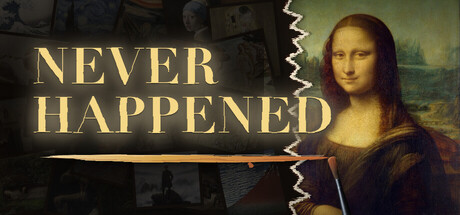
GET YOUR BEARINGS
About NEVER HAPPENED
In NEVER HAPPENED you play as Vince Lang, a fine‑art courier tasked with covering up accidental tears in famous paintings. You have three minutes per restoration, mixing colors from five pigments to match the original as closely as possible. The game offers six distinct play styles—from a story campaign to endless, daily, event, versus, and unlimited solo practice—each scored by a match‑rate percentage and displayed alongside a heatmap that shows any mismatches.
01 / THE GUIDE
Gameplay Mechanics
Each restoration gives you 180 seconds to fill the tear using a brush, five pigments, and a palette. There is no eyedropper, undo, or drawing tool; you must rely on visual judgment to mix the correct hue. If you need help, you may ask a colleague for assistance with color mixing or an undercoat, then continue the timed session.
- Observe the surrounding colors closely before mixing; small visual cues often indicate the needed hue.
- When time feels tight, focus on the most visible area first to secure a higher match rate.
02 / THE GUIDE
Play Modes
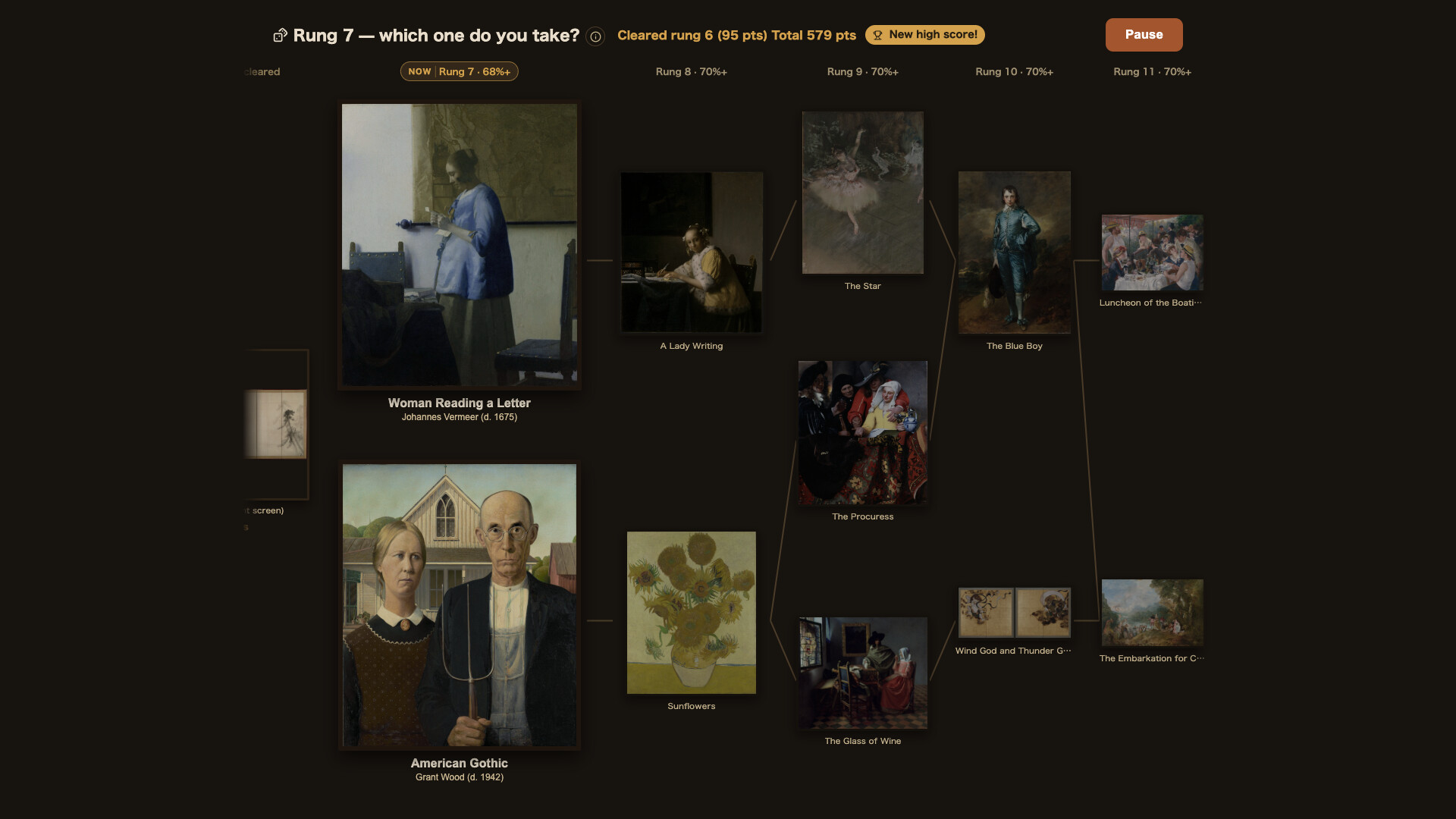
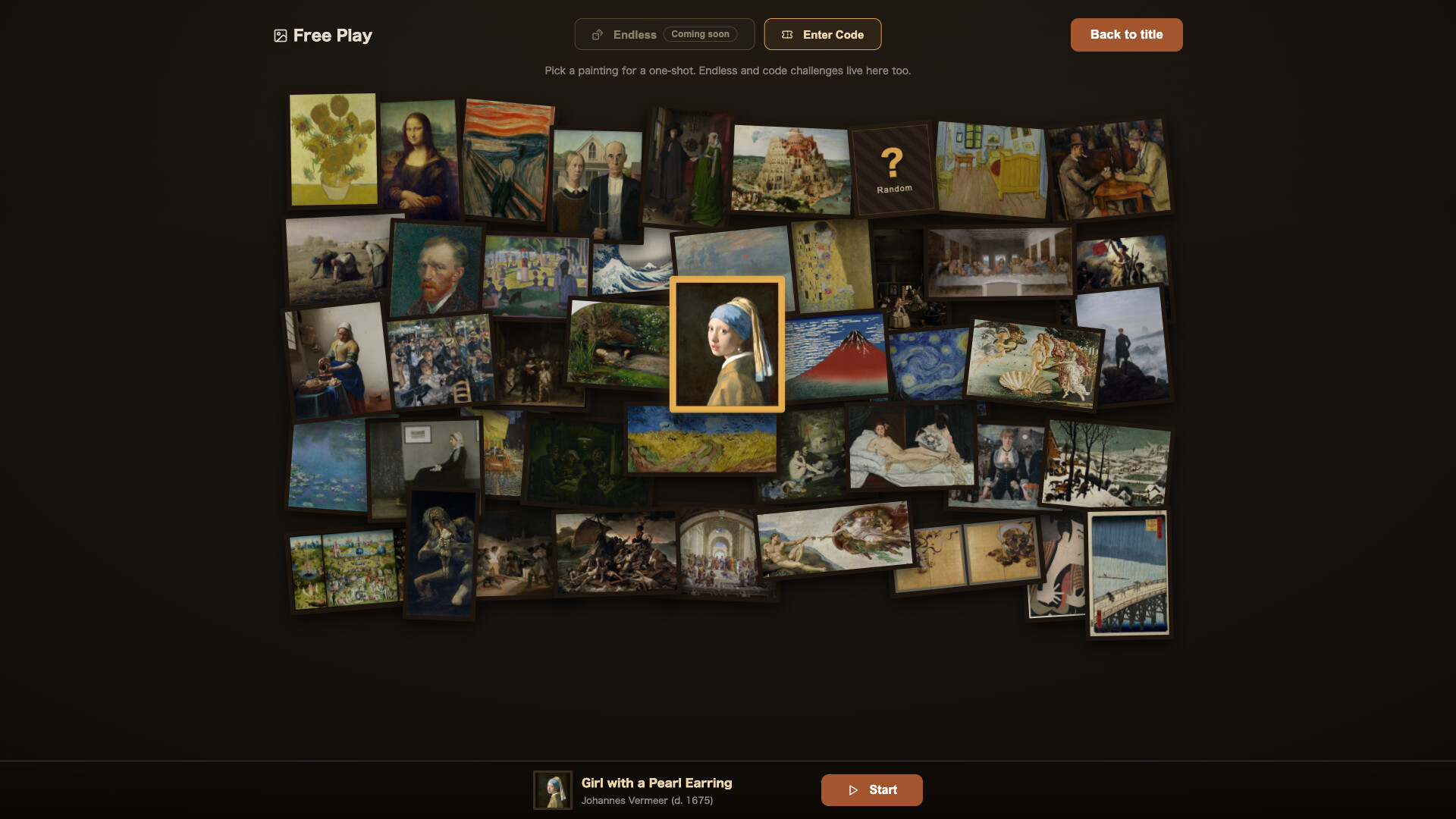
Six ways to play are available: Story follows a ten‑chapter narrative, Endless lets you restore paintings until you fail, Daily offers a shared painting for all players, Events feature limited‑time exhibitions, Versus pits up to four players against the same work, and Solo Practice lets you set an unlimited clock. All modes score your work on match rate and may place it on worldwide leaderboards or the “Everyone’s Works” gallery.
- Try Versus for a quick comparison of how others handle the same tear.
- Use Solo Practice to experiment with difficult tears without the time pressure.

03 / THE GUIDE
Color Mixing
Only five pigments are provided, and you must blend them on a palette to recreate the missing color. The game does not supply an eyedropper, so you rely on visual comparison with the original scan. Colleagues can assist by suggesting mixes or applying an undercoat, but the final brushstroke remains yours.
- Start with a base pigment that matches the dominant hue, then adjust with small amounts of the others.
- Keep a mental note of which pigment combinations produce warm versus cool tones.
04 / THE GUIDE
Scoring and Heatmap
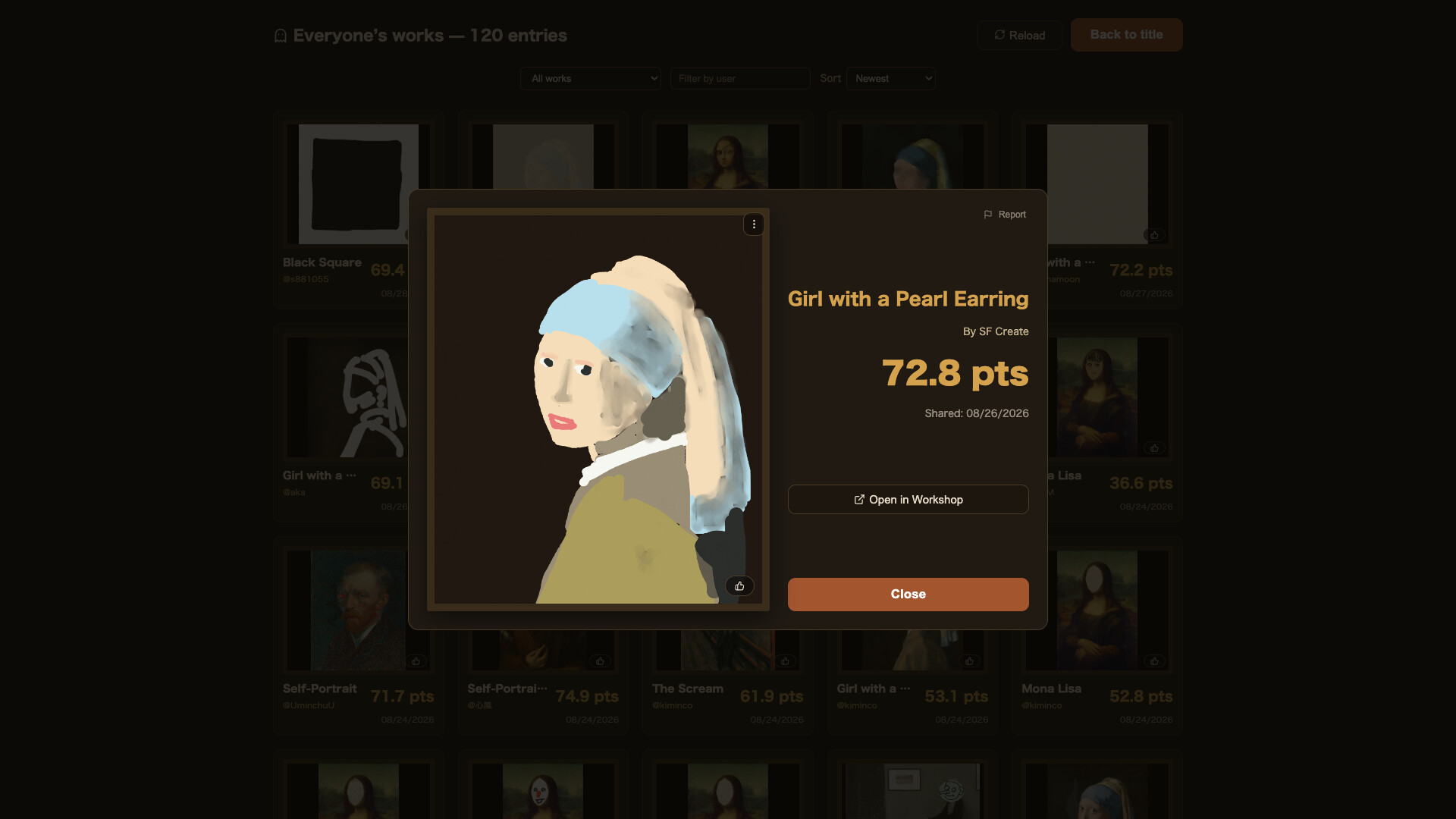
After each restoration the game machine‑scores your work against the original, presenting a match‑rate percentage and a heatmap that highlights mismatched areas. The original, the post‑tear image, and your restoration are shown side by side. A finished restoration can be published to “Everyone’s Works,” and the heatmap remains available for review afterward.
- Review the heatmap to see which sections need tighter color matching in future attempts.
- Compare your score with others in the gallery to gauge where you stand.
05 / THE GUIDE
Community and Sharing
Players can view others’ brushwork from the first stroke, replay their restorations, and even export images or videos for social media. Streaming, recorded videos, and Shorts are explicitly permitted and may be monetized without needing permission. The game encourages sharing via Steam leaderboards, the “Everyone’s Works” wall, and optional links to the Steam store page in content descriptions.
- Export a short clip of your heatmap to illustrate where you improved.
- Include a link to the Steam store page in video descriptions to support the developers.

COMMUNITY
Player discussion