 GameWiki

GET YOUR BEARINGS
About Neon Inferno
Neon Inferno blends side‑scrolling and gallery‑shooter action in a pixel‑art dystopian New York. Players act as assassins for the Family crime syndicate, fighting rival factions across foreground and background layers while an evocative soundtrack plays.
The title offers single‑player, split‑screen co‑op, and Remote Play Together online co‑op. Players can adjust difficulty, tackle a 1‑credit‑clear Arcade Mode, and upgrade weapons or vehicles as they progress through boss‑filled missions.
01 / THE GUIDE
Character Selection
At the start, you choose between Angelo Morano and Mariana Vitti, both described as Family assassins. The source notes they can blast, deflect, and slice enemies, establishing a shared combat toolbox.
Both characters access the same upgrades and weapon options, meaning the selection influences visual style and narrative affiliation but not the range of abilities or available game modes.
- Try each assassin to see which visual design you prefer.
- In co‑op, each player can pick a different character for visual variety.
02 / THE GUIDE
Foreground‑Background Combat
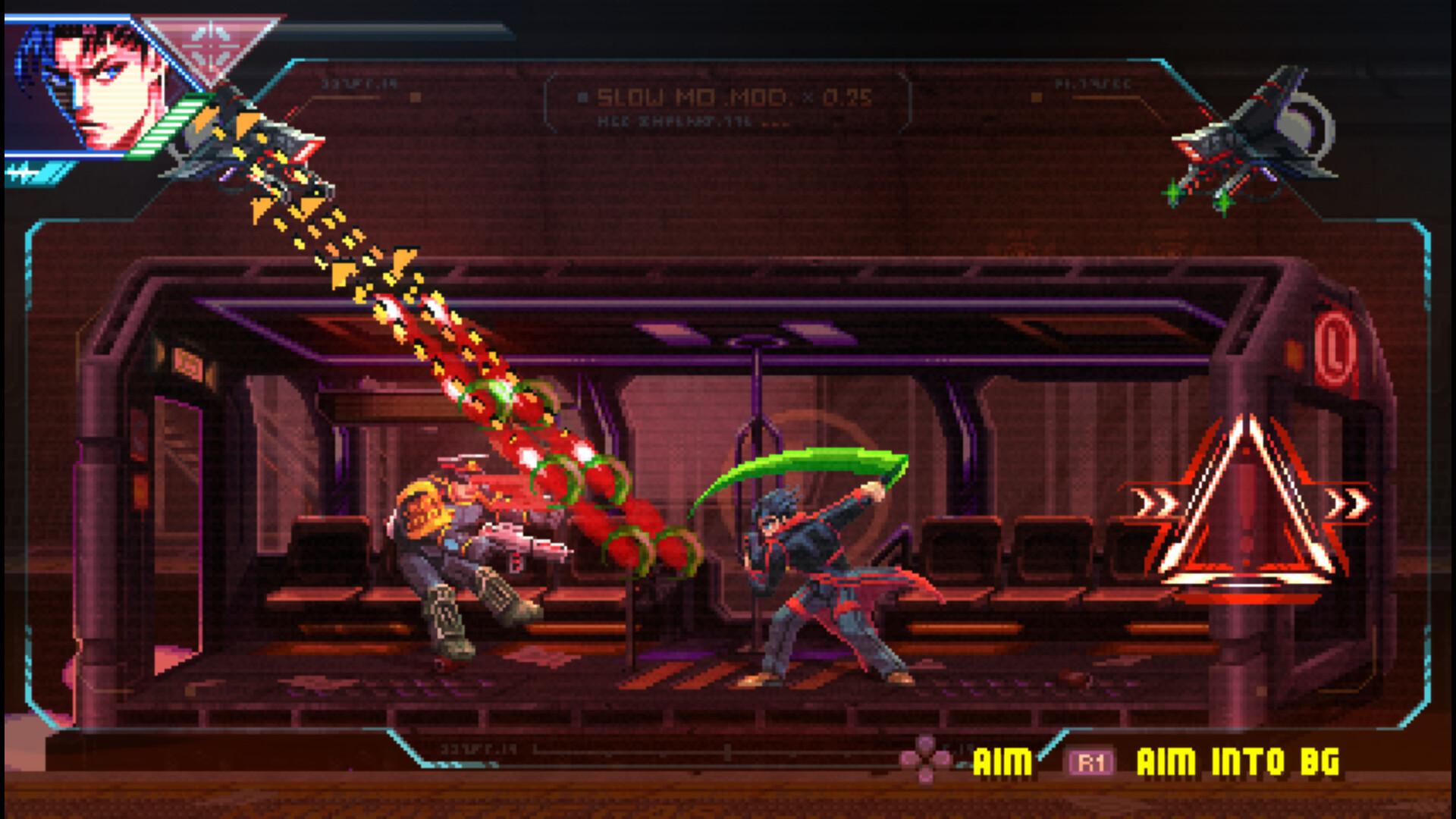
The game lets you attack enemies in both foreground and background layers, creating a layered battlefield. The description mentions using "Bullet Time" to deflect projectiles back at foes, expanding traditional run‑and‑gun tactics.
Vehicle sequences are also included, allowing you to chase targets while maintaining the same layered combat approach, which adds movement variety without changing core mechanics.
- Watch for background enemies before they enter the foreground to maximize Bullet Time.
- Use vehicle sections to reposition before re‑engaging on foot.

03 / THE GUIDE
Co‑op Play
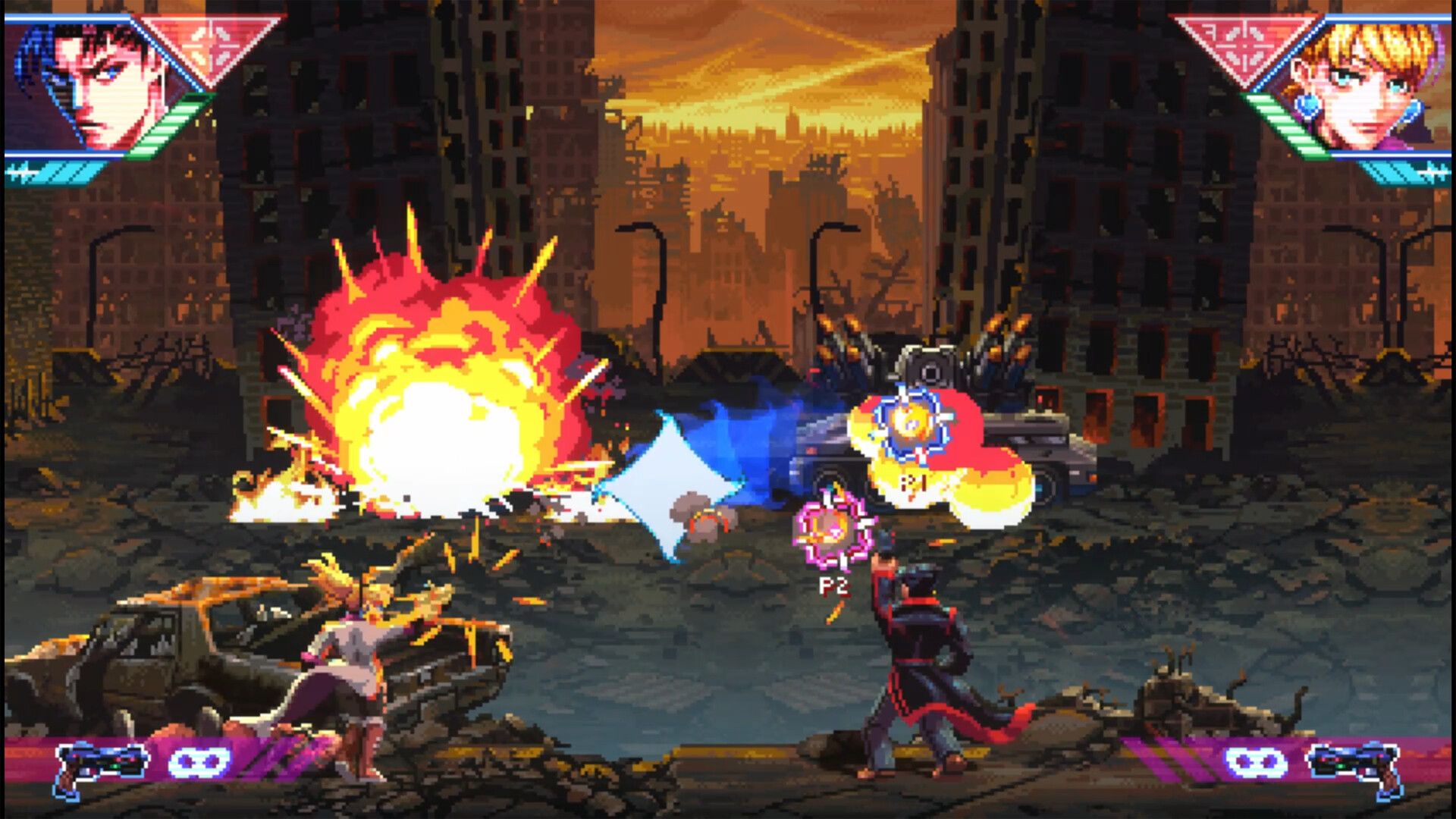
Neon Inferno supports shared/split‑screen co‑op, letting a second player join the Family's campaign locally. Both players control their own assassin, effectively doubling on‑screen firepower.
Remote Play Together is listed among the features, enabling the same split‑screen experience over the internet, so friends can cooperate even when not sharing a single console.
- Coordinate attacks to manage multiple enemy waves.
- If online latency feels high, try the local split‑screen mode.
04 / THE GUIDE
Boss Encounters
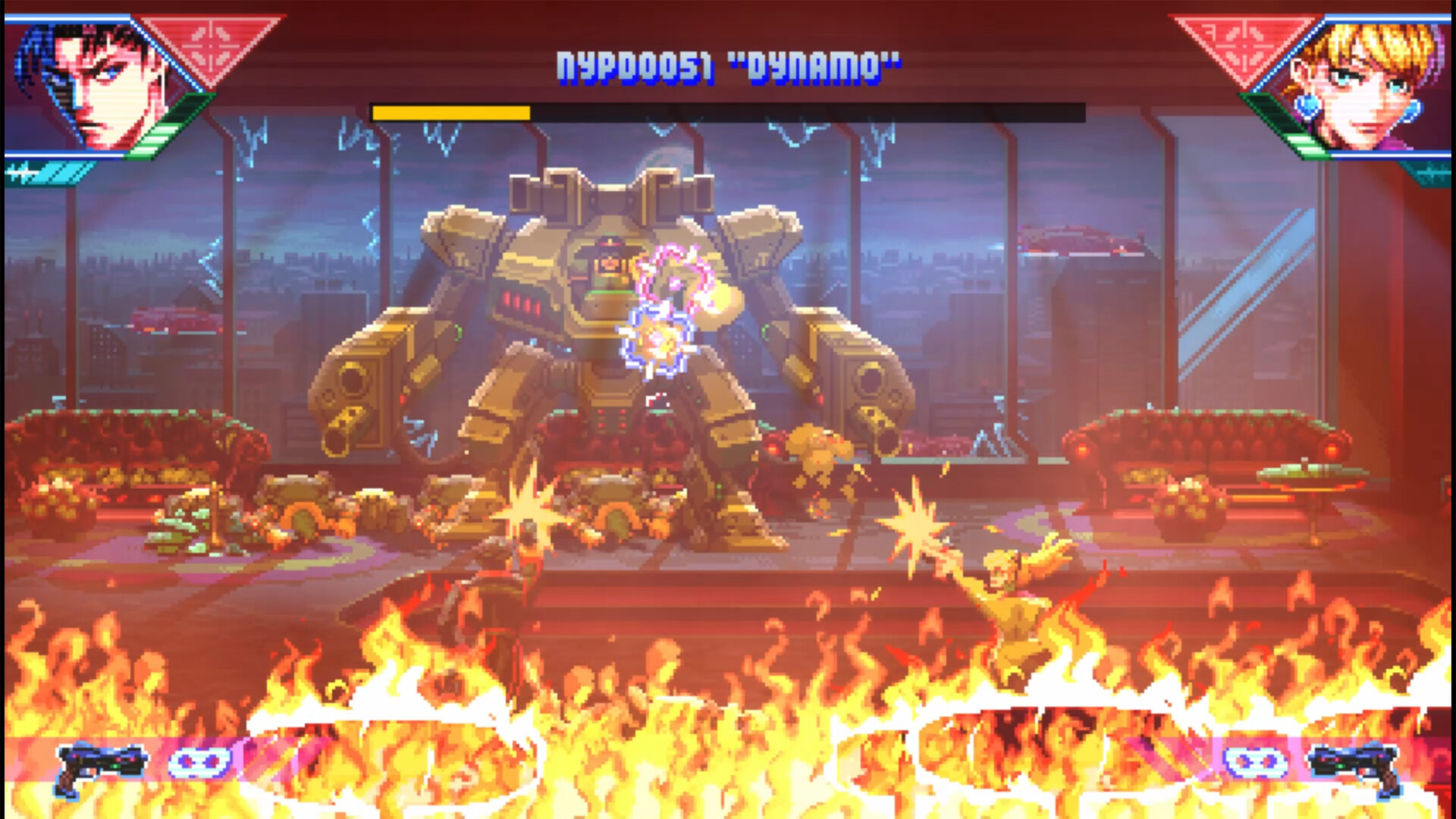
Each mission ends with a unique boss described as part of a "rogue's gallery of unruly bosses." Bosses feature multiple attacks and phases, testing skill across both combat layers.
Defeating a boss advances the narrative and unlocks the next mission; no additional modes are tied specifically to boss defeat.
- Observe each phase before committing to aggressive attacks.
- Use Bullet Time to counter high‑damage projectile phases.
05 / THE GUIDE
Difficulty & Arcade Mode
Before starting, you can select a difficulty level or opt for the 1‑credit‑clear Arcade Mode, which challenges you to finish the game without dying. Adjustable difficulty scales challenge without altering content.
Arcade Mode does not add new levels; it simply imposes stricter performance expectations on existing missions, encouraging efficient play.
- Begin on a moderate difficulty to learn mechanics before attempting Arcade Mode.
- Use custom volume controls to focus on audio cues during tight sections.

COMMUNITY
Player discussion