 GameWiki
GET YOUR BEARINGS
About Neko Neko Shop
Neko Neko Shop is a cozy single‑player game where you tidy a shop brimming with adorable neko collectibles. You wander the store, pick up misplaced items, and place each cat‑figure on its proper shelf.
The experience is paced without time limits, letting you enjoy the rhythm of sorting, watching empty displays fill, and unlocking upgrades that make carrying and moving items easier.
01 / THE GUIDE
Core Gameplay
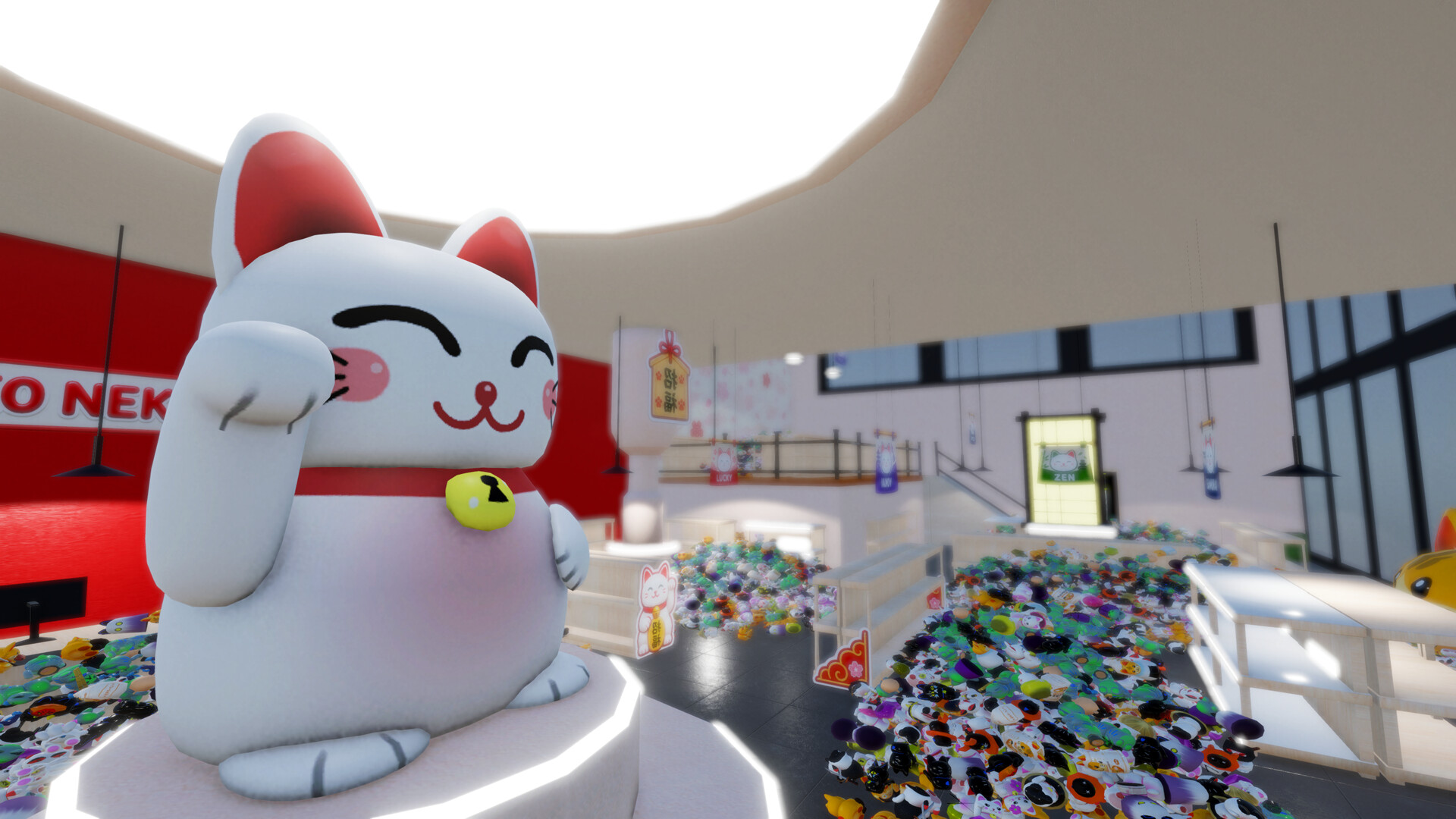
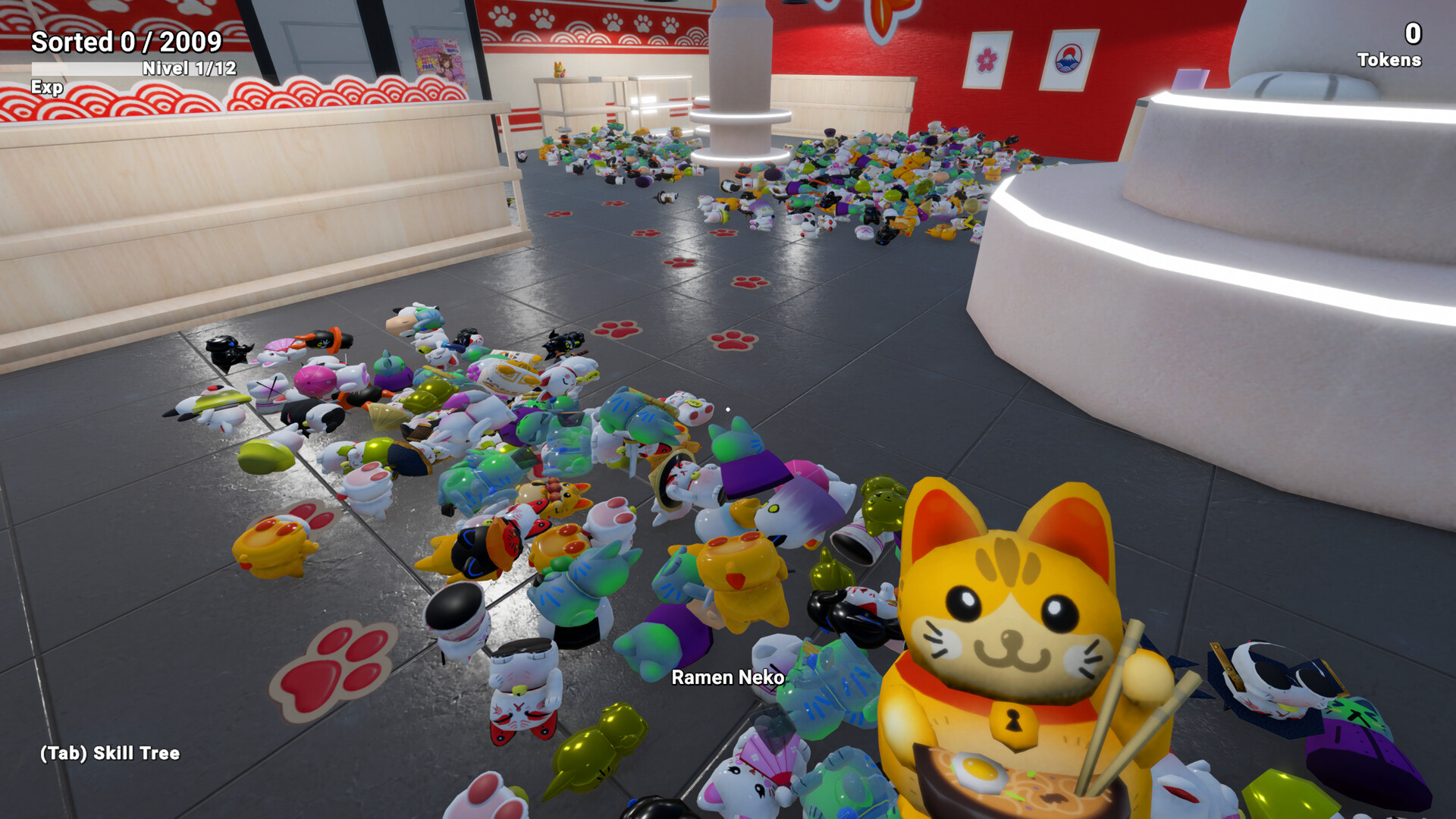
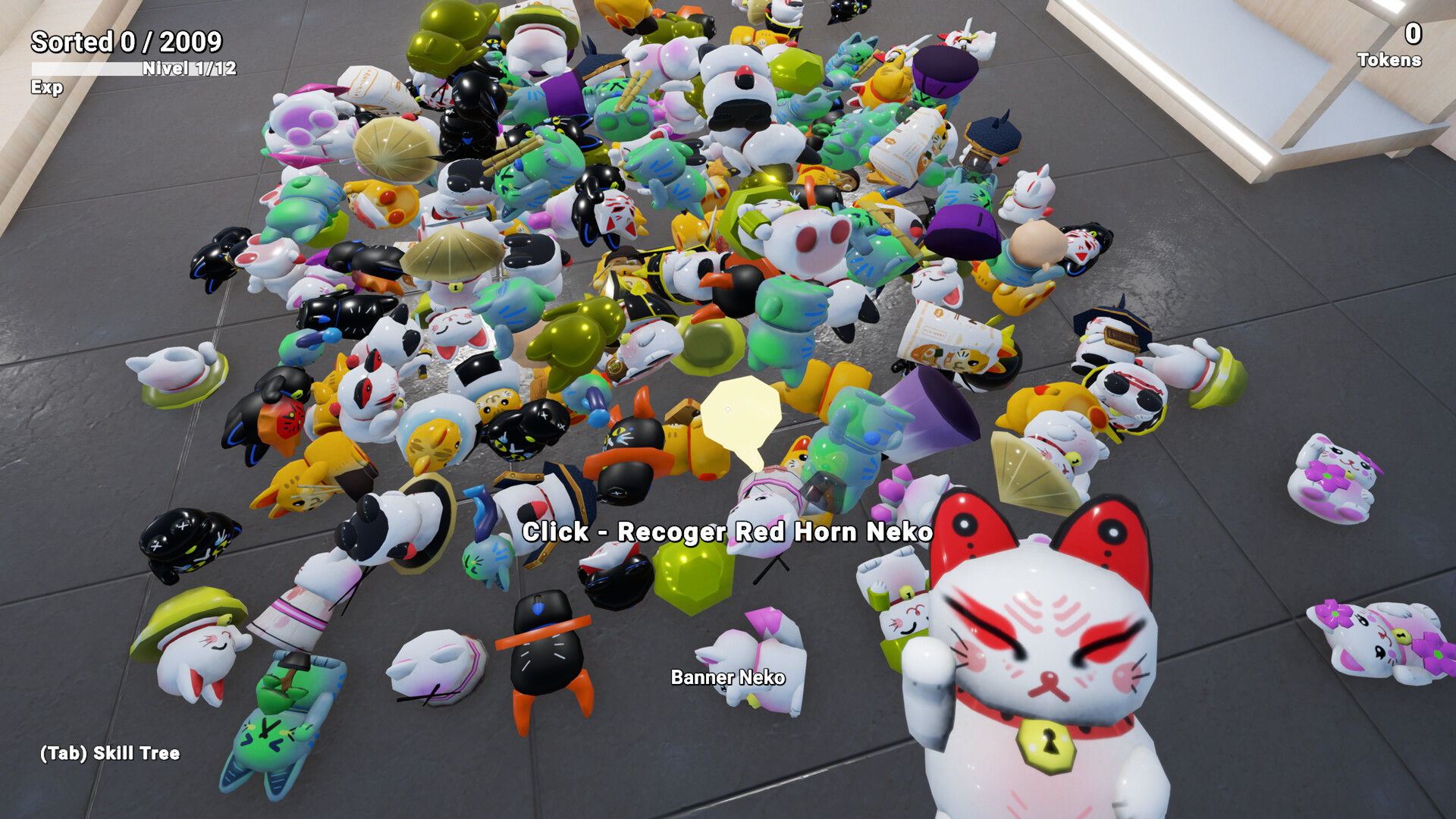
The shop starts in disarray, with nekos scattered across floors and shelves. Your task is to explore each area, collect the misplaced figures, and return them to the correct displays.
Progress is shown as piles disappear and displays become full, giving a clear visual cue that the shop is becoming more organized.
- Take a systematic route through each room to avoid missing hidden nekos.
- Pause occasionally to admire the transformation; it reinforces the satisfying progression.
02 / THE GUIDE
Progression System
Each area you clean contributes to the overall completion of the shop. As you place nekos correctly, empty displays fill and messy piles vanish, providing visible progress.
There is no time pressure, allowing you to advance at your own pace while watching the shop gradually become orderly.
- Focus on one display at a time to see immediate improvement.
- Use the visual cues of filled shelves to decide which section to tackle next.
03 / THE GUIDE
Skill Upgrades
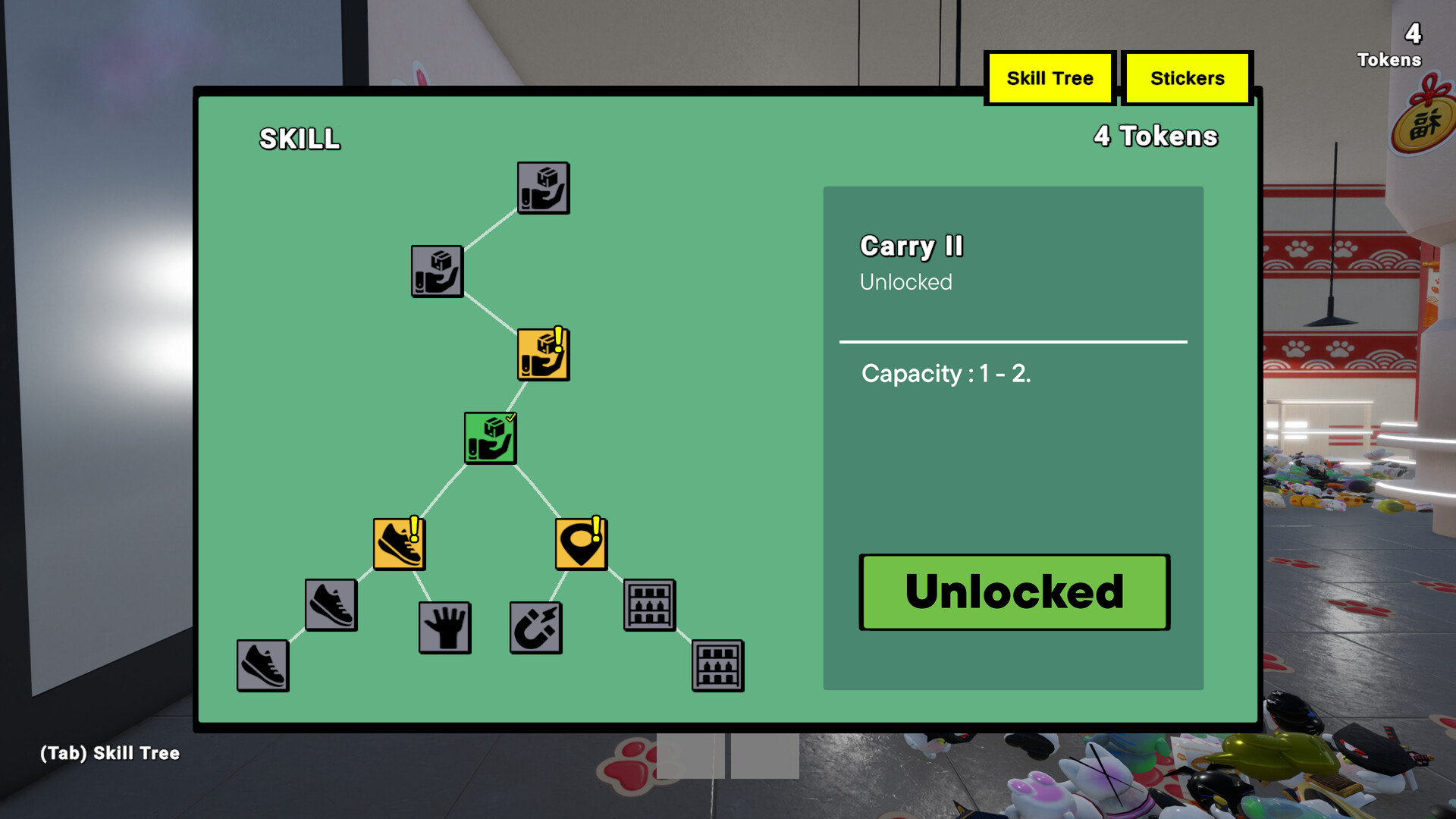
Upgrades become available as you organize the shop. They enhance abilities such as carrying more items, moving faster, and locating missing nekos more easily.
These upgrades streamline the cleaning process, making larger messes quicker to resolve.
- Prioritize upgrades that increase carrying capacity if you prefer handling many nekos at once.
- Speed upgrades help when navigating larger sections of the shop.
04 / THE GUIDE
Cozy Atmosphere
The game’s aesthetic centers on a simple shop filled with lucky cats, creating a warm and inviting environment. The visual style emphasizes cuteness and order.
The game’s cozy, low‑stress design lets you enjoy each successful placement as you tidy the shop.
- Enjoy the ambient sounds as you work; they enhance the calming vibe.
- Notice how the shop’s look changes as it becomes tidier.
05 / THE GUIDE
Platform and Family Sharing
Neko Neko Shop is available on Windows and supports single‑player play. The game also includes family sharing, allowing multiple accounts on the same device to access the title.
No other platforms are listed, and the focus remains on a solo, family‑friendly experience.
- Set up family sharing to let relatives try the game without separate purchases.
- Keep the game updated on Windows for the best stability.

COMMUNITY
Player discussion