 GameWiki
GET YOUR BEARINGS
About Neighbors: Suburban Warfare
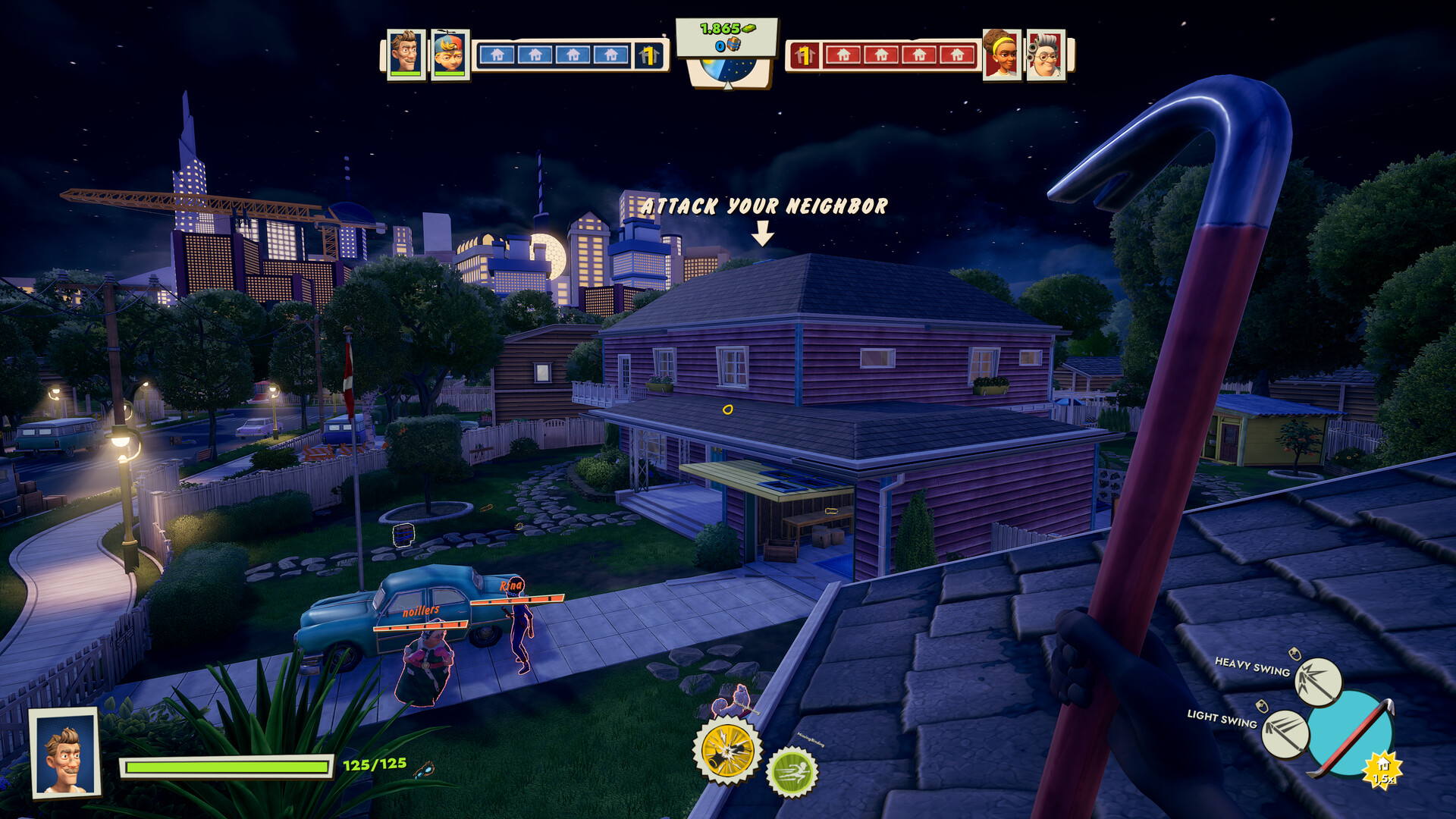
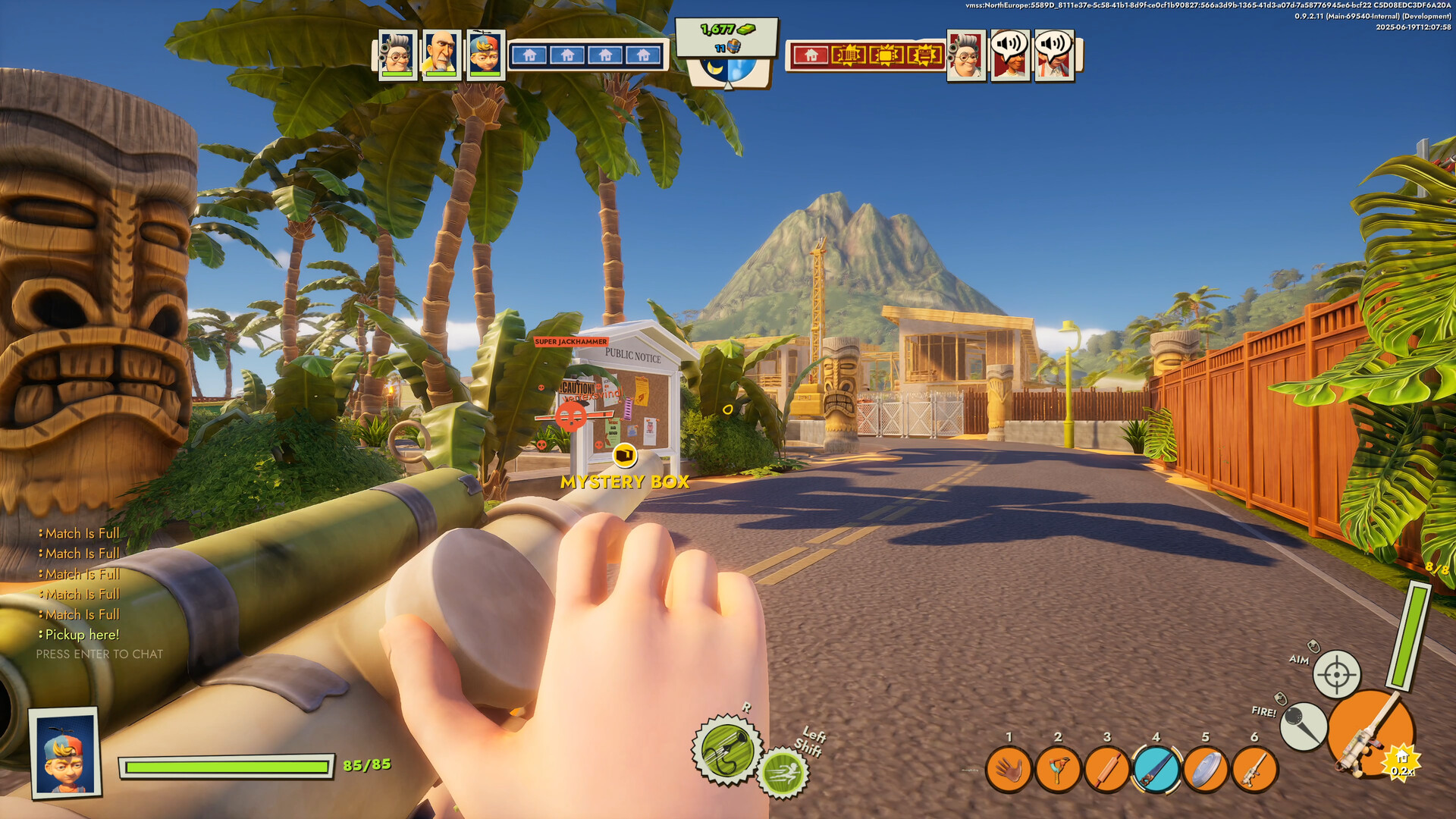
Neighbors: Suburban Warfare is a free‑to‑play party brawler where players clash in chaotic suburban battles. Teams defend their homes with traps and gadgets while wrecking neighbors’ property using everyday tools.
Matches are fast‑paced and unpredictable, offering both PvP and PvE experiences on Windows. The game supports full controller use and includes online multiplayer, achievements, and optional in‑app purchases.
01 / THE GUIDE
Game Modes
The title lists several multiplayer modes: Destruction tasks players with smashing prized possessions, Brawl removes house rules for pure team fighting, Prop Hunt lets participants hide as everyday objects, and Robot Invasion pits teams against waves of invading robots.
Each mode emphasizes either cooperative or competitive play, allowing groups to choose house‑focused sabotage, free‑form combat, stealth‑style hiding, or cooperative wave defense.
- Try Prop Hunt for a lighthearted change of pace.
- Robot Invasion offers a cooperative way to test house defenses.
02 / THE GUIDE
Suburban Heroes
Players can pick from a roster of neighborhood characters such as a friendly grandma, a cute boy, a kind grandpa, and a perfect dad. These avatars represent the player during matches and can be customized with skins earned through play.
The variety of heroes provides visual distinction and personal expression, letting each participant stand out while engaging in the chaotic battles.
- Experiment with different heroes to find a visual style you enjoy.
- Collect skins to expand your visual options.
03 / THE GUIDE
House Customization & Traps
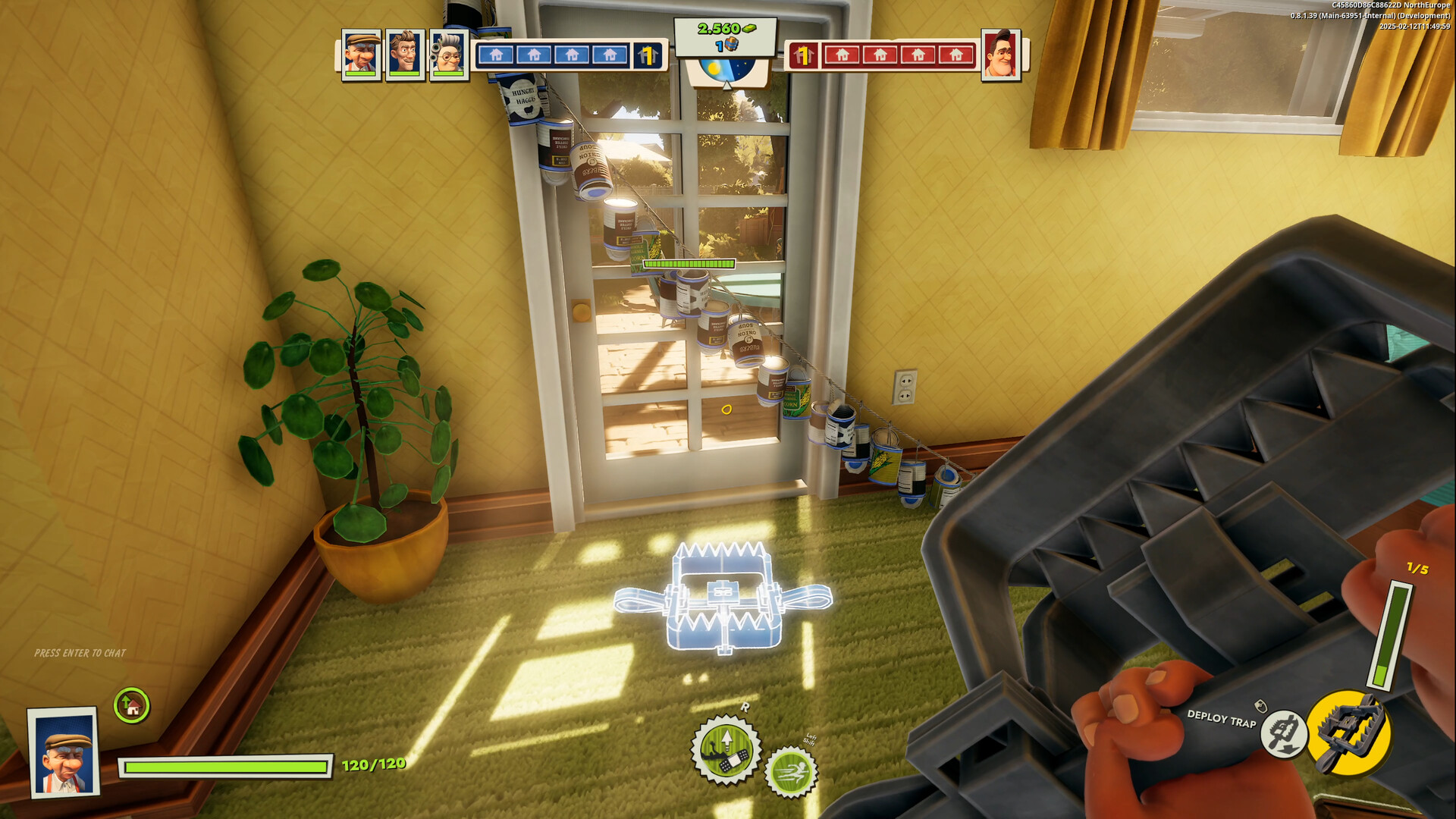
Before a match you choose a house design and barricade it with items like bear traps and alarm cans. These defenses help protect your home against incoming attacks from other players.
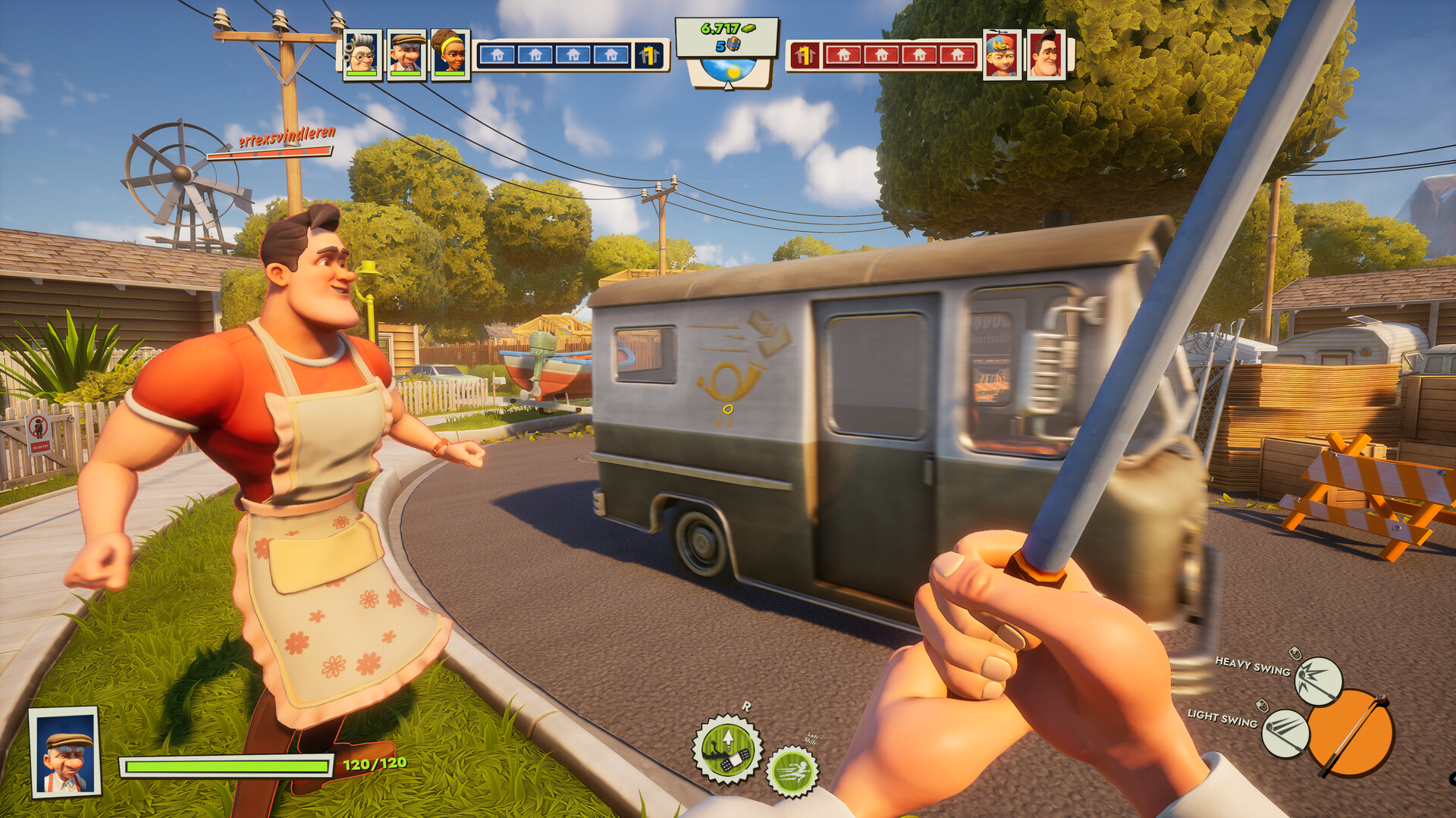
During combat you can also wield garden tools and household objects as weapons, turning everyday items into offensive gear for invading neighbors.
- Place traps near entry points for maximum effect.
- Use garden tools creatively to surprise opponents.
04 / THE GUIDE
Platform and Controller Support
Neighbors: Suburban Warfare is available on Windows, providing online multiplayer for players on that platform. The game lists full controller support, meaning a compatible controller can be used for gameplay.
Additional features include DualSense controller support and family sharing, allowing multiple accounts on the same device to access the game.
- Try playing with a supported controller to see if it feels smoother than your usual setup.
- Enable family sharing to let household members try the game without separate purchases.
05 / THE GUIDE
Free‑to‑Play and In‑App Purchases
The game is free to download and play, offering a base experience without cost. It also includes in‑app purchases offering optional additional content.
While the core gameplay is accessible to all, optional purchases are available for players who want more, without requiring payment to participate in matches.
- Enjoy the base game before considering any purchases.
- Check for sales on cosmetic packs if you want extra visual variety.

COMMUNITY
Player discussion