 GameWiki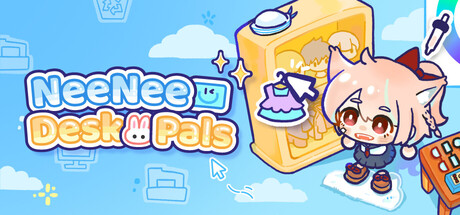
GET YOUR BEARINGS
About NeeNee Deskpals
NeeNee Deskpals is a Windows‑only desktop‑companion program that lets users create cute characters for their screen. Built‑in templates, over 800 official parts and support for custom artwork let anyone design a character’s body, outfit and personality‑driven animations.
The software also includes a Pomodoro‑style timer, a to‑do list and a range of mouse‑based interactions, so the companions can stay visible while you study, work or relax. All features run in a single‑player environment.
01 / THE GUIDE
Character Creation
The app provides base character templates and more than 800 official parts covering body forms, clothing and accessories. Each part can be fine‑tuned, recolored and saved in up to four outfit slots for quick swaps.
Users may upload their own drawn artwork to replace any part, from eyes to full bodies, and advanced creators can design entirely new parts, enabling creations such as furry, mecha or crystal forms.
- Experiment with saving several outfits early to test quick one‑click swaps.
- Try uploading a single custom part to see how it integrates with the official library.
02 / THE GUIDE
Animations & Autonomous Behaviors
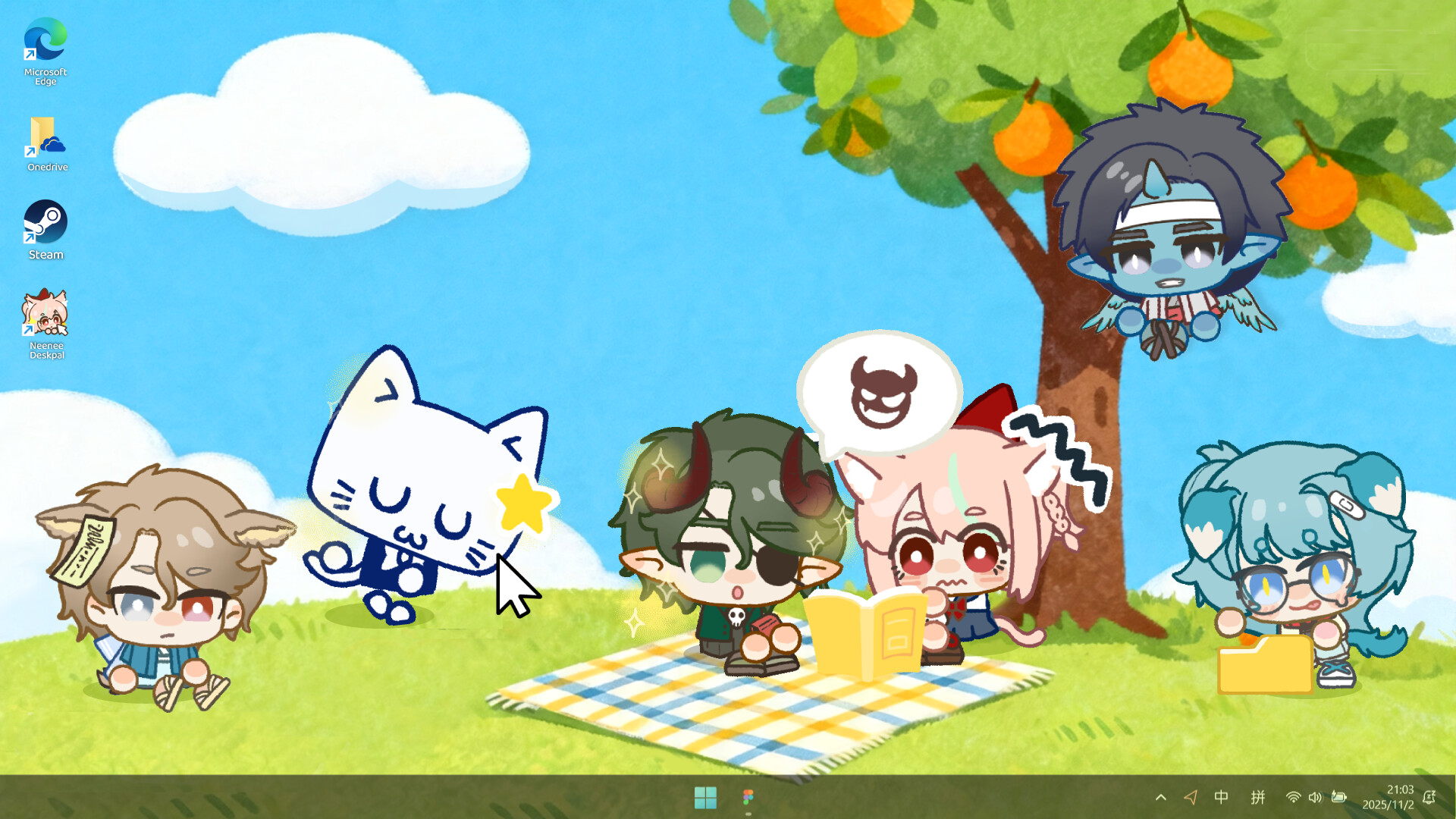
Each character can use any of the 60+ walk, sit and reaction animations, allowing personalities such as energetic, tsundere or laid‑back to be expressed visually.
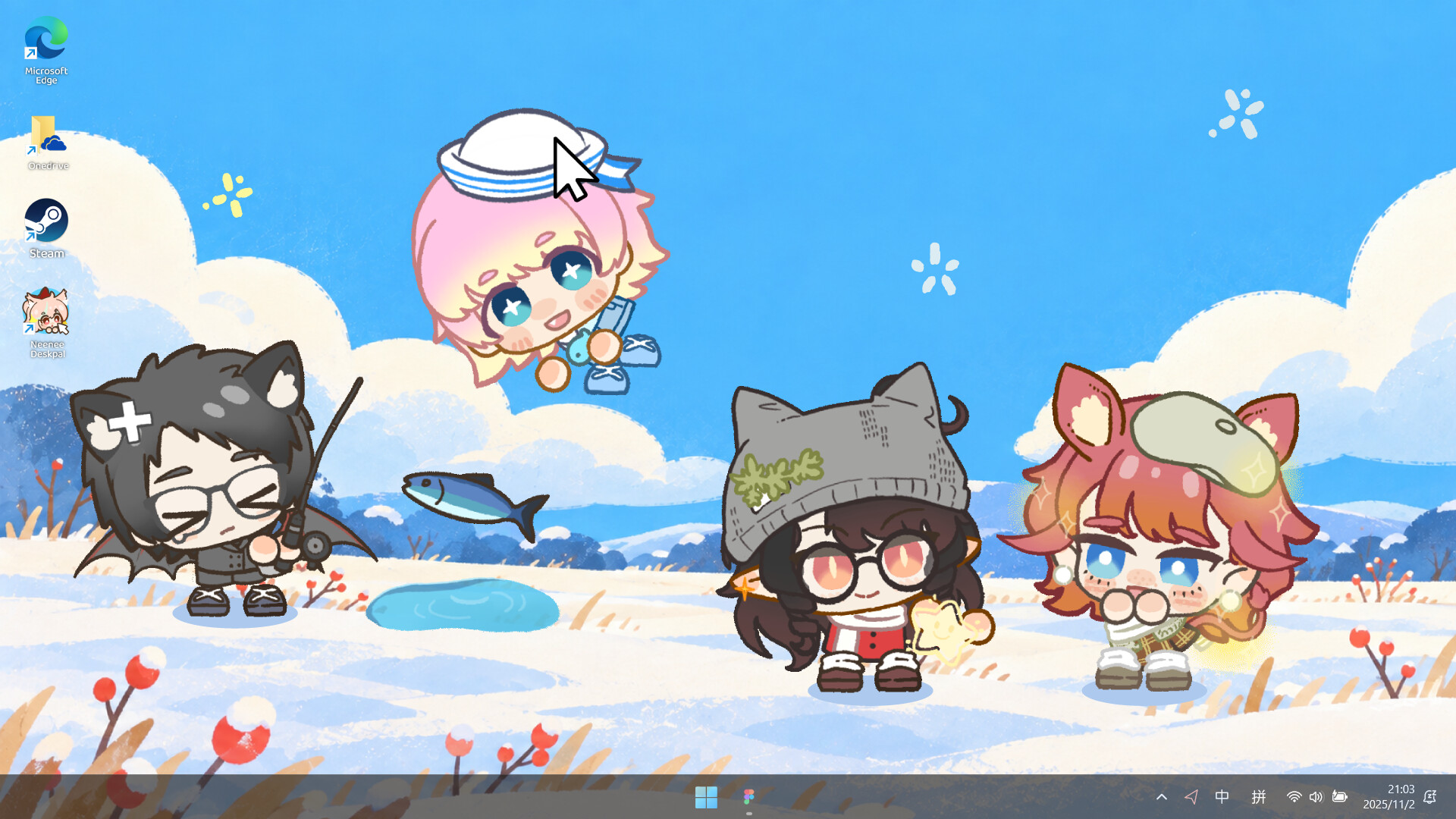
Autonomous actions include wandering, fishing, rummaging through files, sleeping and more, giving the desktop a self‑directed presence that reacts without user input.
- Match an animation style to the character’s intended personality for clearer visual cues.
- Observe which autonomous actions appear during work sessions and adjust the character’s settings if needed.
03 / THE GUIDE
Mouse‑Based Interactions
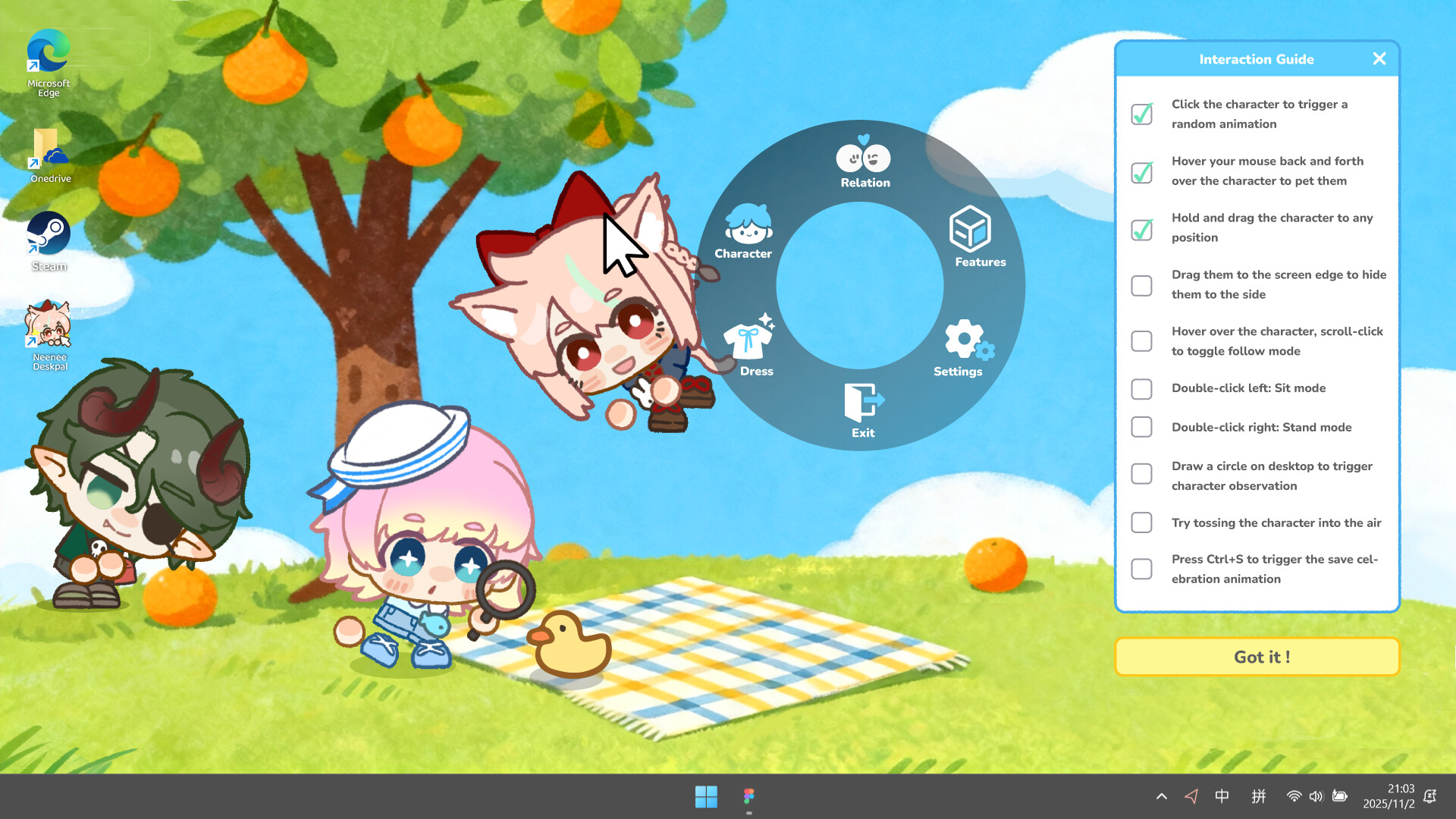
Over a dozen mouse actions are supported, including click, pet, drag, toss, follow‑cursor, toggle sit/stand and edge‑hide, letting users engage characters directly on the screen.
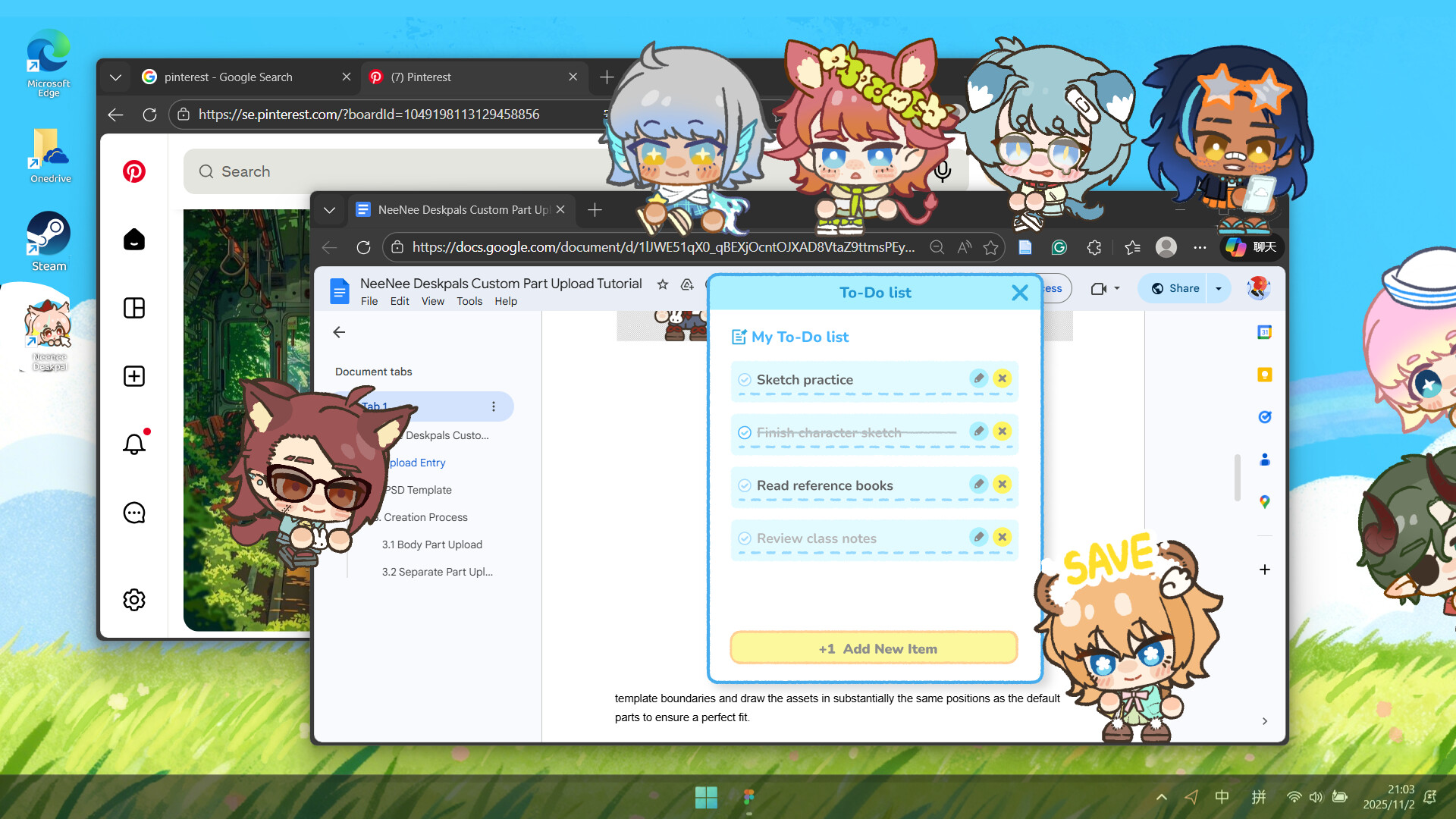
A hidden hotkey Easter egg reacts to Ctrl+S by celebrating a save, providing a light‑hearted response to a common computer action.
- Use edge‑hide when you need an unobstructed view of full‑screen applications.
- Try the toss interaction sparingly to avoid covering important UI elements.
04 / THE GUIDE
Timer and To‑Do Integration
NeeNee Deskpals offers three timer modes and four companion profiles tailored for study, drawing, work and gaming, each with customizable alert sounds.
A built‑in to‑do list lets users organize daily tasks while the companion remains visible, providing a consistent visual cue for task management.
- Select an alert sound that fits the character’s personality for cohesive feedback.
- Run a short timer session to watch the character perform a quick autonomous action.
05 / THE GUIDE
Community & Steam Workshop
Steam Workshop is listed among the software's features, offering community integration beyond the official assets.
The listed features also include Steam Achievements, Steam Cloud, Stats and Family Sharing, indicating standard Steam integration without specifying exact data stored.
- Browse the Workshop for niche part packs that extend visual variety.
- Check the Workshop description for any required steps before applying community assets.

COMMUNITY
Player discussion